


Summary
Accounts receivable software is a tool that automates invoicing, payment reminders, statements and cash collection so a business gets paid without chasing every invoice manually. It sits on top of accounting software such as Xero or QuickBooks Online, reading the ledger and acting on unpaid invoices, rather than replacing it.
- What it does: Sends invoices, reminds customers before and after the due date, issues statements, applies late fees or interest and offers a portal or payment plan.
- What the ledger covers: Xero sends up to five reminders per organisation on one shared schedule and QuickBooks Online sends basic reminders; neither applies a late fee or issues a statement automatically.
- The result: Paidnice customers see half as many late invoices in the first 30 days after connecting Xero or QuickBooks Online.
What is accounts receivable software?
Accounts receivable software is a system that tracks what customers owe and automates the work of collecting it: sending the invoice, reminding the customer, issuing statements, applying late fees and taking payment. Accounts receivable is the money a business is owed for goods or services already delivered, so the software's job is to move each invoice from sent to paid with as little manual effort as possible.
Most accounts receivable software connects to an accounting system rather than replacing it. Xero or QuickBooks Online holds the invoice and the customer balance; the accounts receivable tool reads that data, acts on any invoice that is unpaid, and writes payments, fees and notes back to the ledger. That follow-up work is accounts receivable automation.
Free: Payment reminder email templatesCopy the reminder emails for before, on and after the due date.What does accounts receivable software do?
Accounts receivable software covers six jobs between the invoice being sent and the money arriving: invoice delivery, payment reminders, statements, late fees and interest, online payment and escalation. The table sets each job against what a typical accounting system does on its own.
| Job | Accounting software (Xero, QuickBooks Online) | Accounts receivable software |
|---|---|---|
| Invoice delivery | Sends the invoice from the vendor's shared domain | Sends from your own domain with your template and a payment link |
| Payment reminders | One schedule for every customer; Xero caps it at five reminders | A different sequence per customer group, by email and SMS, with escalation to a named person |
| Statements | Sent manually, one contact at a time | Automatic, on any schedule, including consolidated parent accounts |
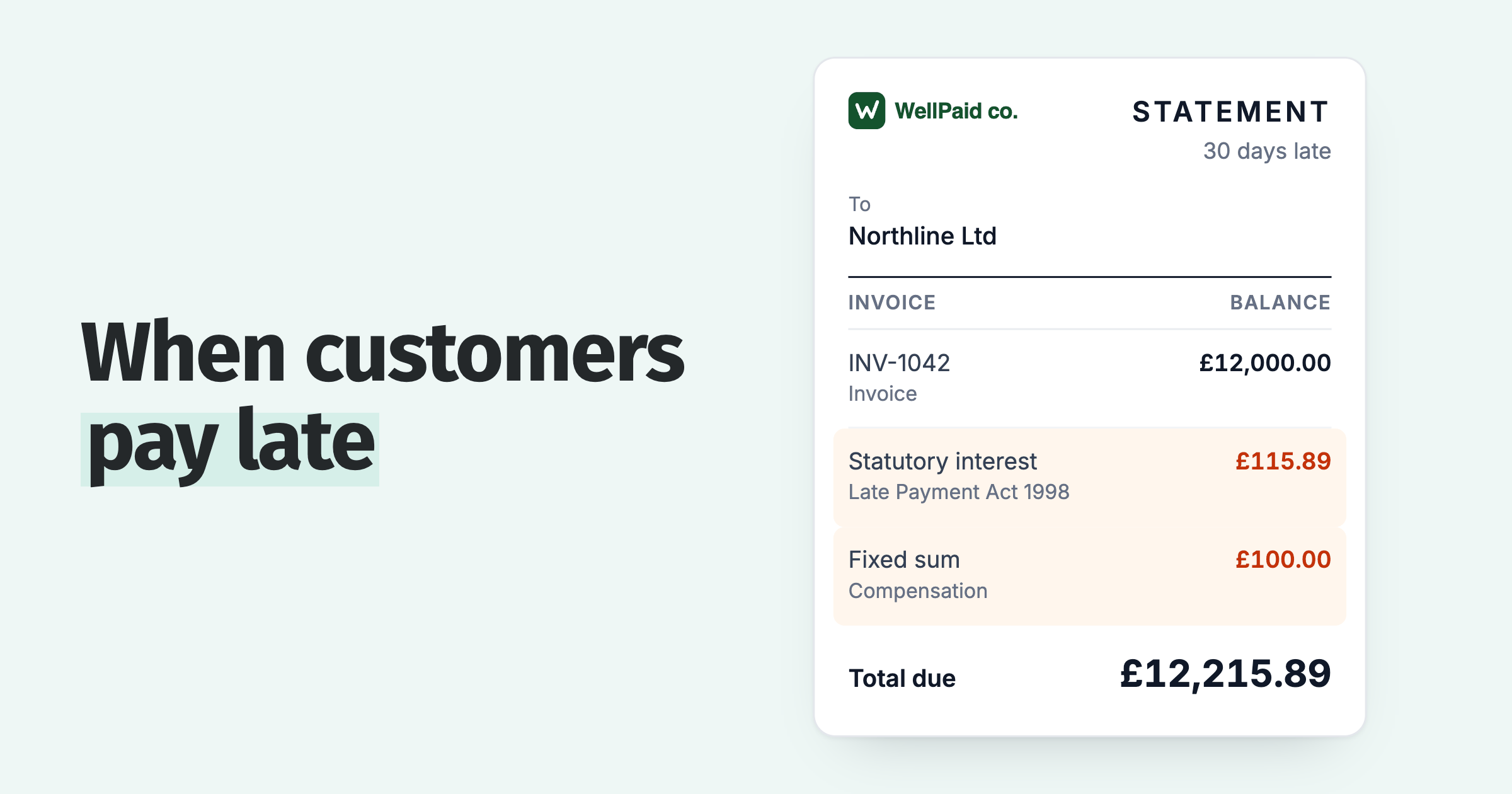
| Late fees and interest | None; a fee is a manual line item | Applied by rule and posted to the ledger as a real invoice |
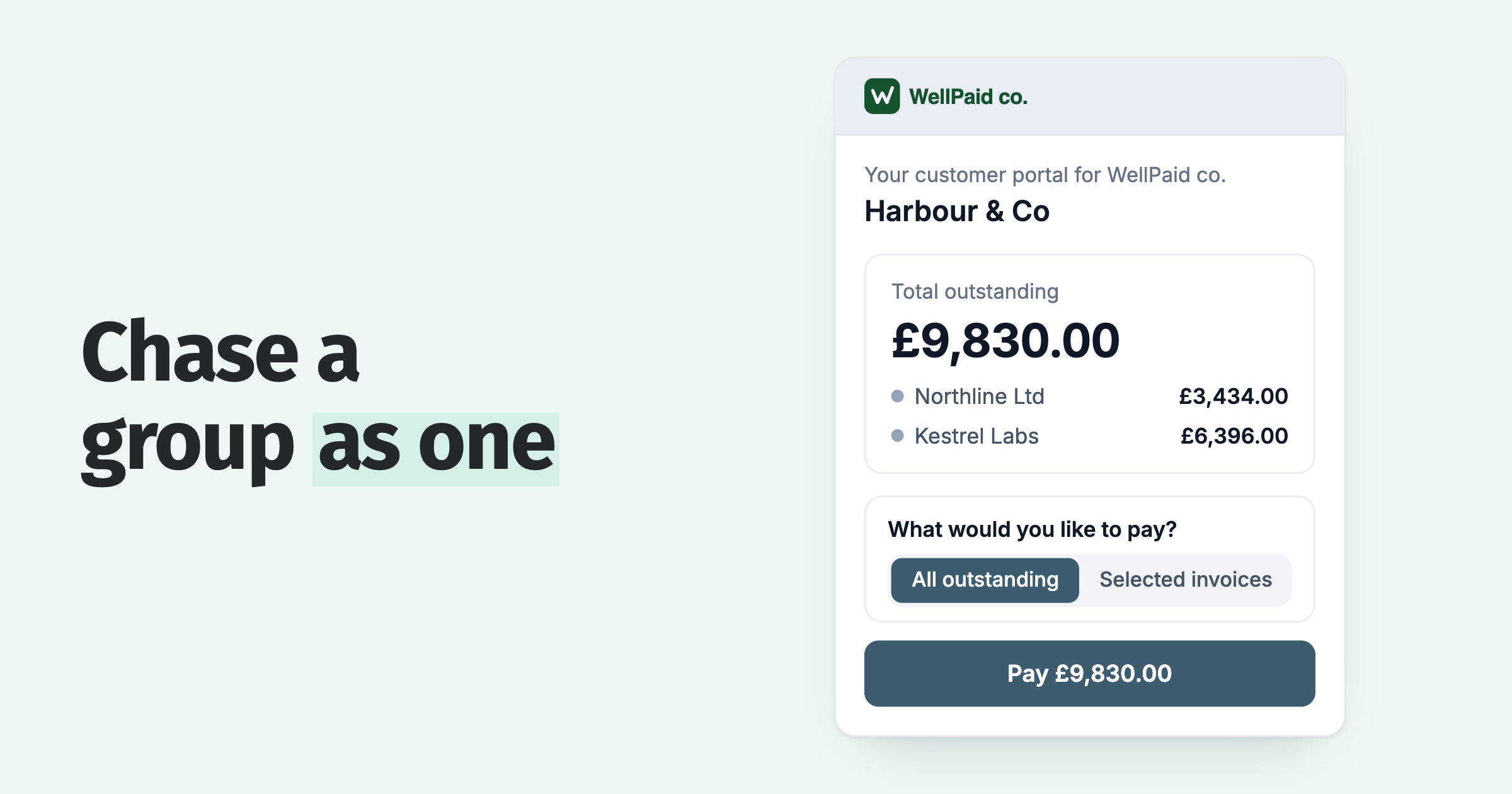
| Online payment | Payment link on the invoice | A customer portal showing every open invoice, with payment plans and auto-pay |
| Reporting | Aged receivables report | Days sales outstanding, reminder history and collection performance per customer |
Payroll, expenses, bank reconciliation and GST or VAT returns belong to the accounting software, not to accounts receivable software. A buyer who sees those features on a list is reading about an accounting system, not an accounts receivable tool.
Does Xero or QuickBooks include accounts receivable software?
Xero and QuickBooks Online include basic invoice reminders and little else. Xero allows up to five reminders on one schedule for the whole organisation and has no native late fees; QuickBooks Online adds a basic fee to the overdue invoice but sends no statements on a schedule. Neither escalates an unpaid invoice to a person. Irish businesses also have a statutory rate to apply; see accounts receivable software in Ireland. Our guide to what accounts receivable automation is sets out what each ledger does on its own.
That gap is where a connected app such as Paidnice starts. Paidnice reads the Xero or QuickBooks Online ledger, including invoices that were already open at connection, then runs reminders, statements, payment plans and late fees per customer group and posts every fee back to the ledger.
What are the benefits of accounts receivable software?
The main benefit of accounts receivable software is fewer late invoices: Paidnice customers see half as many late invoices in the first 30 days after connecting their ledger. Four further gains follow from the same automation.
- Time. Reminders, statements and fee calculations run without a person, so the finance team handles exceptions rather than the whole debtor list.
- Consistency. Every customer receives the same sequence on the same days, which removes the awkward judgement call about who to chase this week.
- Leverage. A late fee posted to the ledger enters the customer's payables system and their payment run; a fee mentioned in an email does not.
- Visibility. Reminder history, promises to pay and disputes sit on the customer record.
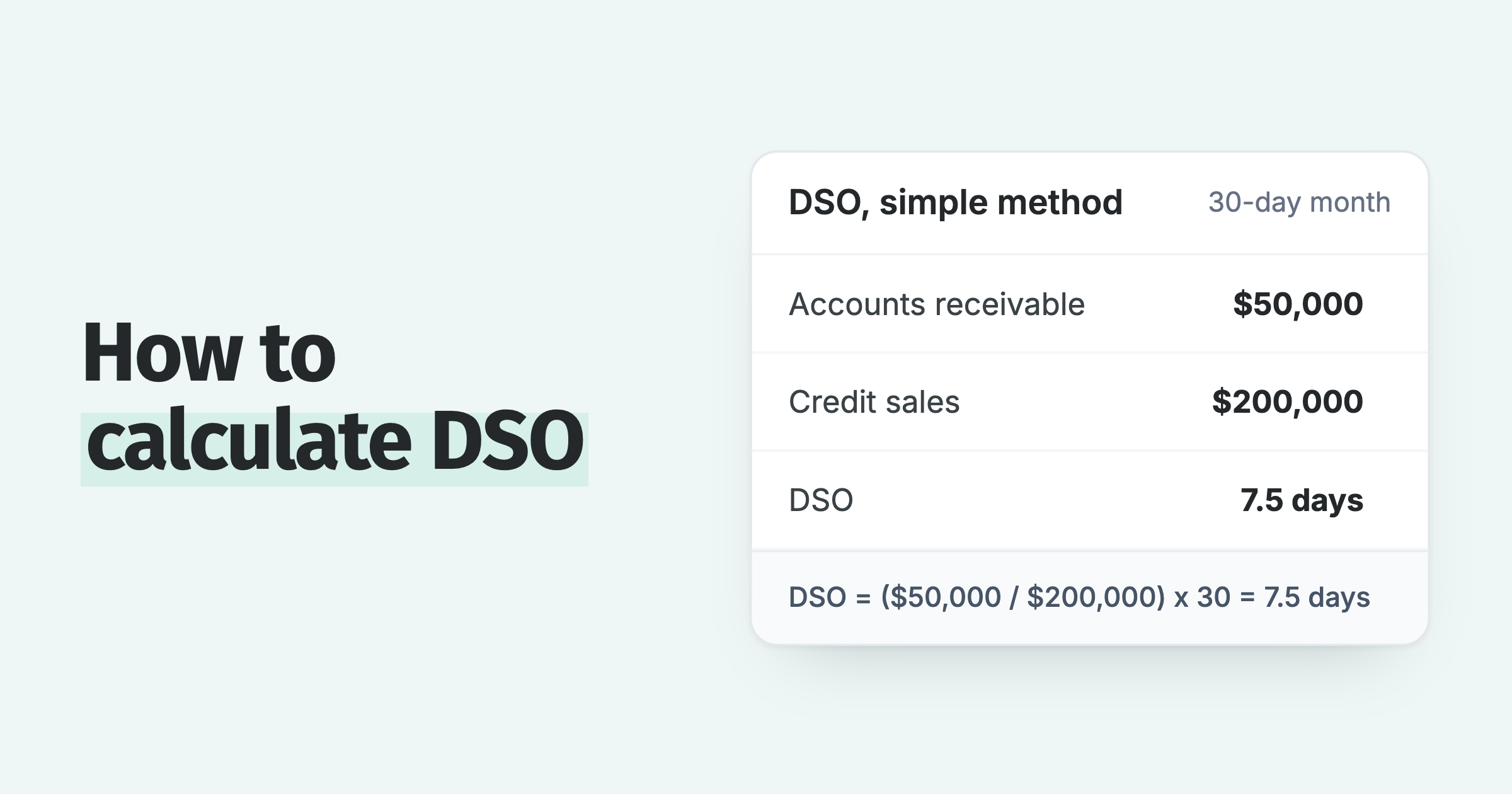
Pick a tool that runs reminders and applies late fees. Businesses that run reminders and late fees together have a DSO of about 27 days. With no automation switched on, DSO is about 39 days.
What does accounts receivable software not do?
Accounts receivable software does not replace the accounting system, does not run payroll or tax returns, and at the small-business end does not usually include credit checks or debt collection. It works on invoices that already exist.
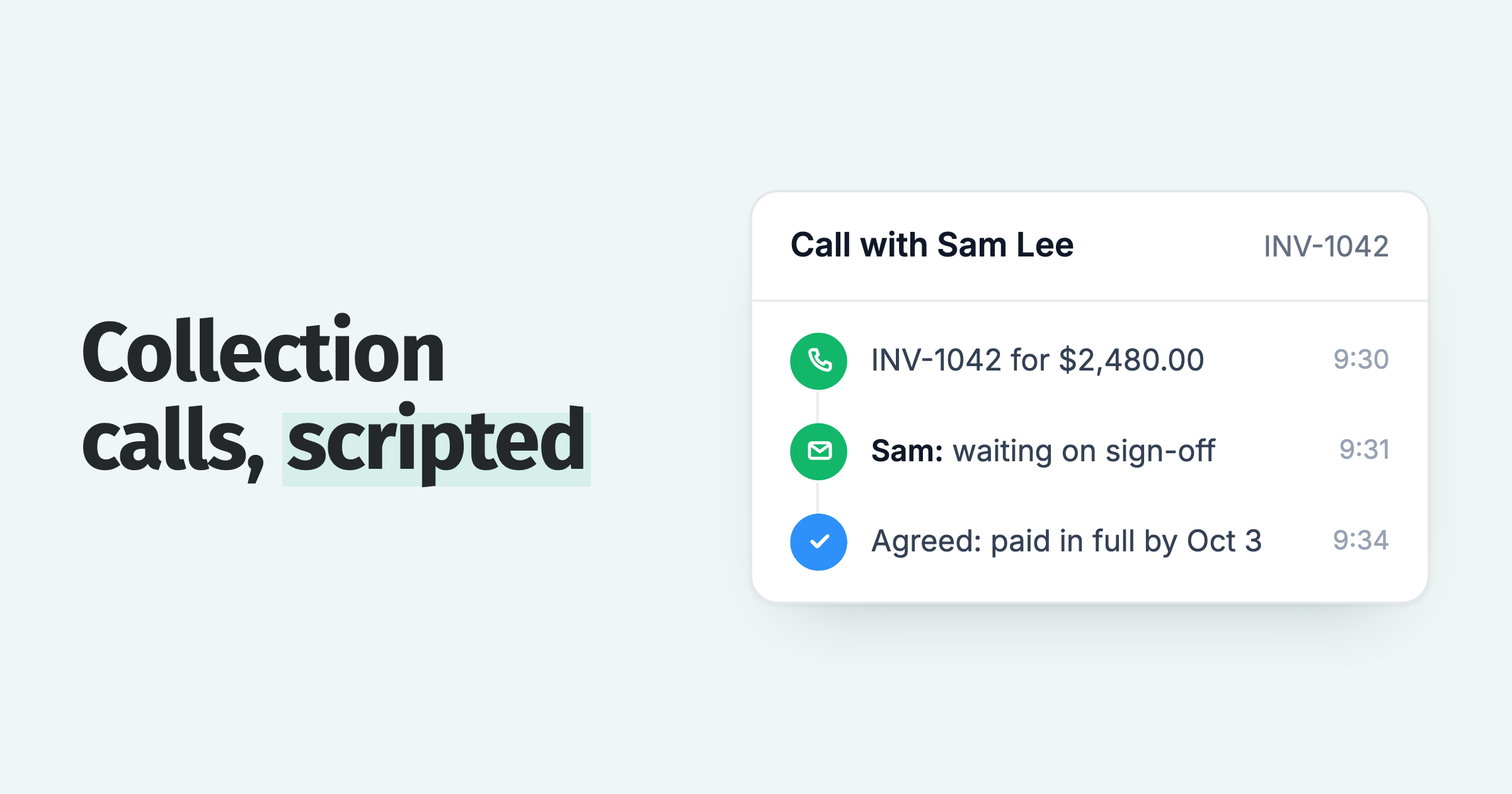
The tool also cannot fix an invoice that was wrong when it was sent: a disputed line item or a missing purchase order number stalls payment whatever the reminder schedule. Credit checking before the sale and collection agency escalation are separate services that some larger platforms bundle and most small-business tools do not.
How does Paidnice fit?
Paidnice is accounts receivable automation for businesses on Xero and QuickBooks Online: reminders by email and SMS, automatic statements, payment plans, a customer portal, escalation and optional late fees and interest, priced by invoice volume from $69 a month with no per-seat fees. Signing up is free and needs no credit card, and it is a fit for any business up to $50m a year, or 50,000 invoices a year. Late fees are optional; reminders and statements alone are a complete use of the tool.
Learn more about how Paidnice closes the gap between invoice and payment. For a comparison of the tools in this category, see our guide to the best accounts receivable software.
Paidnice features in this article
About the editorial team
Denym started Paidnice in 2022 after customers paying late left his own business short on payroll. He has led it to $1 billion collected on time across more than 1 million invoices, and writes about credit control, late fees and getting paid on Xero and QuickBooks.
 App of the Year