This app is a game changer!Lesley B.
A customer payment portal for your Xero and QuickBooks invoices. Customers open one secure link and pay by card or bank debit, with no login.
Every reminder and statement links to the portal. Customers get the full picture of their account, and every way to settle it.
Customers see what is overdue and what is not due yet, under your logo. They tick the invoices to pay, or pay everything due now or the whole balance, in one payment by card or direct debit.
Each invoice page offers card and bank payment, plus the options for a customer who cannot pay today: a payment plan when it is eligible, a promise to pay on a date, or a query.
When a customer promises a date in the portal, reminders and late fees can wait for it, and the date becomes the expected payment date in Xero or QuickBooks. If it passes unpaid, the invoice owner can get an email.
A customer can query an invoice and say what is wrong. Reminders and late fees can pause on that invoice while the query is open, and your team sees the reason and the next step.
Each customer gets a secure, unique link in every reminder and statement, and can bookmark it. Turn on Secure Portal Mode to add an email check in front of it. Each invoice shows when the customer viewed it.
The Payments page lists each attempt: checkouts left or expired, bank debits pending, payments that need the customer, failed payments, and paid ones that did not reach your ledger.
“Really saved us time in helping customers settle multiple part paid Xero invoices in a single Stripe payment.”
 App Store
“The statement portal that can be accessed with a link vs a portal is great for older customers who might not be so great with technology.”
 Customer survey
“Very convenient and makes billing a self service process”
Customer surveyChoose what customers see and how they pay. The portal reads every invoice from Xero or QuickBooks.
| Part | What it does |
|---|---|
| Tabs | Outstanding statement, quotes and paid invoices, each with a count |
| Paying | What is due now, what is overdue, all outstanding, or the invoices the customer ticks, and part payments when you allow them |
| Methods | Card and direct debit through Stripe (ACH, Bacs, SEPA, BECS, NZ bank debit and Canadian PAD), or Pinch, Cloud Depot or your own payment link |
| Self-service | Promise to pay, query this invoice, create a payment plan, add a PO number and save a payment method |
| Promises and queries | A promise from the portal sets the expected payment date in your ledger. Policies with the skip option wait for the date, or while a query is open |
| Downloads | The PDF and CSV statements you choose to offer, ticked invoices, or one invoice and its attachments |
| Access | A link with no login, or Secure Portal Mode with an email check |
| Branding | Your logo and brand color, with paid invoices, quotes and aged periods on or off |
| Fees | Optional Stripe processing fees, set separately for card and for direct debit |
It’s the debt collection system I’ve been looking for, for the last 15 years.

Paidnice has everything your business needs to run a best-in-class receivables process, from the first reminder to the money landing in your account.
 Digital Marketing AgencyUnited States of America
“Whether you are a solopreneur or a big agency, this is a no-brainer.”
 Christine TierneyFounder, junebird creative

Paidnice connects to your ledger, payment providers, CRM and team chat, so every invoice is chased, paid and recorded without manual data entry.
See all integrations → NewConnect to Claude or ChatGPT via MCP›A customer payment portal is a web page where your customers see what they owe you and pay it. The Paidnice portal shows every open invoice from Xero or QuickBooks under your brand, with the statement, paid invoices and quotes, and takes payment on the page.
No. Customers open the portal from a secure, unique link in any reminder or statement, and can bookmark it. Turn on Secure Portal Mode if you want customers to confirm their email first, and their browser stays verified for 30 days.
By card, or by direct debit through Stripe: ACH, Bacs, SEPA, BECS, NZ bank debit or Canadian PAD, and the payment finishes on the portal itself. Pinch, Cloud Depot and your own payment link are other options. See the Stripe integration.
Yes. Customers tick the invoices they want to pay, or pay the whole balance, in one payment. Part payments work too if you allow them.
Yes. With Stripe you can set a processing fee for cards and a separate one for direct debit, each as a percentage, a flat amount or both, posted to their own accounts, where your local rules allow it.
From the invoice page they can promise to pay on a date, query the invoice, or create a payment plan on Pro when the invoice is eligible. A promise can pause reminders until that date, and a query can pause them until it is resolved.
Yes. The portal and Stripe payments work with QuickBooks Online and with Xero.
Yes. Turn on PO uploads and customers can add or update the PO number for an invoice in the portal.
Yes. The Payments page shows every attempt, including abandoned or expired checkouts, pending bank debits, payments that need the customer to act, failed payments, and payments that went through but did not sync to your ledger.
Book a call with the founders to learn more about how Paidnice can help you take the pain away from getting paid.
Great hands on experience. Ashley helped us through everything.
 Janet X.App Marketplace★★★★★160+
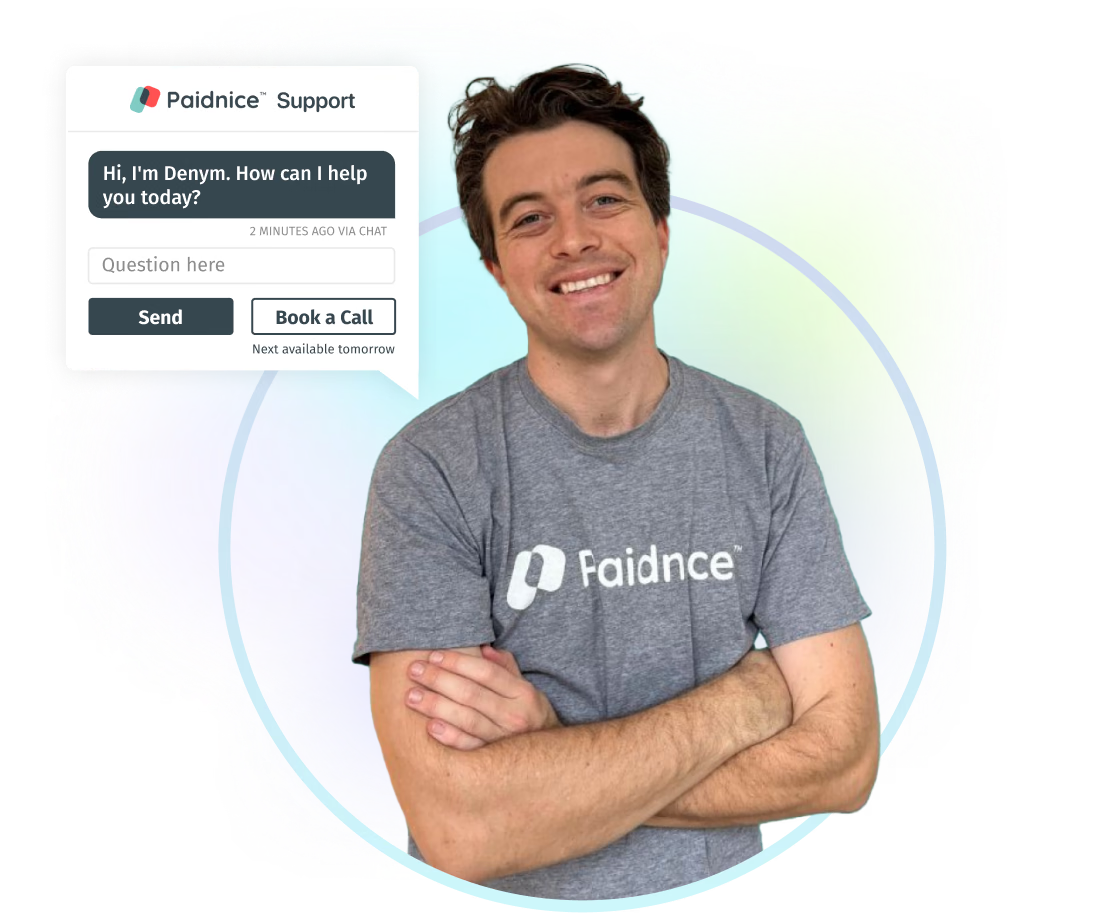
I’ve contacted support a few times, and Denym has always replied with really detailed and thoughtful explanations, even taking the time to jump on a video call to help.
 Jon M.App Marketplace★★★★★160+
So happy with the service provided by Ashley at Paidnice. The best service I have had from anyone in years.
 Anna H.App Marketplace★★★★★160+
Very simple to set up and the few questions we had were quickly and expertly dealt with by Denym. It has already made a huge difference to our debtor days and has massively helped.
 Jenny M.App Marketplace★★★★★160+
Connect Xero or QuickBooks, add your logo and connect Stripe. Paidnice puts the portal link in every reminder.