Paidnice is accounts receivable software for businesses on Xero and QuickBooks Online. It manages unpaid invoices from the due date to the payment: reminders, statements, late fees, payment plans and escalation.
No credit card. Your first 20 actions are free.

Email and SMS reminders go out before the due date and after it, from your own domain. Set different rules for each customer group, so your best customers and your slowest payers do not get the same message.
"Having the option to automatically schedule payment reminders and also adding the late payment has helped a lot as our clients usually pay after getting the first reminder"
Each reminder and statement has a payment link. Customers see every open invoice on your branded portal and pay them together. For a customer who cannot pay in full, you offer a payment plan with automatic installment reminders.
"Helps me manage a variety of customer scenarios with consistent and clear interest charges. Huge peace of mind"
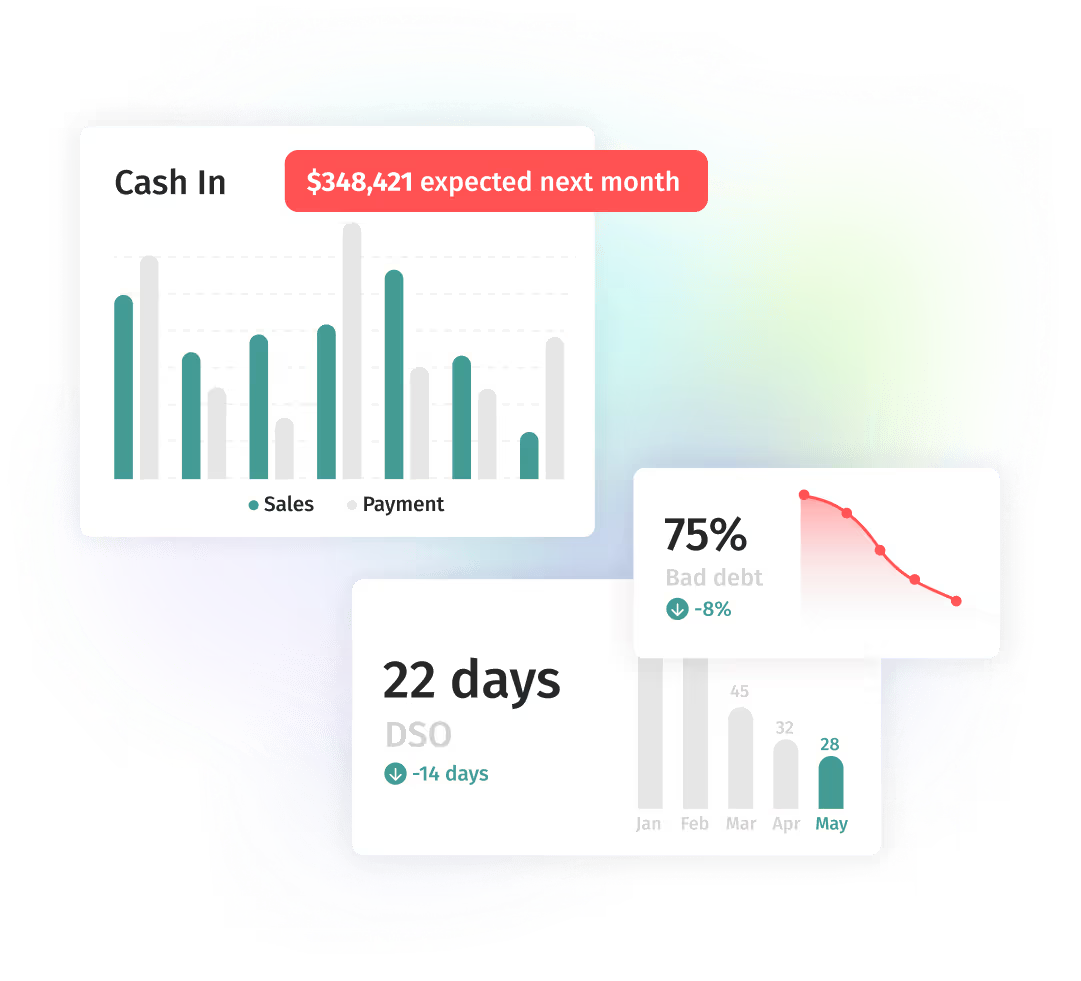
See DSO, aging and overdue balances on one dashboard. Each customer gets a payment-history score, so you know which accounts need a call before the balance grows.
"The ability to schedule reminders, automate late fees, and send statements has saved me an incredible amount of time and effort."
Paidnice covers the work between the invoice and the payment. Your accounting system keeps the ledger. Paidnice does the follow-up, takes the payment and reports on it.
See it on your ledger: Xero accounts receivable or QuickBooks accounts receivable. Want the automation detail? Read about AR automation software. For Ireland, see the accounts receivable software comparison for Ireland.
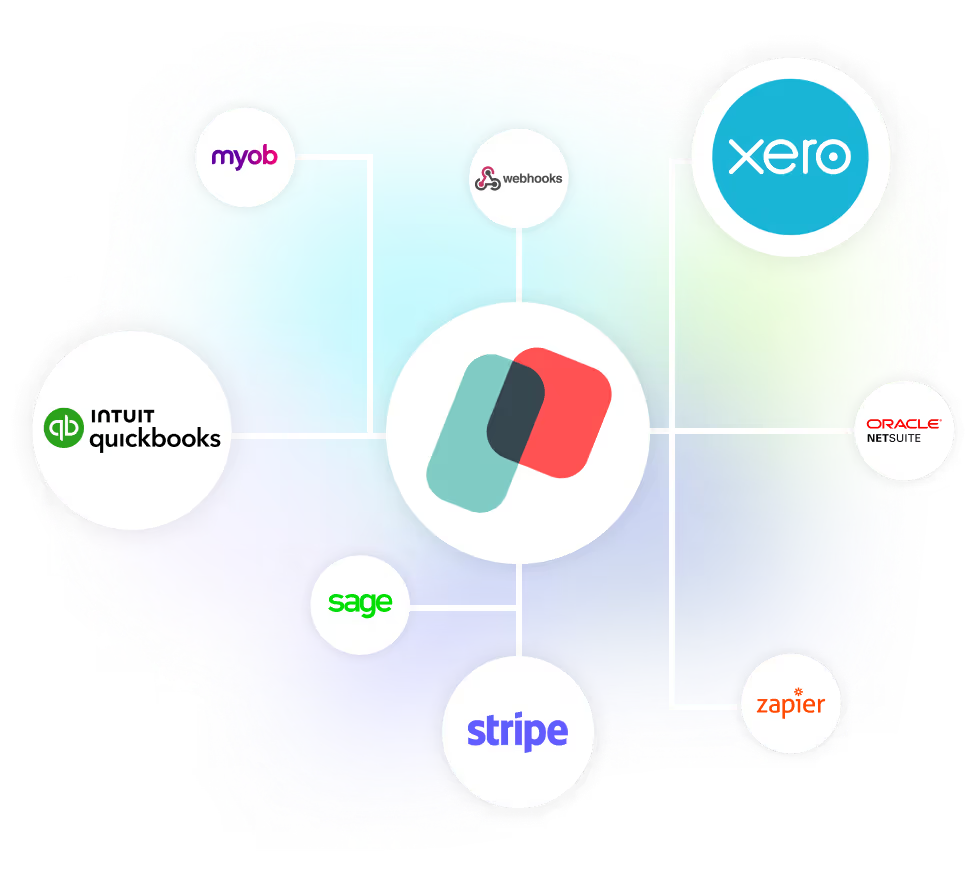
Nothing changes in Xero or QuickBooks unless a rule you set makes it happen. Paidnice connects through the official Xero and QuickBooks integrations, so we never see your accounting password.
It’s the debt collection system I’ve been looking for, for the last 15 years.


Within the first month of implementing Paidnice, we saw late customer payments decrease from over 20% to zero.
Alex Hamilton, Paintvine, New Zealand
Read the case study →
The biggest impact from using Paidnice has really been man hours for me. Just by using Paidnice, it's freed up loads and loads of time. We're talking five hours already of admin per month, and we're a scaling business. In a year, that could be 15 to 20 hours a month.
Jon Murphy, Salt Silo, United Kingdom
Read the case study →
Before Paidnice, over 25% of our payments were late, which we were manually chasing up. With Paidnice automating this for us, that has dropped to less than 5%
Louis Fourie, Venture Workspace, South Africa
Read the case study →Accounts receivable software manages unpaid invoices. It sends reminders, applies late fees, sends statements and reports on cash flow and overdue accounts. Paidnice connects to Xero and QuickBooks Online and runs these tasks from the invoices already in your ledger.
Accounts receivable (AR) automation uses software to do invoice follow-up without manual work: invoice reminders, late fees, statements and escalation. It improves cash flow and reduces days sales outstanding (DSO).
Paidnice reduces DSO with automatic reminders, late fees and a self-service portal where customers pay quickly. Customers get consistent, timely contact, so the payment cycle is shorter.
Yes. Paidnice connects to Xero and QuickBooks Online. Invoices, customers and payments stay in sync, so a reminder stops when the invoice is paid.
Dunning is the process of sending reminders to customers with overdue invoices. Paidnice automates dunning: it sends reminders in sequence, applies late fees and escalates overdue accounts, so no follow-up is missed.
The portal uses encrypted connections, and payments go through your connected payment provider. Customers can view invoices, make payments and see their account.
Nothing changes unless a rule you set makes it happen. Paidnice connects through the official Xero and QuickBooks integrations, so we never see or store your accounting password. It works from the invoices already in your accounting system.
Yes. Exclude any customer, or a whole group. Add grace periods, and set different rules for different groups, so the customers who pay on time are left alone. Start in approval mode, so nothing sends without your OK.
Yes. Your first 20 actions are free, with no credit card. Paid plans start at US$69 a month and follow your invoice volume, not your company revenue.
Accounts receivable software
No credit card. Your first 20 actions are free.