

What's the best AR process for my business? It's a question that plagues many business owners, and one that Jake McElwaine, founder of Shadow Accounting in Kempsey, NSW, hears often. With recent data from Xero showing that half of all invoices to small businesses are paid late, costing Australian businesses $1.1 billion annually, it's a critical question to answer.
Jake brings 15 years of experience as a Chartered Accountant to this discussion, sharing how he transformed his own practice's AR process and what he's learned helping regional businesses adapt to modern payment practices.
Key takeaways from Jake:
- Implement clear payment terms and late fee policies in engagement letters.
- Use automation tools (like Paidnice) to reduce manual work and ensure consistent follow-up.
- Don't wait too long to take action on overdue accounts.
- Consider offering early payment discounts to incentivize prompt payments.
What basic systems do I need?
Jake emphasizes that the fundamentals of good A/R management start with proper systems. "For starters, you need some sort of software like Xero so you can actually monitor your debtors and see things like cashflow and debtor days," he explains. This basic infrastructure provides visibility into payment patterns and helps identify issues before they become problems.
How should I set up my payment terms?
One of Jake's key recommendations is establishing clear payment terms and consequences upfront. "In my business, late fees are clearly labeled in the Terms of Engagement letter," he says. This transparency helps set expectations and provides a framework for handling late payments.
His recommended approach includes:
- Clearly documented payment terms.
- Defined late fee policies.
- Escalation procedures for seriously overdue accounts.
- Client responsibility for debt collection costs.
What happens if I don't have a good AR process?
"I had a client the other day who just wrote off $18,000 worth of bad debts," Jake shares, highlighting a common but avoidable scenario. This isn't an isolated incident - XSBI data shows that more than 9 in 10 businesses in Australia experience at least one month of negative cash flow each year, with the average business facing 4.2 months of negative cash flow annually.
What's the best AR process? Jake shares his exact system:
After experiencing his own challenges with late payments, Jake implemented a systematic approach that has transformed his AR management:
💡 2% Prompt Payment Discount for payments within three days.
💡 Email & SMS reminders 3 days before the due date, and on the due date.
💡 Automated Customer Statement 7 days after Due date.
💡 Call Escalation after 10 days.
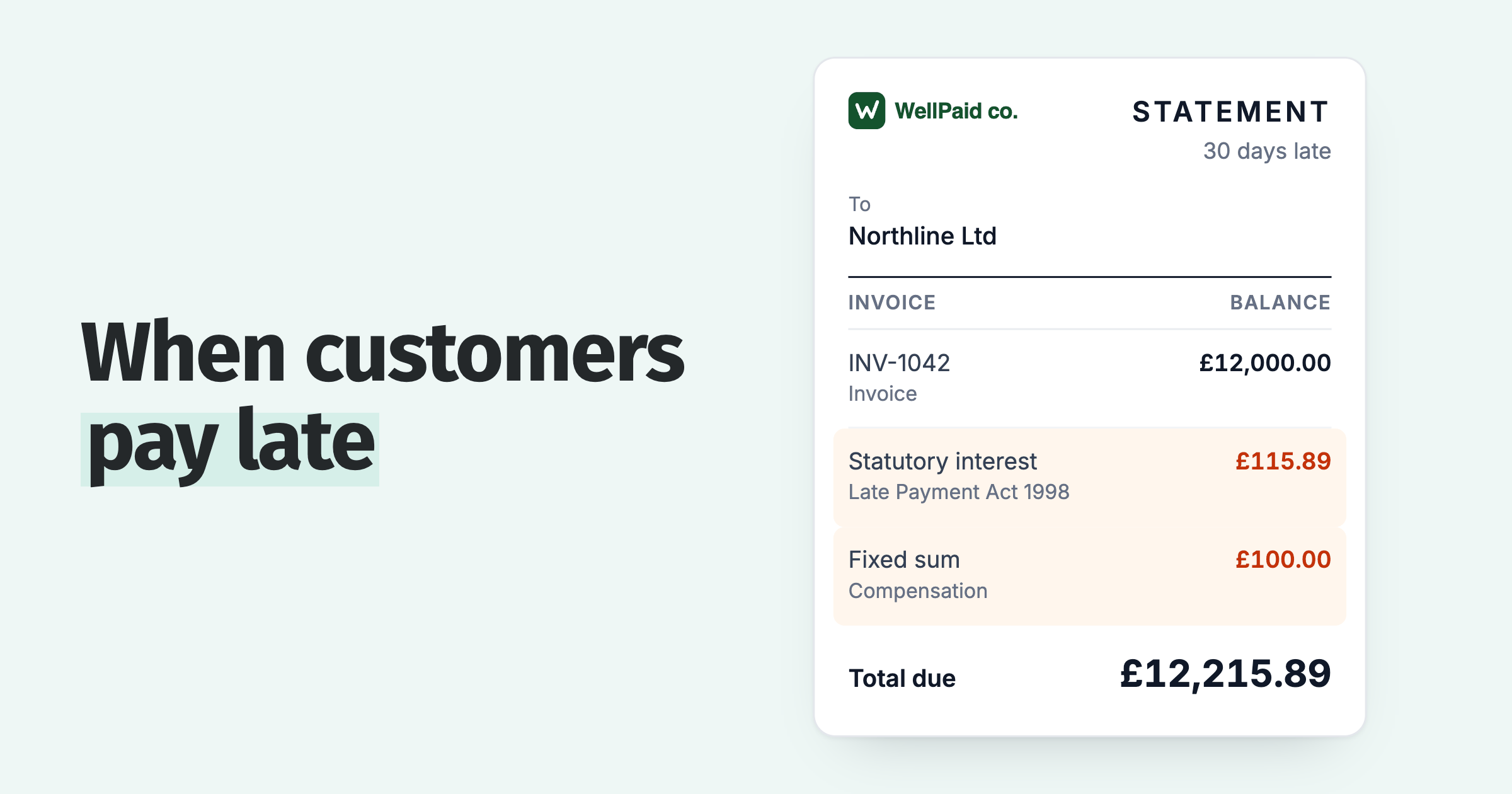
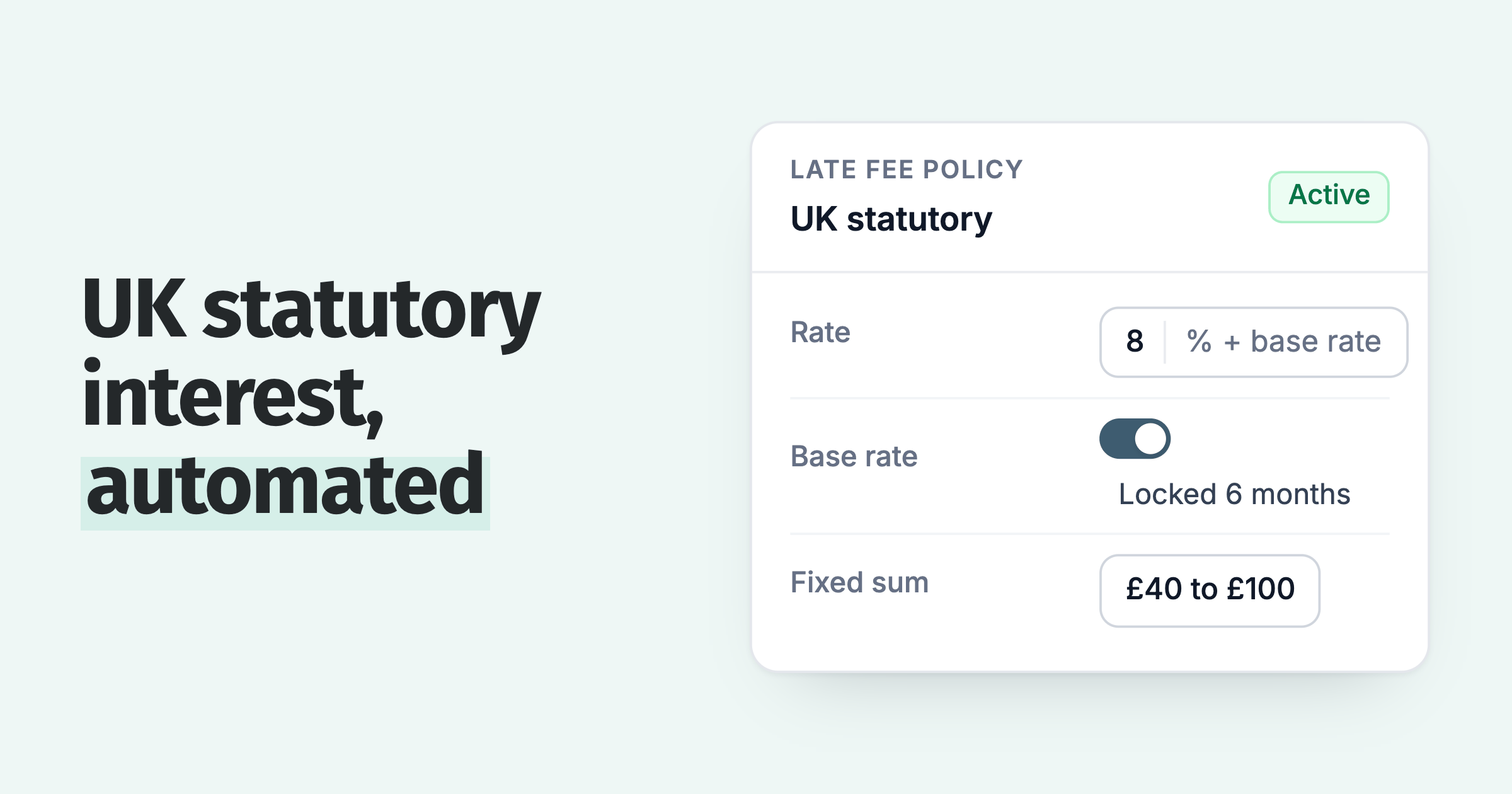
💡 Daily compounding late fees of 2% after due date.
Why this specific process? Jake explains: "With current expense growth at 14% year-on-year for small businesses, we needed to tighten our payment terms from 14 to 7 days. The automated reminders ensure nothing falls through the cracks."
Should I use SMS or email reminders?
Jake's use of both email and SMS isn't just a preference - it's backed by data. "We use both channels because SMS has a 95% open rate compared to email's 30%," he explains. "When you're dealing with overdue payments, you need to ensure your message gets through."
How do I handle technology-resistant clients?
Operating in a regional area, Jake faces unique challenges in getting clients to adopt new technology. "It's quite hard to get some of them to get on board with these things," he notes. Common objections include:
- Cost concerns eg 'It's too expensive'.
- Resistance to change.
- Fear of damaging client relationships.
- Lack of understanding of available tools.
However, with Australian businesses being paid an average of 6.4 days late, the case for automation becomes clearer. "Once clients see the impact on their cash flow, they understand the value," Jake adds.
How do I maintain client relationships while enforcing payment terms?
One of Jake's most valuable insights is about maintaining client relationships while ensuring timely payments. "I'm too nice," he admits, reflecting on past experiences where payment plans stretched on too long.
However, automation has helped create professional distance: "Now they're paying within time, a lot of the time, and if they don't, once those late fees start going, they pay pretty quick."
How has automation improved Jake's business operations?
Since implementing his automated AR process, Jake has seen several improvements:
- Reduced administrative workload.
- Better cash flow predictability.
- More time to focus on client service.
- Improved overall business organization.
- Reduced stress for staff.
What steps should I take to improve my AR process?
Based on Jake's experience, here are the key tips for improving your AR processes:
Start with Basic Systems
- Implement proper accounting software.
- Set up automated invoice tracking.
- Establish clear payment terms.
Create Clear Policies
- Document payment terms.
- Define late fee structures.
- Establish escalation procedures.
Automate Where Possible
- Set up payment reminders.
- Implement automatic late fees.
- Use automated statements.
Consider Incentives
- Early payment discounts.
- Clear payment options.
- Flexible payment methods.
One final piece of advice
"Every business needs some sort of system in place to be able to monitor and keep track of everything," Jake emphasizes. With business expenses continuing to rise and cash flow pressure increasing, his final advice is simple but powerful: "Look at your terms on invoices - you don't want to be invoicing 30 days and then wait another 30 days to get paid."
Jake McElwaine is the founder of Shadow Accounting, a forward-thinking firm that brings modern solutions to traditional accounting challenges. With over 15 years of experience in public practice and credentials including Chartered Accountant and Registered Tax Agent, Jake specializes in helping small to medium businesses thrive through better financial practices. His firm embodies a year-round support model, moving beyond traditional once-a-year tax services to provide continuous guidance and modern solutions like automated AR management.
As a Xero Certified Advisor leading an eco-friendly, paperless practice, Jake combines his passion for sustainability with practical financial solutions. When he's not helping clients optimize their cash flow or implementing better AR practices, he enjoys spending time with his wife and three kids, fishing, and playing social basketball.
Paidnice features in this article
About the editorial team
Denym started Paidnice in 2022 after customers paying late left his own business short on payroll. He has led it to $1 billion collected on time across more than 1 million invoices, and writes about credit control, late fees and getting paid on Xero and QuickBooks.
 App of the Year