


Summary
DSO calculation means dividing accounts receivable by total credit sales and multiplying by the number of days in the period: DSO = (Accounts Receivable / Total Credit Sales) x Days. On $50,000 of accounts receivable and $200,000 of credit sales in a 30-day month, DSO is 7.5 days.
- Simple method: Uses the formula above; best for a quick check or a business with steady, non-seasonal revenue.
- Countback method: Subtracts each prior month's sales from accounts receivable going backwards until the balance reaches zero; more accurate for seasonal or uneven revenue.
- What good looks like: A DSO within about 1.5 times your payment terms is healthy, so a business on net 30 terms should aim for under roughly 45 days.
Days sales outstanding (DSO) is the average number of days it takes a business to collect payment after a credit sale. A lower DSO means customers pay faster; a rising DSO is an early sign of a cash flow problem. There are two ways to calculate it, the simple method and the countback method, and both are explained below with examples.
The simple DSO formula
DSO = (Accounts Receivable ÷ Total Credit Sales) × Number of Days
How do you calculate DSO with an example?
To calculate DSO, divide accounts receivable at the end of the period by total credit sales for the period, then multiply by the number of days in the period. The formula in plain text is DSO = (Accounts Receivable / Total Credit Sales) x Number of Days.
Example: a business ends the month with $50,000 in accounts receivable and made $200,000 in credit sales during the 30-day month. DSO = ($50,000 / $200,000) x 30 = 7.5 days. Customers took 7.5 days on average to pay.
Use the calculator below to run your own numbers with either method, or keep reading for the countback version and the benchmark for a good DSO.
What is days sales outstanding (DSO)?
Days sales outstanding (DSO) is the average number of days between a credit sale and the cash arriving, calculated from the receivables balance and credit sales over a period. It shows how quickly credit sales turn into cash. Businesses that sell on terms, such as recruitment agencies, wholesalers and SaaS companies, track it monthly.
Why is DSO important?
DSO is important because it is the one number that shows whether your credit terms and collections are working: a DSO well above your terms means cash is sitting on customers' desks instead of in your bank.
- Liquidity: DSO shows how quickly credit sales become cash.
- Cash flow management: a stable DSO makes next month's inflows predictable.
- Credit terms evaluation: a high DSO points to terms that are too loose or follow-up that is too slow.
What is the simple DSO method?
The simple DSO method divides the accounts receivable balance by total credit sales for the period and multiplies by the days in the period. It takes two figures from the balance sheet and the sales ledger and is the version most businesses report.

Annual example: your business has $200,000 in accounts receivable and $2,000,000 in credit sales for the year:
| Accounts receivable | $200,000 |
| Total credit sales (12 months) | $2,000,000 |
| Number of days in period | 365 |
| DSO = ($200,000 ÷ $2,000,000) × 365 | 36.5 days |
On average, it takes this business 36.5 days to collect payment after invoicing. The simple method is quick and good for tracking a trend, but it ignores seasonality: a strong sales month inflates receivables and makes DSO look worse than collections really are.
What is the countback DSO method?
The countback DSO method starts with the receivables balance at the end of the period and subtracts each prior month's credit sales, working backwards, until the balance is used up, adding the days of each month consumed. It gives a truer figure for seasonal or uneven sales.
The steps: take accounts receivable at the end of the month; if it is larger than that month's sales, count the full month's days and subtract the sales; move to the previous month and repeat; when a month's sales exceed what is left, count the fraction of that month's days.
Example: accounts receivable at 30 June is $80,000. June credit sales were $50,000 and May credit sales were $60,000:
| Month | Credit sales | AR still to cover | Days added |
|---|---|---|---|
| June (30 days) | $50,000 | $80,000 | 30 |
| May (31 days) | $60,000 | $30,000 | 15.5 ($30,000 ÷ $60,000 × 31) |
| Countback DSO | 45.5 days | ||
All of June's $50,000 in sales is still unpaid, so the full 30 days count. The remaining $30,000 is half of May's $60,000, so half of May's 31 days is added. Countback DSO is 45.5 days. The method needs monthly sales and receivables figures and takes longer by hand, which is why most businesses that use it automate it.
Which DSO method should you use?
Use the simple DSO method when sales are steady through the year and you want a quick monthly trend; use the countback method when sales are seasonal or uneven and you need the figure to be accurate.
| Simple method | Countback method | |
|---|---|---|
| Inputs | Period-end receivables, period credit sales, days | Month-end receivables plus credit sales for each prior month |
| Best for | Steady sales, quick checks, long-run trends | Seasonal or irregular sales: retail, events, construction |
| Weakness | A strong sales month distorts the result | Slower by hand, needs monthly data |
| Same example | 36.5 days (annual figures above) | 45.5 days (June figures above) |
What is a good DSO?
A good DSO sits within about 1.5 times your payment terms: on net 30 terms, a DSO in the low 30s means customers are paying roughly on time, and anything over about 45 days points to a collections problem rather than a terms problem.
There is no single number that fits every business, because DSO reflects the terms you offer. Sectors that bill on net 60 or net 90, such as manufacturing and wholesale, naturally carry a higher DSO than businesses billing on net 7. Compare against your own terms first, then your industry.
Xero Small Business Insights gives the industry figure. Its average time to be paid is close to DSO on paid invoices: UK manufacturing waited 37.9 days in June 2026 and UK accommodation and food services 16.7 days, against 29.3 days for all UK industries.
| Industry | Time to be paid |
|---|---|
| Manufacturing | 37.9 days |
| Transport, Postal and Warehousing | 34.5 days |
| Education and Training | 34.5 days |
| All industries | 29.3 days |
| Retail Trade | 20.0 days |
| Accommodation and Food Services | 16.7 days |
Source: Xero Small Business Insights, June 2026. See the full data on the Paidnice accounts receivable statistics dashboard.
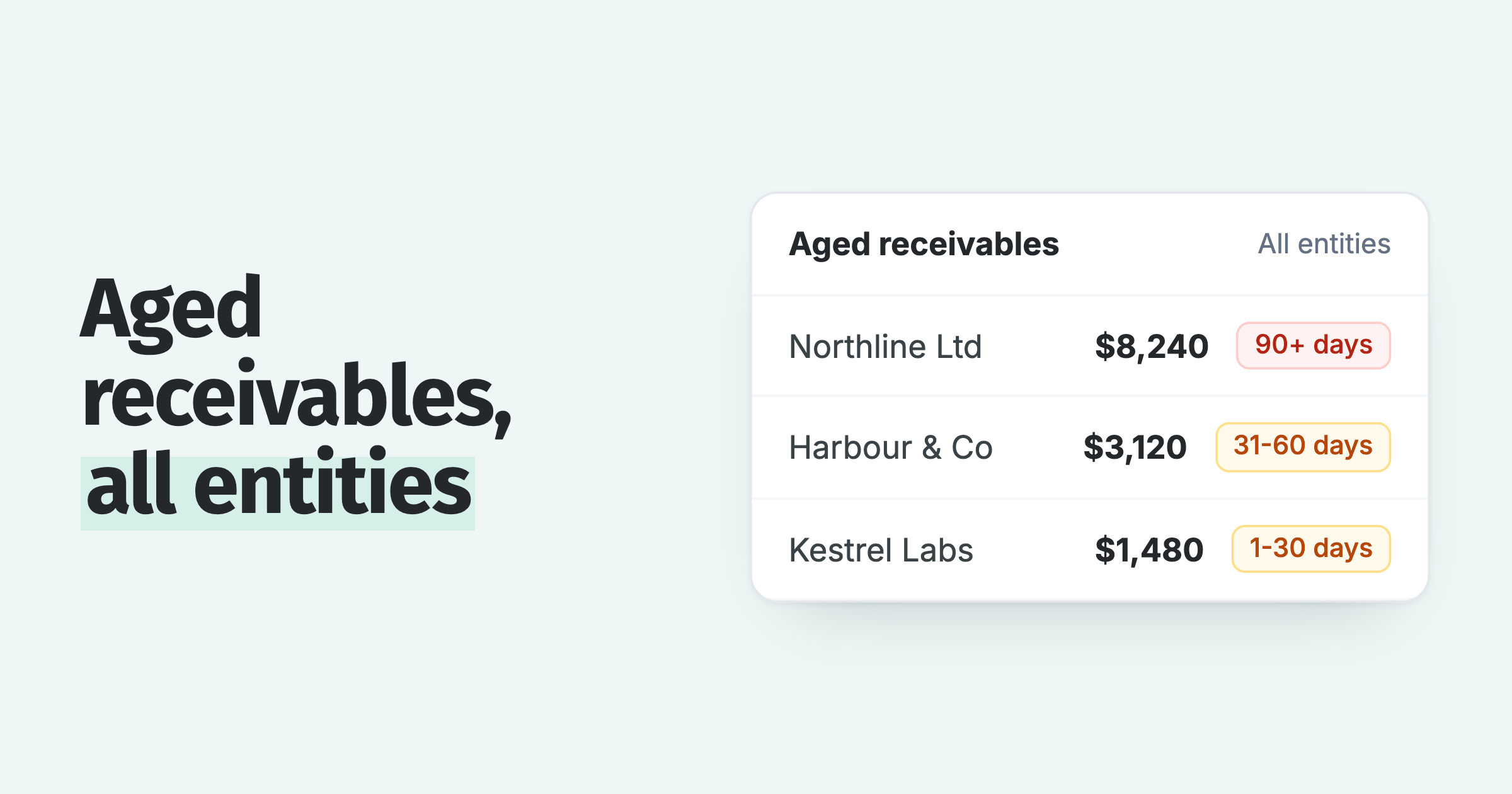
Watch the trend: a DSO that climbs for three consecutive months is a stronger warning than any single reading. Pair DSO with an accounts receivable aging report to see which customers and invoices are dragging the average up.
How do you reduce DSO?
Reducing DSO comes down to invoicing promptly, making payment easy, and following up on a fixed schedule. Paidnice customers see half as many late invoices in the first 30 days after switching on automated reminders, and DSO ends 40% lower on average than where each customer started.
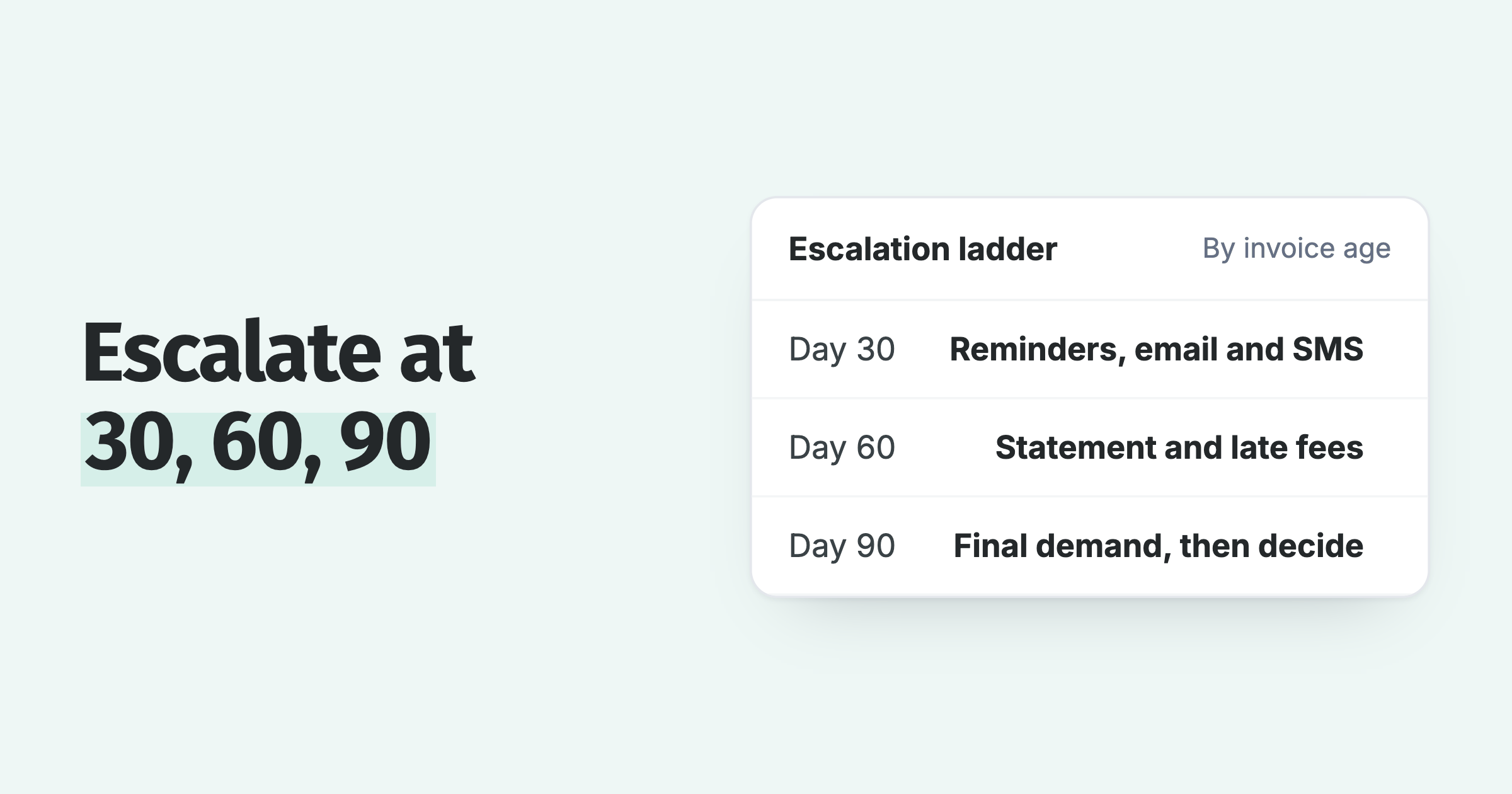
- Automate payment reminders: email and SMS reminders before and after the due date stop invoices going quiet.
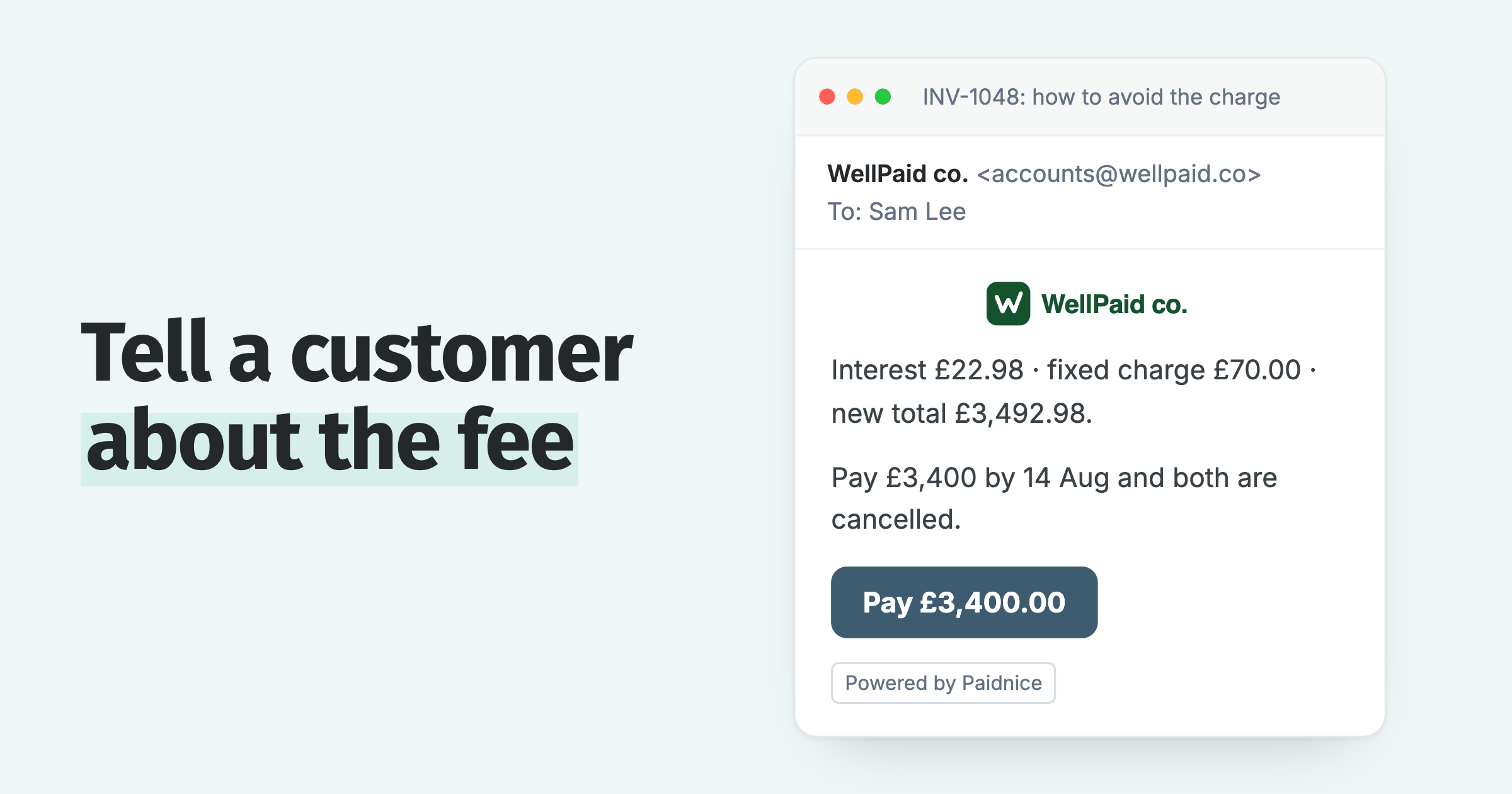
- Charge late fees and interest: automatic late fees give slow payers a concrete reason to move your invoice up the pile.
- Send monthly statements: automated customer statements put every outstanding invoice in front of the customer in one place.
- Reward fast payers: early payment discounts pull cash forward on your biggest accounts.
To see what this is worth in dollars, run your numbers through the calculator above, then use the DSO savings calculator to estimate how much cash a lower DSO would free up. For a ranked action list, see Customers keep paying invoices late: what to do, in order.
Can you automate the DSO calculation?
Yes. An accounts receivable platform calculates DSO from the ledger continuously, so the figure is on a dashboard instead of in a monthly spreadsheet, and the countback method's month-by-month arithmetic is done for you.
Paidnice shows days sales outstanding, days sales overdue, average days to pay and the on-time payment rate on its dashboard for Xero and QuickBooks organisations, alongside the reminders, late fees and statements that move the number. Book a demo to see it on your own ledger.
About the editorial team
Denym started Paidnice in 2022 after customers paying late left his own business short on payroll. He has led it to $1 billion collected on time across more than 1 million invoices, and writes about credit control, late fees and getting paid on Xero and QuickBooks.
 App of the Year