


Summary
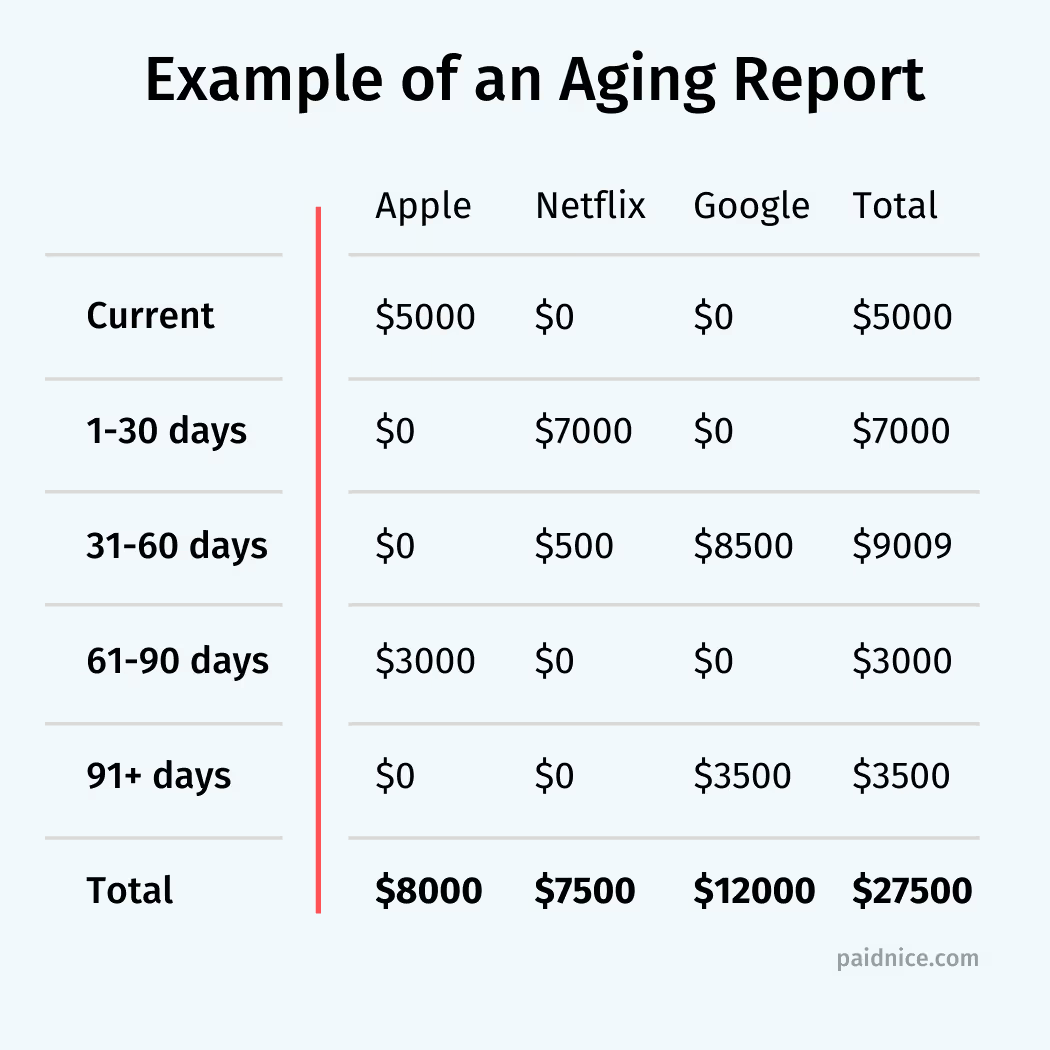
An aging report is a financial document that groups unpaid invoices or bills by how long they have been past due, usually in 30-day buckets. Accounts receivable aging tracks what customers owe you; accounts payable aging tracks what you owe suppliers. In Australia and New Zealand the receivables version is often called an aged debtor report.
- Two types: AR aging lists customer invoices owed to you; AP aging lists supplier bills you owe. Both use the same age buckets.
- Standard buckets: Current, 1 to 30, 31 to 60, 61 to 90, and 90+ days past due, with a total per bucket.
- Why it matters: It is the standard way to decide which receivables to follow up first, which bills to pay first, and which balances are on their way to bad debt.
What is an aging report?
An aging report is a list of unpaid invoices or bills sorted into time bands by how long each has been outstanding, usually current, 1 to 30, 31 to 60, 61 to 90 and 90+ days past due. It is also called an aged debtor report (for receivables) or an aged creditor report (for payables) in Australia, New Zealand and the UK. In NetSuite you can build the same list as a saved search.
Every row is a customer or supplier, every column is an age bucket, and the bottom row totals each bucket. A finance team uses it to check cash flow health, find risky accounts and set the order of follow-up.
Free: Aging analysis calculatorSort open invoices into aging buckets in a minute.What is the difference between an AR and an AP aging report?
An accounts receivable aging report lists the invoices customers owe you and is used to prioritise collections. An accounts payable aging report lists the bills you owe suppliers and is used to schedule payments. Both use the same buckets and layout.
| AR aging report | AP aging report | |
|---|---|---|
| Money | Owed to you by customers | Owed by you to suppliers |
| Also called | Aged receivables, aged debtor report | Aged payables, aged creditor report |
| Used for | Deciding who to follow up first and spotting credit risk | Deciding which bills to pay first and protecting supplier terms |
| Balance sheet | Current asset | Current liability |
For the receivables side in full, including how to run it in Xero or QuickBooks, see the guide to the accounts receivable aging report.
Why are aging reports important?
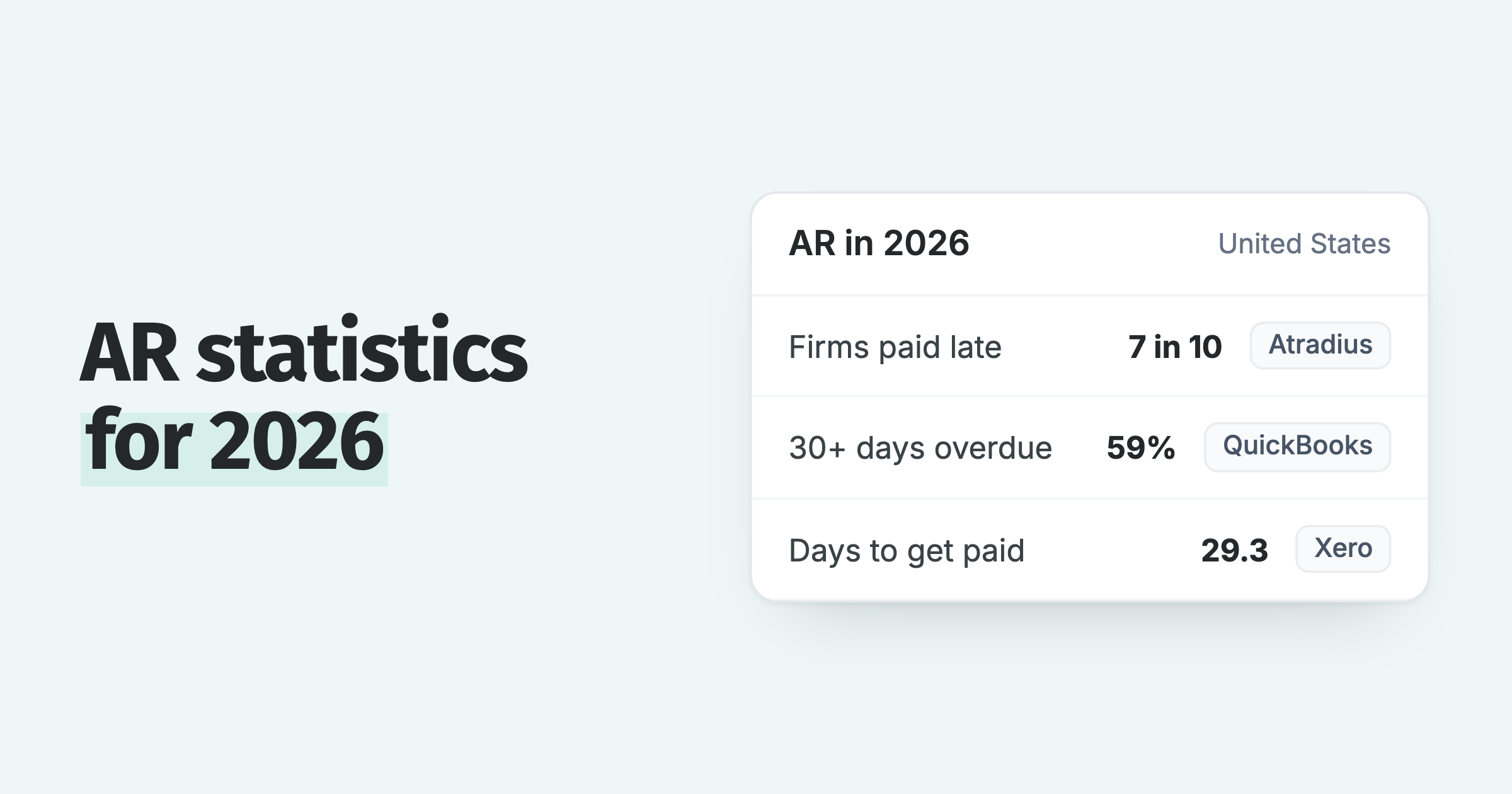
Aging reports are important because they turn one outstanding total into a ranked list of accounts by risk, which is the basis for collections, credit decisions and the short-term cash forecast. Late payment costs the UK economy £11 billion a year and closes 38 businesses a day, per GOV.UK, and 51% of US employer firms named uneven cash flow as a challenge in the Federal Reserve's 2025 Small Business Credit Survey.
- Identify problem accounts: a customer who appears in the 61 to 90 bucket every month is flagged before the balance becomes bad debt.
- Enhance collections: the report shows which customers need a reminder, a statement, a phone call or an escalation this week.
- Improve cash flow: the current and 1 to 30 buckets are the cash most likely to arrive next month.
- Better credit decisions: payment history by bucket shows who has earned more credit and who should pay upfront.
Watch the 90-day column. An invoice that is still unpaid 90 days after its due date has only about a 4 in 10 chance of being paid within a year of its due date.
How do you prepare an aging report?
To prepare an aging report, export the unpaid invoices from your accounting system, group them by age bucket, add the customer's contact details, then read the report from the oldest bucket back. Xero and QuickBooks build the report from a template in a few clicks.
- Extract the data. In Xero or QuickBooks, open Reports, pick the aged receivables (or payables) report, set the date and export it.
- Group invoices by age. Use the standard buckets in the table below.
- Add contact details. Include the phone number and email address your team will use for follow-up.
- Analyse the pattern. Look for customers who keep appearing in the 61 to 90 or 90+ buckets; those accounts may need late fees, a credit limit or payment upfront.
| Bucket | Meaning | Risk |
|---|---|---|
| Current | Not yet due | None |
| 1 to 30 days | Recently past due | Low |
| 31 to 60 days | Slightly overdue | Moderate |
| 61 to 90 days | Moderately overdue | High |
| 90+ days | Seriously overdue | Needs immediate attention |
Pro tip: include unapplied credit notes in the report. An unused credit reduces the real receivable total, and a report that ignores it overstates what is owed.
How do aging reports improve accounts receivable?
Aging reports improve accounts receivable when each bucket is tied to an action, so an invoice moving from 1 to 30 into 31 to 60 automatically triggers the next reminder, a statement or a late fee, instead of waiting for someone to re-read the report.
Schedule reminders by bucket. An email or SMS reminder can go out at each age milestone, with escalation or a late fee when an invoice reaches 60 days overdue.
Escalate the oldest balances. After 90 days the options narrow to a payment plan, a final notice or a collection agency.
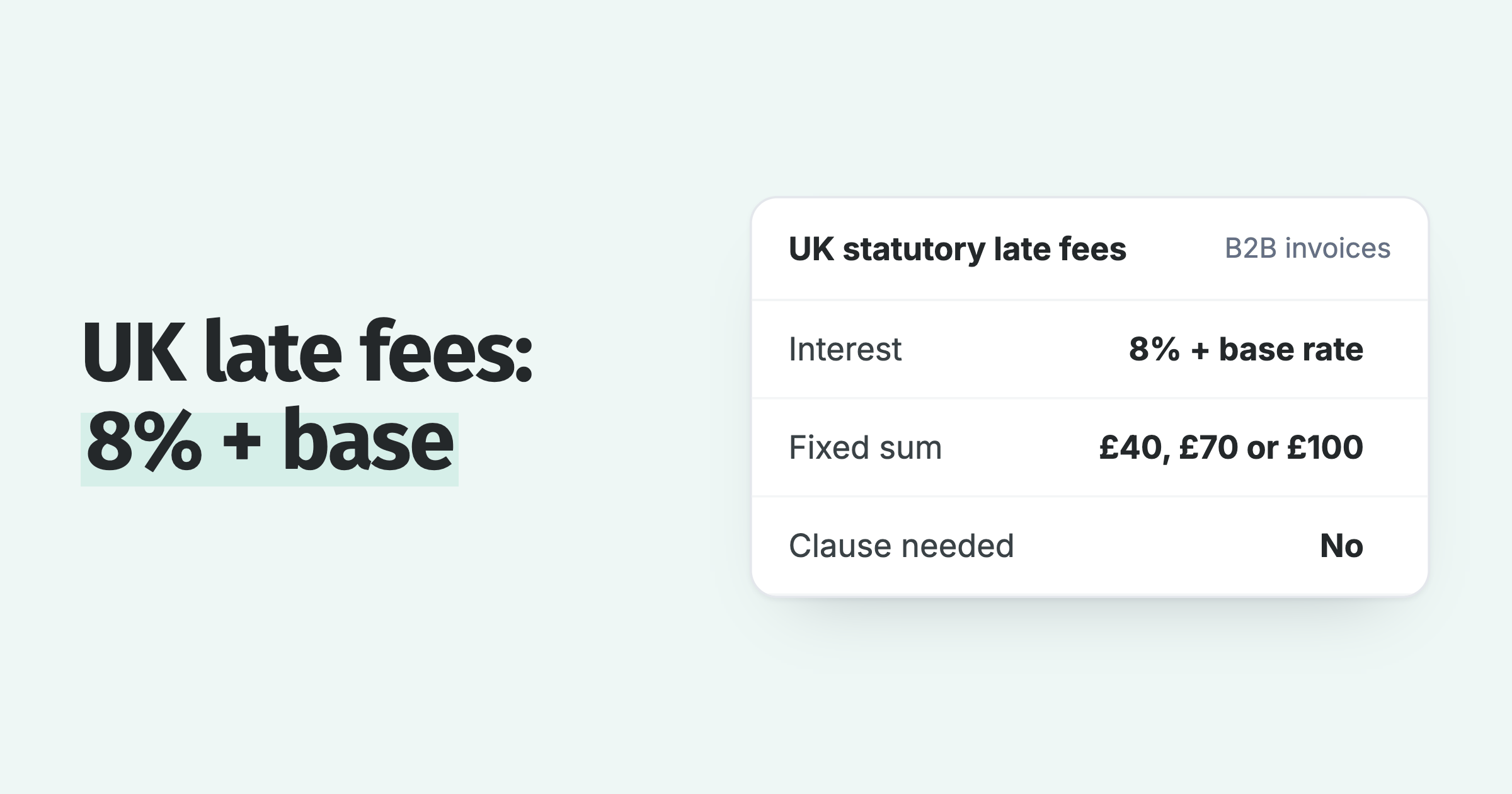
Time your late fees. The 61 to 90 and 90+ buckets are the business case for late fees on your terms. Paidnice's own Aged Receivables by Contact report uses the same buckets across multiple entities and currencies, and each bucket can trigger its own reminder, statement or fee. Customers see half as many late invoices in the first 30 days after switching on automated reminders, and 8 in 10 invoices are paid within the first 60 days of using Paidnice.
One of our customers, 3IT Consulting, cut late payments by 70% after using their aging report to set the timing and pace of reminders and automate late fees.
Frequently asked questions
Are aging reports only for accounts receivable?
No. Aging reports also cover accounts payable, showing how long each supplier bill has been owed.
Do aging reports help with cash flow forecasting?
Yes. An aging report shows how much cash is tied up in receivables and how old it is, so the near buckets can be forecast as inflows and the 90+ bucket discounted.
How is an aging report acted on?
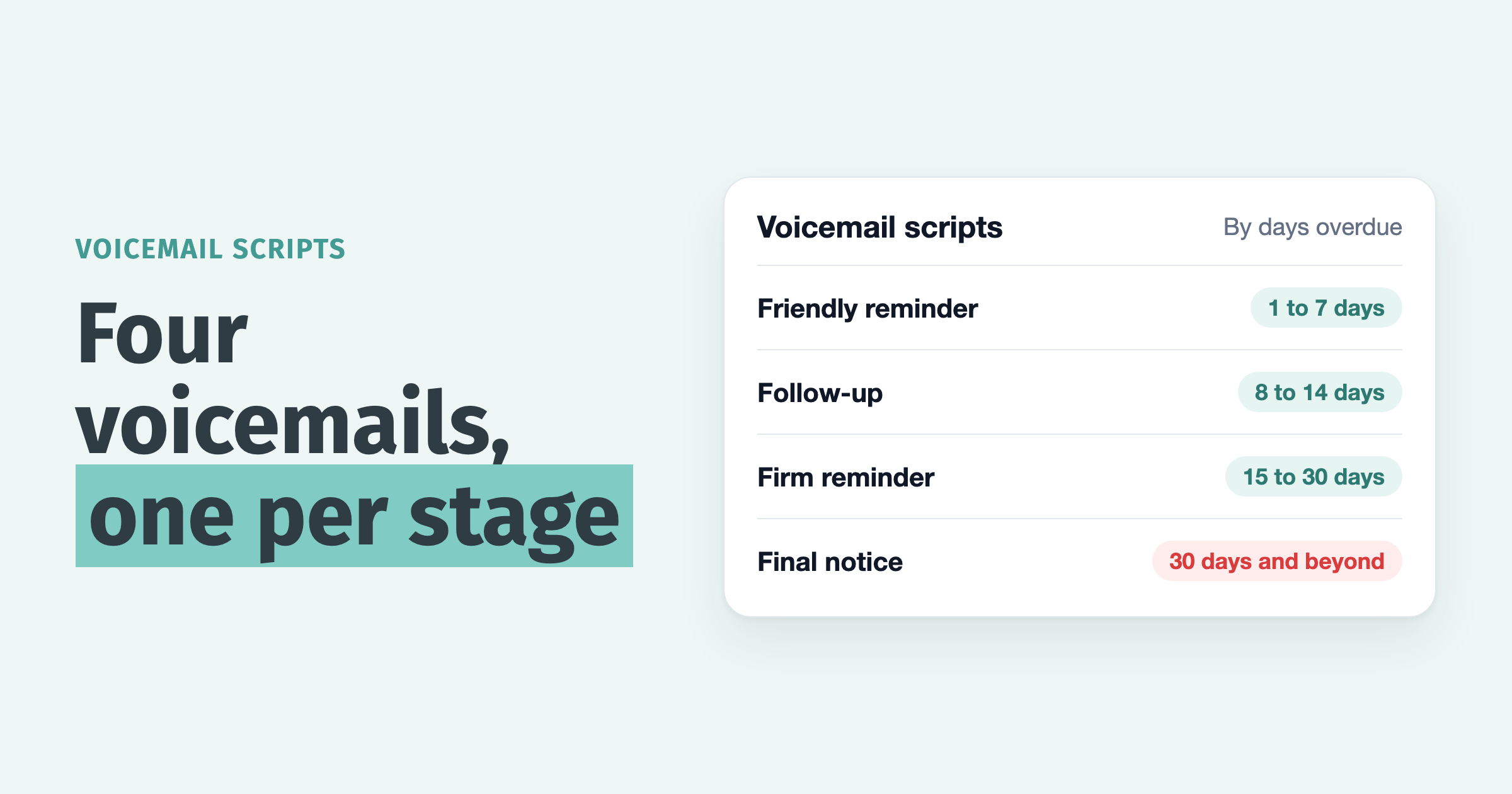
Set a workflow per bucket: automated email and SMS reminders as soon as an invoice is overdue, a statement and a call at 31 to 60 days, and an escalation or late fee at 61 days and beyond.
If it is time to collect faster, Paidnice runs that workflow for Xero and QuickBooks, with automated late fees, reminders and statements driven by the same buckets.
Paidnice features in this article
About the editorial team
Denym started Paidnice in 2022 after customers paying late left his own business short on payroll. He has led it to $1 billion collected on time across more than 1 million invoices, and writes about credit control, late fees and getting paid on Xero and QuickBooks.

 App of the Year