



Summary
MSP credit control is the system that gets a managed service provider paid on time: terms set in the MSA, autopay as the default, accurate advance invoicing, an automated reminder ladder, and late fees that are actually enforced. Billing recurring services in advance is the single biggest structural fix.
- The benchmark: UK and US small businesses waited 29.1 to 29.3 days to be paid in the June 2026 quarter (Xero Small Business Insights), with about eight of those days past the due date.
- The proven result: 3IT Consulting, an MSP on Xero, cut late payments 60 to 70% after switching on automatic late fees and branded reminders; more than 60% of clients now pay within 14 days.
- What automates it: Paidnice reads every invoice in Xero or QuickBooks against a set of rules and runs reminders, late fees and escalation without anyone deciding to be firm.
What is credit control for an MSP?
Credit control for an MSP is everything a managed service provider does to make sure work already delivered turns into cash on time: terms in the MSA, autopay, accurate invoices, a reminder ladder and enforced late fees. For an MSP that job is harder than it looks, because managed services run on credit by default: you deliver continuously, invoice monthly, and then wait 30 days or more while the client's business runs on infrastructure you are paying to support.
Three things make the MSP version of this problem sharper than most industries face:
- You keep delivering while an invoice sits unpaid, because switching off support feels nuclear.
- You front your clients' costs. Their Microsoft 365 licenses, security tools and backup platforms are on your card whether they pay you or not.
- Your revenue is concentrated, so one slow-paying client on a decent agreement can swallow a payroll cycle.
The result shows up in the data. Atradius' most recent payment practices research found 47% of B2B invoices across Western Europe are overdue, and roughly half of B2B invoices in the US, where overdue invoices are settled on average 20 days past their due date. MSPs sit at the sharp end of those numbers because the service keeps running while the invoice does not get paid.
The textbook definition of the discipline itself is in our AR dictionary entry on credit control.
Free: Payment reminder email templatesCopy the reminder emails for before, on and after the due date.How long do MSPs actually wait to get paid?
Small businesses waited 29.1 days in the UK and 29.3 days in the US to be paid in the June 2026 quarter, with about eight of those days past the due date, according to Xero Small Business Insights data that tracks millions of real invoices. The measure that matters is days sales outstanding, or DSO: how long you actually wait to be paid. Our payment times for IT services and MSPs show how long large IT companies take to pay their suppliers.
Late payment is a loan you never agreed to make. Work out what your clients owe you beyond terms right now, and that figure is the interest-free credit line you are extending while you pay for their licenses.
For an MSP the gap bites harder, because the service keeps running the whole time the invoice sits unpaid. Work out your own number below, or read the DSO dictionary entry if the metric is new to you.
DSO = accounts receivable divided by credit sales, multiplied by the days in the period. A 90-day period smooths out one odd month. A guide, not financial advice.
Take the figures the calculator loads with: an MSP owed £168,000 with £420,000 of credit sales over the last 90 days. 168,000 divided by 420,000 is 0.4, and 0.4 multiplied by 90 gives a DSO of 36.0 days. On 30-day terms that is 6.0 days of drift. The standalone version lives in our DSO calculator.
Fixing it is not theoretical. 3IT Consulting, a managed service provider running on Xero, had 80 to 90% of clients paying late before Paidnice. After switching on automatic late fees and branded reminders, late payments fell 60 to 70%, and today more than 60% of their clients pay promptly, most within 14 days.
"With Paidnice, we've transformed client behaviour around on-time payment. By automatically enforcing late fees, we've set new expectations. Now over 60% of customers pay us promptly." Louis De Kock, Director, 3IT Consulting
3IT is not an outlier. Paidnice customer data: customers see half as many late invoices in the first 30 days, and 8 in 10 invoices are paid within the first 60 days of using Paidnice.
Five levers close the gap between invoice and payment, in rough order of impact. The sections below work through them, from the biggest fix down.
What payment terms should an MSP use?
An MSP should bill recurring services in advance, due on receipt with autopay; keep net 15 to 30 for project milestones with a deposit; and take hardware and license pass-throughs prepaid. Most MSPs invoice on net 30 in arrears because the template MSA said so, and net 30 is what produces 50-day payment cycles. Different revenue carries different risk, so the terms differ too.
Advance billing is the single structural fix. The invoice for March goes out in the last week of February and is due on 1 March, before the work is delivered. Your agreement is a subscription; bill it like one. Nobody expects Microsoft to collect for M365 a month after use, and your seat-based agreement is no different.
Autopay is the second half of that fix. New clients sign a direct debit or ACH authority as part of the MSA and the monthly invoice collects itself, because late payment mostly is not malice, it is an invoice sitting in an inbox behind forty other things.
Set the target at 80% of monthly recurring revenue on autopay within two quarters, and convert repeat late payers as a condition of continuing service.
Then there are late fees, the legal leverage most MSPs never use. The footing differs by market:
- United Kingdom: you do not even need a clause. Statutory interest at 8% plus the Bank of England base rate, with £40 to £100 fixed compensation per invoice, is the law for B2B debts.
- United States: 1 to 2% per month is the contractual convention. Check your state's cap.
- Australia and New Zealand: no statutory right at all. If the clause is not in your signed terms, you cannot charge a cent.
The full terms-by-revenue-type table, the copy-paste MSA clause wording and the regional detail live in our MSP payment terms guide.
Offer 14-day terms instead of 30. The same customer pays a 14-day invoice about 9 days sooner than a 30-day invoice, and no more invoices go unpaid.
What does an MSP collections ladder look like?
An MSP collections ladder runs from a pre-due reminder three days before the due date through a day-1 nudge, a day-7 owner email, a day-14 phone call, a day-21 choice email, the late fee and final demand on day 30, credit hold on day 45, the suspension decision on day 60 and a hand-off decision on day 90. Collections fail when the only consequence anyone plans for is suspension, which feels so drastic that nothing happens at all; the fix is many small rungs, run on schedule whether or not anyone remembered.
Two design details matter more than any wording. Diagnose before you chase, because a disorganized client, a disputing client, a cash-strapped client and a client using you as free working capital need four different tracks.
And keep disputes on their own track entirely: split the disputed line from the undisputed balance so a $400 disagreement never holds $4,600 hostage. The full ladder with all nine copy-paste email and call templates, including UK and US late fee variants, is in the MSP collections process.
Why does billing accuracy matter for MSP credit control?
Billing accuracy matters for MSP credit control because a surprising share of "slow payers" are billing accuracy problems wearing a disguise. A wrong seat count or a surprise usage line gives the client a legitimate reason to park the whole invoice, and a parked invoice ages exactly like an ignored one.
Three habits close most of it down:
- Pick a billing model the client can predict. Per user is the sane default, and every model that makes the invoice harder to predict makes it slower to get paid.
- True up seat drift monthly on the next invoice, never as an annual reckoning.
- Run a five-minute reconciliation before the billing run posts: seat counts against the M365 admin or RMM for your biggest agreements, license quantities against the distributor invoice, and a root cause logged for every credit note.
A credit note without a root cause is scheduled to repeat. The models compared, proration mechanics and the full pre-send checklist are in our MSP billing guide.
What software does MSP credit control need?
MSP credit control software is three different jobs wearing one label: a PSA that generates invoices, a payment platform that collects them, and an AR enforcement layer on the ledger, and most MSPs are missing only one. The PSA you already run (ConnectWise, Autotask, HaloPSA, Syncro, Kaseya BMS, SuperOps) generates invoices from agreements. Payment platforms make paying easy with portals, ACH rails and autopay. And an AR enforcement layer that sits on the ledger supplies the discipline: reminder ladders, late fees, statements, escalation.
Which one you need depends on which gap you have. If clients want to pay and find it awkward, that is a payments gap. If invoices are accurate and easy to pay and still sit unpaid at day 50, that is an enforcement gap.
The three layers, published pricing and best-for guidance by stack and situation are in our guide to the three MSP tool layers. If you want named products ranked against each other, that is our list of the best credit control software for MSPs.
How do you chase invoices that start in ConnectWise, Autotask or HaloPSA?
Chase invoices that start in a PSA from their Xero or QuickBooks Online copy: the PSA syncs each invoice to the ledger, and the due date and payment status there drive reminders, late fees and statements.
Billing stays in the PSA, and your clients keep receiving the invoice your PSA produced. Paidnice can send the PSA's invoice PDF on reminders, when that PDF is attached to the ledger invoice and the Invoice PDF setting is on. Late fees post as a new invoice in Xero or QuickBooks Online, and one monthly statement lists agreement, project and hardware invoices together.
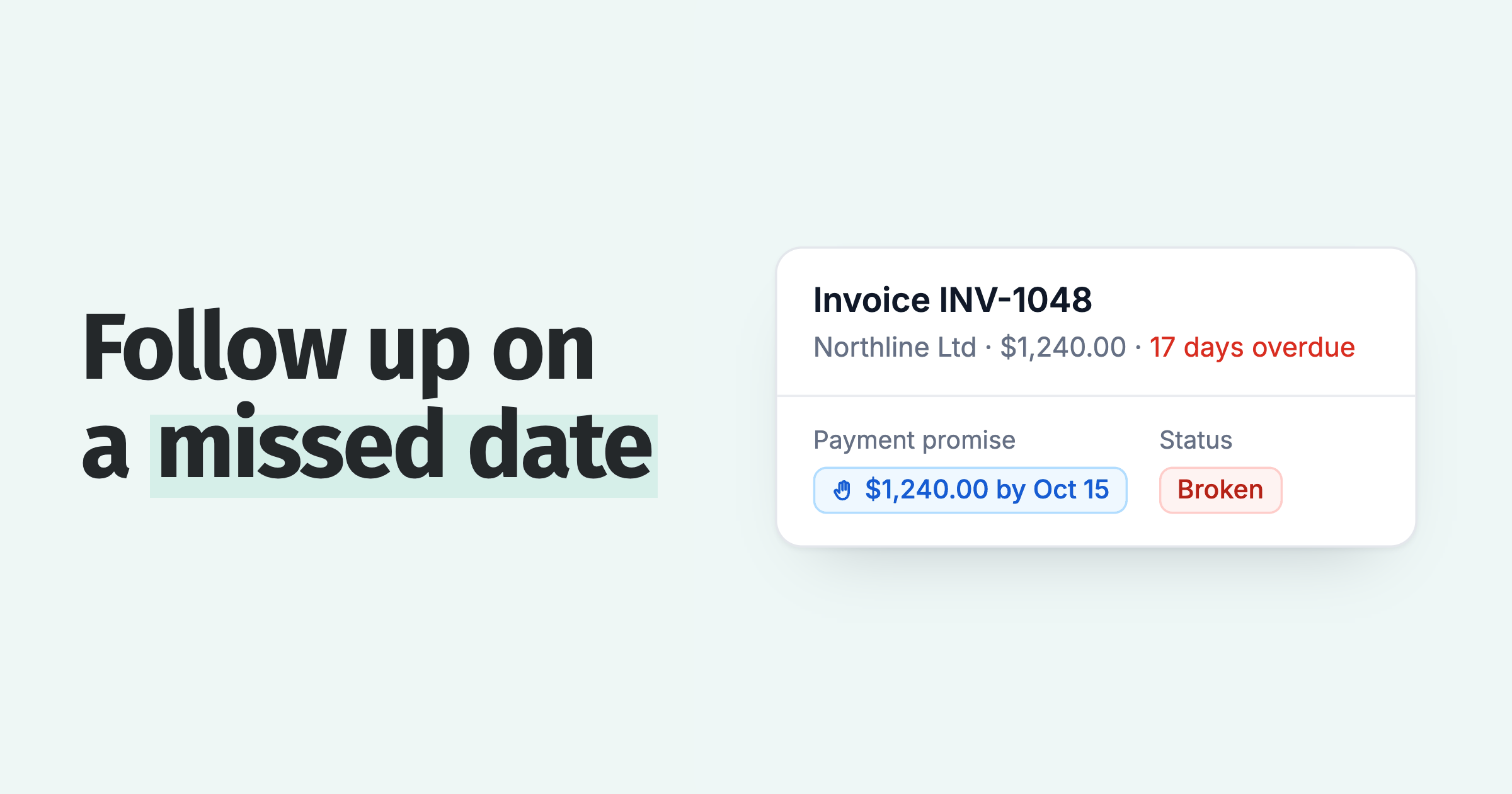
When the final notice goes unanswered, an escalation can open a task in your PSA to suspend the agreement, through a webhook on the Pro plan. A person decides what happens next. Record the payment in the ledger and the chasing stops.
Each PSA has its own page: ConnectWise, Autotask and HaloPSA. The sync routes for all three, and how a payment returns to the PSA, are in chasing PSA invoices from ConnectWise, Autotask and HaloPSA.
How do you measure MSP credit control?
MSP credit control is measured with four numbers reviewed weekly: DSO, the percentage of invoices paid on time, the aged debtor buckets, and credit notes as a share of invoices issued. Credit control that is not measured drifts back to mood within a quarter; ten minutes at the same time every week keeps the system honest:
- DSO, with a target under 30 for an advance-billing MSP. Direction matters more than the level.
- Percentage of invoices paid on time. Watch the trend; below six in ten means the ladder is not firing.
- The aged buckets (30, 60, 90+ days). Anything entering the 60 bucket gets named and actioned in the same meeting.
- Credit notes as a share of invoices issued. Above 2% is a billing accuracy project, not a collections problem.
Every number is on one screen in Xero or QuickBooks plus an accounts receivable layer; none of them needs a spreadsheet.
How fast can an MSP fix its credit control?
An MSP can stand up the whole credit control system in one working week, without renegotiating a single existing contract: clauses and autopay into onboarding, advance billing at renewal, the reminder ladder switched on, and a weekly review booked.
None of this requires confrontation. It requires a policy, written down, that fires the same way every time. The policy is the bad guy, so you do not have to be.
Where Paidnice fits
Paidnice is the enforcement layer in that stack. It sits on Xero or QuickBooks Online underneath whatever PSA you run, and automates the discipline on this page: reminders from your own domain, late fees and interest applied by rule (UK statutory rates auto-indexed), statements, payment plans and escalation workflows.
Because it reads the ledger rather than the PSA, it keeps working if you change PSA. That is the practical meaning of closing the gap between invoice and payment.
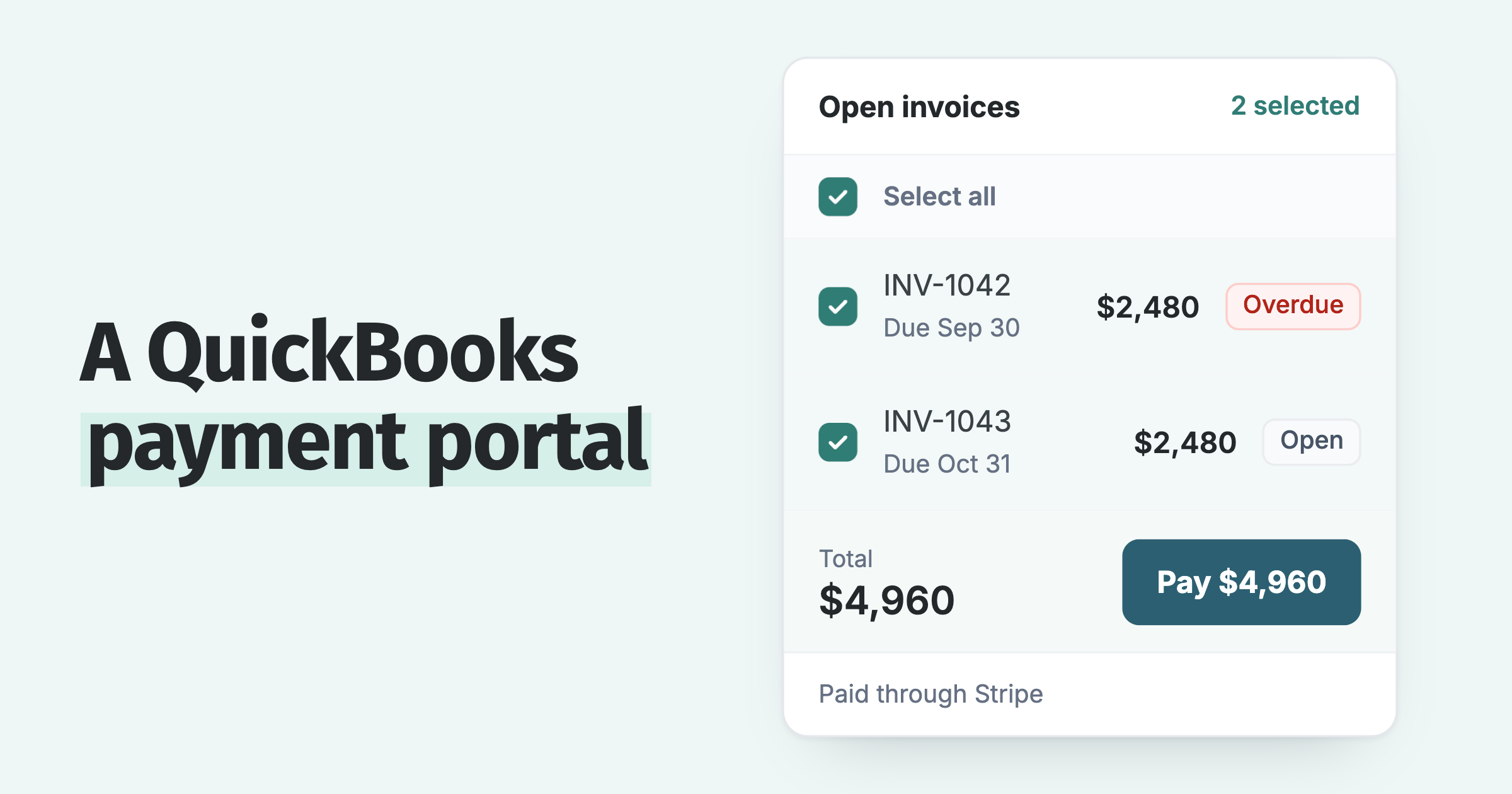
It is best for MSPs on Xero or QuickBooks whose gap is enforcement discipline rather than payment rails. It is not a PSA, and it is not a merchant processor: payments run through Stripe, Pinch Payments or Cloud Depot RPS.
If your real bottleneck is a branded portal with cheap ACH, a payment platform is the better first purchase. The tool layers guide lays out who is best for what, with nobody's row highlighted, including ours.
Common questions
Should an MSP suspend service for non-payment?
Only as the documented last step, typically around day 60, after written notice and a cure period, with security monitoring and backups carved out. Use a credit hold first: pause projects, procurement and non-urgent work while support continues.
How do MSPs automate late fees?
Through an AR automation layer on the accounting platform rather than the PSA. Paidnice, for example, watches every invoice in Xero or QuickBooks against your rules and applies the late fee or interest charge automatically, so enforcement stops depending on someone remembering to do an awkward thing.
Go deeper on each piece
Each of these stands alone; together they cover the whole system on this page.
- MSP payment terms: the terms-by-revenue-type table, late fee clause wording for your MSA, and statutory interest rules for the UK, US, Australia and New Zealand.
- The MSP collections process: the day-by-day ladder in full, with nine copy-paste email and call templates and the dispute track.
- MSP billing: six pricing models compared through a credit control lens, advance billing mechanics, and the accuracy checklist.
- MSP billing and AR tools: the three-layer stack, published pricing where it exists, and best-for guidance by situation.
Ready to see it on your own ledger? Paidnice connects to Xero or QuickBooks Online and most MSPs are live in under 15 minutes, on pricing from US$69 a month with local pricing in seven currencies. Or fix the process first with the guides above; the software will still be here.
Paidnice features in this article
About the editorial team
Denym started Paidnice in 2022 after customers paying late left his own business short on payroll. He has led it to $1 billion collected on time across more than 1 million invoices, and writes about credit control, late fees and getting paid on Xero and QuickBooks.

 App of the Year