



Summary
QuickBooks Online has no standing customer portal. It emails each invoice with a Review and pay link to a hosted invoice page, and has no account page listing every open invoice. Paying several invoices in one go depends on QuickBooks Payments, a US product. Paidnice adds one fixed portal link per customer wherever Stripe operates.
- The gap: The QuickBooks customer view is anchored to an invoice you sent, so when the invoice email is gone the door closes with it.
- The US-only catch: Paying several invoices at once needs QuickBooks Payments, and Intuit's own community answers still say the online checkout takes one invoice at a time.
- The fix: Paidnice gives each customer one fixed link to every open invoice, a live statement with a four-bucket aged breakdown, payment plans and autopay, through Stripe.
Does QuickBooks Online have a customer portal?
QuickBooks Online is more capable on the customer side than people assume. When you send an invoice, QuickBooks emails it with a "Review and pay" button. Your customer opens a hosted invoice page, sees that invoice, and pays it online. With QuickBooks Payments on the account, that page takes card, ACH, PayPal or Venmo.
What it is not is a portal in the way most people mean the word. The customer reaches it by opening an invoice you sent them. There is no account page sitting at a stable link, no login, no place they can go on their own to check what they owe you next month. Close the invoice email and the door closes with it.
Free: Payment reminder email templatesCopy the reminder emails for before, on and after the due date.What is a customer payment portal (and what is it not)?
A customer payment portal is a web page where a customer sees every open invoice they owe a business and can pay one or several of them online. See the definition of a customer payment portal.
- A portal is not the Review and pay page. That page is the hosted invoice a customer reaches from an invoice email. It shows one invoice and has no stable link to return to.
- A portal is not a client portal for an accounting firm. A practice management tool such as Client Hub gives a firm's own clients a place to work with the firm. A customer payment portal is for the customers who owe your business money.
- A portal is not a payment gateway. A payment gateway takes the card or bank payment, whether that is QuickBooks Payments or Stripe. The portal is the page the customer pays from.
In QuickBooks Online the native page is built around the invoice. A portal is built around the account, which matters when a customer has several open invoices at once.
What does the native QuickBooks customer view show?
This table assumes QuickBooks Payments is enabled, because without it the customer sees the invoice but has no in-page way to pay it.
| Can your customer do this? | QuickBooks Online (native) | With Paidnice added |
|---|---|---|
| View and pay a single invoice online | Yes | Yes |
| Pay by card, ACH, or wallet | Yes, with QuickBooks Payments | Yes, through Stripe |
| See every open invoice in one place | No, the customer sees the invoice you sent | Yes, on one standing page |
| Pay multiple invoices in one go | Check your account: Intuit's community answers say no, a 2026 walkthrough shows it with QuickBooks Payments | Yes |
| Reach a branded portal at a fixed link, any time | No | Yes |
| See a live consolidated statement (parent and child accounts) | Statement is generated and sent, not live self-service | Yes, live in the portal |
| Set up a payment plan or installments | No | Yes, powered by Stripe |
| Enroll in autopay themselves | No | Yes |
| Region availability | QuickBooks Payments is mainly US | Wherever Stripe operates |
QuickBooks feature availability can vary by region and plan. Check your own account before relying on any single row.
Can your customers pay several QuickBooks invoices at once?
Two things hold either way. First, it depends on QuickBooks Payments being active on your account, and QuickBooks Payments is a US product. If you invoice from the UK, Australia, or elsewhere, your customers pay one invoice at a time. Second, the customer still starts from an invoice you sent. There is no page they can bookmark and return to on their own.
If that gap matters to you, that is where a dedicated payment portal earns its place.
What other QuickBooks customer portal apps are there?
GoToMyAccounts is a portal add-on where customers log in to see and pay QuickBooks invoices. Method CRM is a CRM for QuickBooks businesses with a customer portal built into it. Client Hub is practice management for accounting firms, with a client portal for the firm's own clients rather than for a business's customers. All three solve the login problem. None of them is built to enforce your payment terms: the reminder ladder, the late fee posted to the ledger, the scheduled statement and the escalation to a named person sit outside them. Paidnice is built around those jobs, and the portal is where the customer lands when any of them fires.
How do you give QuickBooks customers a real payment portal?
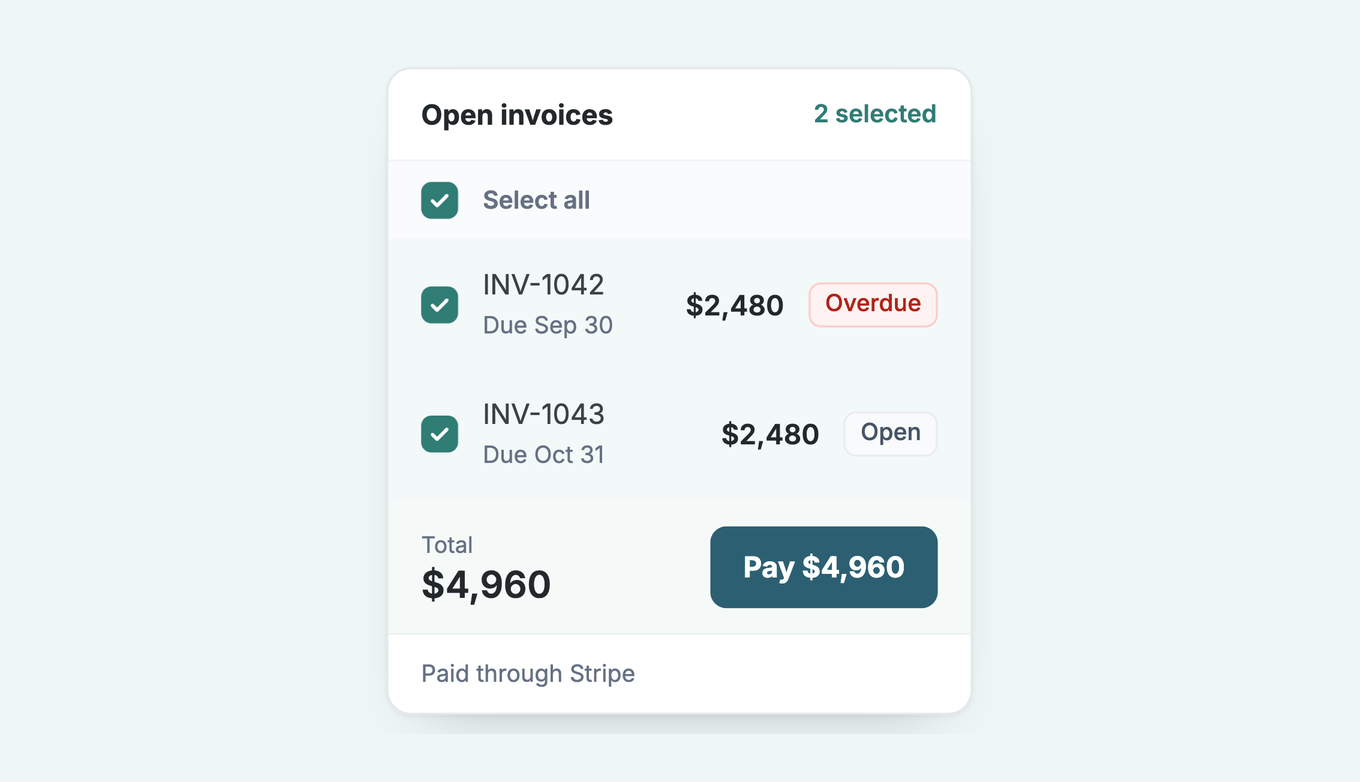
Paidnice sits on top of QuickBooks Online. You are not migrating your books or changing how you invoice. You are adding a layer that gives customers a standing place to pay. Setup runs in about 15 minutes. The portal's Outstanding Statement tab shows an aged debt breakdown in four buckets, the overdue age in days for each invoice, and cards for Outstanding, Overdue and Selected Total, and a parent customer's statement includes the child invoices. Access is by link from any reminder or statement, with no login; Secure Portal Mode adds an email verification that holds for 30 days.
- Connect QuickBooks Online. Authorize the QuickBooks integration from Paidnice. Your customers and open invoices sync across. No migration, no re-keying.
- Turn on the customer payment portal. Enable the QuickBooks customer payment portal and connect Stripe so customers can pay by card or bank transfer.
- Set your rules. Add your reminder schedule and statements, then use contact groups to route by customer. VIPs get a gentle nudge. Repeat late payers get the full ladder. Choose whether customers can promise a date or query an invoice from the portal.
- Offer payment plans, if you want them. Switch on payment plans so a customer can spread a larger balance over installments, with autopay, instead of asking you for terms.
- Send. Every reminder and statement carries one link to the portal. The customer sees all their open invoices, a running statement, and any plan on offer, and pays in one place.
Your account with Northwind Interiors
3 open invoices · synced from QuickBooks Online
What if a QuickBooks customer cannot pay on the due date?
Under the Pay button, the invoice page shows Other options. Two of them matter most when the money is late, and both are portal settings you switch on.
- Promise to pay. The customer gives you a date from the invoice. The promise is saved on the invoice in Paidnice, and policies set to "Skip when payment promised" wait until that date, so reminders and late fees can wait too. When you want the date in writing, use a promise to pay agreement template. If the date and the grace period pass unpaid, the invoice owner can get a Broken Payment Promise email; see what to do when a customer promised to pay and didn't.
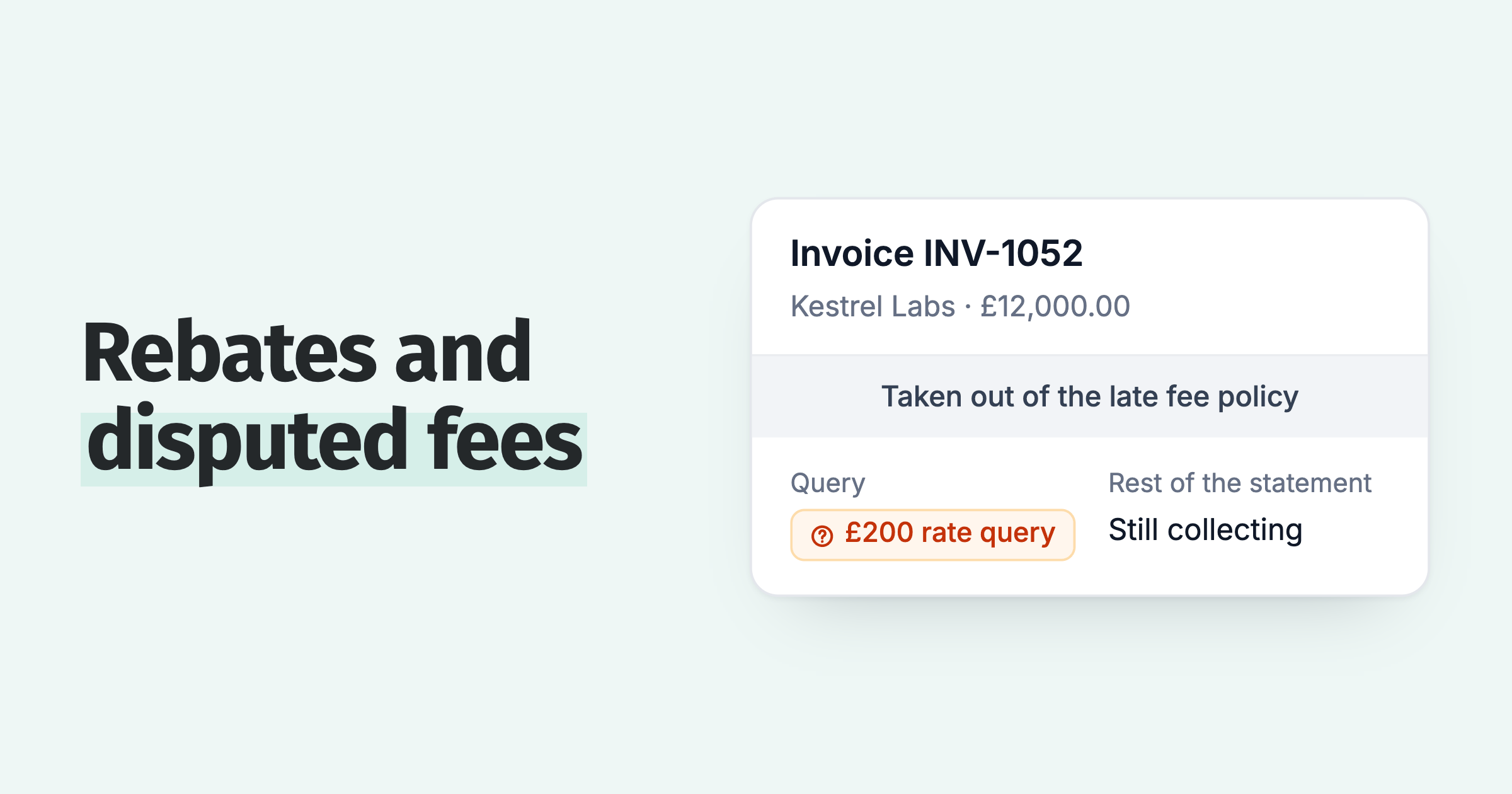
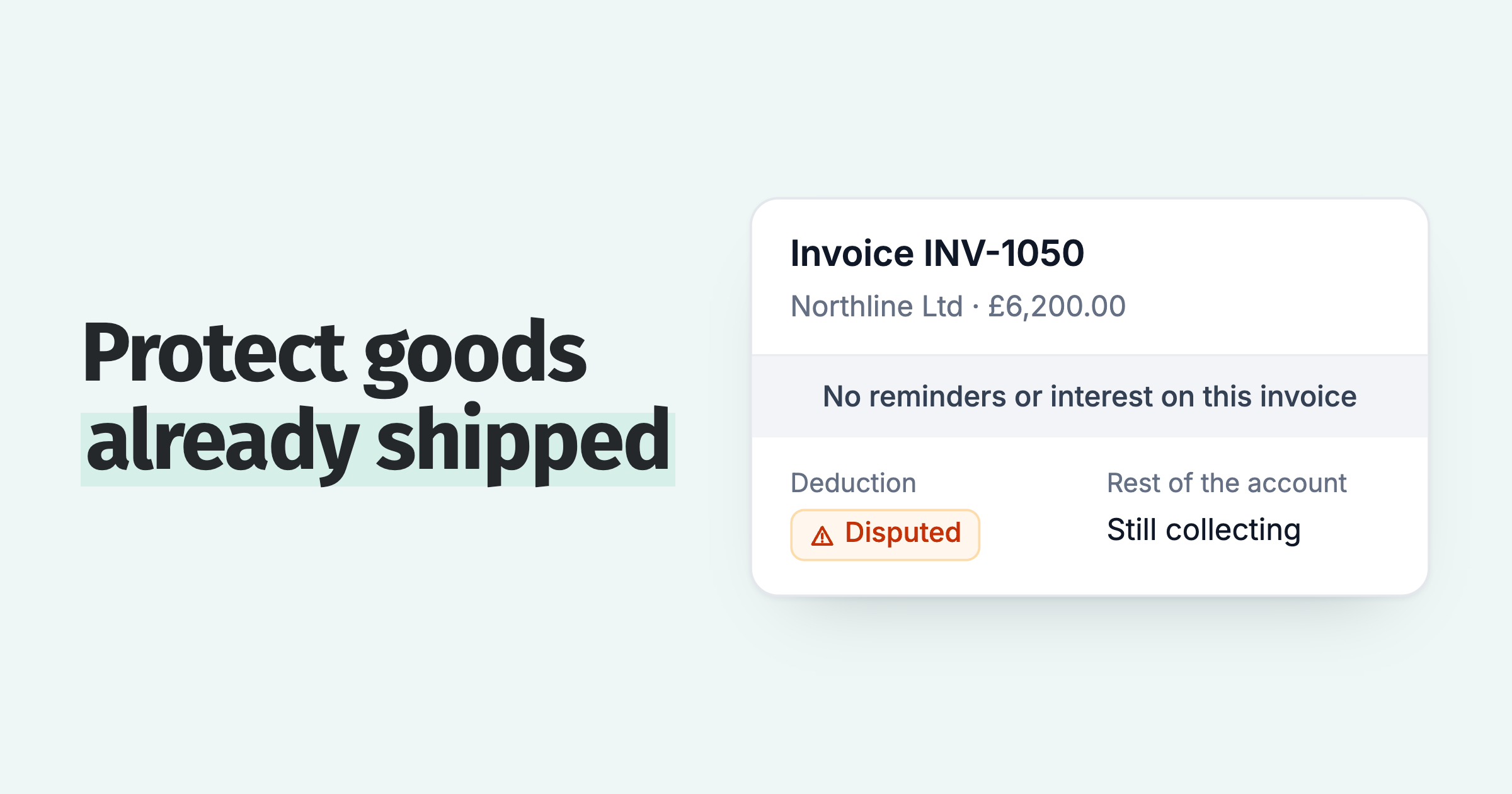
- Query this invoice. The customer raises a query with a reason, such as not received or quality. Policies set to "Skip while a query is open" hold reminders and late fees on that invoice until it is resolved, your team sees the reason and can set the next step, and reminders then resume. Our guide on how to handle a disputed invoice covers what to do next.
When do you not need a customer portal?
I would rather you spend nothing than buy a layer you won't use. Some businesses do not need this. If you send a handful of invoices a month, each customer gets one at a time, and they pay on the QuickBooks link without a second reminder, the native experience is doing its job. Adding a portal there is solving a problem you don't have.
The portal earns its place when the account is the unit, not the invoice. A customer with several open invoices at once. Larger balances that suit a payment plan. Statements that need to consolidate parent and child accounts. Or invoicing from a region where QuickBooks Payments is not available, so your customers cannot pay several at once natively. That is when one standing link starts saving everyone time.
Firm on the money, fair to the customer. A good portal is mostly the fair part: it makes paying you the easy option.
Frequently asked questions
Does QuickBooks Online have a customer portal?
Not a standing one. QuickBooks Online emails each invoice with a Review and pay link to a hosted invoice page. There is no permanent branded portal a customer logs into at a fixed address. A connected app such as Paidnice adds one.
Can QuickBooks customers see all their invoices?
Not from QuickBooks Online itself. A customer sees the single invoice you sent them on its hosted page. There is no permanent account page they can return to on their own, which is what a connected portal such as Paidnice adds.
Can you pay multiple QuickBooks invoices at once?
Only with QuickBooks Payments, and check your own account first. Intuit's community replies from 2022 and 2023 say the online checkout takes one invoice at a time; a 2026 walkthrough shows a customer selecting several open invoices and paying by card, ACH, PayPal, or Venmo. Outside the US, where QuickBooks Payments is not offered, native QuickBooks cannot take payment for several invoices at once.
Is there a QuickBooks customer account page customers can log into?
No. The QuickBooks customer view is anchored to an invoice you send, not a login. Paidnice gives each customer one fixed link to a standing portal showing every open invoice, a live statement, and any payment plan you offer.
Does Paidnice work with QuickBooks Online?
Yes. Paidnice has a native QuickBooks Online integration and is usually live in under 15 minutes, with no migration. Payments in the portal run through Stripe, so the portal works wherever Stripe operates.
Paidnice features in this article
About the editorial team
Ashley is a co-founder and lead developer of Paidnice and has built accounting software for more than 10 years. He builds the ledger connections that put reminders, late fees and payments into Xero, QuickBooks and ERPs such as NetSuite and Business Central. Before Paidnice he co-founded A2X, ecommerce accounting software for Xero and QuickBooks.
 App of the Year