This app is a game changer!Lesley B.
Paidnice sends each month’s Xero and QuickBooks statements to your office printer or a print and post service, on the same day every month, with no exports.
Set a destination and a schedule once. Paidnice builds every statement from Xero or QuickBooks and sends it to be printed on the day.
Add an override destination email to a statement policy, and every statement in it goes to that address on schedule. Run it automatically, or hold each run for your approval.
Each customer group runs its own statement policy. Email statements to most customers, and send the ones who want paper to your print address.
Point the destination at your office printer’s email-to-print address, and statements print each month for your team to post. Or send them to a print and post service that prints, envelopes and posts them.
Each statement send shows in All Actions with the customer, the date and the time it ran, so you know what went to print and when.
Paidnice can also print and post overdue letters, final notices and letters before action, for US$2.00 a letter (£1.50 in the UK) with printing and postage included. It is on Pro and above, switched on when you ask.
“Automated emailing of account statements and managing late payment fees / interest charges as an incentive for customers to pay on time has helped enormously with our cashflow.”
 App Store
“Paidnice automates our outreach and statements allowing us to be paid much faster.”
App Store“The ability to schedule reminders, automate late fees, and send statements has saved me an incredible amount of time and effort.”
 App Store
Set these for each customer group. Paidnice builds each statement from Xero or QuickBooks on the day it sends.
| Setting | What you choose |
|---|---|
| Destination | Each customer’s own address, or every statement to one override address, such as your printer or a print and post service |
| Schedule | Weekly or monthly on the days you choose, with weekend sends moved to the next weekday |
| Who gets one | Customers with overdue invoices only, or every customer with an open invoice, above a minimum amount |
| Type | Outstanding statements, activity statements, or both |
| Parent customers | One statement that includes the invoices of each child account |
| Approval | Send automatically on schedule, or hold each run as drafts for your approval |
| Record | Each send in All Actions with the customer, date and time |
| Posted letters | Overdue letters, final notices and letters before action printed and posted by Paidnice, on Pro and above, on request |
It’s the debt collection system I’ve been looking for, for the last 15 years.

Paidnice has everything your business needs to run a best-in-class receivables process, from the first reminder to the money landing in your account.
 Bookkeeping & AccountingNew Zealand
“For the cost of the subscription versus money in your bank, it’s definitely a no-brainer.”
 Haley ReynersFounder, My Two Cents

Paidnice connects to your ledger, payment providers, CRM and team chat, so every invoice is chased, paid and recorded without manual data entry.
See all integrations → NewConnect to Claude or ChatGPT via MCP›Yes. Set an override destination email on a statement policy and every statement in it goes to one address, such as your office printer’s email-to-print address or a print and post service. They print and post each statement.
On any schedule, weekly or monthly, on the days you choose. Monthly (Weekdays) moves a send that falls on a weekend to the next weekday.
Yes. Each customer group runs its own statement policy. One policy emails each customer, and another sends the statements for your mail only group to your print address.
Yes. Every statement send shows in All Actions with the customer, the date and the time it ran. You can search, filter and export the list.
Yes, for overdue letters, final notices and letters before action. Each letter costs US$2.00, or £1.50 in the UK, with printing and postage included. It is on Pro and above, switched on when you ask. Contact us for local pricing in other countries.
Yes. You can connect your own local letter-sending service to Paidnice through its API.
Yes. Paidnice builds each statement from your Xero or QuickBooks Online invoices on the day it sends.
Yes. Statements are on every Paidnice plan, from Essentials. See pricing.
Book a call with the founders to learn more about how Paidnice can help you take the pain away from getting paid.
Great hands on experience. Ashley helped us through everything.
 Janet X.App Marketplace★★★★★160+
I’ve contacted support a few times, and Denym has always replied with really detailed and thoughtful explanations, even taking the time to jump on a video call to help.
 Jon M.App Marketplace★★★★★160+
So happy with the service provided by Ashley at Paidnice. The best service I have had from anyone in years.
 Anna H.App Marketplace★★★★★160+
Very simple to set up and the few questions we had were quickly and expertly dealt with by Denym. It has already made a huge difference to our debtor days and has massively helped.
 Jenny M.App Marketplace★★★★★160+
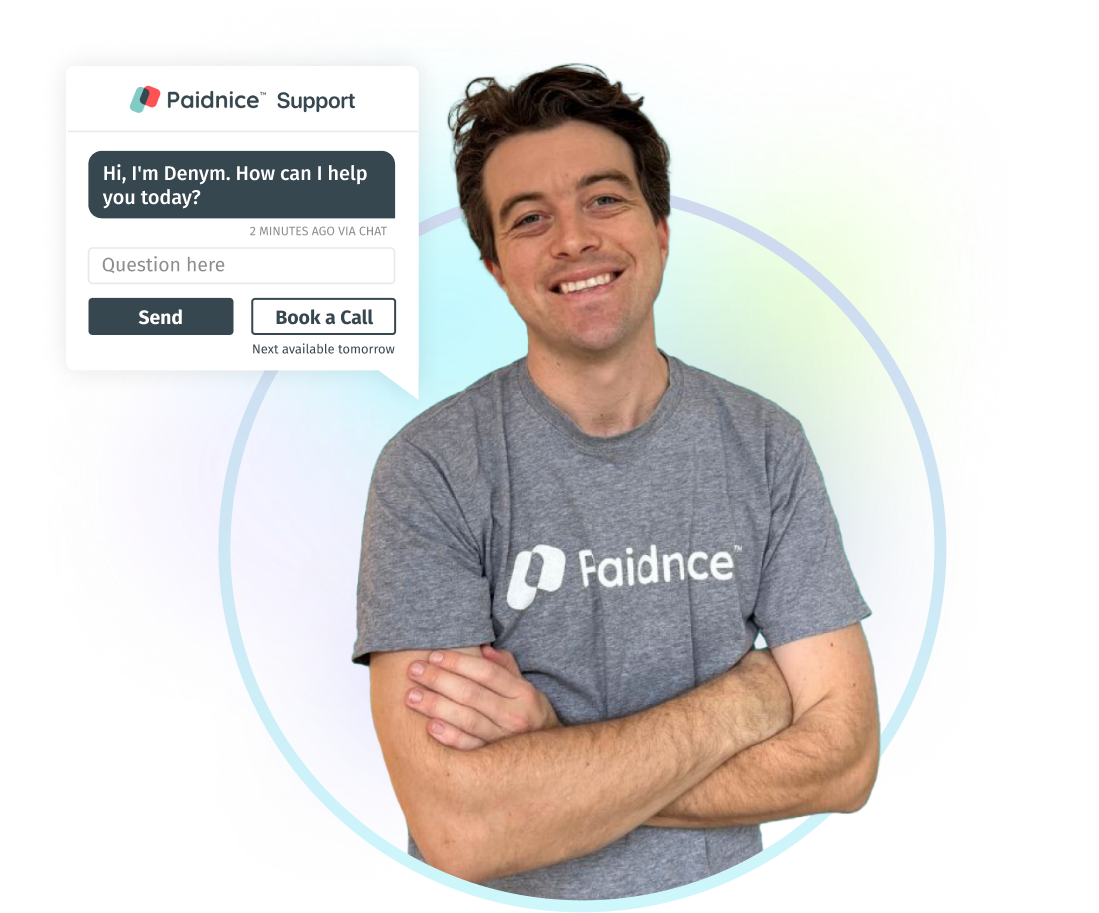
Connect Xero or QuickBooks and Paidnice prepares a draft statement policy for you. Nothing sends until you approve it.