★★★★★160+This app is a game changer!Lesley B.

Send Xero statements automatically

Xero statements, also called statements of account, are sent manually. Paidnice sends them weekly or monthly to customers with an outstanding, overdue or credit balance, as a PDF, a CSV with your own columns, or both, with a link to pay.

Xero statements, and what Paidnice adds

Xero produces the statement. Paidnice sets when it goes, who gets it and what it shows.

  • Each statement run is started manually, every month.Statements go out on their own, weekly or monthly, on the days you choose.
  • Head office and its branches get separate statements.One statement for a parent account, with every branch invoice on it.
  • No interest or fees on the statement.Statement interest on the overdue balance, posted to Xero.
  • Statements follow Xero’s layout.A layout you describe, with custom fields and a Pay now link in the PDF.

How Xero statements work today

Xero sends statements when you start a batch. These are the steps each time. For a full walk-through, see our guide to Xero statements.

XeroBuilt-in automatic statements in XeroSource: Xero Central: Send a customer statement ↗
  1. Go to Contacts > Customers and choose Send statements from the menu.
  2. Pick the statement type, Activity or Outstanding, and the date, then click Update.
  3. Tick each customer who should get one, then click Email.
  4. Check the email template, subject and branding theme, then click Send.
  5. Do it again next month: Xero has no schedule for statements.

Why: automatic statement emails are Xero’s most-voted statement idea, with 1,178 votes. Xero moved it to In development on 27 October 2026, with no release date.

Or let Paidnice run it
  1. Connect Xero
  2. Approve the draft statement policy
  3. Switch it on
Try it Free

Design your statements by describing them

Describe the statement you want in plain words, and Paidnice lays it out from your Xero data. Send it as a PDF with a Pay now link, and add a CSV spreadsheet with the columns you pick to the same email.

  • Your layout, in your words. Describe the columns and sections you want.
  • Your own fields. Add PO numbers, account managers and other custom fields.
  • Open invoices and recent activity. Show what is owed now, with the invoices and payments behind it.
  • Pay now inside the PDF. Customers pay from the statement itself. Add a CSV file to the same send.
Statement designer

Each change is previewed on sample data or a real customer. Spreadsheets use the columns you pick. Nothing goes to customers until you publish.

Statements that run from your Xero data

Paidnice reads every open invoice and credit in Xero on the day it sends, so each statement shows what the customer owes right now.

A statement your Xero customers can pay from

The statement links to a page with every open invoice, what is due now and the aged balance. The customer picks what to pay and pays it there.

Parent and sub-customers in Xero, on one statement

Link branch contacts to a parent in Paidnice, and group finance gets one statement with every branch invoice, while each branch keeps its own invoices in Xero.

Interest and credit notes, up to date when the statement sends

Overdue invoices can carry statement interest, posted to Xero as its own invoice. Credit notes and overpayments can show on the statement and come off the total.

From your address, and you see who opened it

On Pro, statements come from your own address. Each one shows if it was opened, clicked or paid, so you know who to call.

What Xero users say about Paidnice statements

★★★★★

“Great solution for the issues around the lack of automated statements in Xero.”

Chris L.XeroApp Store
★★★★★

“With the new addition of Parent / Child relationships that have just been developed, you can now set up Head Office and branch accounts all on one statement. Game changer for us.”

Ian S.XeroApp Store
★★★★★

“Automated emailing of account statements and managing late payment fees / interest charges as an incentive for customers to pay on time has helped enormously with our cashflow.”

Nick T.XeroApp Store

Read all 160+ reviews →

The accounts receivable toolkit for Xero

Every tool you need to get paid on time, running on your live Xero invoices. Connect once and switch on what you need.

Paidnice for Xero →Automated customer statements for every business →

Automatic statements in Xero: questions

Can Xero send statements automatically?
No. Xero statements are sent manually, one customer or one batch at a time, and there is no schedule. Paidnice sends them from your Xero data weekly, monthly, or monthly on weekdays only, which moves a send off weekends and public holidays.
Will Xero schedule statements itself?
Xero moved scheduled statements to In development on 27 October 2026, with no release date. Its plan lists a regular schedule, send status and more control of the PDF columns. It does not list filters by balance or overdue age, one statement for a parent company, statement interest or CSV files with your own columns. Paidnice sends all of these today.
What is the difference between Activity and Outstanding statements in Xero?
An Activity statement lists every invoice, payment and credit in a date range. An Outstanding statement lists only what is still owed on a date. Paidnice sends outstanding statements as a PDF, a CSV or both. It sends activity statements as a CSV with your own columns, or as a PDF where your organisation still has the standard activity statement.
Can customers pay from a Xero statement?
Xero’s online statement has a Review and pay button when a payment service is connected, and the link is live for 90 days. A Paidnice statement links to a portal where the customer pays one invoice, several or the whole balance, and the PDF carries a Pay now link.
Can I send Xero statements as CSV files?
Yes. Build a spreadsheet template from the columns you pick, as an outstanding or an activity statement, and Paidnice attaches it as a CSV file, with the PDF or on its own. The CSV opens in Excel.
Can I change what a Xero statement shows?
Yes. Describe the layout to the statement designer, such as a PO number column or an aged balance, and preview each change on sample data before you publish it.
How fast does Paidnice see changes in Xero?
In real time. A payment or a new invoice in Xero reaches Paidnice in under a minute, so each statement shows the balance as it is when it sends.
Can Paidnice send one statement for head office and its branches?
Yes. Link the branch contacts to a parent, and the parent gets one statement with every branch invoice on it.
Can a Xero statement include interest?
Not in Xero. Paidnice can add statement interest on the overdue balance and post it to Xero, on every plan.
How do I add 30, 60 and 90 day aging to Xero statements?
Each Paidnice statement template has up to three aged analysis breakpoints, in days overdue, such as 30, 60 and 90. See how it looks.

A team that has your back

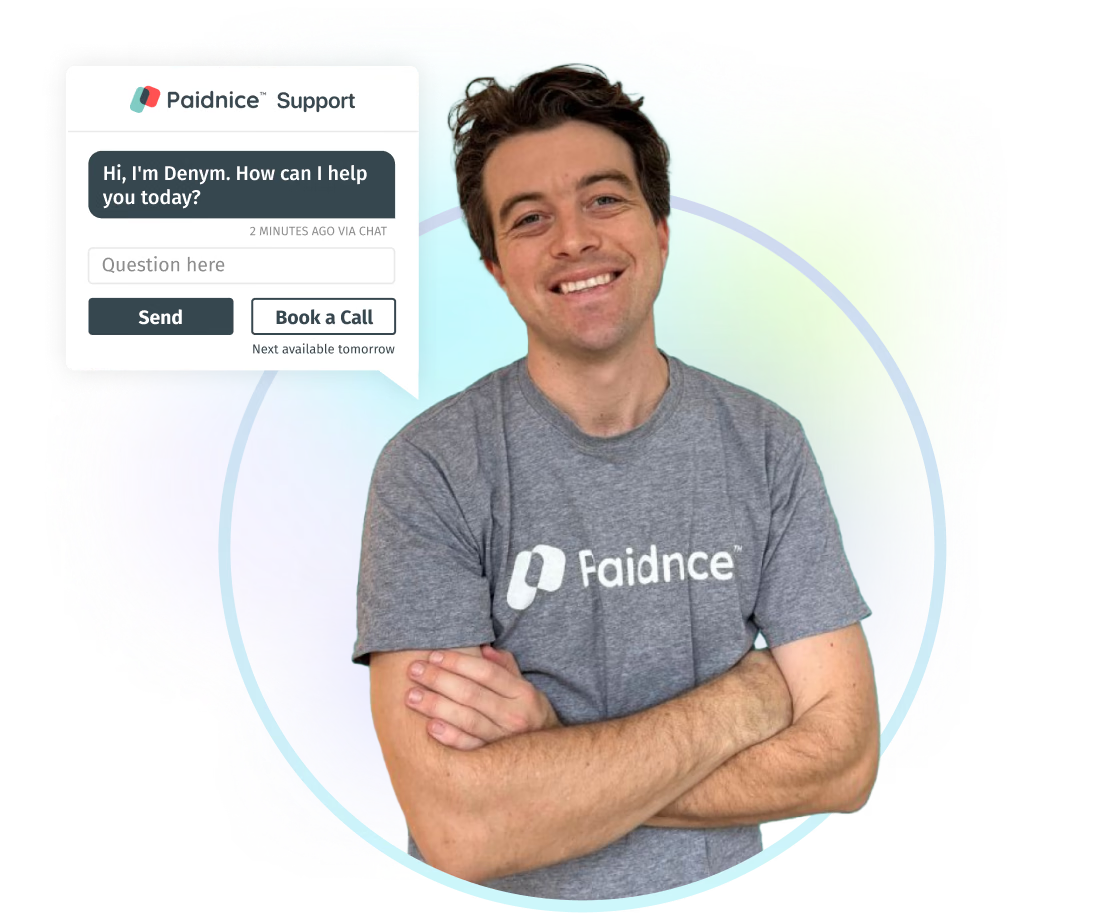
Talk to the people who build Paidnice. We help in every time zone and know collections inside out.

“The best service I have had from anyone in years. The product does exactly what it says.”
Anna H. on the Xero App Store
Denym from the Paidnice team, next to a support chat window
Xero

Put your Xero statements on autopilot

Connect Xero and Paidnice drafts your statement policy. Nothing is sent until you approve it.

Rated 5 stars, 160+ reviews · Xero App of the Year