Summary
Sage Intacct is a strong ledger with basic collections tools. Dunning notices go by email one level at a time, a person starts each run, and printed notices and bulk reminders need extra modules. Credit control software covers the rest: reading replies, chasing by SMS and post, and late fees on the ledger. Choose by your hardest job.
- Paidnice: Best for teams that want the whole chase handled. Paidnice reads each reply with AI and drafts the answer for a person to approve, pauses until the promised date, and posts late fees in Sage Intacct. Credit checks through your Creditsafe API connection, on the Custom plan.
- Chaser: Best for UK firms that want phone calls in the chase as well as email, SMS and post. From $259/month.
- Credit Hound: Best for UK teams on Sage that chase by phone. Its strength is call-back, promise and dispute tracking with reports on each. From $25 per user/month.
- Sage Intacct on its own: Credit limits, AR aging, statements and email dunning notices come included. The dunning run covers the current entity, one level at a time.
Paidnice connects to your ERP on the Custom plan. Book a demo on your own data, and a specialist sets up the connection.
Credit control software for Sage Intacct adds a schedule, reply reading and a late fee on the ledger to Sage Intacct's dunning notices and Cash Management payment reminders. Book a demo to see it on your own Sage Intacct ledger.
What does Sage Intacct include for credit control by default?
Sage Intacct's Accounts Receivable help describes per-customer credit limits and holds, configurable aging periods, printed and emailed statements, and dunning notices by email. A person sends the notices one level at a time.
| Control | Documented in Sage Intacct | What the documentation describes |
|---|---|---|
| Credit limits and holds | IncludedWarn, block or nothing | A limit per customer; the response when it is exceeded is Warn (the default), block, or do nothing, and a customer on hold defaults to block. |
| AR aging | IncludedSet your own periods | You set the number of aging columns and their day ranges in AR configuration. |
| Customer statements | IncludedPrint or email | Default printed and email templates, open item or balance forward, aging included. |
| Reminders (dunning) | IncludedEmail; print add-on | Levels by days overdue and invoice amount, an email or printed template per level, current entity only, no schedule described. |
| Finance charges | Not documentedPenalties account only | AR configuration lists a Penalties GL account and describes no rate, schedule or run for charging one. |
| Payment links and portal | Add-onNeeds a payment provider | Pay Invoice Now and a customer portal need a subscription to an inbound payment service provider. |
| Email sending | IncludedInvoices and statements | Sage's Accounts Receivable page lists emailing invoices. The dunning help names the Company subscription for email templates. |
Source: Sage Intacct help, credit limits for customers, customers on credit hold, configure Accounts Receivable, AR statements, dunning overview, 2026 R2 customer payments; invoice email per Sage's Accounts Receivable page.
What needs an add-on in Sage Intacct?
Four extras sit outside base dunning: Platform Services for printed notices, Cash Management for bulk email reminders, a payment provider for pay links, and Sage AR Automation for scheduled chasing.
Platform Services or Customization
Platform Services or Customization is needed for printed templates. Email templates come with the Company subscription and cannot list the invoices in the email text, though copies can be attached. Source: Sage, dunning templates.
Cash Management: Create payment reminders
A bulk email reminder from Cash requirements, in early adopter release in 2026 R2. A user reviews the list and clicks Send, one entity at a time, with a fixed template, a 14-day cut-off and a 10-day skip. Source: Sage, 2026 R2 release notes.
Pay Invoice Now and customer portal
A pay link in invoice emails and a portal listing the customer's open invoices, in early adopter release. Seven countries: Australia, Canada, France, Germany, Ireland, the UK and the US. Source: Sage, 2026 R2 customer payments.
Sage AR Automation
Its feature list includes automatic payment reminders, collections cadences, dispute logging, a credit score and a payment portal, across three plans: Essentials, Standard and Pro. Sage's page addresses teams issuing 1,000 or more invoices a month. Source: Sage, Sage AR Automation.
What does Sage Intacct's dunning still miss?
Sage Intacct's dunning stops at the send. The documentation describes a person starting every run, each run covering one entity and one level. It describes no step that reads the reply, records a promise or raises a fee.
After the notice leaves, your team still has to:
- Start every run by hand. The send screen asks for a date basis, one level, customers and Print or Email. The documentation shows no schedule, so a week nobody opens it goes unchased.
- Switch entity and run again. Sage's dunning overview says notices include invoices from the current entity only. A group with three entities and three levels runs the screen nine times.
- Work out which invoice the customer means. The email template cannot list the invoices, so a reply asking "which one?" comes before any talk of payment.
- Note the promised date somewhere else. The next run filters by date basis, level and customer only, so the promise lives in a spreadsheet. A promise never recorded never reaches the cash forecast.
- Raise any late fee as a separate invoice. The AR configuration lists a Penalties GL account and describes no rate, schedule or run for charging one. The overdue balance never grows, however late the customer pays.
- Chase by SMS or post from a second tool. Dunning goes by email or printed PDF, and the 2026 R2 bulk reminder is email only. The documentation describes no other channel for a customer who ignores email.
The reply lands in a mailbox outside Sage Intacct, so the Email delivery log and the conversation with the customer live in two places.
Where Paidnice fits: if you want to...
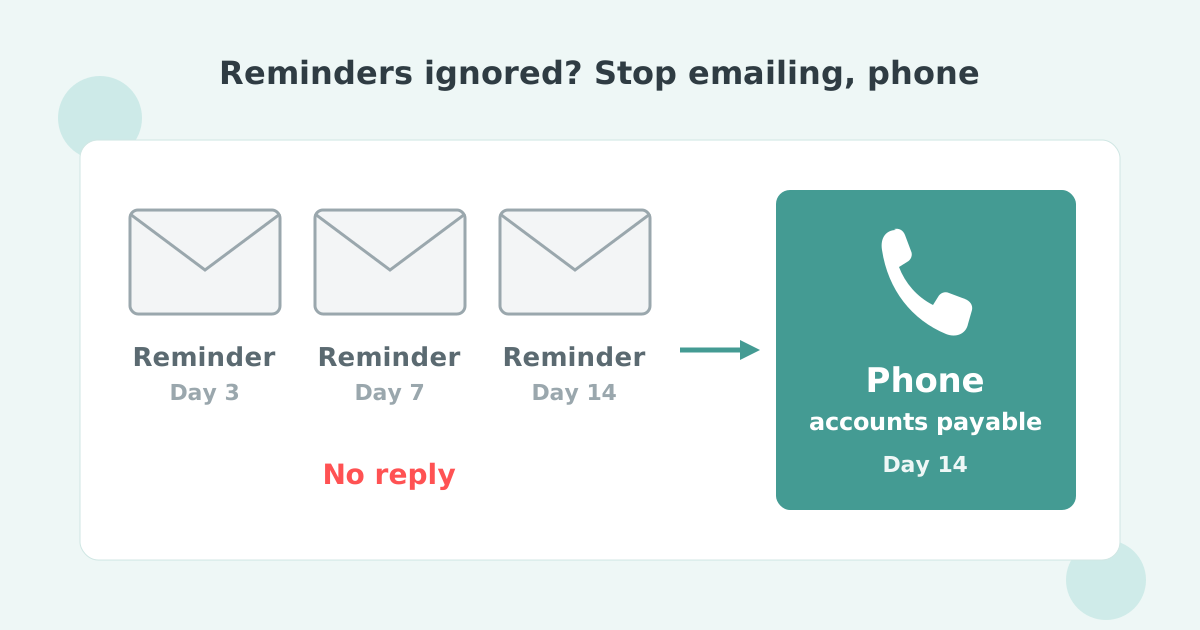
Paidnice runs the chase on a schedule across every entity and reads the reply. It pauses to the promised date and posts fees into Sage Intacct as invoices, on the Custom plan.
| If you want to... |  Sage Intacct and add-ons Sage Intacct and add-ons |  Paidnice Paidnice |
|---|---|---|
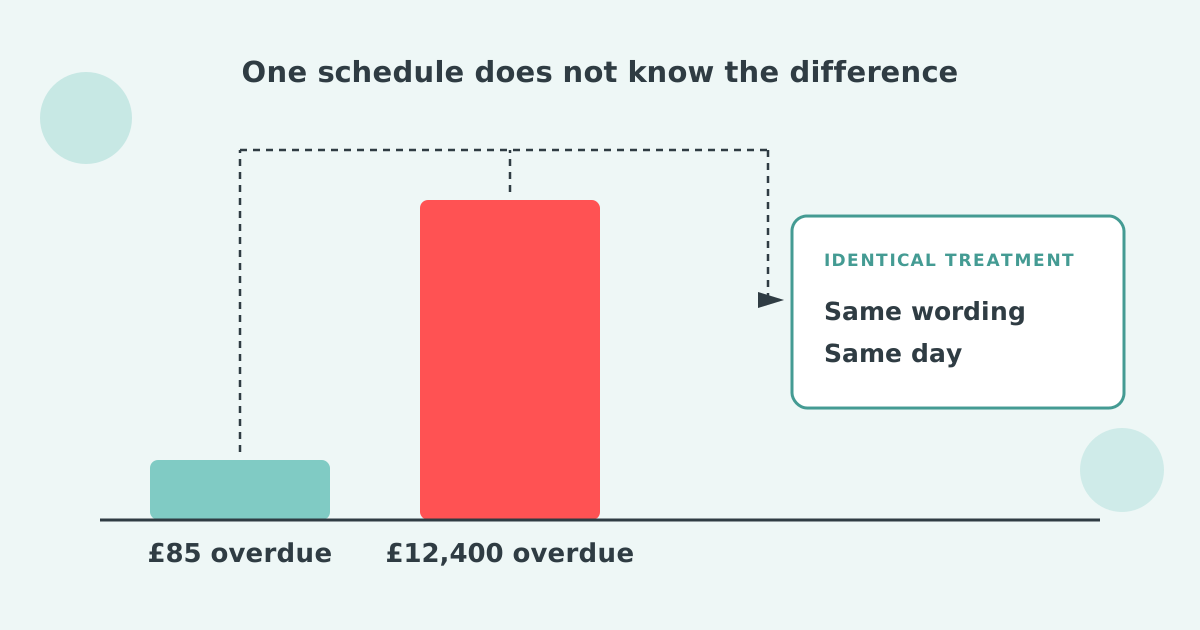
| Run reminders without a person | Not documentedNo schedule described | YesSchedule per group |
| Read replies and log a promised date | Not documentedNo reply step described | YesPauses until the date |
| Post late fees as invoices | Not documentedNo fee run described | YesDraft or Approved |
| Send SMS and posted letters | Not documentedEmail or print described | YesEmail, SMS, letters |
| Chase every entity on one schedule | NoCurrent entity only | YesMulti-entity add-on |
| Hand quiet accounts to an owner | Not documentedCases on Sage's page | YesEscalation to the owner |
| Chase by customer group | PartialCustomer filter per run | YesGroups with routing |
Sage Intacct cells from the help pages linked above; collection cases per Sage's Accounts Receivable page.
Paidnice is good for you if you want to:
- Take the dunning run off someone's task list. Email and SMS reminders and posted letters go out per customer group on a schedule, and a payment posted in Sage Intacct stops chasing straight away.
- Have the reply read and the promise kept. Paidnice reads the reply, drafts the response, logs the promised payment date and pauses chasing until then. A person approves before anything sends.
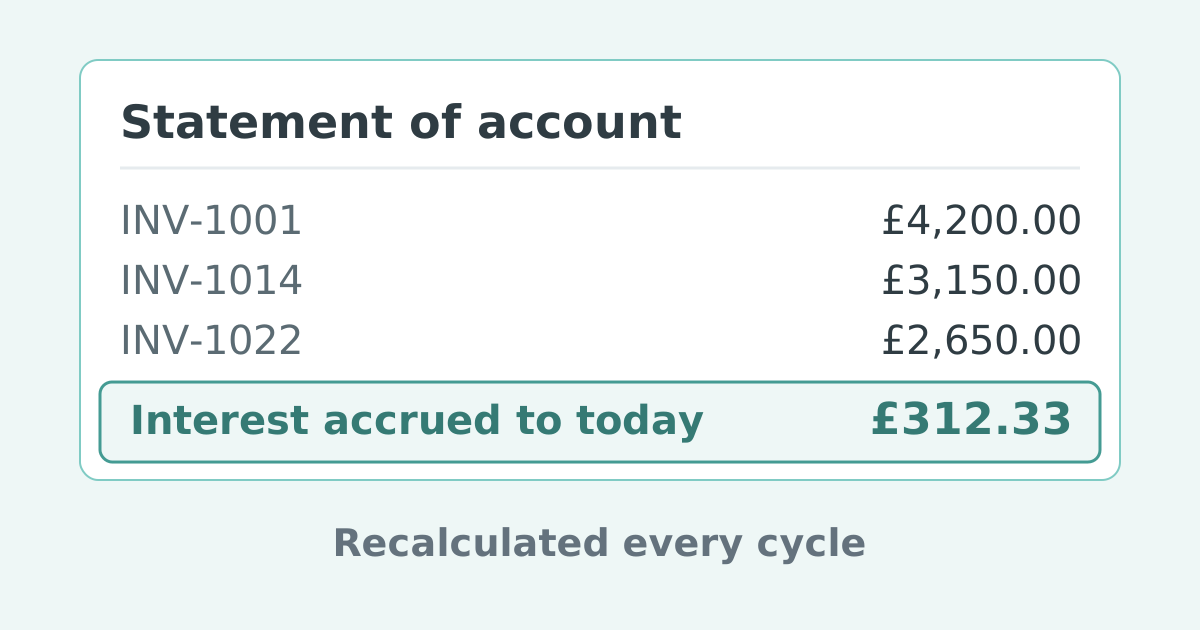
- Put the late fee in the customer's payables. Fees and interest post into Sage Intacct as invoices, Draft or Approved, with a grace period you set, so the charge is leverage. UK base-rate interest is indexed automatically.
- Cover every entity from one place. One schedule runs across every entity on the multi-entity add-on, with automatic statements, including parent and child consolidated statements.
- Give quiet accounts a named owner. Escalation workflows raise a task to the account owner at a set number of days overdue, with every chase so far on the record.
Paidnice customers cut their average wait for payment in half, within 30 days. Sage Intacct runs on the Custom plan, with credit checks through your Creditsafe API connection, an implementation specialist and a dedicated account manager.
Sage Intacct credit control tools compared (2026)
Sage Intacct's native dunning, Paidnice, Chaser and Credit Hound, compared on plan, channels, reply handling, fees to the ledger, multi-entity support and fit.
| Sage Intacct native | Paidnice |  Chaser Chaser |  Credit Hound Credit Hound | |
|---|---|---|---|---|
| Plan | Included, print add-on | Custom plan | From $259/mo | From $25/user/mo |
| Channels | Email, printed PDF | Email, SMS, letters | Email, SMS, post, calls | Email, tasks, pay link |
| Reads reply, holds run | Not documentedNo reply step described | YesPauses to the date | Not published | Not published |
| Fees and interest | Not documentedNo fee run described | YesInvoices, Draft/Approved | Not published | Not published |
| Multi-entity | NoCurrent entity only | YesAdd-on per entity | YesCore tier and up | PartialExtra company priced |
| Best for | Single-entity teams that run dunning by hand | Teams that want replies read and fees posted | UK firms that also chase by phone | UK SMB Sage users adding a chase schedule |
Our guide to credit control for ERPs covers every ERP we connect.
How to choose credit control software for Sage Intacct
Pick a tool that runs the schedule, reads the reply and posts the fee, so the dunning run drops off someone's task list.
Ask each vendor these six questions. Each maps to a Sage Intacct control named above.
- Does a payment posted in Sage Intacct stop the chase at once? A notice sent after the payment landed costs the relationship.
- Does the schedule run without a person? Native dunning waits for someone to open the send screen and pick a level, and the 2026 R2 bulk reminder still runs one entity at a time.
- Does one schedule cover every entity? Native notices cover the current entity only.
- Can the reminder list the invoices and reach an accounts payable contact? The native email text cannot list the invoices, and a printed notice needs a Platform Services or Customization subscription.
- Does a reply with a date pause the sequence? The native run filters by date basis, level and customer only.
- Do fees and interest post into Sage Intacct as invoices? AR configuration describes no finance charge run, so the tool has to raise the fee on the ledger.
Nice to have: posted letters without a Platform Services subscription, a payment link in every reminder, consolidated parent and child statements, and credit checks.
See Paidnice on your Sage Intacct ledger
A Paidnice demo runs on your own Sage Intacct ledger before anything goes live. It shows which overdue accounts it would chase first, how one schedule covers every entity, and how a payment posted in Sage Intacct stops the chase.
Book a demo and bring your Sage Intacct data. An implementation specialist and a dedicated account manager set up the Custom plan after the demo. Customers cut their average wait for payment in half, within 30 days.
On Sage Accounting instead? Read credit control software for Sage Accounting, or compare credit control software for NetSuite.
Sage Intacct credit control: common questions
Short answers on what Sage Intacct's dunning does alone, what it leaves out, and how Paidnice connects on the Custom plan.
Does Sage Intacct send dunning notices automatically?
Not according to Sage's documentation. Sage Intacct's dunning levels set which customers qualify. A user then opens the send screen, picks a date basis, one level and the customers, and prints or emails the notices. The 2026 R2 "Create payment reminders" button sends a bulk email, one entity at a time, in early adopter release.
Can Sage Intacct charge late fees or interest?
Sage's AR configuration lists a Penalties GL account and describes no rate, schedule or run for charging one, so a fee is a separate invoice someone raises by hand. Paidnice posts fees and interest into Sage Intacct as invoices, Draft or Approved, from a policy with a grace period. UK base-rate interest (3.75% since 18 December 2025) is indexed automatically.
Can Sage Intacct send reminders by SMS or post?
Not in Sage Intacct's standard documentation. Sage Intacct sends dunning notices by email or as a printed PDF, and the printed template needs a Platform Services or Customization subscription. The 2026 R3 release (7 Aug 2026) added a custom sender and reply-to address, still by email. Paidnice on the Custom plan adds SMS and posted letters on the same sync.
What is Sage AR Automation?
Sage AR Automation is a separate Sage product for scheduled chasing, with pricing on request. A Sage partner describes Sage Intacct Collections as adding scheduled email templates and at-risk invoice predictions on top of Intacct. Sage's page addresses teams issuing 1,000 or more invoices a month. Paidnice differs in reading the customer's reply and in posting fees to the ledger.
Does Paidnice connect to Sage Intacct?
Yes, on the Custom plan. Invoices, payments and credit notes sync instantly, and fees and interest post back as invoices. Where native dunning runs one entity and one level at a time, Paidnice runs one schedule across every entity, with the multi-entity add-on priced per entity. An implementation specialist sets it up after the demo.

Stop chasing invoices.
Start getting paid.
Paidnice is accounts receivable automation that enforces your payment terms. On the Custom plan it connects to your ERP, and a specialist sets it up after a demo.
Book a demo