



Summary
An accounts receivable CRM is software that holds each customer's open invoices, payment history, notes and follow-up tasks in one record, separate from a sales CRM's deal pipeline. It reads from the accounting ledger and adds the payment behavior and conversation history that the ledger itself does not track, so a finance team can collect on time.
- Not a sales CRM: A sales CRM tracks the deal before the invoice; an accounts receivable CRM tracks the customer after it, with different users, data and goal.
- Six jobs it should cover: Sync with the ledger, score payment behavior, log every conversation, automate follow-up, assign tasks to people and report the results.
- Paidnice angle: Paidnice gives every customer a credit score from 0 to 100, built from their own payment behavior and shown against the contact wherever it appears in the app.
What is an accounts receivable CRM?
An accounts receivable CRM is a customer record for the finance team. It reads invoices from the accounting system and adds payment behavior, contacts, conversations, promises to pay and the next action for each account.
You may see the same idea called a CRM for accounts receivable or a collections CRM. In a B2B finance team, all three names mean a customer record built around what the customer owes.
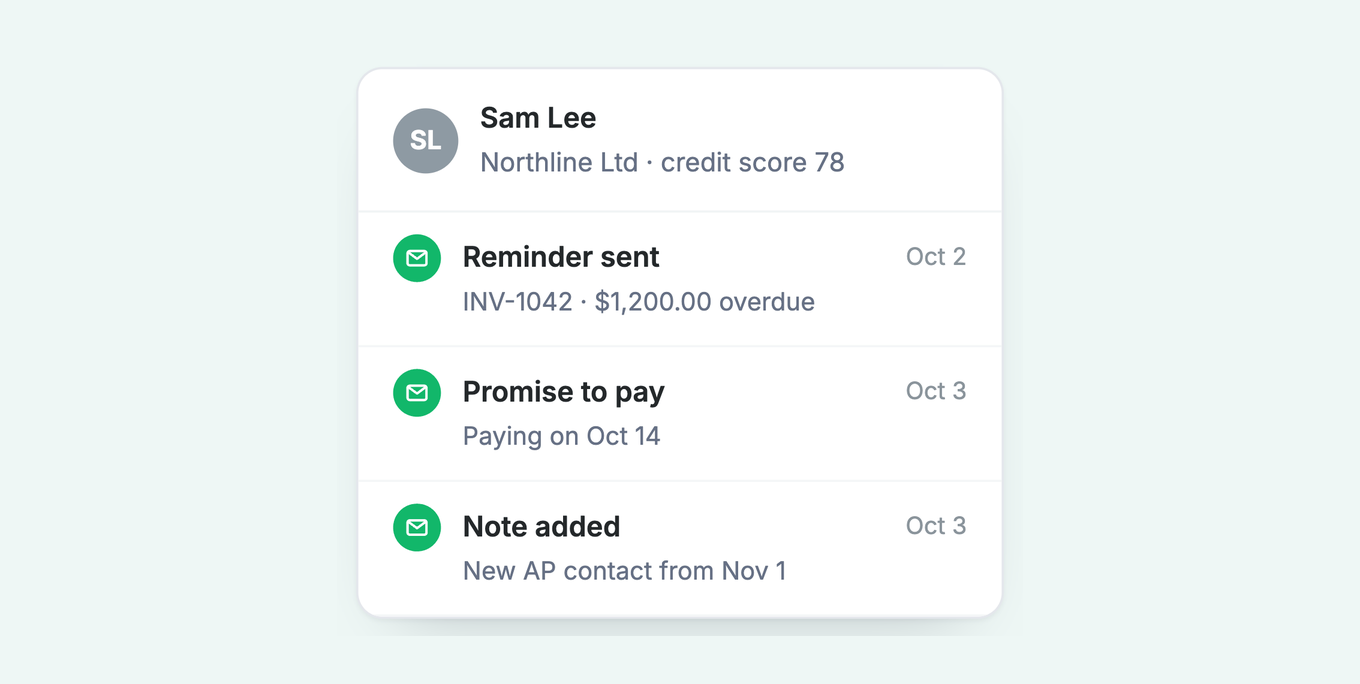
The accounting system records that an invoice exists and if it is paid. It does not record that the customer's payables contact changed last month, that they promised payment on the 14th, or that one invoice is in dispute. That knowledge usually sits in one person's inbox.
An accounts receivable CRM puts that knowledge against the customer and the invoice. It also does the routine work: reminders, statements, late fees and tasks for the people who must make a call. Read how financial relationship management compares with accounts receivable automation if the category names are unclear.
Free: Payment reminder email templatesCopy the reminder emails for before, on and after the due date.How is it different from a sales CRM?
A sales CRM tracks deals before the invoice. An accounts receivable CRM tracks the customer after the invoice. The users, the data and the goal are all different.
| Sales CRM | Accounts receivable CRM | |
|---|---|---|
| Core user | Sales and account managers | Finance and credit control |
| Data it holds | Leads, deals, pipeline | Invoices, balances, payment history |
| Source of truth | The CRM itself | The accounting ledger |
| Goal | Win the sale | Get the invoice paid on time |
| Payment terms | Not applied | Applied by rule |
What is the role of a CRM in accounts receivable automation?
A CRM's role in accounts receivable automation is to hold the customer-level context, contacts, notes, promises to pay and payment behavior, that the accounting ledger does not store, so automated follow-up can be personalized instead of generic.
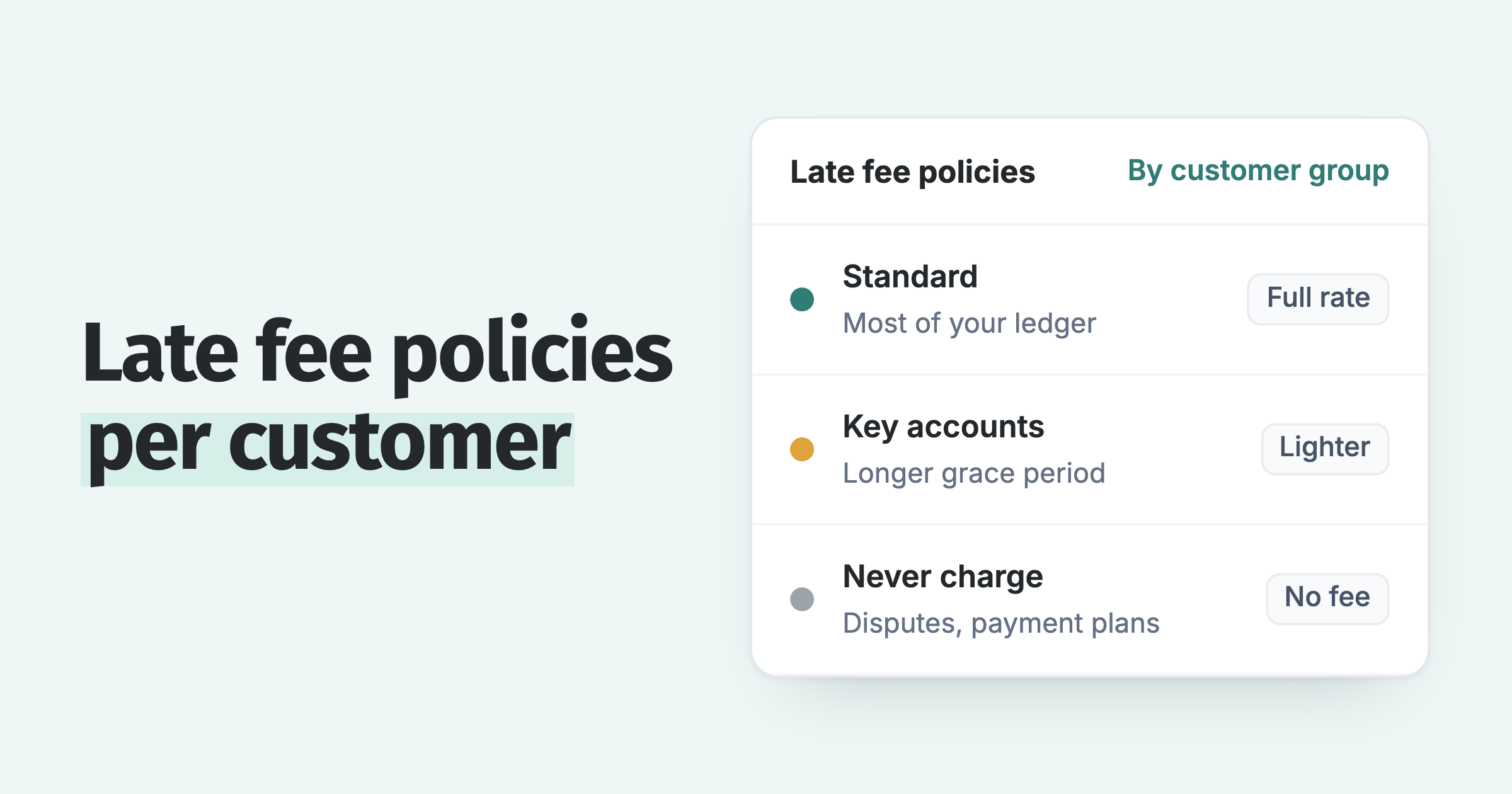
Automation alone sends every customer the same reminder at the same interval. The CRM layer decides what goes out and to whom: a key account gets a softer sequence and no fee, a slow payer gets an earlier reminder and a fee after the grace period. Paidnice rates every customer from 0 to 100 on their own payment history with you, shown against the contact wherever it appears, so the sequence and the fee policy follow the score rather than a static risk label.
What should an accounts receivable CRM do?
It should cover six jobs: sync with the ledger, score payment behavior, record every conversation, automate routine follow-up, assign tasks to people, and report the results.
- Ledger sync. Invoices, payments and credit notes come from the accounting system. Nothing is typed twice.
- Payment history per customer. Average days to pay, overdue balance and a score that shows who pays well and who does not.
- Notes and promises. Call outcomes, disputes and expected payment dates stored against the invoice.
- Automated follow-up. Reminders, statements and late fees sent by rule, with different rules for different customer groups.
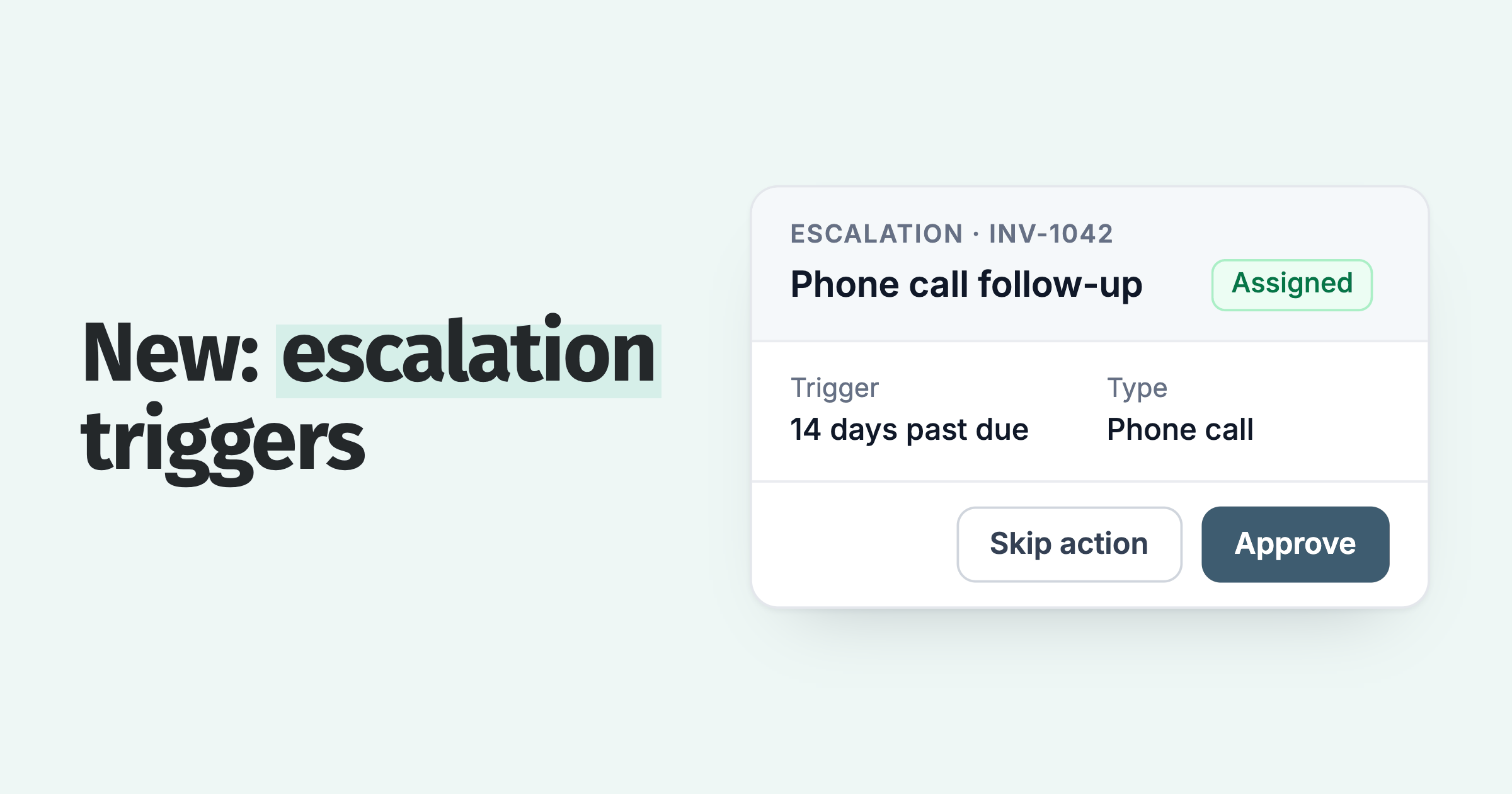
- Tasks and escalation. A phone call, a credit stop or a legal letter assigned to a named person at a set point.
- Reporting. Aging, days sales outstanding and on-time payment rate, without a spreadsheet export.
How do you evaluate an accounts receivable CRM?
Test seven things: the ledger connection, how terms are enforced, customer segmentation, approval controls, the team workflow, the link to your sales CRM, and how the price grows.
1. Does it connect to your ledger both ways?
The tool should read invoices and payments automatically and write back what it creates, such as a late fee invoice or a note. Ask what happens at connection. A tool that ignores invoices that were already open on day one leaves your oldest debt outside the system.
2. Does it enforce your terms, or only remind?
Some tools only send reminders. Your payment terms have leverage only when the consequence is applied each time. Look for late fees and interest that apply automatically and can be waived deliberately, plus statements and escalation that run by rule. Paidnice treats the enforcement of terms as a fifth part of financial relationship management. The general definition does not include it.
3. Can different customers get different treatment?
A key account and a slow-paying one-off buyer should not receive the same sequence. Check that you can put customers in groups, run a different policy for each group, and take one disputed invoice out of a policy without switching the policy off for the whole customer.
4. Who approves what goes out?
Ask if a person can approve actions before they send, and if the tool shows every message sent and who sent it. Customer replies should be visible in the same place as the invoice.
5. Does it support a team?
Look for assigned owners, escalation tasks assigned to a person, mention notifications, and alerts to Slack or Microsoft Teams. Check the user pricing too. A per-seat fee discourages you from giving sales and operations the access they need.
6. Does it feed your sales CRM?
The simplest reliable method is BCC logging. Each reminder is copied to the logging address of HubSpot, Pipedrive or Salesforce, and the message appears on the customer's timeline. The customer does not see the BCC address. The steps for six CRMs, on QuickBooks Online, are in QuickBooks CRM integration.
7. How does the price scale?
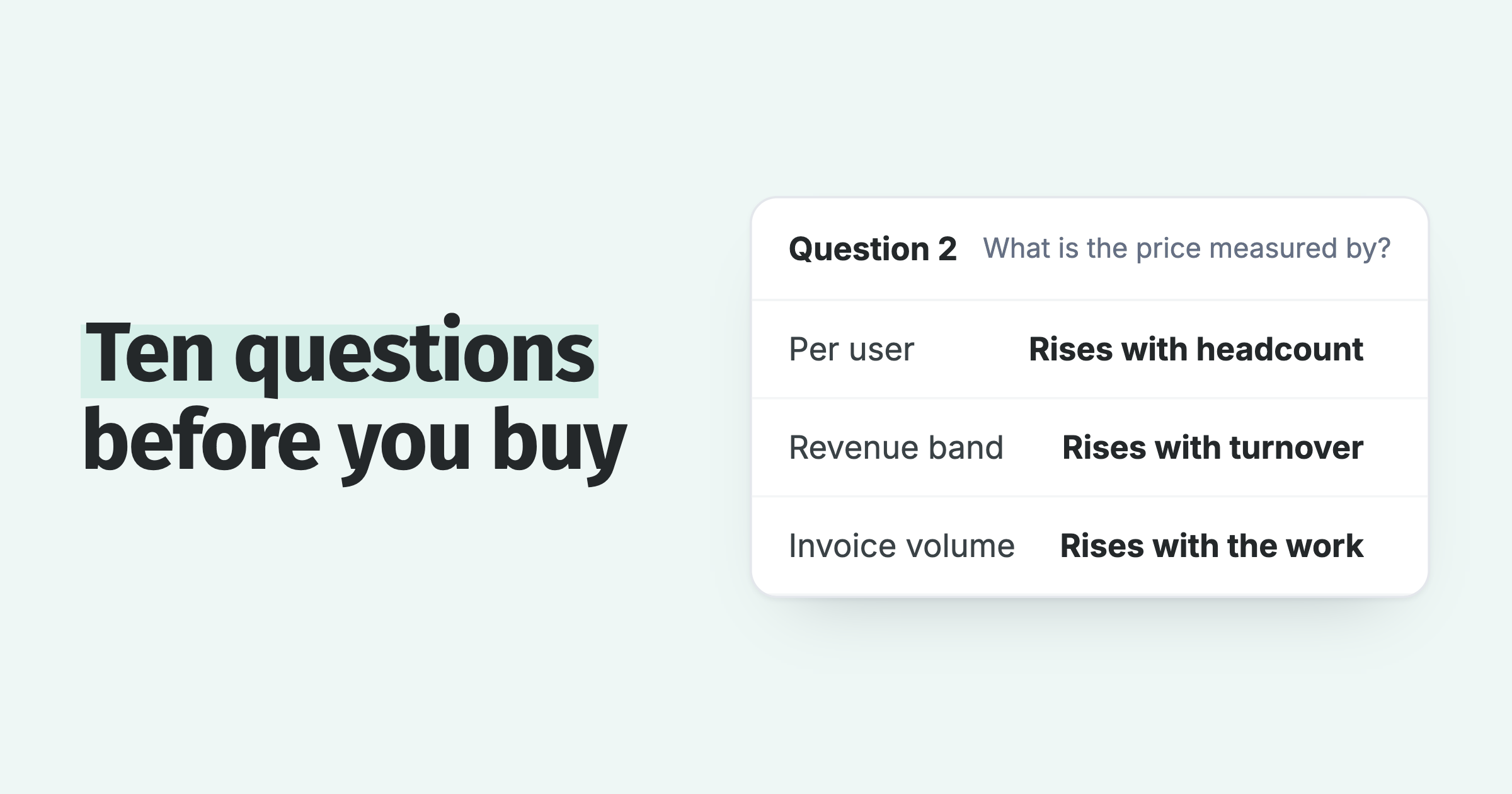
Some vendors price by your annual revenue, some by user, some by invoice volume. Pricing by invoice volume matches the work the software does. Ask about contract length and the cost of the next tier before you start. Entry prices for five tools are in the credit control software UK comparison.
If you are comparing a dedicated financial relationship management platform against a general CRM, read how to pick a financial relationship management system, which has the FRM vs CRM comparison and a longer vendor checklist.
Which KPIs should an accounts receivable CRM improve?
Track days sales outstanding (DSO) and the collection effectiveness index (CEI). DSO shows how long you wait for payment. CEI shows how much of the collectable money you collected.
Days sales outstanding (DSO)
DSO = (accounts receivable ÷ credit sales in the period) × days in the period.
Example: $120,000 of receivables and $300,000 of credit sales in a 90-day quarter gives (120,000 ÷ 300,000) × 90 = 36 days. A lower number is better. Compare DSO with your payment terms. If your terms are 30 days and DSO is 52, customers take 22 days of free credit.
Collection effectiveness index (CEI)
CEI = (opening receivables + credit sales − closing total receivables) ÷ (opening receivables + credit sales − closing current receivables) × 100.
Example: opening receivables $100,000, credit sales $300,000, closing total receivables $120,000, of which $90,000 is not yet due. CEI = (400,000 − 120,000) ÷ (400,000 − 90,000) × 100 = 90.3%. A result near 100% means you collected almost all the money that was due in the period.
DSO moves when sales move, so a strong sales month can hide slow collections; CEI does not. Read the two together, with aging buckets and on-time payment rate, in a tool with accounts receivable reporting built in.
Where do credit decisions fit?
Credit management has two jobs: deciding who gets credit, and managing the credit you have given. An accounts receivable CRM does the second job and supplies evidence for the first.
The payment history in the CRM shows how a customer behaves with you; a bureau report shows how they behave with others. For limits, holds and follow-up, see credit management software. If you charge for late payment, a late fee manager runs the policy: who is charged, who is exempt and what was collected.
Frequently asked questions
A collections CRM in a B2B business is an accounts receivable CRM. It works beside your sales CRM and your accounting software, and replaces neither.
What is a collections CRM?
In a B2B business it is another name for an accounts receivable CRM: software for collecting your own invoices from your own customers. It is different from the debt-collection software that agencies use to work debts for other companies.
Can a sales CRM manage accounts receivable?
Only in part. A sales CRM can show an invoice status through an integration. It does not apply payment terms, send statements, add late fees or calculate DSO. Most teams keep the sales CRM and connect an accounts receivable tool to it.
What are the five C's of credit?
They are the five tests a lender or supplier uses before giving credit.
- Character: the customer's record of paying what they owe.
- Capacity: the cash flow available to pay you on time.
- Capital: the money the owners have in the business.
- Collateral: the assets that could secure the debt.
- Conditions: the economy, the industry and the terms of the sale.
An accounts receivable CRM gives you first-hand data on character, because it records how each customer pays you.
Does an accounts receivable CRM replace accounting software?
No. The ledger stays the source of truth for invoices, payments and tax. The accounts receivable CRM connects to it, for example to a Xero organisation or a QuickBooks Online company, and does the collection work. Accounts receivable automation explains that work in full.
Paidnice features in this article
About the editorial team
Denym started Paidnice in 2022 after customers paying late left his own business short on payroll. He has led it to $1 billion collected on time across more than 1 million invoices, and writes about credit control, late fees and getting paid on Xero and QuickBooks.
Ashley is a co-founder and lead developer of Paidnice and has built accounting software for more than 10 years. He builds the ledger connections that put reminders, late fees and payments into Xero, QuickBooks and ERPs such as NetSuite and Business Central. Before Paidnice he co-founded A2X, ecommerce accounting software for Xero and QuickBooks.
 App of the Year