


Summary
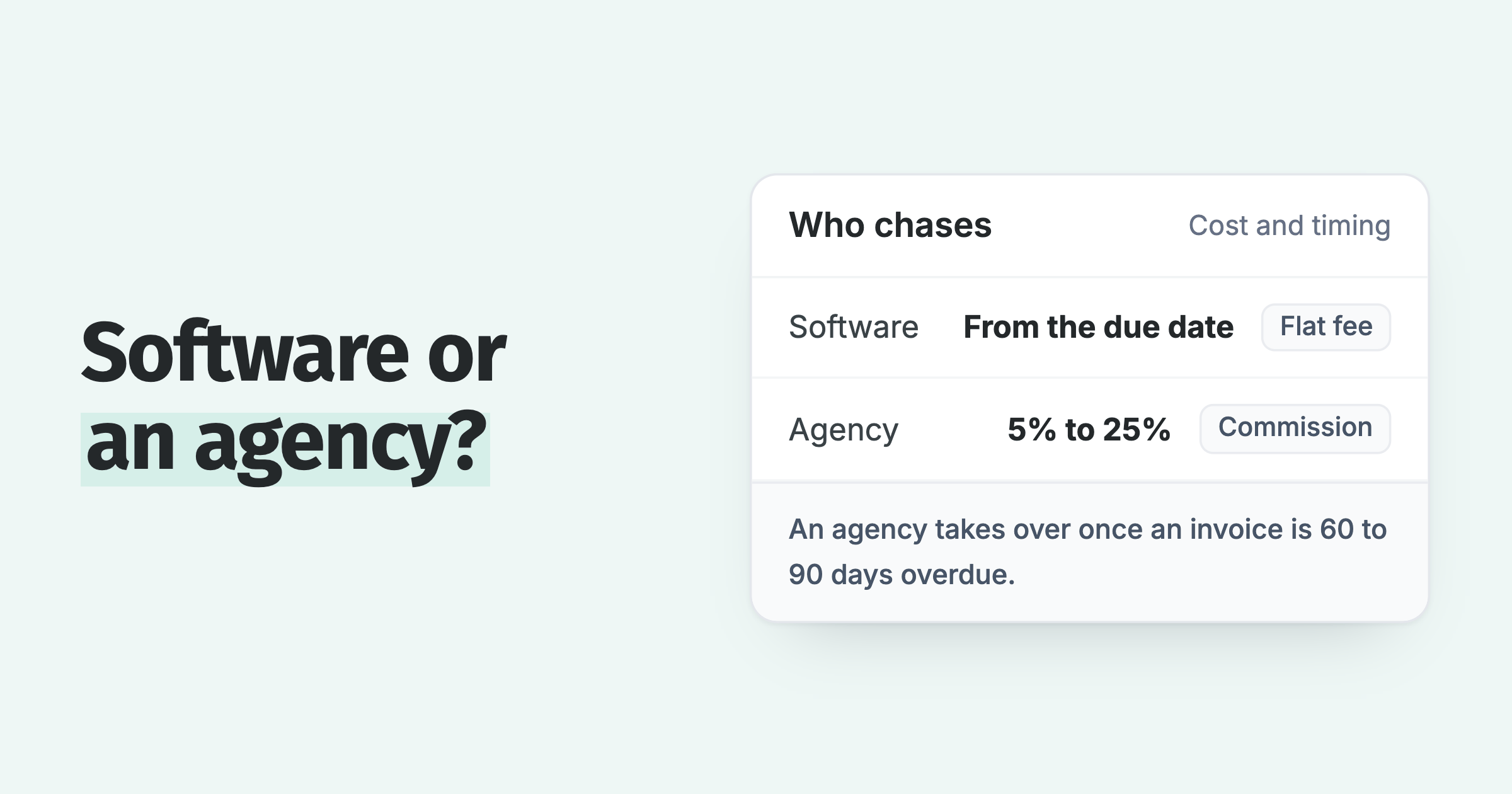
The dunning process is the structured sequence of steps a business follows to collect an overdue invoice: a pre-due reminder, a first overdue notice, a second notice with a late fee, a final notice, then escalation. A standard dunning process runs those five stages over three to four weeks, each step firmer than the last.
- Not the same as SaaS dunning: B2B invoice dunning chases a person to pay an issued invoice; SaaS dunning retries a failed card charge automatically. They share a name and little else.
- How many emails: Three to five touches across three to four weeks is enough for most overdue invoices, because most are paid after the second or third reminder.
- The automated result: On Xero and QuickBooks, Paidnice runs the full dunning ladder automatically, and customers see half as many late invoices in the first 30 days.
What is the dunning process?
The routine sits between "invoice sent" and "invoice paid." You send a reminder. You send another. You add a late fee. You send a statement. If nothing lands, the account is escalated to a phone call, a payment plan or a collector.
Most small businesses already run a version of this manually, inconsistently, because it is nobody's favorite job. Naming the steps matters because a written process can be made consistent and handed to software. For the one-line definition of the word itself, see the dictionary entry on dunning. This page is the working manual: the stages, the emails, and the automation. On NetSuite the automation starts with the Dunning Letters SuiteApp, and its caps are listed in NetSuite dunning limits. Dynamics 365 Finance runs a version of it as collections process automation.
Free: Payment reminder email templatesCopy the reminder emails for before, on and after the due date.How is B2B invoice dunning different from SaaS subscription dunning?
Search "dunning" and the results blur two worlds together. One is a finance team following up on a $9,000 invoice that is 20 days past its net-30 terms. The other is a subscription app whose customer's card just declined at renewal. Both are called dunning. Almost nothing else about them matches: the trigger, the actor, the channel, and the way it fails are all different.
If you run a B2B business on Xero or QuickBooks, you are almost always in the left column below. The card-retry playbook that dominates the SaaS blogs does not map to your situation, and following it will leave real money on the table.
| B2B invoice dunning | SaaS subscription dunning | |
|---|---|---|
| What you chase | A person to approve and pay an issued invoice | A failed card charge to retry successfully |
| Trigger | An invoice passes its due date | The payment processor declines a charge |
| Who takes the action | The customer (approves, queries, or pays) | The bank or card network (the retry clears) |
| Main channels | Email, SMS, statements, and phone calls | Automated card retries plus "update your card" emails |
| Tone that works | Firm, personal, aware of the relationship | System notifications, low-touch and transactional |
| How it fails | The account escalates to collections | The subscription cancels (involuntary churn) |
| Typical timeframe | Days to weeks, tracking net 14 or net 30 terms | Minutes to days, across a short retry schedule |
| Software that fits | AR automation on Xero or QuickBooks (Paidnice) | Billing and retry logic (Stripe Billing and similar) |
Everything below is about the left column: getting a real customer to pay a real invoice, without wrecking the relationship in the process.
What are the stages of the dunning process?
Stages are only useful if they map to timing and tone. The ladder below is the one we see work most often for small and mid-sized businesses. Run the first four rungs consistently and most invoices never reach the fifth.
- 1Pre-due reminder3 days before due
A friendly heads-up that the invoice is coming up. Polite, no pressure, and it lifts on-time payment on its own.
- 2First overdue notice0 to 7 days late
Professional and understanding. Confirm they received the invoice and ask when payment will be sent.
- 3Second notice, late fee applied7 to 14 days late
Direct but still polite. The late fee or interest lands here, and the email states it plainly.
- 4Final notice14 to 30 days late
Firm and next-step-focused. A clear deadline to pay before the account is escalated.
- 5Escalation and handoff30+ days late
Final and factual, no threats. The account moves to a phone call, a payment plan offer, or a collections handoff.
If you want the timing and fee logic in more depth, we broke the full sequence down in the invoice escalation ladder. The principle is simple: the customer should always know what the next step is, and it should never come as a surprise.
What should each dunning email say?
The mistake most people make is writing every reminder in the same anxious tone, or going straight to hostile. Match the tone to the stage. Below is a copy-paste library for the three rungs that do most of the work. Swap the bracketed fields for your own.
Subject: Invoice [#1234] from [Your Company]

Hi [First name],

A quick note that invoice [#1234] for [$ amount] was due on [date] and is now showing as unpaid on our side.

If it is already on its way, thank you and please ignore this. If not, could you let me know when we can expect payment?

You can pay online here: [payment link]

Thanks,
[Your name]
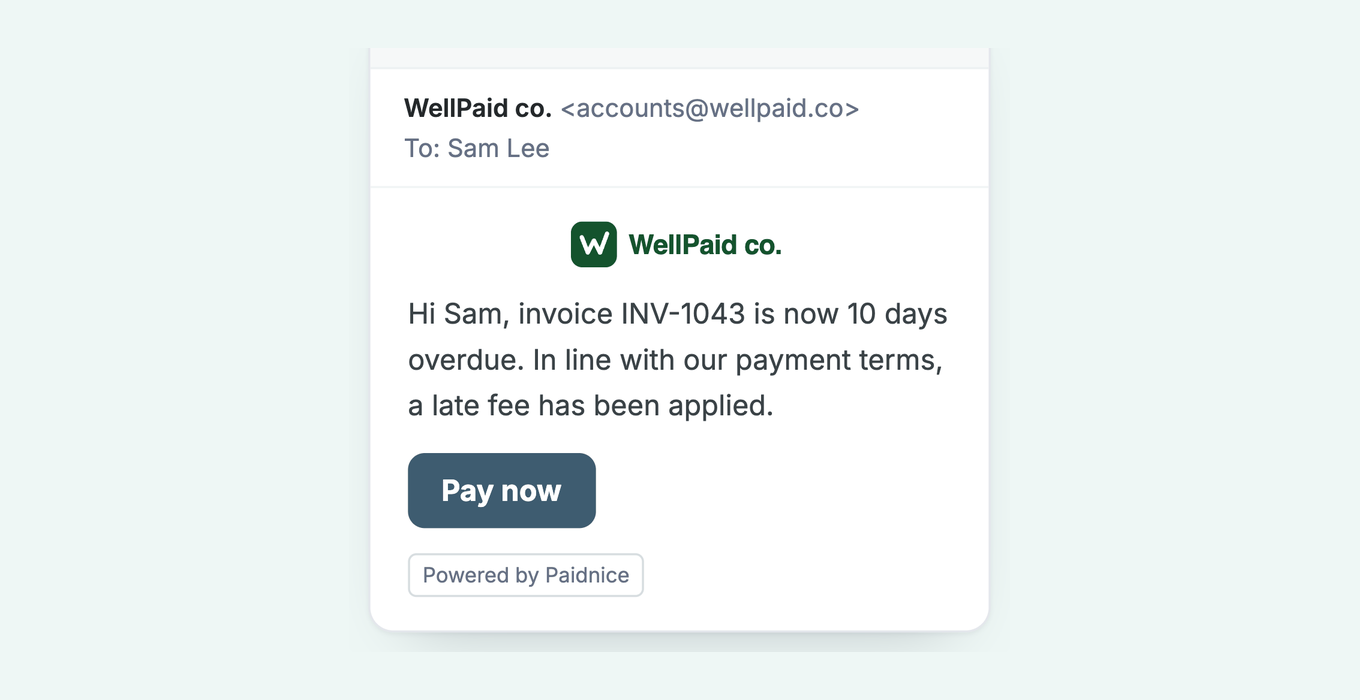
Subject: Invoice [#1234] is now overdue, late fee applied

Hi [First name],

Invoice [#1234] for [$ amount] is now [10] days overdue. In line with our payment terms, a late fee of [$ amount] has been applied, bringing the balance to [$ new total].

Please arrange payment at your earliest convenience: [payment link]

If something is holding this up, reply to this email and we will sort it out.

Thanks,
[Your name]
Subject: Final notice: invoice [#1234]

Hi [First name],

Invoice [#1234] for [$ total incl. fees] is now [21] days overdue. This is a final reminder before the account is escalated.

Please pay within 7 days to avoid escalation: [payment link]

If you would like to arrange a payment plan instead, let me know today and we can set one up.

Regards,
[Your name]
Need more variety so reminders never read like copies of each other? See our collection letter templates.
Is a dunning letter legal?
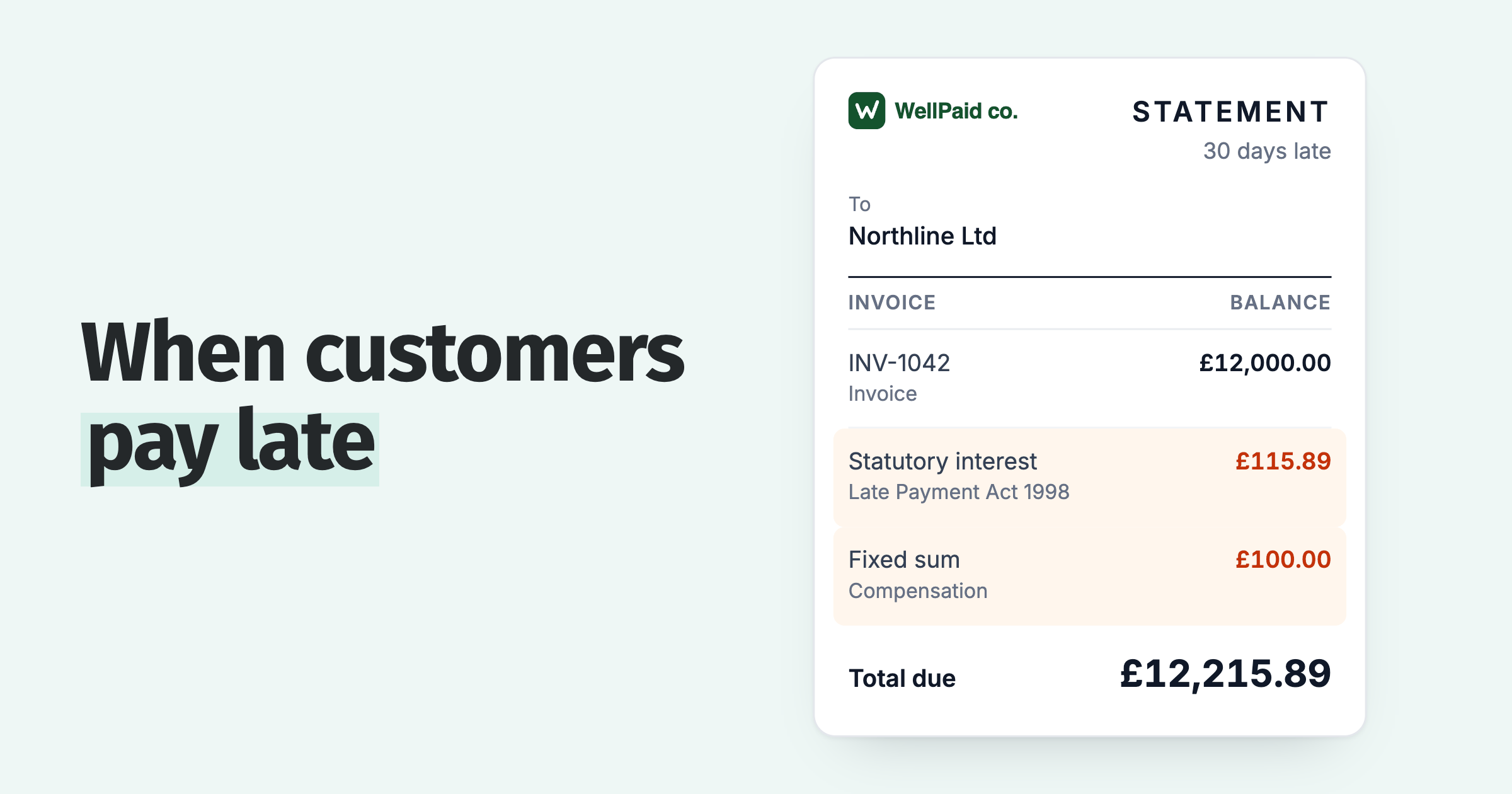
A dunning letter asks for money that is owed under the terms the customer already agreed to. The late fee it states is legal when the payment terms on the invoice provide for it, and in the UK a business can add statutory interest at the Bank of England base rate plus 8% a year on a commercial debt. Keep every letter factual: the invoice, the balance, the deadline and the next step. Do not threaten court action you do not intend to take, and do not contact a customer at a frequency a reasonable person would call harassment.
How many dunning emails should you send?
There is no magic count. Whether chasing works at all is one of the credit control myths our invoice data tests. What moves the needle is that a reminder goes out on schedule, every time, without someone having to remember to do it. When reminders are consistent, 8 in 10 invoices are paid within the first 60 days of using Paidnice, and the ones that slip rarely need the full ladder.
Send at least 4 dunning emails. When you chase an overdue invoice, it usually takes 2 to 3 follow-ups to get it paid. 6 in 10 are paid by the second follow-up and 8 in 10 by the fourth. About 1 in 10 is still unpaid 180 days after the due date.
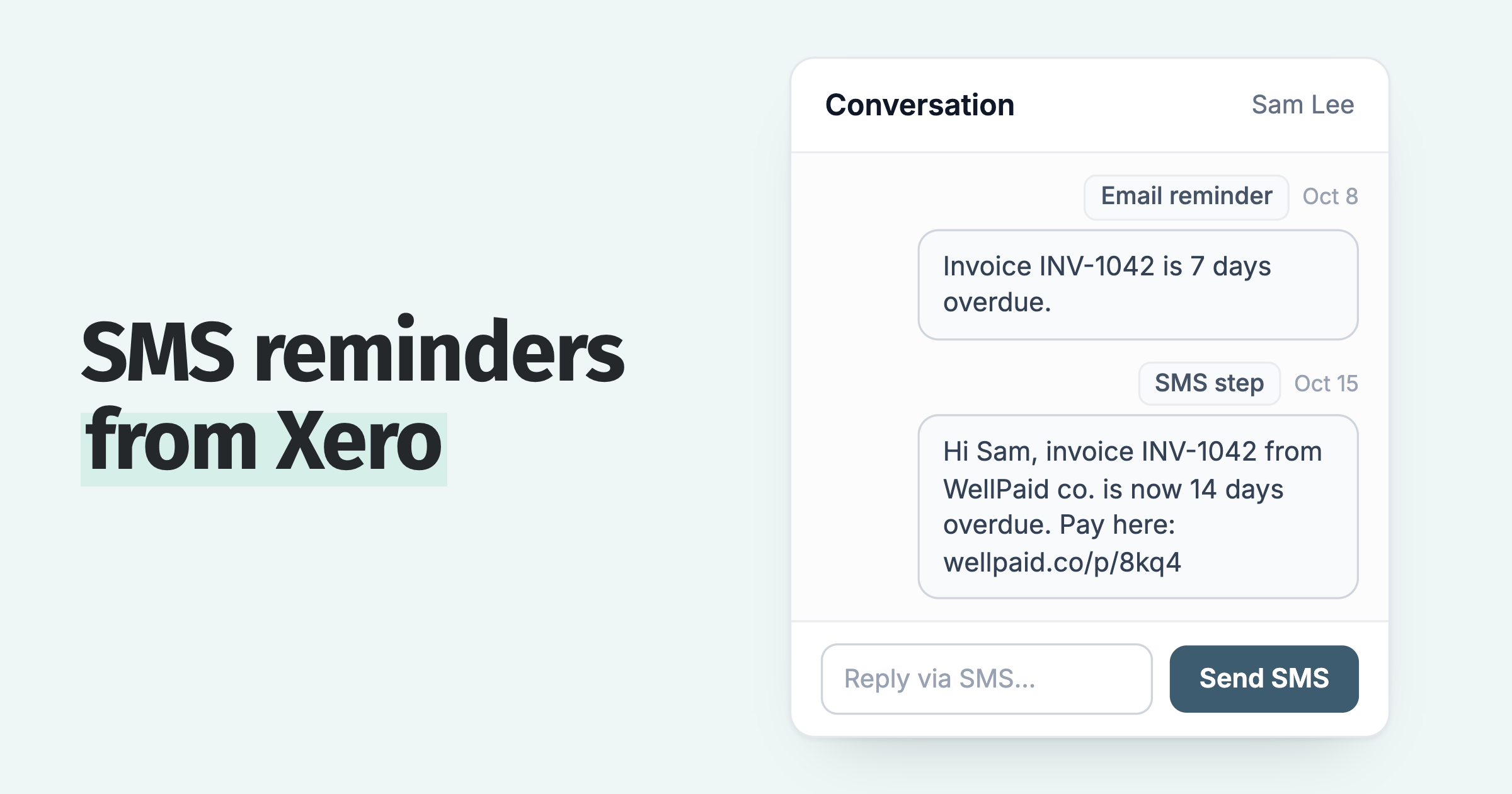
Sending more than five emails to a customer who is simply not paying is noise. If the final notice is ignored, a phone call, a payment plan offer or a formal letter of demand with a 7 to 14 day deadline does more than a sixth email. That is where a channel like SMS earns its place: at roughly $0.10 per message, a single text at the final-notice stage often gets a faster reply than another email in a crowded inbox.
Which dunning approach fits your business?
Set the ladder by how you bill and who pays the invoice.
| Your business | Start with | Watch out for |
|---|---|---|
| Plumbers and electricians | Two groups: homeowners on due on receipt with text reminders, builders on net 30 with a monthly statement and interest. | One schedule for both groups. Homeowners and builders usually need different ones. |
| Professional services | One reminder sequence and one statement per client, even when a retainer and time billing sit on the same account. | Anchor retainer clients. A gentle reminder and a monthly statement protect the relationship, and small project clients get the full ladder. |
| Property management | One statement per owner across every property, with email and text reminders. | Repair recharges that fall due after the work is done. Remind from the due date so you stop carrying the contractor's bill. |
| Equipment hire | Reminders on each cycle invoice from the day it lands, and a monthly statement for the whole account. | A disputed damage recharge. Take that one invoice out of the chase so it stops accruing interest. |
How do you automate the dunning process in Xero and QuickBooks?
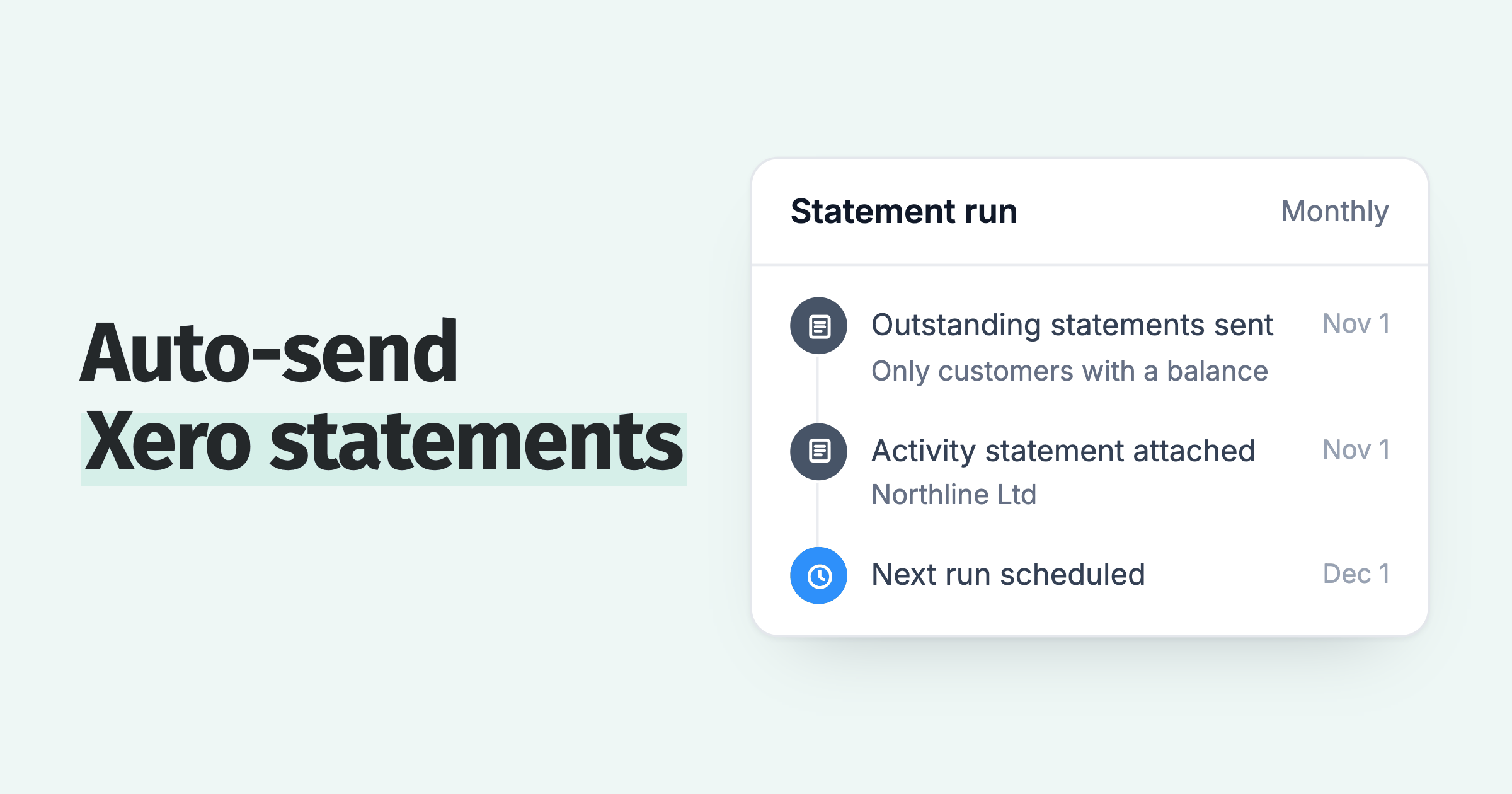
Xero and QuickBooks can send a basic reminder, but they stop at the polite end of the ladder. They do not apply late fees or interest, they do not route VIPs differently from repeat late payers, and they do not escalate. That gap is what Paidnice fills. It sits on top of the ledger you already use, watches every invoice, and runs the full sequence: pre-due nudge, overdue notices, fees, statements, and escalation.
The routing is the part that keeps it fair. A long-standing customer who is two days late gets a gentle nudge. A serial late payer gets the full ladder and the late fee. You set the rules once, and the software follows them. Customers who switch this on see half as many late invoices in the first 30 days, get 8 in 10 invoices paid within the first 60 days of using Paidnice, and take up to 90% of the manual follow-up work off their team.
Here is the limit. Automated dunning will not save a relationship that is already broken over a genuine dispute. If a customer is withholding payment because a line item is wrong or the work is contested, more reminders make it worse, not better. Pause dunning on that account and route the dispute to a human. That is exactly why blunt "email everyone" dunning backfires, and why good escalation rules include a way to hold the sequence the moment a reply needs a person. The process stops the moment you hit send, so build in the off switch before you turn it on.
Dunning software for Xero and QuickBooks Online →
Frequently asked questions
What does dunning mean?
Dunning is the accounts receivable term for the routine you follow to collect an unpaid invoice: a sequence of reminders, statements, and penalties that gets firmer the longer the money is outstanding. The word predates software and simply means persistently asking for what you are owed.
What are the stages of the dunning process?
A standard dunning process runs five stages: a pre-due reminder, a first overdue notice, a second notice with a late fee applied, a final notice, and escalation. Each stage gets firmer, and each one states the next concrete step so nothing comes as a surprise to the customer.
What is the difference between B2B invoice dunning and SaaS dunning?
B2B invoice dunning chases a person to pay an issued invoice through reminders, fees, and statements. SaaS subscription dunning retries a failed card charge automatically to prevent involuntary churn. They share a name but differ in the trigger, who acts, the channels, and how they fail.
How many dunning emails should you send?
For most overdue invoices, three to five touches across three to four weeks is enough, because the majority are paid after the second or third reminder. The number matters less than sending each reminder on schedule and staying consistent.
Is a dunning letter legal?
Yes. A dunning letter is a normal collections communication, not a legal filing. It becomes a problem only if it makes a threat you are not entitled to carry out or breaches local debt-collection rules on tone and frequency. Keep it factual: the invoice, the balance, the deadline and the next step.
Can you automate dunning in Xero or QuickBooks?
Yes. You connect an AR tool to Xero or QuickBooks so it watches due dates, sends the reminder ladder, applies late fees, and escalates from your own email domain without manual work. Customers who automate it see half as many late invoices in the first 30 days.
Paidnice features in this article
About the editorial team
Denym started Paidnice in 2022 after customers paying late left his own business short on payroll. He has led it to $1 billion collected on time across more than 1 million invoices, and writes about credit control, late fees and getting paid on Xero and QuickBooks.
Ashley is a co-founder and lead developer of Paidnice and has built accounting software for more than 10 years. He builds the ledger connections that put reminders, late fees and payments into Xero, QuickBooks and ERPs such as NetSuite and Business Central. Before Paidnice he co-founded A2X, ecommerce accounting software for Xero and QuickBooks.
 App of the Year