QuickBooks invoice reminders by email, SMS and WhatsApp
Paidnice sends reminders for your QuickBooks invoices before, on and after the due date, with a policy for each customer group. They stop when the invoice is paid in QuickBooks.
Paid in QuickBooks · $2,529.60Reminders for INV-1031 stopped
Every open QuickBooks invoice, including the ones already overdue
QuickBooks reminders only go for invoices you emailed from QuickBooks. Paidnice picks up every open invoice when you connect, and stops the reminders when a payment is recorded in QuickBooks.
Collection policyBy customer group
Automated
CommercialEnterpriseSlow payers
Net 30 · 410 customers
3 daysbefore due
ReminderEmail from your own domain
Due dateon the day
ReminderEmail and SMS
7 daysafter due
Overdue reminderFrom your credit controller
1stof the month
StatementAged debt summary
Net 60 · 52 customers
7 daysbefore due
Friendly reminderEmail to their AP team
Due dateon the day
Consolidated statementTo group finance
14 daysafter due
ReminderEmail and SMS
30 daysafter due
Escalate to a callTask for the account owner
Net 14 · 96 customers
Due dateon the day
ReminderEmail and SMS
3 daysafter due
SMS reminderWith a pay link
7 daysafter due
Final noticeFrom the director
14 daysafter due
Late fee 2%Warned in the last reminder
A different sequence for each group of QuickBooks customers
Commercial accounts, enterprise accounts and slow payers each run their own reminders, channels and timing. Move customers into a group in Paidnice, and a tag handles one-off exceptions.
Several people on one QuickBooks customer, each getting the right email
Add the AP inbox and the person who approves payments to the same customer. The invoice goes to AP, and reminders and statements go to the person who can act on them.
Verify wellpaid.co once, then send from any address on it
Sent as your team, from your own domain
On Pro, reminders come from your own address, such as [email protected]. Later reminders can come from your credit controller or a director, so an older debt gets a more senior sender.
Reminder policyExceptions
Harbor & Co promised to pay by Oct 15The reminder waits until then
INV-1050 disputed: QualityPaused while the query is open
Key account tagNo automatic reminders
No reminder for a customer who already promised
A reminder can wait while a payment is promised or a query is open, and a tag leaves out one customer. Every other reminder in the policy carries on.
What QuickBooks users say about Paidnice reminders
★★★★★
“It saves us a massive amount of time on manually sending email reminders, and we've noticed a significant increase in responses from clients.”
AshleyApp Store★★★★★
“Having the option to automatically schedule payment reminders and also adding the late payment has helped a lot as our clients usually pay after getting the first reminder”
DebbieApp Store★★★★★
“The ability to schedule reminders, automate late fees, and send statements has saved me an incredible amount of time and effort.”
No. QuickBooks Online sends invoice reminders by email only. Paidnice sends reminders for your QuickBooks invoices by email, SMS and WhatsApp.
How many reminders can QuickBooks Online send?
Up to three, each set between 1 and 90 days before or after the due date. Paidnice sends the reminders in each policy on the days you set, before, on and after the due date.
Can QuickBooks send reminders to only some customers?
QuickBooks Online has one company-wide set of reminders. Paidnice runs a separate policy for each customer group, and a tag can leave out one customer.
How do I set up automatic invoice reminders in QuickBooks Online?
Go to Settings, Account and settings, Sales, then Reminders. Turn on Automatic invoice reminders, set up to three reminders and save. They go only for invoices you have already emailed.
Can QuickBooks reminders come from my own email address?
QuickBooks sends from its own address, and you can connect one Gmail address for invoices. Paidnice sends reminders from your own address, such as [email protected], on the Pro plan.
Does Paidnice chase invoices that were already overdue?
Yes. When you connect QuickBooks Online, Paidnice picks up every invoice that is already open. You approve the draft policy before anything is sent.
What does an SMS reminder cost?
SMS reminders are on every plan. Each text costs US$0.10, £0.05, A$0.15 or NZ$0.15, by your billing currency. See pricing.
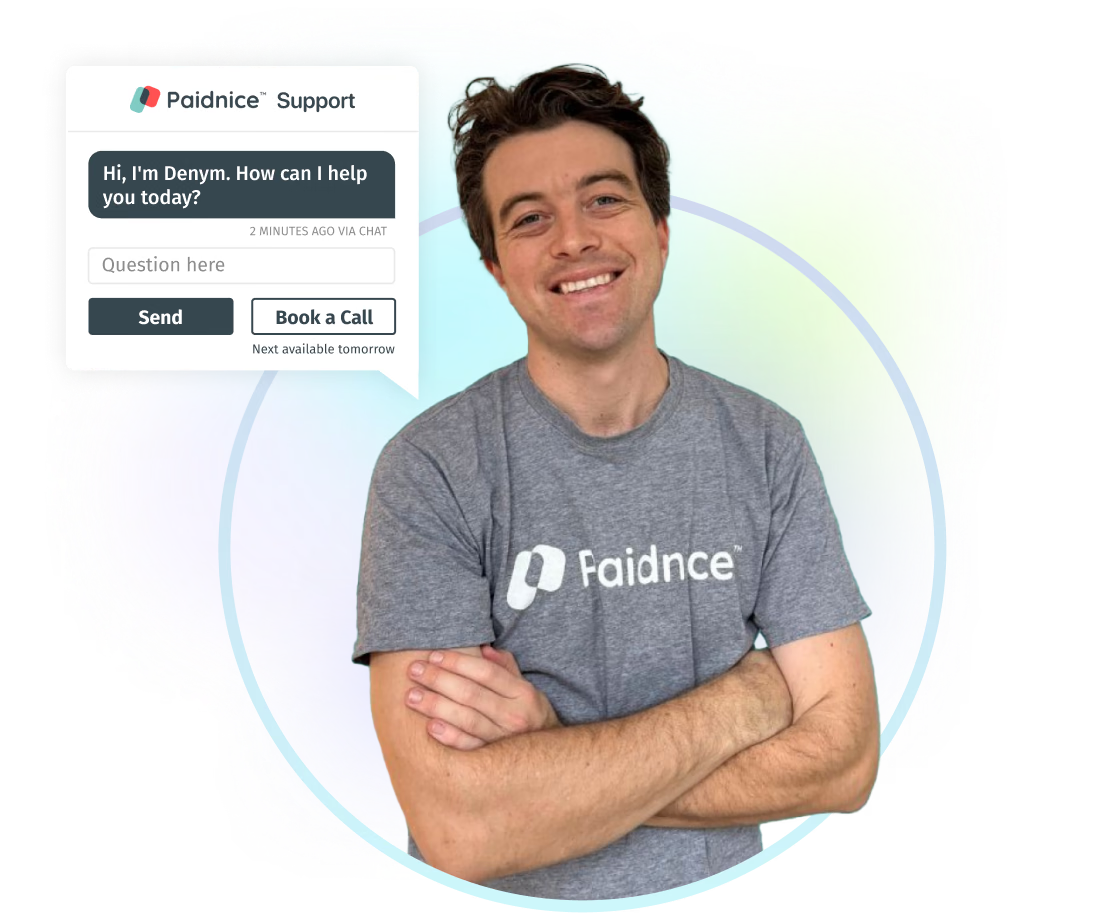
A team that has your back
Talk to the people who build Paidnice. We help in every time zone and know collections inside out.
“Ashley is incredibly knowledgeable, responsive, and proactive.”