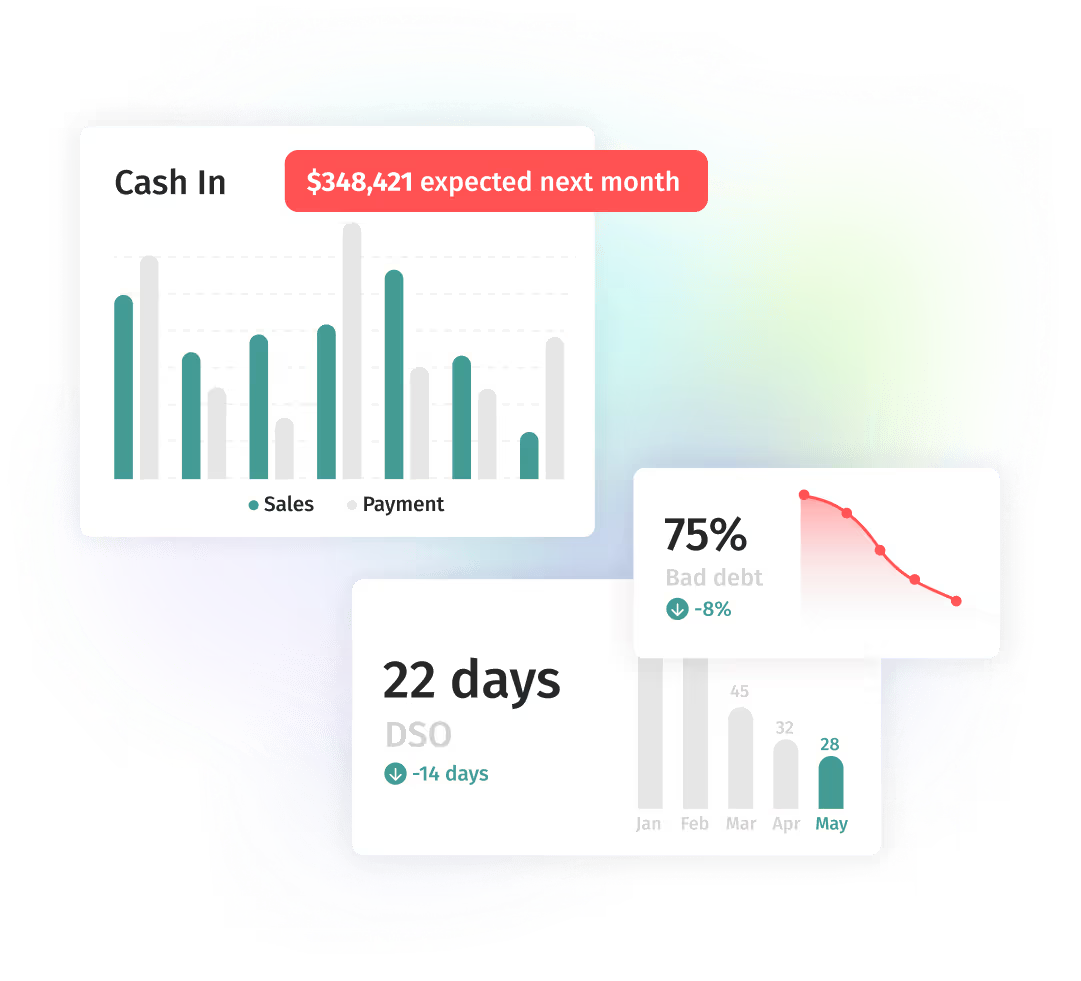
Paidnice is a late fee manager for Xero and QuickBooks Online. It adds late fees and interest to overdue invoices, tells the customer, and reports what was charged and what was collected.
No credit card. Your first 20 actions are free.


Paidnice adds the late fee to the overdue invoice in Xero or QuickBooks when the grace period ends. You set the rule once and no one checks invoices by hand.

"Before Paidnice, we didn't really enforce late fees on invoices because it was an administrative nightmare. Now it's fully automated and our invoices get paid faster."
Put customers into groups and give each group its own late fee rule and its own grace period. Several policies run at the same time.
"Automating invoice reminders and late fee assessments has been a game changer for the admin side of my business. I spend almost no time policing late fees and never have to assess them on my own. I like all the options for assessments based on customer or group. I make the fee of this app back and more in collecting late fees -- so worth it!"
Raise fee invoices as Draft for your approval, or as Approved to automate them. Waive or credit any fee inside Paidnice, and apply fees in bulk to invoices that are already overdue.

"Enabling our team to issue/waive late fees as well as invoice reminders etc."
Choose a flat fee, a percentage or an annual interest rate you set, and post every charge to its own late fee income account. The fee applies on the day the grace period you set ends.
"Helps me manage a variety of customer scenarios with consistent and clear interest charges. Huge peace of mind"
Results across Paidnice customers
Paidnice covers late fee management from the first reminder to the fee report. Each part below follows the rules you set for each customer group.
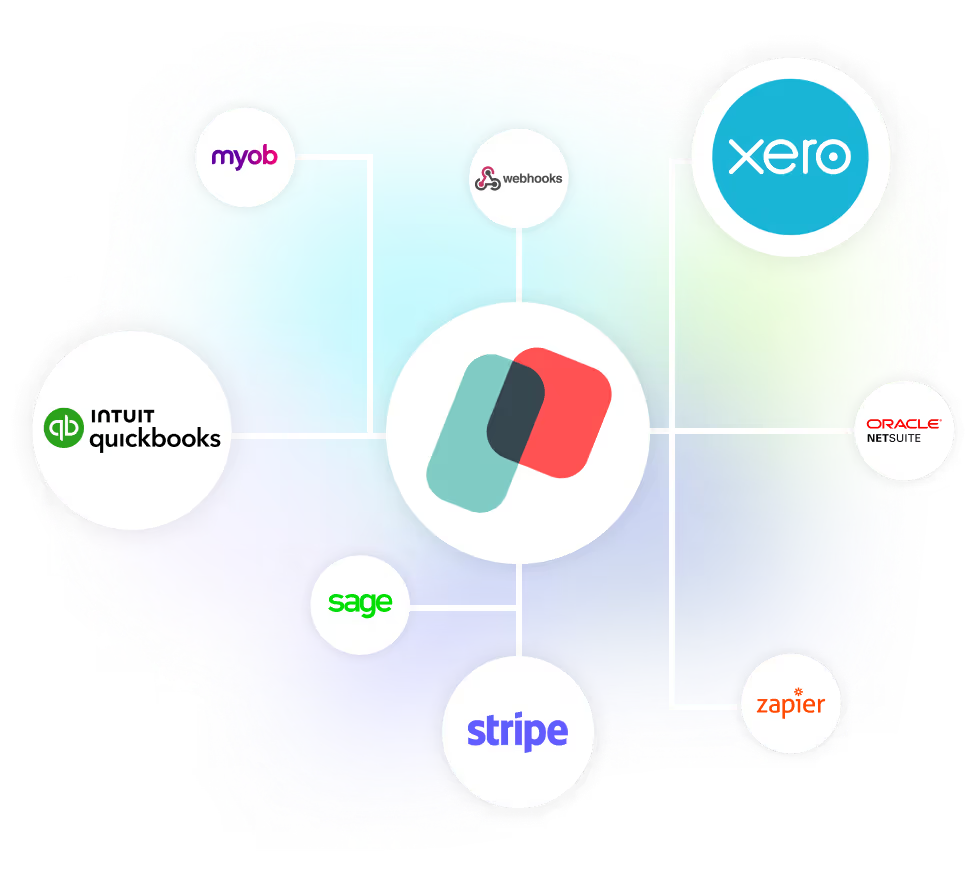
Nothing changes in Xero or QuickBooks unless a rule you set makes it happen. Paidnice connects through the official Xero and QuickBooks integrations, so we never see your accounting password.
It’s the debt collection system I’ve been looking for, for the last 15 years.


Within the first month of implementing Paidnice, we saw late customer payments decrease from over 20% to zero.
Alex Hamilton, Paintvine, New Zealand
Read the case study →
The biggest impact from using Paidnice has really been man hours for me. Just by using Paidnice, it's freed up loads and loads of time. We're talking five hours already of admin per month, and we're a scaling business. In a year, that could be 15 to 20 hours a month.
Jon Murphy, Salt Silo, United Kingdom
Read the case study →
Before Paidnice, over 25% of our payments were late, which we were manually chasing up. With Paidnice automating this for us, that has dropped to less than 5%
Louis Fourie, Venture Workspace, South Africa
Read the case study →A late fee is a charge a supplier adds when an invoice is not paid by its due date. It can be a flat amount, a percentage of the invoice, or interest that grows while the invoice stays unpaid. Paidnice raises the fee as an invoice on your ledger when your grace period ends, and tells the customer.
"Late fee" means a charge for payment after the due date. On a B2B invoice it is the amount the supplier adds under the payment terms the customer agreed to. The term covers flat fees, percentage fees and late payment interest.
The amount is set by your payment terms and the law where you and your customer trade. It can be a flat fee for each overdue invoice or a percentage of the invoice. See the <a href="/blog#late-fee-policy">late fee policy guides</a> for how to set an amount, and the <a href="/blog#late-fees-by-region">late fees by region guides</a> for the limits in each country and state. Test a figure in the <a href="/late-payment-interest-calculator">late payment interest calculator</a>.
In most places a business can charge a late payment fee when the customer agreed to it in the payment terms, or when a statute gives the right. Check the rule in your state or country before you rely on it. The rules are different in each country and state. The <a href="/blog#late-fees-by-region">late fees by region guides</a> give the rule for each one.
Put your late fee terms in your contract or terms of trade, and on the invoice, before the work starts. Then a fee added after the due date follows terms the customer has already seen. For the rule in your region, see the <a href="/blog#late-fees-by-region">late fees by region guides</a>.
A customer asks the supplier to remove it. As the supplier, you waive or credit the fee inside Paidnice. Apply fees automatically and waive them deliberately, for example when the customer pays the original invoice in full. The fee is leverage: it gives you something to offer in that conversation.
Yes. Paidnice connects to your Xero organisation or QuickBooks Online and picks up the open invoices already there. Fee invoices are raised on the ledger as Draft or Approved, so each fee is a receivable with its own income account and tax rate. See <a href="/xero/add-late-fees">late fees in Xero</a> and <a href="/quickbooks/add-late-fees">late fees in QuickBooks</a>.
No. Reminders and statements alone are a full use of Paidnice. You can add a late fee policy for one customer group later. Paidnice is also <a href="/credit-management-software">credit management software</a> and <a href="/ar-automation">accounts receivable automation</a>.
Your first 20 actions are free, with no credit card. Paid plans start at US$69 a month and are priced by invoice volume, not revenue. There are no contracts and no lock-ins. See <a href="/pricing">pricing</a>.
Late fee manager
No credit card. Your first 20 actions are free.