
Paidnice is accounts receivable automation for QuickBooks Online. Reminders, statements, late fees and escalations run on every invoice in your QuickBooks company, so your DSO comes down without more manual work.
No credit card. Your first 20 actions are free.

QuickBooks Online records your receivables and reports on them. You get the A/R aging reports and up to three automatic email reminders per invoice. US companies also get a basic late fee setting. QuickBooks does not send statements on a schedule, send SMS reminders, offer payment plans on an existing invoice or route an overdue account to a person. AR automation does those jobs.
1 in full, 4 in part, 2 missing
7 of 7 jobs, automatic
Read how automatic invoice reminders in QuickBooks Online work, or whether you can add a late fee in QuickBooks Online.
Email and SMS reminders go out before the due date and after it, from your own domain, in your words. Set different rules for each customer group. The invoices that were overdue before you started get a follow-up too.
"Paidnice has been a game-changer for our accounts receivable. It saves us a massive amount of time on manually sending email reminders."
Fixed fees, a percentage, or a per annum interest rate. Applied weekly, monthly, or at a set number of days overdue, with different rules for different customer groups. The charge goes onto the ledger in QuickBooks, so your A/R aging report stays correct.
"Helps me manage a variety of customer scenarios with consistent and clear interest charges. Huge peace of mind"
Statements go out weekly or monthly with a payment link. Customers pay every open invoice at once on your branded portal, or you offer a payment plan. Anyone still overdue gets escalated to a phone call, a credit hold or a formal letter, assigned to a person. Calls run from Paidnice, and each one is recorded and transcribed.
"Within 1 week of implementing this tool we received a tidal wave of cash from overdue receivables."
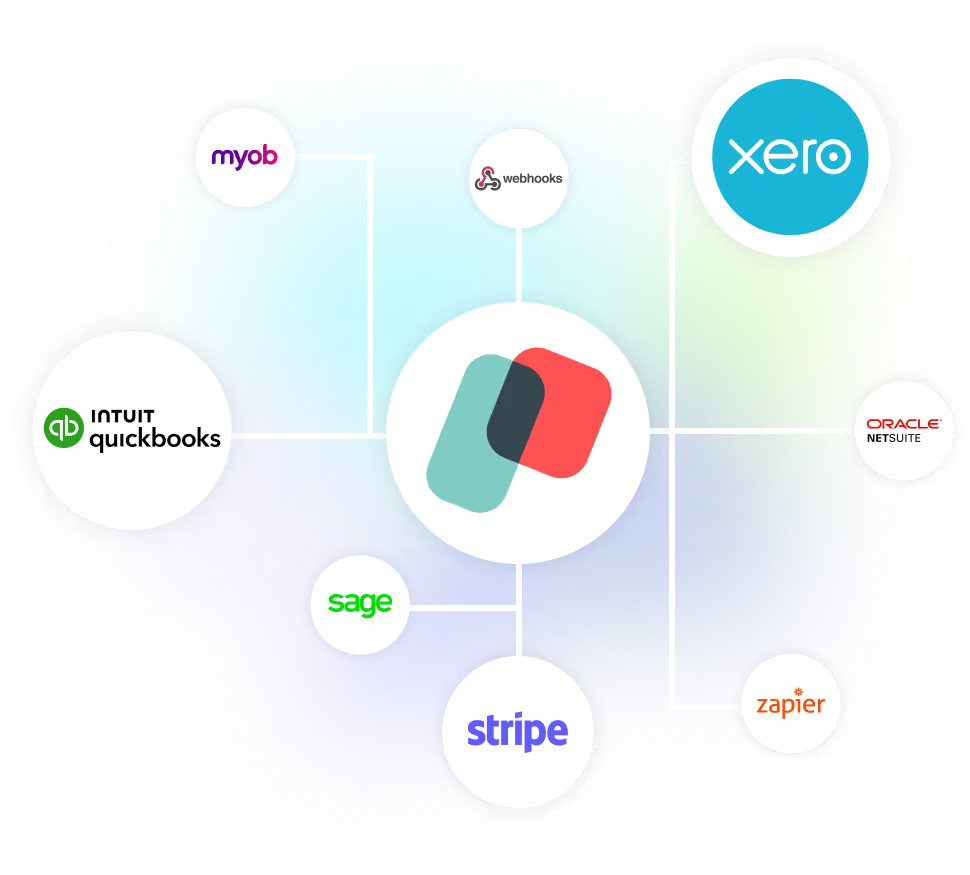
Nothing changes in QuickBooks unless a rule you set makes it happen. Paidnice connects through the official QuickBooks integration, so we never see your accounting password.
It’s the debt collection system I’ve been looking for, for the last 15 years.


Within the first month of implementing Paidnice, we saw late customer payments decrease from over 20% to zero.
Alex Hamilton, Paintvine, New Zealand
Read the case study →
The biggest impact from using Paidnice has really been man hours for me. Just by using Paidnice, it's freed up loads and loads of time. We're talking five hours already of admin per month, and we're a scaling business. In a year, that could be 15 to 20 hours a month.
Jon Murphy, Salt Silo, United Kingdom
Read the case study →
Before Paidnice, over 25% of our payments were late, which we were manually chasing up. With Paidnice automating this for us, that has dropped to less than 5%
Louis Fourie, Venture Workspace, South Africa
Read the case study →QuickBooks Online records your invoices and payments, reports on them in the A/R aging summary and detail reports, and sends up to three automatic email reminders per invoice. US companies can also turn on a basic late fee. It does not send statements on a schedule, send SMS or escalate an overdue account.
It is software that runs the follow-up work on your QuickBooks invoices. Paidnice sends reminders by email and SMS from your own domain, sends statements on a schedule, applies late fees and interest, offers payment plans and escalates overdue accounts to your team.
The QuickBooks late fee setting is for US companies only and applies one rule to every customer. Paidnice works in every region, applies flat, percentage or compounding charges, and lets you set different rules, grace periods and exemptions for each customer group.
Nothing changes unless a rule you set makes it happen. Paidnice connects through the official QuickBooks integration, so we never see your QuickBooks password. Late fees and interest go onto the ledger in QuickBooks, either on the original invoice or as a new invoice, so your aged receivables report stays correct.
Yes. Exclude any customer or a whole customer group. Add grace periods, and set different rules for different groups, so the customers who pay on time are left alone. Start in approval mode, and nothing sends without your OK.
Yes. Paidnice reads the invoices already in QuickBooks, including everything overdue today. You can chase that backlog, apply late fees in bulk, and either add the fee to the existing invoice or issue it as a new one.
Paidnice has a free plan, and paid plans start at US$69 a month. Pricing follows your invoice volume, not your company revenue, and the Pro plan has unlimited users.
Under 15 minutes. Connect your QuickBooks Online company in one click, pick a preset template for reminders, fees and statements, then preview every upcoming action before anything sends.
Connect QuickBooks and Paidnice prepares draft policies for you. Nothing runs until you approve them.


