



Summary
You can run effective credit control without a credit controller: software sends the reminders, statements, late fees and escalation steps on schedule, and a person handles only the exceptions that need judgement, in minutes a week. The tool to buy is the one that needs the least attention.
- What automates: Six of the eight recurring credit control tasks run without a person: reminders, statements, fees, escalation timing, bounce watching, and spotting slippage.
- What doesn't: Disputes, key accounts and genuine hardship still need a human decision.
- The result: Paidnice's cross-customer figure is a reduction in manual chasing of up to 90%.
What is a credit controller (and what is it not)?
A credit controller is the person in a business who decides which customers get credit and chases overdue invoices until they are paid. See the definition of a credit controller.
- A credit controller is not credit control. Credit control is the work and a credit controller is one way to staff it. Many small businesses have the work without the role.
- A credit controller is not software. Software can run the routine steps on a schedule. A person still decides the exceptions, which the exceptions section lists.
- A credit controller is not an outsourced firm. Outsourced credit control buys the same work from a third party.
This matters because a business does not need the job title to get the work done. The sections below split the tasks into what software absorbs and what still needs a person.
Free: Payment reminder email templatesCopy the reminder emails for before, on and after the due date.Who does credit control in a small business?
In most businesses under a few million in revenue, credit control belongs to nobody: the owner chases the big invoices when cash feels tight, the bookkeeper sends statements when month-end allows, and the spreadsheet of "who I emailed" lives in one person's head. That spreadsheet is the manual process, and credit control software vs manual process sets out what it costs.
The cost of that arrangement is consistency, and consistency is the whole game in collections. Research commissioned by the Federation of Small Businesses and reported by GoCardless in 2025 found 52% of UK small businesses give up chasing late payments as often as ten times a year because of the time it takes.
The usual fixes are a hire, a firm paid for outsourced credit control, or software that runs the schedule. This page covers the third.
Why do most accounts receivable platforms assume a team you do not have?
Most mid-market accounts receivable platforms are built for a collections team, so they compete on control and reporting: behavioural payment insights, risk scoring, cohort analysis, and days sales outstanding by segment. All of it is useful when monitoring the data is in someone's job description, because the reporting exists so a collections team can be managed.
Without that person, the same depth becomes the reason the tool goes stale. Every configurable workflow is a workflow someone must configure, and every dashboard nobody reads is a subscription doing nothing. The buying criterion inverts: you are not buying capability, you are buying the absence of required attention. If you do have that team, credit control software for finance teams covers the other end of the market.
Which credit control tasks can software run without a person?
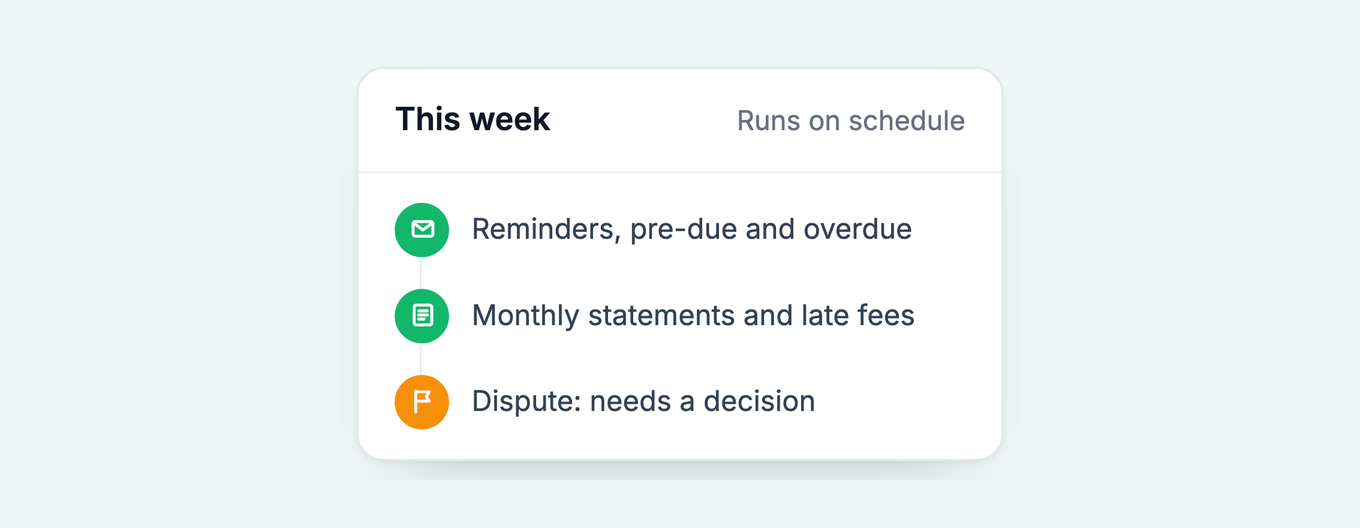
Six of the eight recurring credit control tasks run without a person: reminders before and after the due date, monthly statements, late fees or interest, escalation timing, bounce watching, and spotting which account is slipping. The other two, disputes and key-account calls, need a decision.
Original dataLet software send every reminder. Compared with sending nothing, the first overdue reminder gets about 19 more invoices in every 100 paid within a week, the second about 12 more, and the third to eighth 5 to 7 more each.
Source: our analysis of invoice data from over 1,000 Paidnice customers. See our reminder data.
Runs on schedule
- Reminders, pre-due and overdue
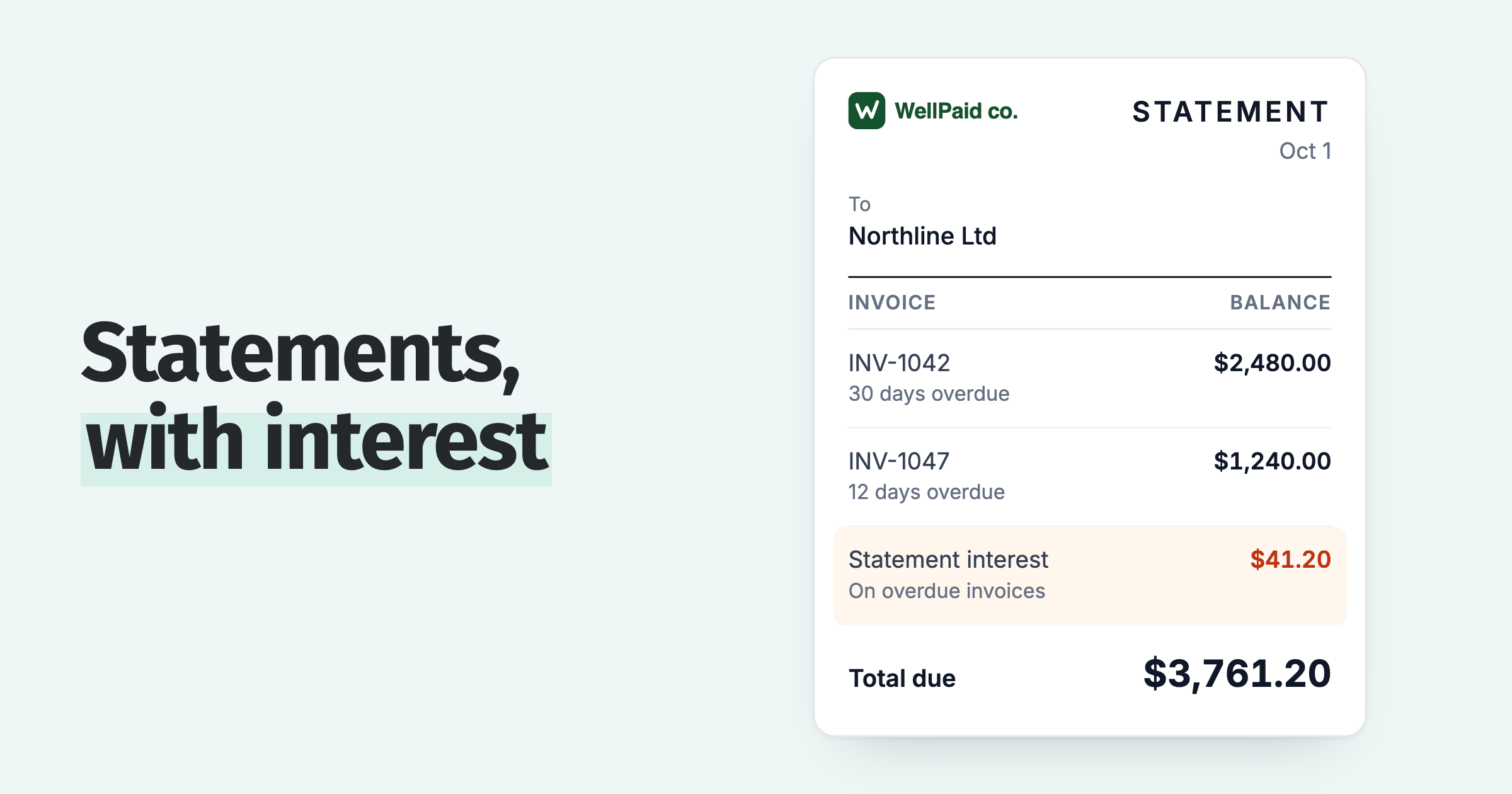
- Monthly statements
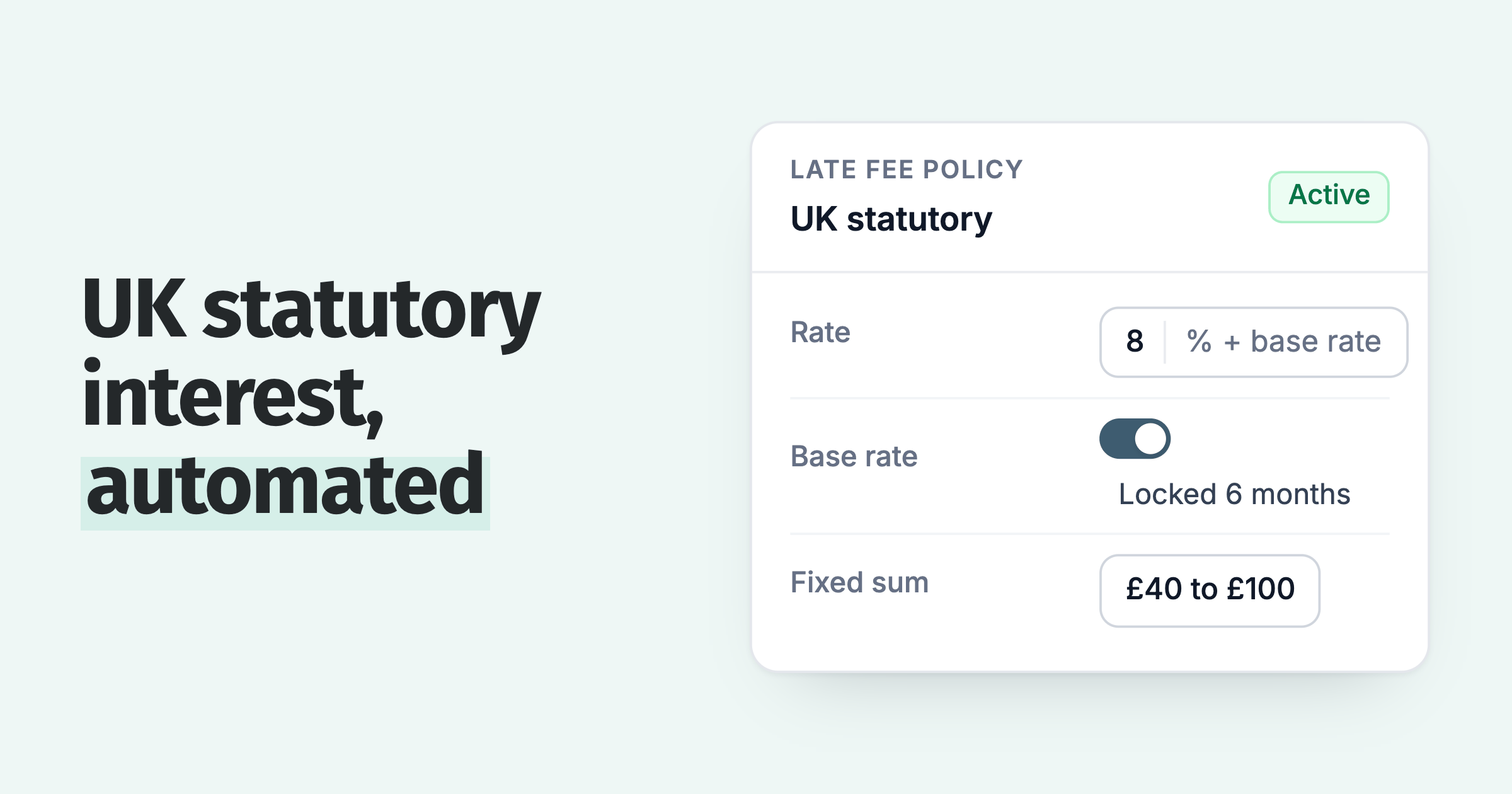
- Late fees and interest
- Escalating tone and recipient
- Bounce watching
- Spotting who is slipping
Needs your judgement
- Disputes and hardship
- Key-account phone calls
Minutes a week, queued for you
The six automatable tasks are automatable precisely because they are schedule-driven: the right action is a function of days overdue and balance, not judgement. The two that need a person need them for minutes a week, provided the software queues them up rather than leaving you to find them.
Which exceptions still need a person?
Three exceptions still need a person in automated credit control: disputes, key accounts and genuine hardship. Each takes minutes a week when the software pauses the sequence and queues the invoice with its history attached.
Disputes. A customer who believes the invoice is wrong will not be moved by a fourth reminder. The sequence should pause, and the invoice should land in front of you with its history attached.
Key accounts. A customer you meet every month deserves the overdue conversation inside that relationship, not alongside it. Exclude them from the standard sequence deliberately and record why.
Genuine hardship. A customer in real difficulty needs restructured terms. The useful automation here is a payment plan with instalments, weekly through to quarterly, and auto-pay through Stripe, so the agreement you reach runs itself afterwards.
How does Paidnice run credit control when it is nobody's job?
Paidnice is built automation-first: policies attached to customer groups send the reminders, statements and late fees on schedule, and across customers the measured effect is a reduction in manual chasing of up to 90%. Your part becomes a short queue of exceptions.
Escalations produce that queue. A rule can fire on days overdue, on a customer's total balance or on a credit-limit breach, and it emails the instruction, such as a phone call or a stop-credit decision, to whoever should act, with notes and outcomes synced back to the invoice in Xero. The dashboard's slowest-payers and oldest-invoices widgets, and a credit score against every contact, show at a glance who is drifting.
The weekly report email is the whole monitoring habit for most small teams: a summary of the receivables position in your inbox once a week. If nothing in it surprises you, the system is working and you owe it no further attention.
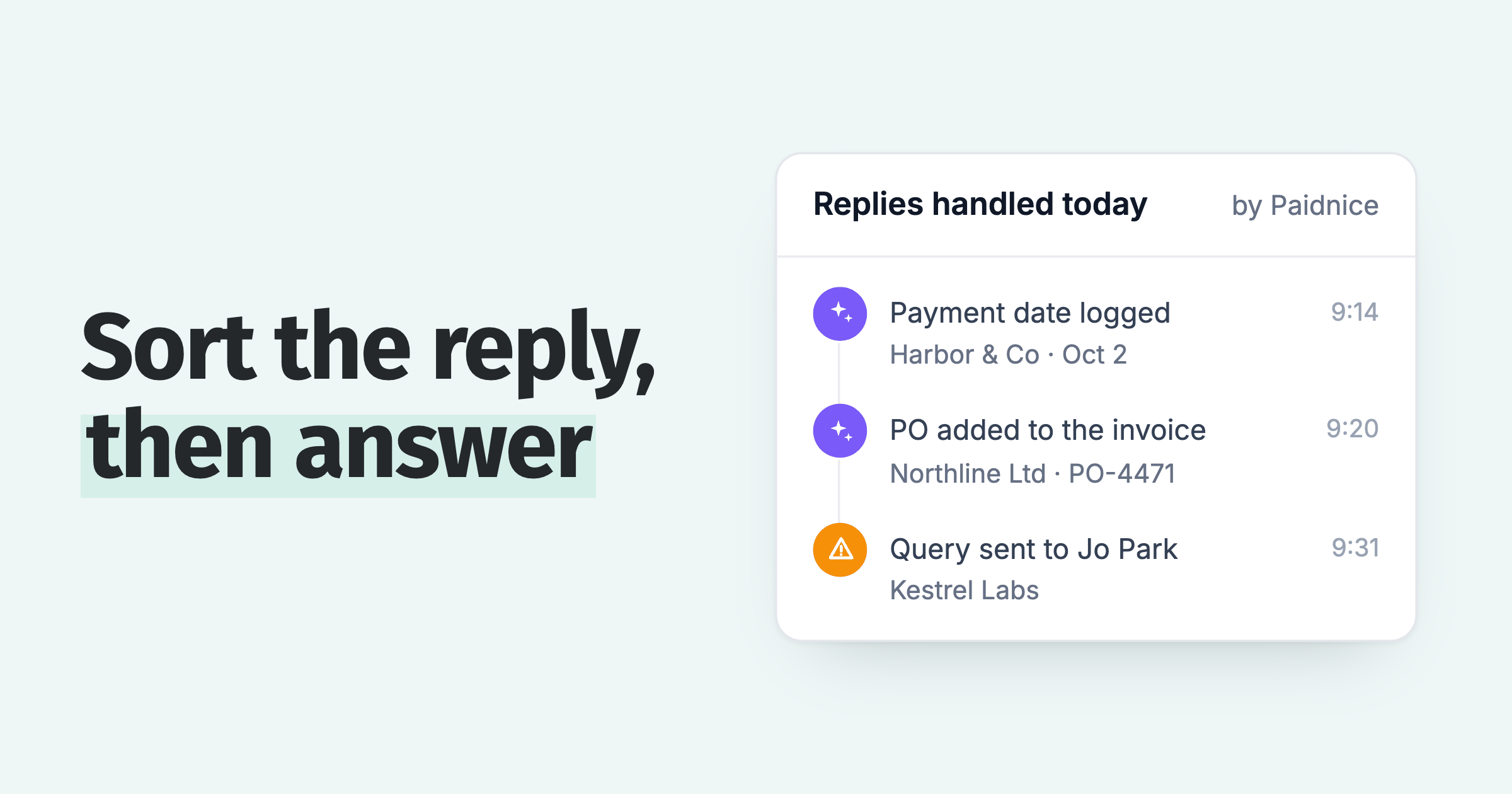
Because plans include the team rather than charging per seat, the owner, the bookkeeper and an external accountant can all see the same picture without buying anyone a licence: Essentials includes two team members and covers 150 invoices and 600 emails a month for £49, and Pro, from £74 a month, includes unlimited users. For the inbound side, credit control AI reads replies, drafts responses and escalates what needs a human, with approval before anything sends. An accountant taking the job can run it from one login: see the best credit control software for accountants.
How do you set up automated credit control in one afternoon?
Setting up automated credit control on Xero or QuickBooks Online takes one afternoon: connect the ledger, make three customer groups, write one reminder sequence, add a statement policy, run it in draft for a week, then add the late-fee policy.
- Connect the ledger. Xero or QuickBooks Online; contacts and open invoices come across automatically.
- Make three groups. Standard, gentle, and excluded.
- Write one sequence for standard. A heads-up before the due date, a note on it, chasers at 7 and 14 days, in your own words, from your own address.
- Add the statement policy. Monthly, to anyone with an open balance.
- Run it in draft for a week. Read what would have sent, adjust the wording, then go live.
- Add the late-fee policy once the sequence has run a cycle. Fees land differently when the reminders have been consistent first.
If you are choosing the tool itself, the small-business end of the market is compared in credit control software for UK small businesses, trial terms in who offers a free trial, and the cost side in credit control software pricing.
Common questions about credit control without a credit controller
Does credit control need a dedicated AR person?
No. It needs reminders, statements, fees and escalation timing running on schedule without supervision, with the exceptions that need judgement surfacing as a short queue rather than hiding in an inbox. For the definition itself, see what is credit control.
How much time does automated credit control take each week?
After setup, typically minutes: reading a weekly summary and acting on the handful of escalations. Setup itself is an afternoon, plus a week of running in draft to tune the wording.
Is Xero's built-in reminder function enough?
For a small, reliable customer base, often yes. The ceiling is structural: one schedule for every customer, five reminders, no statements on a schedule, no late fees and no escalation path.
Should I hire a credit controller or buy software first?
Software first, almost always. It removes the schedule-driven work that consumes the hours, and what remains tells you whether the judgement calls have grown into a real job. Hiring into an unautomated process buys a person to do what software does for tens of pounds a month. The same comparison, credit control software vs debt collection agency, comes out the same way: software first, an agency for the accounts that ignore it. For what AI takes of the role, see will AI replace credit controllers.
Will automated chasing upset my customers?
Not if it reads like you. Reminders from your own domain, under a named person, quoting the exact invoice number and amount, land as a professional following up. Consistency tends to improve relationships, because nobody gets a surprise demand after months of silence.
What should never be automated?
Disputes, hardship conversations and your most important accounts. Good software pauses the sequence on those and hands them to you with context, rather than pretending they are reminder problems.
About the editorial team
Denym started Paidnice in 2022 after customers paying late left his own business short on payroll. He has led it to $1 billion collected on time across more than 1 million invoices, and writes about credit control, late fees and getting paid on Xero and QuickBooks.

 App of the Year