
How Aesto Health fixed invoices going to spam, then automated its receivables
Sharon Heller came to Paidnice to stop QuickBooks invoices going to spam. She stayed for the features that removed the manual work from her receivables.

 Sharon HellerVP of Contract Management and Risk, Aesto Health · 🇺🇸 United States
Invoices and reminders now send from Aesto Health's own domain, and the manual follow-up runs automatically.
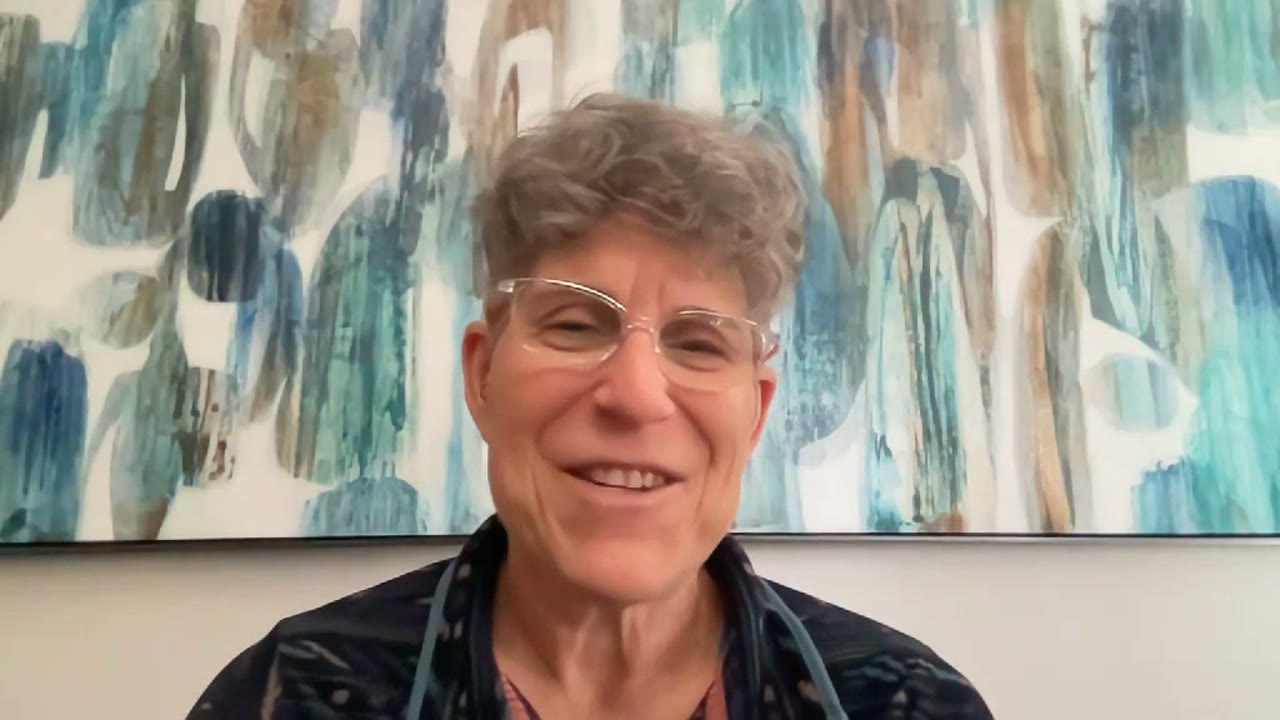 Watch Sharon tell it · 4:09
Aesto Health migrates and archives healthcare data for medical facilities that change electronic medical records systems. Sharon Heller, VP of Contract Management and Risk, runs billing and collections.
Sharon came to Paidnice to fix one problem. She stayed for the time it saves her on receivables.
Why Sharon came: invoices going to spam
Aesto Health sent invoices and reminders from QuickBooks. Client spam filters stopped them.
“Not only weren’t they getting the initial invoice, but they weren’t getting any of the reminders.”
Paidnice sends them from your own email address and domain. That solved the problem Sharon came with.
The features Sharon uses and loves
“Once I got to really know the Paidnice application, I found out that there was a lot more that we could take advantage of.”
Sharon tags a customer. Paidnice emails a copy of each invoice when QuickBooks issues it.
Tagged customers get a copy of the paid invoice when the payment arrives.
Seven or eight reminder emails, each from its own template. QuickBooks gave her three.
Escalations continue the follow-up when the reminders end.
One message to every customer, or to a filtered list.
She sees if a reminder was received, opened, clicked or bounced.
The tags replaced a list that Sharon used to work through manually.
“I had a whole list of clients that needed to get invoices manually, and so now that just happens automatically. I tag those clients using the Paidnice tags, and it gets sent automatically.”
Before and after Paidnice
Before Paidnice
Many clients filtered the invoices and reminders as spam.
Any follow-up after the third reminder was manual.
Sharon emailed each copy herself.
After Paidnice
Invoices and reminders come from the company's own email address.
Automated escalations follow when the sequence ends.
Paidnice sends them when the invoice is issued or paid.
“It’s just completely eliminated so many things that I used to have to do manually.”
Working with the Paidnice team
Paidnice co-founder Ashley trained Sharon and set up the workflow with her. When she asked for a change to the payment link in her reminders, he made it.
“Ashley, within probably a day or two, was able to implement that, amongst other things that I requested him to do.”
The verdict
“For me, Paidnice has been a game changer. It really has.”
“If you’re the person who’s responsible for handling billing your customers and collections and all that, it really is life-changing.”
Aesto Health is based in Birmingham, Alabama.
More success stories
How other businesses get paid on time with Paidnice.



 App of the Year