



Summary
Financial relationship management tracks the customer relationship end to end; accounts receivable automation does the collection work of getting invoices paid. Most small and mid-sized businesses need accounts receivable automation first, and add relationship-management depth once several people chase the same customers or key accounts need their own policy.
- FRM: Financial relationship management centres on the customer record: payment history, promises, disputes and notes, usually for larger or credit-heavy portfolios.
- AR automation: Accounts receivable automation centres on the invoice: reminders, late fees, statements and escalation by rule until it is paid.
- Paidnice: Paidnice is accounts receivable automation for Xero and QuickBooks Online, and its credit score gives every customer an internal payer rating from 0 to 100 without a separate FRM tool.
The two terms appear on the same software shortlists, and vendors use them for products that overlap. Compare the two below, then use the decision list for your invoice volume.
If the first term is new to you, start with what financial relationship management is and how to pick an FRM system.
What is financial relationship management?
Financial relationship management (FRM) is the way a B2B finance team runs accounts receivable as a customer relationship: every reminder, statement and fee follows what you know about that customer's payment history.
A sales CRM records the deal. FRM records what happens after the invoice goes out. It answers questions a sales record cannot: does this customer pay on time, who did we speak to last, what did they promise, and is one invoice in dispute while the rest are fine?
The four parts of financial relationship management are:
- Customer context: payment history, outstanding balance, every message sent, and notes on calls and disputes in one record.
- Segmentation: customer groups by payment behavior or risk, each with its own policy, and messages that change with the age of the invoice.
- Adaptive workflows: reminders that pause for a promised payment date or a disputed invoice.
- Finance, sales and support in step: follow-up assigned to named people, and payment messages logged to the sales CRM, where late payment is an early sign of churn risk.
The financial relationship management page shows how each part maps to a feature.
What is accounts receivable automation?
Accounts receivable automation acts on the invoice: it sends the reminders, statements and late fees your payment terms call for, on a schedule, until the invoice is paid. Our guide to what accounts receivable automation is covers how it works and what it automates, and the accounts receivable software page covers the product category.
How we compared FRM and accounts receivable automation
We compared the two on the eight rows of the table below, then by invoice volume in the decision list. We give no weights, because the right mix depends on how many invoices you raise.
- Focus, main job, core user and data: the definitions in the two sections above and the linked guides.
- What triggers work and terms enforcement: whether a person or a rule starts the work, and whether late fees, interest and statements are applied by rule. Source: the same definitions.
- Result you measure and where each breaks down: the outcome each approach is judged on. This is our assessment.
- Decision list: invoice volume bands that match how Paidnice plans are sized. This is our recommendation.
Paidnice is our product and appears in the decision list and in the section on where it sits. The table compares the two categories, not products.
Financial relationship management vs accounts receivable automation: side by side
FRM is about knowing the customer. Accounts receivable automation is about acting on the invoice. The table shows the difference line by line.
| Financial relationship management | Accounts receivable automation | |
|---|---|---|
| Primary focus | The customer relationship | The overdue invoice |
| Main job | Record and organize | Send, charge and escalate |
| Core user | Finance team, credit controller | Owner, bookkeeper, finance team |
| Data it holds | Notes, call outcomes, promises, payment history | Invoices, due dates, policies, fees |
| What triggers work | A person reviews the account | A rule fires on a date or a balance |
| Terms enforcement | Not part of the definition | Late fees, interest and statements by rule |
| Result you measure | Fewer disputes, better conversations | Lower DSO, fewer overdue invoices |
| Breaks down when | Nobody has time to act on the record | Every customer gets identical treatment |
Which one do you need? A decision list by size and invoice volume
Up to about 150 invoices a month, automation alone covers most of the need. The relationship layer starts to matter as invoice volume and the number of key accounts grow.
Invoice volume is the most useful measure, because it sets the amount of collection work. A business with 40 large invoices has less chasing to do than a business with 900 small ones.
- Up to 150 invoices a month. You need accounts receivable automation. The owner or bookkeeper already knows every customer, so a separate relationship record adds little. Automatic reminders, late fees and statements give the hours back.
- 300 to 600 invoices a month. You need automation, plus the basics of FRM: shared notes, promised payment dates and customer groups. At this volume no one person remembers every conversation, and two people can chase the same customer.
- 1,000 to 4,000 invoices a month. You need both in full. Work must be assigned to named people, approvals must sit in front of sensitive actions, and key accounts need a different policy from the long tail.
- More than 4,000 invoices a month. You need both, and you may need integration work. The Paidnice Custom plan includes custom ERP and payment integrations and an implementation specialist.
These bands match how Paidnice plans are sized: Essentials covers 150 invoices a month, Pro runs from 300 to 4,000, and Custom covers more than 4,000. Paidnice is priced by invoice volume, not revenue. See pricing for each band.
Where do FRM and accounts receivable automation overlap?
They overlap wherever a fact about the customer changes what the automation does: a promised payment date, a disputed invoice, a key-account group, or a poor payment record.
Four examples:
- A promise to pay. The customer says they will pay on the 28th. That is relationship data. The automation must then pause until the 28th, and start again if the payment does not arrive.
- A dispute. One invoice is in question. The record says so, and the automation must leave that invoice alone while it keeps chasing the others.
- A key account. Your largest customer gets a softer tone and a phone call before any fee. That is a separate policy for a separate group.
- A poor payer. The payment record shows a customer who pays late every month. The automation should escalate sooner, or trigger when their total balance goes above a limit.
When the two sit in different tools, a person has to carry each of these facts across manually. That is where reminders go to customers who already promised to pay, and where trust gets damaged. Teams that want the record side in more depth can read what an accounts receivable CRM is and how to evaluate one.
Where does Paidnice sit?
Paidnice sits on both sides: it is accounts receivable automation for Xero and QuickBooks Online, and every contact carries a credit score from 0 to 100, so the relationship record lives in the same place the automation runs.
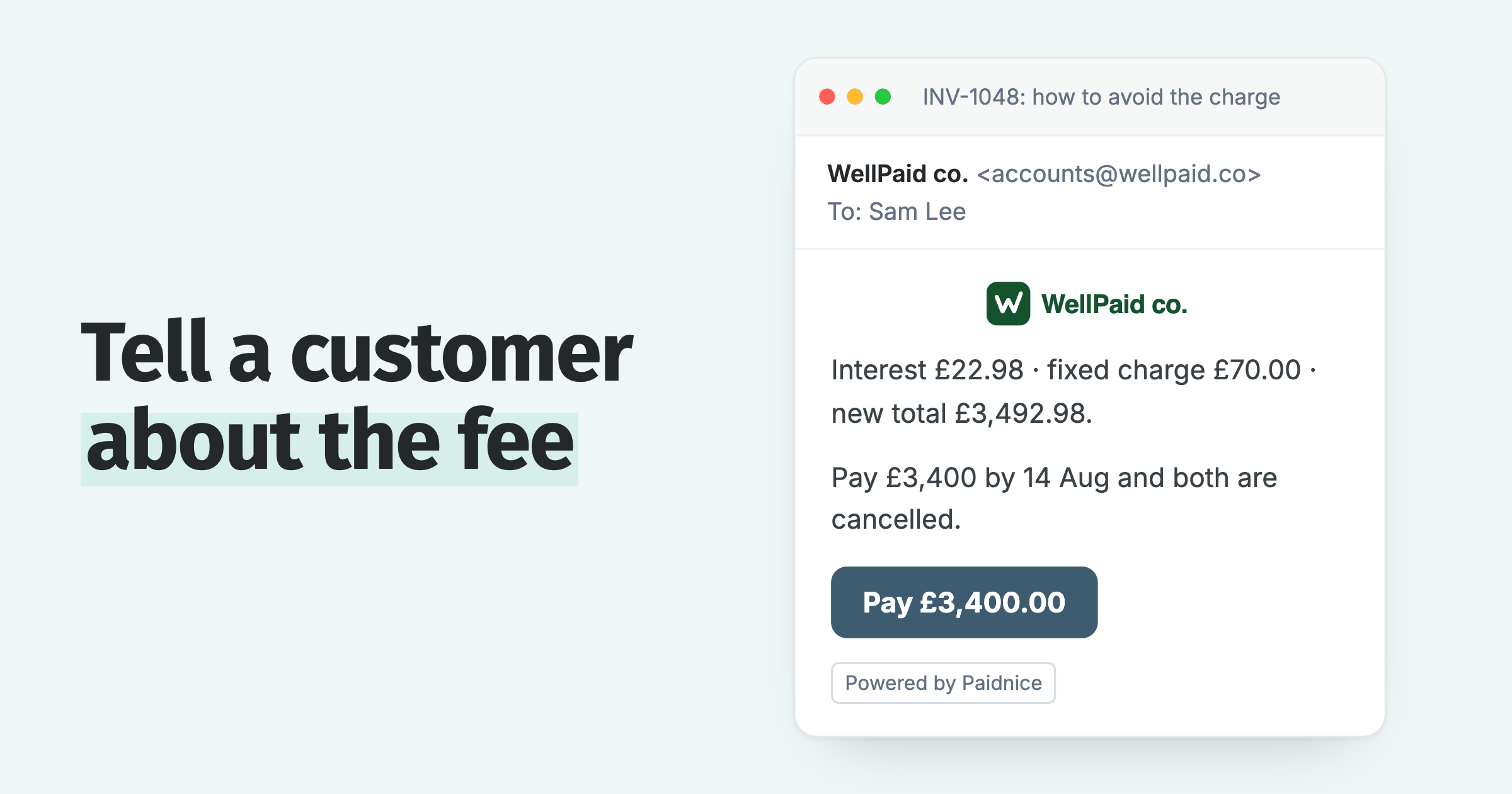
On the automation side, Paidnice sends reminders by email and SMS, sends statements, and adds late fees and interest as a flat amount, a percentage or compounding interest. Late fees are leverage: Paidnice applies them automatically, and you waive them deliberately. Escalations assign a phone call, a stop-credit step or a template legal letter to a named person.
On the relationship side, the credit score is an internal payer rating built from each customer's payment behaviour with you: every contact starts at 100, loses points for paying late and for its current overdue position, and falls into a band from Excellent to High risk. It is Paidnice's native credit check, not a bureau score. Notes and call outcomes sync to the invoice in Xero. An expected payment date pauses collection until that date. Customer groups run different policies at the same time, and an invoice-reference filter takes one disputed invoice out of a policy.
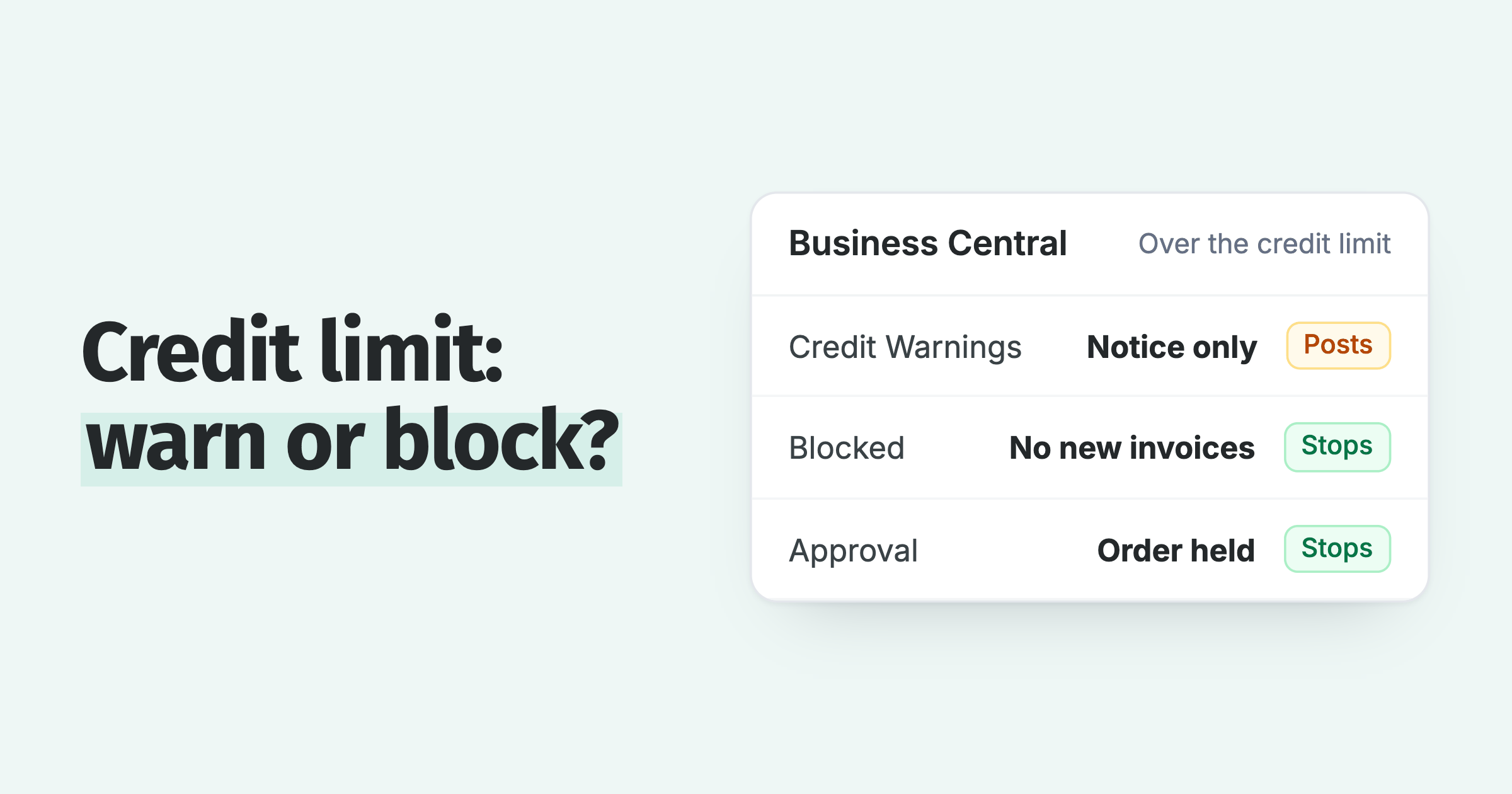
Control features connect the two. You can put an approval step in front of every action. Escalations can trigger on days overdue, on a customer's total balance, or on a credit-limit breach. A BCC address on outgoing mail logs each message to a CRM such as HubSpot, Pipedrive or Salesforce, so the sales team sees the same history. For QuickBooks, log every reminder on the CRM contact has the steps.
If your need is closer to managing the credit you have already given, with credit limits, credit holds and a credit score, see credit management software. If your need is to run a fee policy, with exemptions, approvals and a report of fees charged against fees collected, see the late fee manager.
Frequently asked questions
No, the two are different, and most businesses should buy accounts receivable automation first. Paid plans for Paidnice start at US$69 a month.
Is financial relationship management the same as accounts receivable automation?
No. Financial relationship management organizes what you know about a customer's payment behavior and your conversations with them. Accounts receivable automation sends the reminders, statements and late fees. They work best together, because customer facts should change what the automation does.
Is FRM a type of CRM?
It is close to one. A sales CRM follows a customer up to the signed deal. FRM follows the same customer after the invoice: payment record, promises, disputes and notes. Some teams call the software an accounts receivable CRM or a finance CRM.
Is credit control the same as accounts receivable automation?
No. Credit control is the function: deciding who gets credit and how much, then chasing what is owed. Accounts receivable automation is software that runs the chasing part of credit control by rule. Financial relationship management is the record the credit controller works from.
Which should a small business buy first?
Accounts receivable automation. A small business usually knows its customers well and loses time on the repeat work of chasing. Reminders and statements alone are a full use case, and late fees are optional. Add the relationship features when more than one person handles collections.
How much does Paidnice cost?
Paid plans start at US$69 a month and are priced by invoice volume, not revenue. Your first 20 actions are free, with no credit card. There are no contracts and no lock-ins. Sign up and connect your Xero organisation or QuickBooks Online account, and Paidnice picks up your open invoices at connection.
Paidnice features in this article
About the editorial team
Denym started Paidnice in 2022 after customers paying late left his own business short on payroll. He has led it to $1 billion collected on time across more than 1 million invoices, and writes about credit control, late fees and getting paid on Xero and QuickBooks.
 App of the Year