



Summary
To reduce DSO, run automated reminders, add a late fee to overdue invoices, shorten payment terms and send invoices immediately. In our analysis of invoice data from over 1,000 Paidnice customers, businesses running reminders and a late fee had a median DSO of 27.4 days, against 39.2 days with no automation.
- Run automated reminders: Businesses running automated reminders were paid 8.3 days past terms, against 14.3 days with no automation.
- Add a late fee: The largest gain in our before-and-after tests: +3.3 percentage points of invoices paid on time against similar businesses.
- Shorten payment terms: The same customer pays a 14-day invoice 9 days sooner than a 30-day invoice, with no rise in unpaid invoices.
- Send invoices immediately: Payment terms start when the customer has the invoice, so every day of delay adds a day to DSO.
What does the DSO ratio measure?
DSO (days sales outstanding) measures the average number of days a business takes to collect payment after a credit sale.
The formula is accounts receivable divided by credit sales, times the days in the period. Our DSO formula guide walks through it, with a calculator.
Lower is better. It means cash lands sooner and less of it sits in unpaid invoices.
How do you reduce DSO?
In our analysis of invoice data from over 1,000 Paidnice customers, businesses running automated reminders and a late fee were paid 3.3 days past terms, against 14.3 days with no automation.
I talk to business owners about late payment every day, and this is the pattern I see on those calls. Now we have the numbers behind it.
Days paid past terms, by setup
Median per business. Lower is faster.
- No automation14.3 days
- Reminders only8.3 days
- Late fees only4.4 days
- Reminders and a late fee3.3 days
Source: our analysis of invoice data from over 1,000 Paidnice customers, invoices issued October 2025 to June 2026.
That’s a gap of 11 days. Businesses with Paidnice reminders and a late fee were paid 11 days closer to their terms than businesses with nothing switched on.
The same pattern shows up further out. With reminders and a late fee:
- 2.7% of invoices were still unpaid 75 days after the due date, against 8.0% with no automation
- 94% were paid within 30 days of the due date, against 82%
- median DSO was 27.4 days, against 39.2
Late fees vs reminders vs discounts
Late fees showed the largest gain in Paidnice before-and-after tests: +3.3 percentage points of invoices paid on time, against +2.4 for automated reminders and +1.6 for early payment discounts.
Each test compares businesses that switched one of these on with similar businesses that didn’t, matched by region.
That shows the change inside the same business. Each test uses a different group of businesses.
Extra on-time payment after starting each lever
Percentage points, against similar businesses that did not start it.
- Late fee+3.3 points
- Automated reminders+2.4 points
- Early payment discount+1.6 points
Source: Paidnice before-and-after tests against matched businesses, our analysis of invoice data from over 1,000 Paidnice customers.
Send invoices immediately and accurately
Send invoices immediately: payment terms only start when the customer has the invoice, so every day you wait adds a day to your DSO.
Send it the day the job finishes or the goods ship, not in a month-end batch.
Check the PO number, line items and contact details before it goes. An invoice error gives the customer a reason to wait, and they’ll take it.
Shorten your payment terms
The same customer pays a 14-day invoice 9 days sooner than a 30-day invoice, with no rise in unpaid invoices, in our analysis of over 1,000 Paidnice customers.
A lot of owners I speak to worry that shorter terms will annoy customers. Our data doesn’t show it: unpaid invoices didn’t go up.
If changing everyone at once feels like too much, start with new customers. Our payment terms examples have wording you can copy.
Do early payment discounts reduce DSO?
Early payment discounts helped, but less than late fees: businesses that started one gained 1.6 percentage points of on-time payment, against 3.3 for a late fee, in our analysis of over 1,000 Paidnice customers.
This one surprised me. I’ve told plenty of owners that a discount is the biggest hack, and for one of our clients it took their average days to pay from 47 to 23.
Across the whole customer base it’s a smaller lever. Payment 7 or more days early barely moved, and 3 in 4 businesses that started a discount later switched it off.
I’d still offer one to customers who already pay well. I just wouldn’t start there, because the late fee moved payment about twice as much. More on how early payment discounts work.
Send automated payment reminders
Invoices unpaid 75 days after the due date were 2.3% for businesses running four automated reminder steps, against 9.4% with no reminders, in our analysis of over 1,000 Paidnice customers.
Invoices unpaid 75 days after the due date
All businesses, by number of automated reminder steps. Lower is better.
- No reminders (any setup)9.4%
- 1 reminder step6.1%
- 2 reminder steps3.6%
- 4 reminder steps2.3%
Source: our analysis of invoice data from over 1,000 Paidnice customers.
A reminder step is one scheduled email or SMS. Past four steps, we saw no further drop.
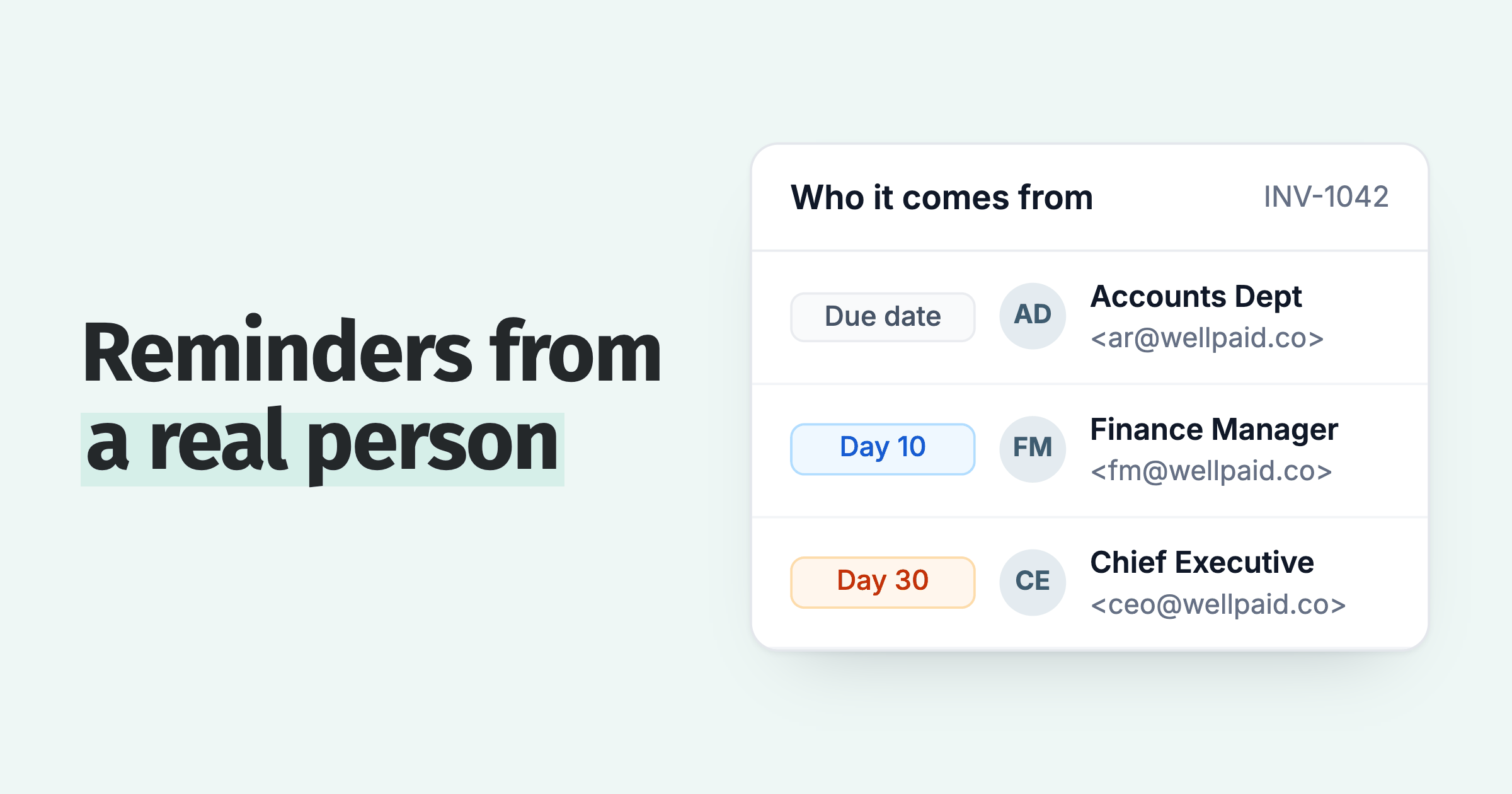
There’s no magic number of reminders or magic day to send them. Build the sequence around your terms and your customers. What I’d keep fixed:
- reminders go out before and after the due date
- they land in business hours, never on a weekend
- they come from your own domain and a real person’s name
- every customer gets the same sequence
Businesses with reminders alone were paid 8.3 days past terms. With a late fee as well, 3.3.
Add a late fee to overdue invoices
Businesses that started charging late fees improved on-time payment by 3.3 percentage points more than similar businesses that didn’t, in our analysis of over 1,000 Paidnice customers.
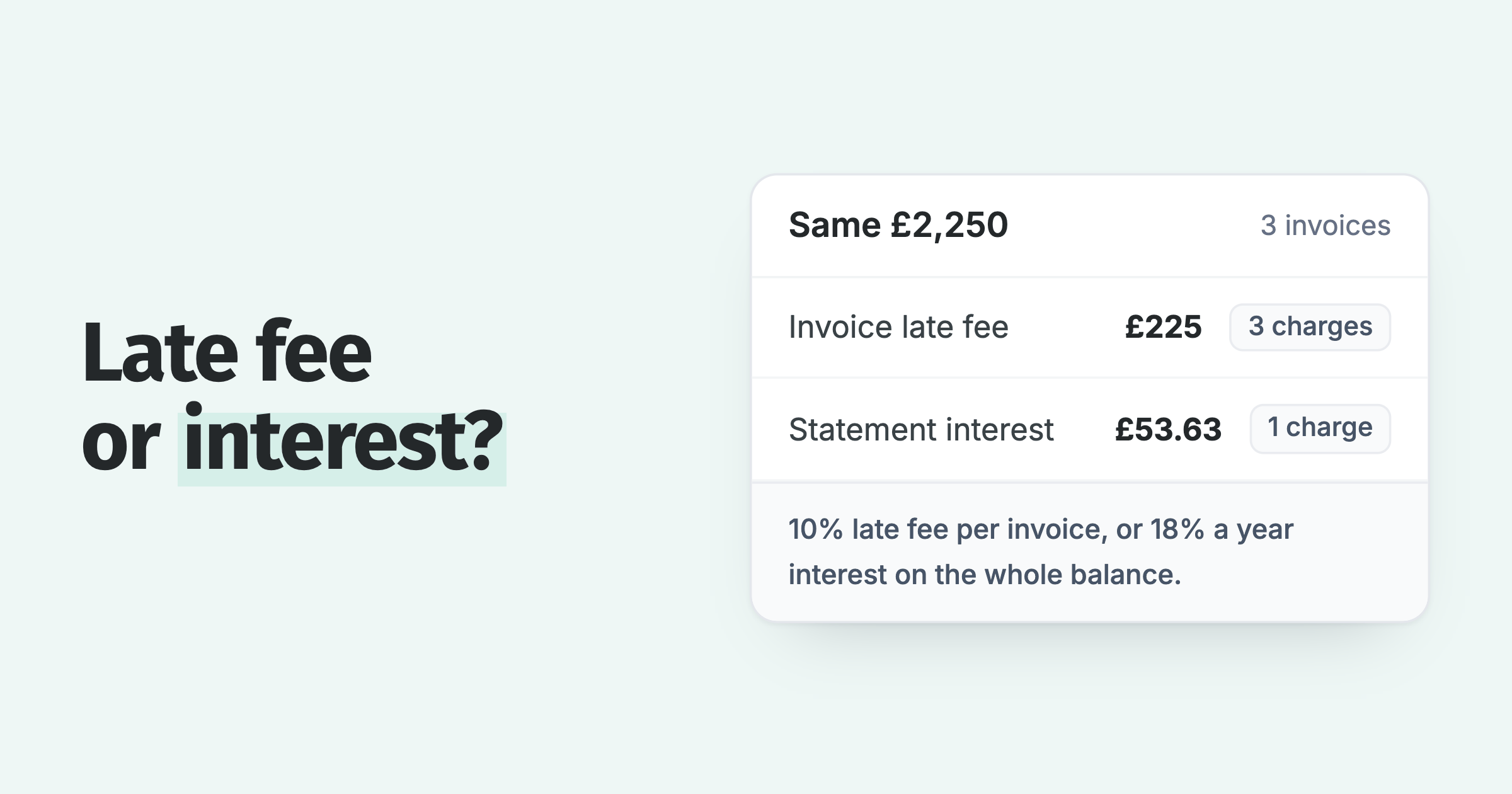
I think of a late fee as leverage. It gives the customer a reason to pay your invoice before the others.
It works quickly, too: 92% of paid late fees were paid on the same day the customer paid the original invoice.
When a good customer slips once, waive it. Waiving makes you the good guy, and the rule still stands for everyone else. Check how much you can charge in your state or country first.
How Paidnice runs reminders and late fees
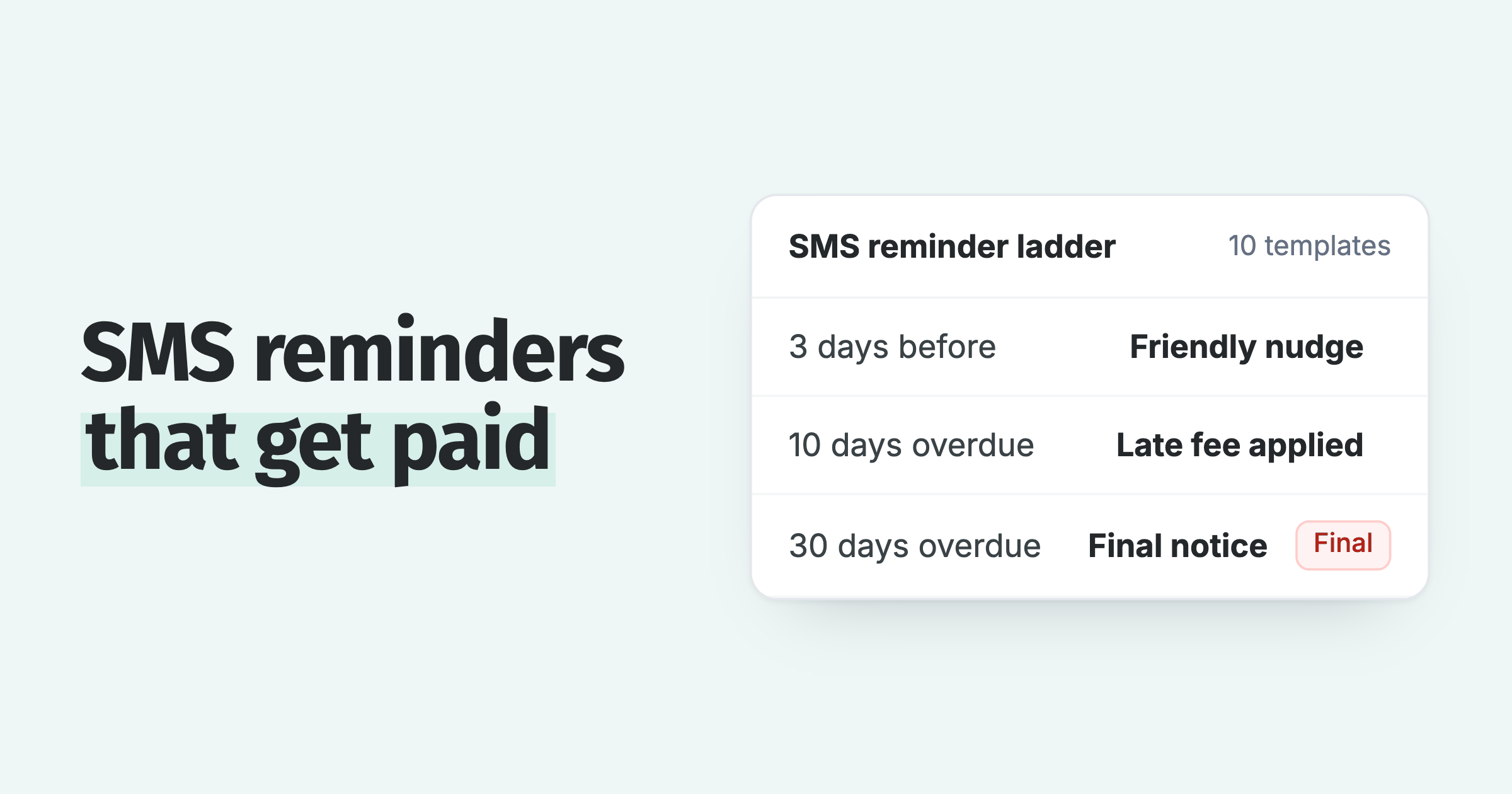
Paidnice connects to Xero or QuickBooks Online and sends automated email and SMS reminders on your invoices, including the ones already open when you connect.
- Reminders: email and SMS reminders by customer group, from your own domain on Pro.
- Late fees and interest: late fees added to overdue invoices as a real charge in Xero or QuickBooks.
- Discounts and payments: prompt payment discounts and a customer payment portal.
You can run reminders on their own for some customers and add a fee for others. Plenty of our customers run reminders alone, and they were paid 8.3 days past terms, against 14.3 with no automation.
Other ways to reduce DSO
Beyond invoicing, terms, reminders and fees, a few more habits bring DSO down:
- Offer more ways to pay: ACH, card and a payment portal mean nobody waits on a check.
- Ask for a deposit: take part of the price upfront on big jobs and new customers.
- Check credit before you give terms: look at a new customer’s payment record and set a credit limit.
- Settle disputes fast: find out why each late invoice is late, and fix billing errors that week.
- Pick up the phone: once an invoice is about 14 days overdue, call.
- Work the aging report: start with the oldest and largest balances in your aging report.
What is a good DSO?
A good DSO is close to your payment terms: the fastest-paid setups in our analysis of over 1,000 Paidnice customers were paid 3 to 5 days past terms, against 14 days with no automation (medians).
On Net 30 terms, a DSO around 33 days is in good shape.
Compare against your own terms, not an industry average. Averages mix businesses on very different terms.
What is the best KPI for accounts receivable?
Days past terms is a fairer accounts receivable KPI than DSO, because DSO rises with longer payment terms. Pair it with the share of invoices still unpaid 75 days after the due date.
Days past terms is DSO minus your average payment terms.
In our data, average terms ran from 21 to 30 days depending on setup. DSO alone would have made the businesses on short terms look better than they were. More in 5 accounts receivable KPIs.
How we measured payment speed
- Data: our analysis of 2 years of invoice data (October 2024 to October 2026) from over 1,000 Paidnice customers on Xero and QuickBooks Online. More results are in our accounts receivable statistics.
- Setup comparison period: invoices issued October 2025 to June 2026, on credit terms of 1 day or more. DSO is measured at each month end from December 2025 to June 2026.
- Measure: median per business. Days past terms is DSO minus the business's average payment terms.
- Setup comparison: setups are the policies a business had switched on. Businesses choose their own setup, so this is a comparison between businesses and shows a strong direction, not proof. The "no automation" group includes some accounts whose payments may not be reconciled, which can make their DSO look higher.
- Before-and-after tests: each test compares businesses that started a lever with similar businesses, matched by region (and by size for late fees), that did not. For late fees, 68% of businesses that started fees improved, against 52% of similar businesses. These tests measure the change inside the same business.
| Setup | DSO | Days past terms | Paid on time | Unpaid at 75 days |
|---|---|---|---|---|
| Reminders and late fees | 27.4 | 3.3 | 56% | 2.7% |
| Late fees only | 26.6 | 4.4 | 56% | 4.2% |
| Reminders, SMS or escalation, statements and late fees | 25.8 | 4.7 | 48% | 6.3% |
| Reminders, statements and late fees | 27.6 | 7.9 | 61% | 3.2% |
| Reminders only | 36.7 | 8.3 | 44% | 3.1% |
| Statements and late fees | 30.2 | 9.7 | 50% | 4.1% |
| Reminders and statements | 29.4 | 11.3 | 48% | 4.4% |
| Statements only | 39.4 | 13.9 | 46% | 4.9% |
| No automation | 39.2 | 14.3 | 42% | 8.0% |
Businesses that switch on every tool, including SMS and escalation, often have the hardest customers to collect from, so that row reads worse than it is. The statements rows have small groups and aren’t the focus of this page.
FAQ
How do you decrease accounts receivable?
Send invoices straight away, shorten your terms, and run automated reminders with a late fee on overdue invoices. In our analysis of over 1,000 Paidnice customers, reminders plus a late fee were paid 3.3 days past terms, against 14.3 with no automation.
What causes accounts receivable to increase?
Slower payment is the usual cause: invoices sent late, long terms, no follow-up and nothing at stake for paying late. Accounts receivable also rises when sales grow, which is fine as long as DSO holds steady.
How to reduce receivable days?
Receivable days is another name for DSO. Bring payment closer to your terms with fast invoicing, shorter terms, automated reminders and a late fee on overdue invoices.
Do late fees reduce DSO?
They’re linked to faster payment. Businesses that started charging late fees improved on-time payment by 3.3 percentage points more than similar businesses, and businesses with a late fee alone were paid 4.4 days past terms, against 14.3 with no automation.
How many payment reminders should I send?
There’s no fixed number: fit the sequence to your terms and customers, with reminders before and after the due date. In our data, 2.3% of invoices were unpaid at 75 days with four steps, and more steps showed no further drop.
About the editorial team
Denym started Paidnice in 2022 after customers paying late left his own business short on payroll. He has led it to $1 billion collected on time across more than 1 million invoices, and writes about credit control, late fees and getting paid on Xero and QuickBooks.
Ashley is a co-founder and lead developer of Paidnice, and builds the Xero and QuickBooks connections that put reminders, late fees and payments on the ledger. Before Paidnice he co-founded A2X, ecommerce accounting software for Xero and QuickBooks.
 App of the Year