



Summary
Credit control software for a finance team automates invoice chasing, tracks ageing and promises to pay, and gives each customer one owner; credit management adds credit checks, limits and scoring. Paidnice suits teams up to $50m a year on Xero or QuickBooks Online, Chaser suits UK firms, Kolleno suits NetSuite or SAP teams, and Upflow suits analytics-led teams.
- Paidnice: Best for finance teams up to $50m a year on Xero or QuickBooks Online that want automated reminders, late fees, payment links, an owner per customer and a shared chasing history, from $69 a month (£49) with unlimited users on Pro.
- Chaser: Best for UK firms that want every chasing channel plus credit checks, from $259 a month (£199 in the UK), with 4 users on Compact then £10 each.
- Kolleno: Best for NetSuite or SAP teams that match bank files, at $650 per user a month.
- Upflow: Best for analytics-led recurring-revenue teams with unlimited seats; price on request, in five tiers by gross invoice value.
Credit control software for a finance team automates invoice chasing, tracks ageing and promises to pay, and gives each customer one owner so two people never chase the same invoice. Credit management software covers the work before the sale, credit checks, limits and scoring, and a finance team usually needs credit control first.
This guide covers the team side of the choice. For turnover gates see credit control software compared by turnover, seats and cost, for monthly prices see credit control software pricing, and for an accounting practice see credit control software for accountants.
What is credit control software for a finance team?
Credit control software for a finance team is the layer above a Xero, QuickBooks Online, Sage or NetSuite ledger that sends reminder sequences, tracks ageing and promises to pay, and records who chased which customer and when. Groups with several entities need one view per entity: see NetSuite OneWorld collections and Business Central across companies.
- Credit control is the chasing of invoices already issued; credit management is the work before the sale: credit checks, limits and scoring.
- Most finance teams buy credit control first and add credit data later, and the right tool follows team size and ledger.
- Paidnice fits any finance team up to $50m a year, or 50,000 invoices a year, from $69 a month (£49).
- Paidnice gives each customer a named owner and keeps a send history by user.
- Paidnice pauses chasing on an expected payment date and puts every action through an approval step.
Where does each tool fit by team size?
Paidnice, Chaser and Satago fit finance teams on Xero or QuickBooks Online from $69 a month (Chaser and Satago also cover Sage; Paidnice does not connect to Sage 50 or Sage 200), Kolleno and Upflow fit mid-market teams on NetSuite or Sage Intacct (Paidnice also connects to both on the Custom plan, and NetSuite's own dunning has hard caps), and HighRadius and Esker fit enterprise teams on SAP or Oracle. On NetSuite, the HighRadius alternatives are compared by revenue band.
| Software | Best for | Core strength | Price from | Ledger |
|---|---|---|---|---|
| Paidnice | Finance teams of any size up to $50m a year, or 50,000 invoices a year, on Xero or QuickBooks Online | One owner per customer, send history by user, pause on promise, approval on every action, late fees and interest | $69 a month (£49); unlimited users on Pro | Xero, QuickBooks Online; NetSuite, Sage Intacct, MYOB and Dynamics 365 Business Central on Custom |
| Chaser | UK firms up to £4m revenue on Compact, larger plans above, wanting every chasing channel | Collections reach: email, SMS, letters, calls and Creditsafe credit checks | $259 a month (£199 in the UK), 4 users then £10 each | Xero, QuickBooks Online, Sage, NetSuite |
| Kolleno | Teams of any size, by turnover band; NetSuite or SAP on Enterprise | Cash application from bank files and remittance emails | $650 per user a month | Xero, QuickBooks Online, Sage Intacct; NetSuite and SAP on Enterprise |
| Upflow | Analytics-led recurring-revenue teams, in five tiers by gross invoice value up to $100m and above | Reporting: countback DSO, ageing, collection rate, custom dashboards | Grow $440 / Scale $880 (last reported 2024), now quote-only, request a quote; unlimited seats | Xero, QuickBooks Online; NetSuite and Sage Intacct on Scale and above |
| Satago | UK small businesses on Sage or Xero that want credit reports with chasing | Credit reports plus invoice finance | £45 a month, the vendor's published GBP price | Sage, Xero, QuickBooks |
| HighRadius, Esker | Large enterprise finance teams running SAP, Oracle or Microsoft Dynamics | Credit management inside the ERP: credit approvals, order holds, periodic limit reviews, cash application at volume | Quote only | SAP, Oracle, Dynamics, NetSuite; no Xero or QuickBooks Online |
Across the four shortlist tools the monthly price runs from $69 for Paidnice Essentials to $650 per user for Kolleno BusinessPay, with Chaser Compact at $259 and Upflow on quote.
A business above the Paidnice ceiling of $50m a year, or one that needs bank-file cash application across several ERPs, is shopping for an enterprise accounts receivable platform such as HighRadius, Esker or Billtrust, and Paidnice is not that.
Paidnice is free to start: the first 20 actions are free, with no card and no time limit. Sign up.
Why do two people chasing from one Xero or QuickBooks ledger lose track?
Xero and QuickBooks Online let a team log in to one ledger, but neither gives a customer an owner or a clear record of who chased it and when.
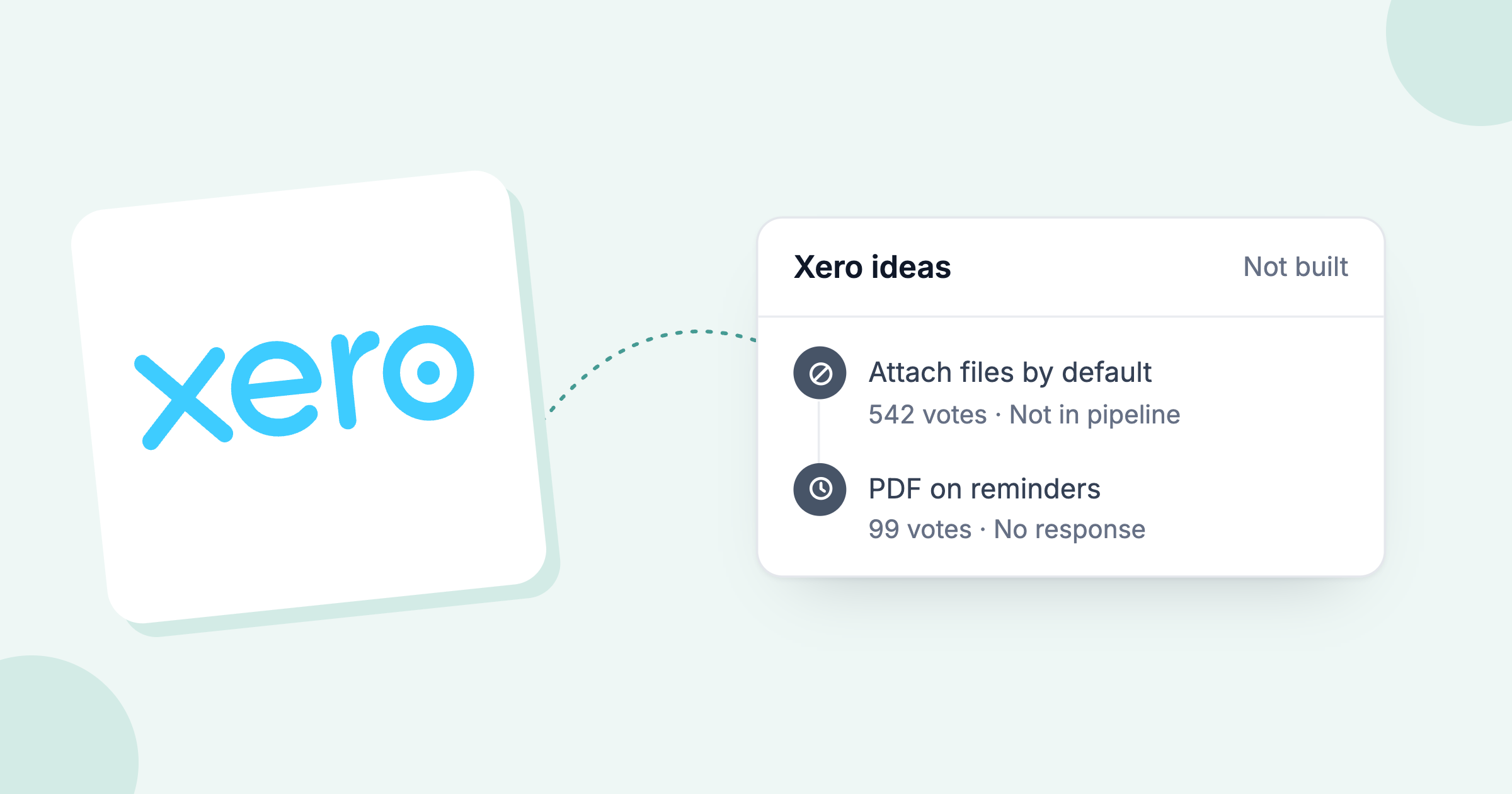
Xero. Xero prices each plan per organisation, so a colleague adds no fee. Resent reminders do not show clearly in invoice history (Xero product ideas), and Xero documents no owner field for a contact or invoice.
QuickBooks Online. The QuickBooks pricing page sets a user limit per plan: Simple Start 1, Essentials 3, Plus 5 and Advanced 25. Custom user roles come only with Advanced. QuickBooks documents no owner for a customer.
Three faults follow:
- Double chasing. The finance manager emails a customer on Tuesday and the bookkeeper reminds the same customer on Wednesday, because nothing assigns the customer to one person.
- Lost promises. A customer promises one person the 28th. The date lives in one inbox, so the scheduled reminder goes out on the 20th anyway.
- No view for the finance lead. The FD sees what is overdue, but not who owns each account or what was agreed.
For a step-by-step fix inside Xero alone, read how to track overdue invoices in Xero as a team.
Who owns a customer's credit control once a second person joins?
One named person should own each customer account once a second person joins the chasing, with the work split by chase stage: routine reminders, direct follow-up, escalation and the relationship call.
The Chartered Institute of Credit Management says a credit function can range from a single experienced credit manager to teams of over 50 credit controllers (CICM).
Four roles share the work, often combined in one person: the accounts receivable clerk keeps the ledger, the credit controller sets limits and chases, the finance manager or FD owns the overdue total and approves escalations, and account managers hold the relationship. Our guide to automating credit control in a finance team covers the rollout step by step.
One person owns each customer. Anyone can see that person's history, and holiday cover means reassigning the customer to a colleague. If the business has no credit controller at all, credit control without a credit controller covers that set-up.
Which credit control software handles a team: Chaser, Kolleno, Upflow or Paidnice?
Of Chaser, Kolleno, Upflow and Paidnice, Paidnice documents a customer owner and Upflow documents account-manager assignment; Chaser and Paidnice document a shared history; Kolleno charges $650 per user and the other three do not.
| Team requirement | Chaser | Kolleno | Upflow | Paidnice |
|---|---|---|---|---|
| Owner per customer | Not published | Not published | Account manager | Customer owner |
| Send history by user | Shared log, notes | Not published | Not published | Every email, by user |
| Payment date pauses chasing | Not published | Not published | Promises detected | Pauses, then resumes |
| Replies visible in the tool | In customer log | Collections inbox | Not published | Yes |
| Approval before sends | Not published | AI drafts for review | Not published | Every action |
| Per-seat cost | 4 users, then £10 | $650 per user | Unlimited seats | None |
| Customer status view | Customer insights | Not published | Custom dashboards | Contact summary cards |
| DSO or payment trends | DSO reporting | DSO reporting | Countback DSO | DSO, trends, 0 to 100 credit score |
| Customer payment portal | Yes | Yes | Yes | Yes |
The matrix shows Paidnice documenting all five team controls, Chaser documenting a shared log and replies in the customer log, Upflow documenting account-manager assignment and promise detection, and Kolleno documenting a collections inbox and AI drafts for review. A "Not published" cell means the vendor documents nothing.
Where do Chaser, Upflow and Kolleno each fit a finance team?
Chaser suits UK firms that want every chasing channel from $259 a month, Kolleno suits ERP teams that match bank files, and Upflow suits teams that manage by analytics.
Chaser
Chaser is a UK credit control platform with email, SMS, letters and credit checks: best for UK firms that want every chasing channel, from $259 a month (£199 in the UK).
Entry cost: $259 a month on Compact (£199 in the UK), up to £4m revenue.
The one thing it does best: collections reach. Email, SMS, posted letters, automated text-to-speech calls, credit checks, a partner collection agency route and its own debtor chasing service.
The honest limitation: every user has full access to every feature and setting, and Chaser documents no owner field on a customer or invoice.
Kolleno
Kolleno is a collections and cash application platform: best for finance teams on NetSuite or SAP that match bank files, at $650 per user a month.
Entry cost: $650 per user a month on BusinessPay, the plan for turnover under £1M.
The one thing it does best: cash application. It reads bank files and parses remittance emails to match payments.
The honest limitation: Kolleno documents no named owner per customer, only Admin, Member and Viewer roles.
Upflow
Upflow is an accounts receivable platform built around dashboards: best for analytics-led recurring-revenue teams, with unlimited seats, last reported at $440 (Grow) and $880 (Scale) a month in 2024, now quote-only, request a quote.
Entry cost: quote only, in five tiers set by gross invoice value. Upflow's pricing page is quote only, though its structured data lists Starter at $333 and Grow at $833 a month.
The one thing it does best: reporting. Upflow has the strongest reporting of the four: countback DSO against best possible DSO, collection effectiveness index, at-risk rate past 90 days, ageing and collection rate, filtered by workflow, country, account manager or custom field.
The honest limitation: no current public price, and no payment plans. Late fees run only through NetSuite.
Two more names sit at the small end of finance-team shortlists: Satago (UK, reminders plus credit reports plus invoice finance, from £45 a month, the vendor's published GBP price) and Credit Hound (Sage-centred, from $25 a user a month). If the shortlist is down to the two enterprise-leaning tools, Kolleno vs Upflow covers pricing, ledgers and cash application in detail.
What should a finance team compare before choosing credit control software?
A finance team should compare eight things before choosing credit control software: ledger sync, reminder sequences, disputes and promise-to-pay handling, payment links, ownership and send history, an approval step, ageing and DSO reporting, and credit checks.
- Ledger sync. The tool syncs two-way with Xero, QuickBooks Online, Sage or NetSuite, so a payment in the ledger stops the next reminder.
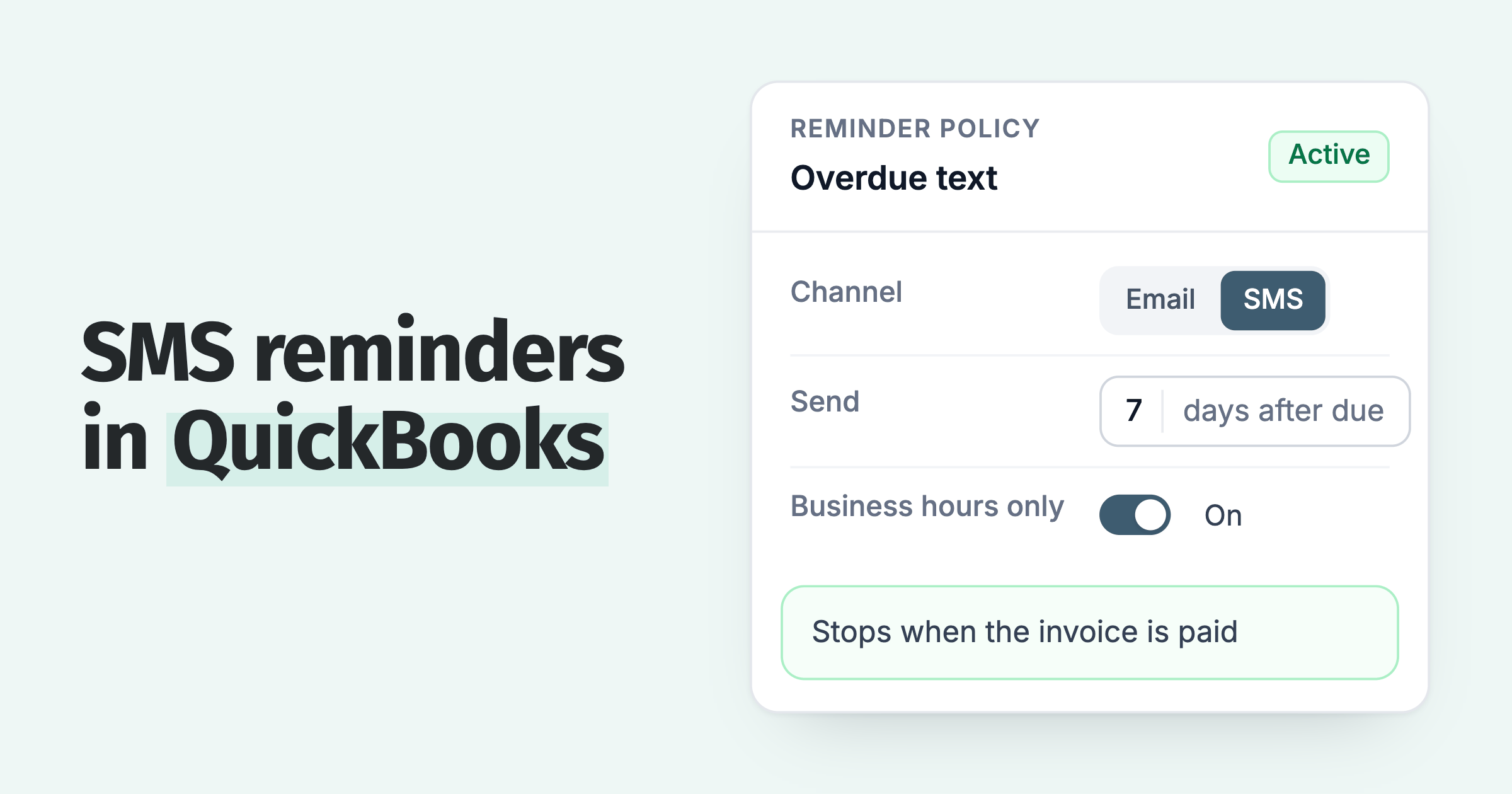
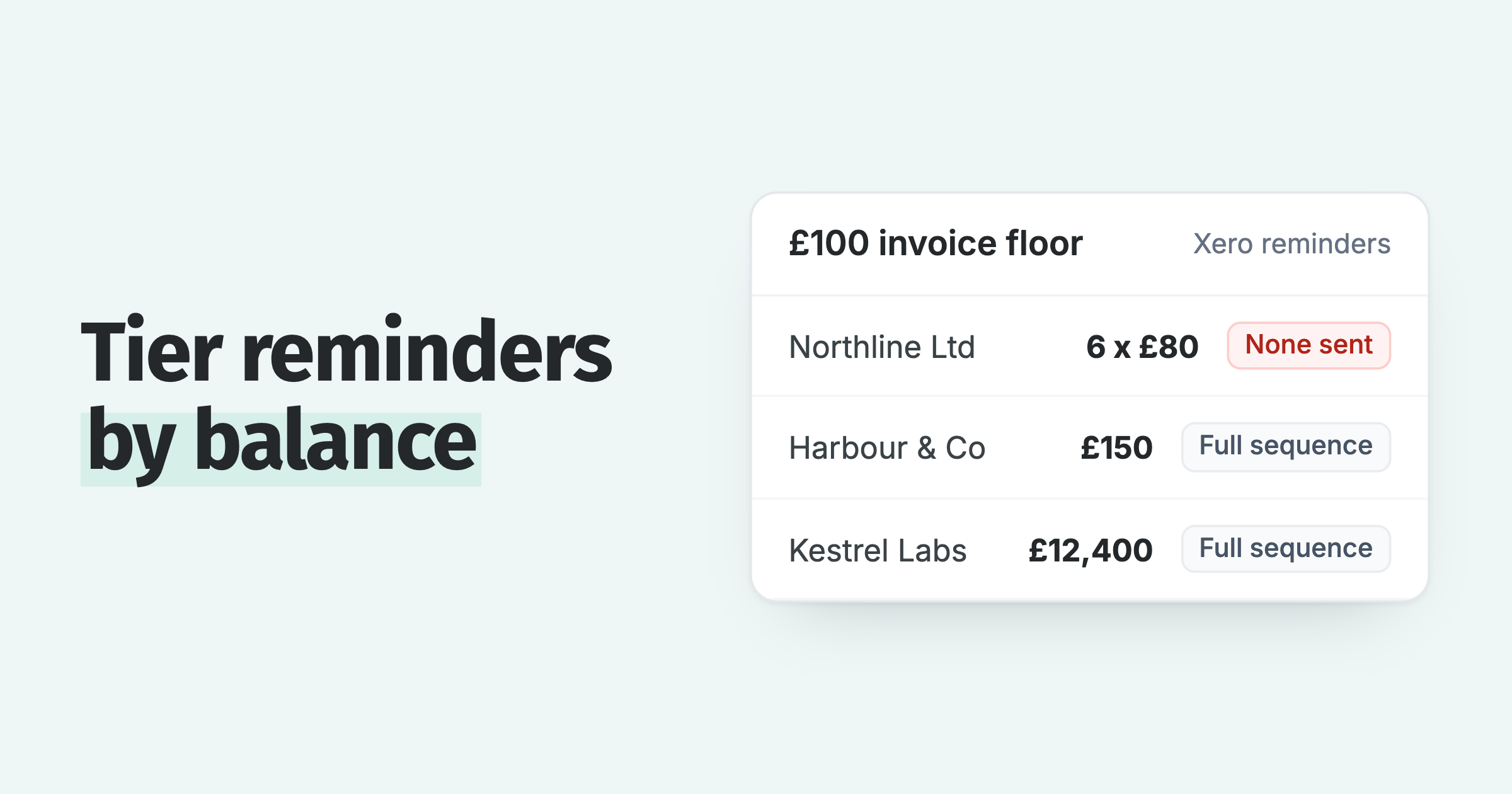
- Reminder sequences. The tool runs schedules by customer group, with email and SMS, statements and escalation steps.
- Disputes and promise to pay. The tool records a promised date that pauses chasing on that invoice, and gives a way to take a disputed invoice out of the sequence. Paidnice pauses on the expected payment date, tracks disputes that customers raise in the portal, and can exclude a disputed invoice by its reference.
- Payment links or portal. The tool puts a pay-now link in every reminder and gives the customer a portal showing the balance.
- Ownership and send history. A finance team needs a named owner per customer and every send logged with the user who sent it.
- Approval step. The tool holds a final demand, a late fee or an AI-drafted email for review before it goes out.
- Ageing and DSO reporting. The tool shows days sales outstanding, ageing by customer and payment trend to the FD.
- Credit checks. Chaser and Satago run bureau credit checks in-app; Kolleno adds bank-file matching; Paidnice runs native credit checks from each customer's payment behavior on every plan, plus Creditsafe bureau checks through the API on the Custom plan. Choose on the job your team needs most.
Is Paidnice built for large enterprise finance teams?
Paidnice is credit control software for Xero and QuickBooks Online: best for any finance team up to $50m a year or 50,000 invoices a year, from $69 a month (£49), with unlimited users on Pro and Custom. The Custom plan adds NetSuite, Sage Intacct, MYOB and Dynamics 365 Business Central connections and invoice API access.
For the FD, Paidnice tracks days sales outstanding, payment trend and a 0 to 100 credit score on every account, updated as invoices are paid.
How does Paidnice give a finance team one owner per customer?
Paidnice assigns customers to owners, logs every email with the user who sent it, pauses chasing on a promised date and puts every action through approval.
Paidnice runs reminders and statements on a Xero or QuickBooks Online ledger, then adds the team layer. Late fees and interest are optional per customer group.
- Owners and history. Assign a customer an owner, in the same way as an escalation. Every email sent shows the user who sent it, customer replies are visible in Paidnice, calls made from Paidnice are recorded, transcribed and logged to the customer, and notes sync to the Xero invoice.
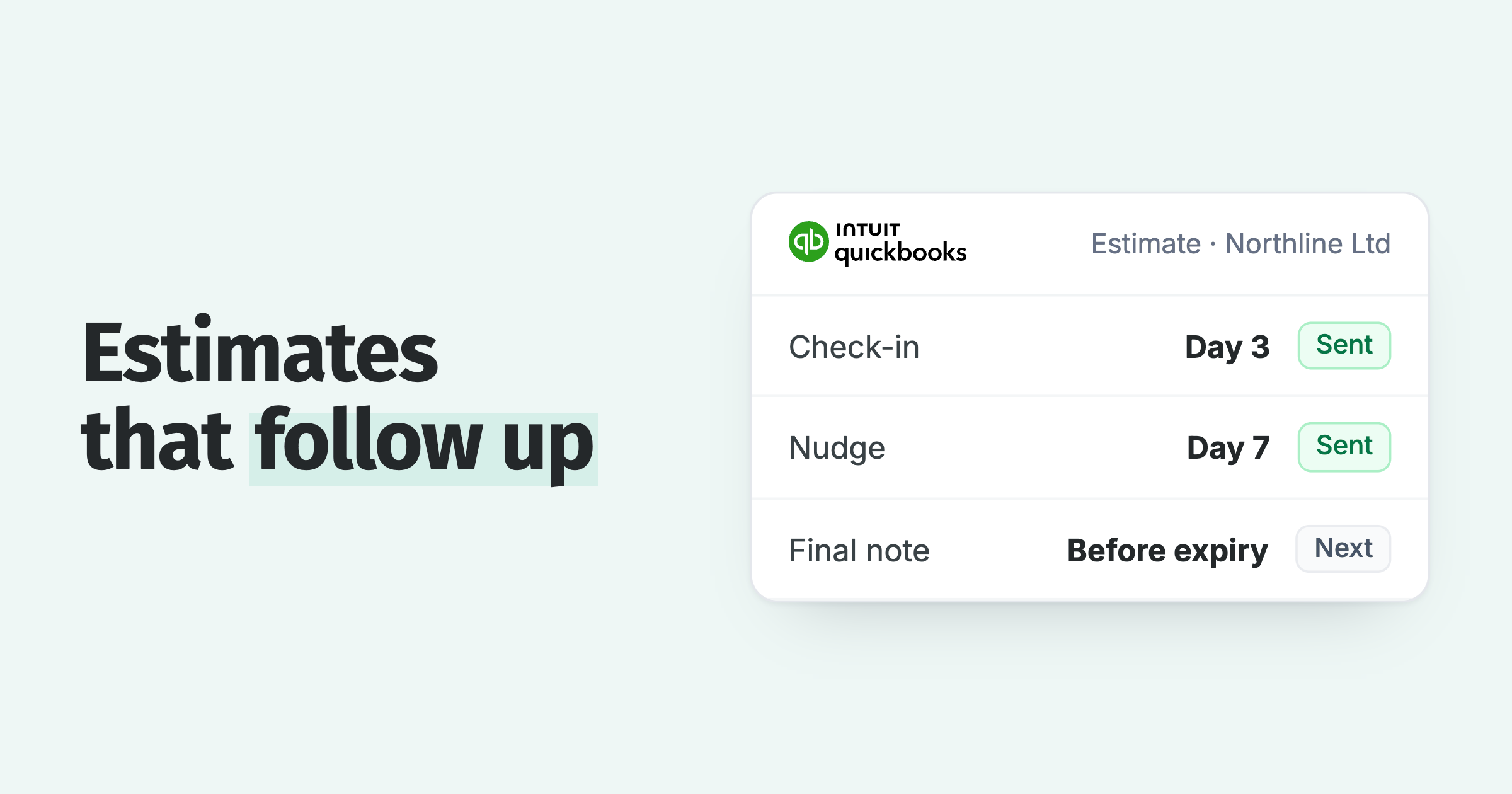
- Promised dates. When a customer promises a date, a user sets the expected payment date on the invoice or contact and collection pauses until then. If it is still unpaid, chasing resumes.
- Approvals. Every action can have an approval step, and every reply that Paidnice drafts with AI waits for approval.
- Seats and alerts. Pro and Custom include unlimited users with no per-seat fee, and a colleague needs no Xero seat. Assignment and mention notifications, sender profiles (From, Reply-To, BCC) and team alerts by webhook to Slack, Teams, Discord, Telegram or WhatsApp are included.
Plans start at $69 / £49 a month on Essentials with 2 users, and Pro starts at $99 / £74 a month. Paidnice prices by invoice volume, so the price follows the work Paidnice does, whatever your business size. The first 20 actions are free, with no card and no time limit.
Proof: 5.0 across 83 Xero App Store reviews, winner of New Zealand Small Business App of the Year at the Xero Global App Awards 2026, and $1 billion collected on time across more than 1 million invoices since 2022.
Common questions about credit control in a finance team
The questions a finance team asks next cover who owns credit control, which software finance managers use, splitting customers between people and what adding users costs. Paidnice Pro includes unlimited users with no per-seat fee, from $99 a month (£74).
Who is responsible for credit control in a business?
In a small business the finance manager or a bookkeeper runs credit control, with the FD holding the overdue total. In larger teams a credit controller runs it, and each customer account has one named owner.
Which credit control software do finance managers use?
Finance managers run the ledger in the accounting system and add credit control software on top, chosen by team size. Teams on Xero or QuickBooks Online use Paidnice, Chaser or Satago; Chaser and Satago also cover Sage. Mid-market teams on NetSuite or Sage Intacct use Kolleno for cash application or Upflow for reporting. Enterprise teams on SAP or Oracle use HighRadius or Esker.
Can each customer be given to a different person on the team?
Each customer can be given to a different person when the credit control tool supports an owner per customer, which Paidnice does through owner assignment on the contact. Xero and QuickBooks Online document no owner field, so the split has to be tracked outside the ledger.
What does credit control software add over chasing inside Xero or QuickBooks Online?
Xero and QuickBooks Online document no owner field for a customer, and Paidnice logs each send with the user who sent it. Credit control software adds a customer owner, a shared send history, a pause on a promised date and approval before sends.
Does adding people to credit control software cost more?
Adding people to credit control software costs more on Kolleno, at $650 per user a month, and on Chaser Compact past four users, at £10 each, while Paidnice Pro and Upflow include unlimited users. For the two-tool comparison on price and late fees, read Chaser vs Upflow.
Paidnice features in this article
About the editorial team
Denym started Paidnice in 2022 after customers paying late left his own business short on payroll. He has led it to $1 billion collected on time across more than 1 million invoices, and writes about credit control, late fees and getting paid on Xero and QuickBooks.
 App of the Year