



Summary
You can follow up on an abandoned payment the same day it happens. A customer who opened the pay screen meant to pay, so send a short, friendly note with the same link, ask whether anything got in the way, and offer a second way to pay.
- What abandoned means: The customer opened the payment screen and left before paying, or the checkout expired. No money moved and no payment failed.
- Why they stop: A card fee they did not expect, the wrong amount, someone else has to approve it, or a bank account that needs verifying.
- When to follow up: The same day or the next business day, before your next scheduled reminder.
You check your payments and see that a customer opened the link on an overdue invoice at 10:02, then left without paying. The invoice is still open. They clearly meant to pay, and something stopped them.
Here is what an abandoned payment means, why customers stop halfway, when to follow up, what to say, and how to make the second attempt easier.
What does an abandoned payment mean?
An abandoned payment means the customer opened the payment screen for an invoice and left before completing it. No money moved, and nothing was declined. It is different from a failed payment, where the customer tried to pay and the card or bank said no.
An expired checkout is the same thing with a time limit. Stripe's hosted checkout pages, for example, expire after 24 hours by default. The customer has to start again from a fresh link.
Both tell you something useful: the customer had the invoice in front of them and was ready to pay. That is a better moment to follow up than any day on your reminder schedule.
Free: Payment reminder email templatesCopy the reminder emails for before, on and after the due date.Why customers stop halfway through paying
Customers rarely abandon a payment because they have decided not to pay. These are the reasons we hear most often:
- A card fee they did not expect. If you pass on card fees, the total at checkout is higher than the invoice. Customers have asked us how to switch the surcharge off for some customers, or for bank payments.
- The amount is wrong for them. They wanted to pay part, or pay several invoices together, and the screen offered one fixed amount.
- Someone else has to approve it. The person who clicked the link is not the person who can pay, so they stop to ask.
- Bank verification. A US bank account entered manually may need micro-deposits to verify it. Stripe gives the customer 10 days to verify, and many never come back to finish.
- They did not trust the link. A payment page from an address they do not recognize can look like a scam.
- They got interrupted. A phone call, a meeting, a closed laptop.
When to follow up on an abandoned payment
Follow up the same day, or the next business day at the latest. The customer remembers opening the link, and whatever stopped them is still fresh.
Do not wait for the next reminder on your schedule. A reminder written for a customer who has ignored the invoice reads wrong to a customer who was halfway through paying it.
If the same customer abandons twice, call instead of emailing. Two stops usually mean a real problem with the amount, the fee or the approval, and it is faster to ask.
What to say: email and SMS templates
Keep it short, assume good intent, and give the link again. Replace the parts in square brackets.
Subject: Invoice [number]: did something get in the way?
Hi [first name],
I saw you started paying invoice [number] for [amount] earlier but the payment did not go through. No problem, here is the link again: [pay link].
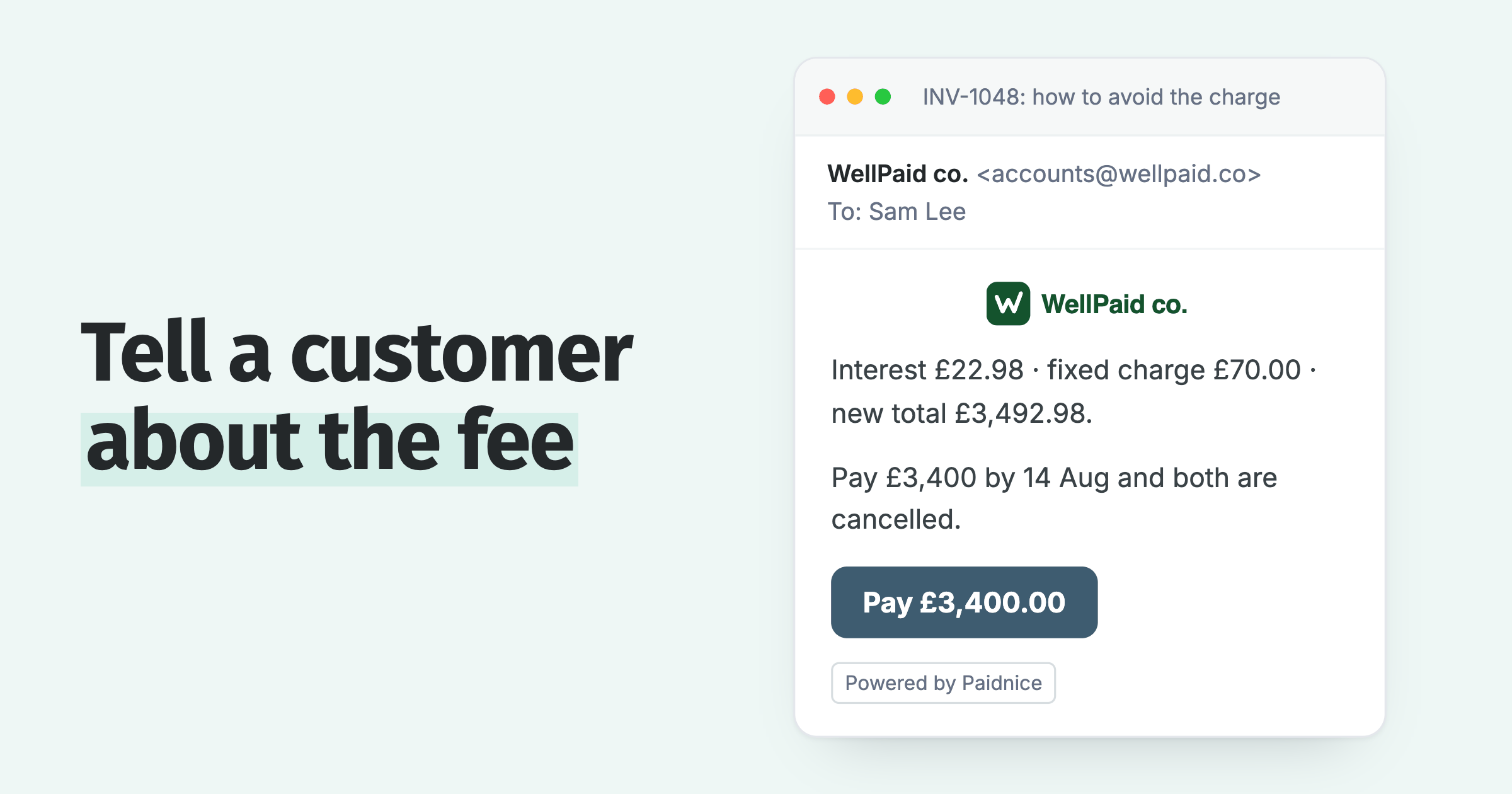
If anything got in the way, such as the amount, a card fee or needing someone else to approve it, just reply and I will sort it. You can also pay by bank transfer to [bank details].
Thanks,
[Your name]
SMS
Hi [first name], it is [name] from [business]. Looks like the payment for invoice [number] did not finish. Here is the link again if you need it: [pay link]. Reply here if anything is stuck.
Do not mention that you saw them open the page at a certain time. Say the payment did not go through, which is true and less awkward.
Make the second attempt easier
The follow-up works better when the second attempt removes whatever stopped the first one:
- Offer ACH or another bank debit if the card fee was the problem. Bank debits usually cost the customer nothing extra.
- Let the customer pay part of the balance, or several invoices at once, if your setup allows it.
- Send the invoice PDF with the link, so the person who approves it has something to approve.
- Send from your own business address, so the link does not look like a scam.
- Offer a payment plan if the amount is the problem.
Watch for one side effect. In support we have seen customers pay twice: after paying, they land back on the pay screen, the invoice still looks unpaid for about a minute, and they pay again.
If a customer says they paid after your follow-up, check for a second payment before you send anything else. The checks are in customer says they paid, but the invoice is still unpaid.
What not to do
- Do not treat an abandoned payment as a promise to pay. Nothing has been agreed.
- Do not charge a fee for it. No payment was attempted, so there is nothing to charge for.
- Do not send the same link three times in a day. One follow-up, then a call.
How Paidnice handles abandoned payments
Paidnice has a Payments page that lists every payment attempt on your invoices with its status.
Abandoned and expired checkouts appear there next to pending bank debits, failed payments, payments waiting on the customer, and payments that went through but did not sync to your ledger. So you can see who started to pay and stopped, and follow up the same day.
- The same link everywhere. Every reminder, SMS and statement carries a pay link to the customer payment portal, where the customer can pay one invoice, several, or the whole balance.
- Card or bank debit. The portal offers card or direct debit, including ACH, through Stripe. Stripe fees for card and for bank debits can be set separately.
- One-off follow-up. From the invoice, send a reminder or an SMS straight away, outside your schedule.
- Replies in one place. If the customer answers with the reason they stopped, the reply lands in the shared inbox for your team.
Because the invoice is still unpaid, your normal email and SMS reminders keep running on schedule if the customer does not come back. The Payments page is on every plan.
💡 Paidnice insight
An abandoned payment is the only signal you get that a customer tried to pay. Follow up within a day, before it turns into an invoice they have stopped thinking about.
If the customer finished paying but the card or bank refused it, that is a failed payment, with different fixes. See Stripe payment failed on an invoice.
Frequently asked questions
Is an abandoned payment the same as a failed payment?
No. An abandoned payment is one the customer started and left. A failed payment is one the customer completed and the card issuer or bank declined. The follow-up for each is different.
Should I send an automatic email when a payment is abandoned?
A personal note works better for invoices, because the amounts are larger and there is usually one reason the customer stopped. Ask what it was. Automatic abandoned-cart emails suit online shops more than business invoices.
How long should I wait before following up?
Follow up the same day or the next business day. After that, the customer has moved on and your follow-up reads like any other reminder.
Why did my customer's payment link expire?
Many payment pages time out after a set period for security. Stripe's hosted checkout expires after 24 hours by default. Send a fresh link in a new reminder.
Paidnice features in this article
- Customer payment portal Shows customers every open invoice in one place, where they can pay.
- Email and SMS reminders Sends reminders by email and SMS on your schedule, each with a link to pay.
- Direct debit Lets customers pay by direct debit through Stripe: ACH, Bacs, SEPA, BECS, NZ bank debit and Canadian PAD.
About the editorial team
Ashley is a co-founder and lead developer of Paidnice and has built accounting software for more than 10 years. He builds the ledger connections that put reminders, late fees and payments into Xero, QuickBooks and ERPs such as NetSuite and Business Central. Before Paidnice he co-founded A2X, ecommerce accounting software for Xero and QuickBooks.
 App of the Year
