



Summary
You can move regular customers onto Direct Debit without ever handling their bank details. Send them the pay link they already get with each reminder, and they set up the Direct Debit themselves on a secure page where Stripe collects the details and the mandate. The account is saved for their next invoice.
- Why not by email: Bank details in an email sit in your inbox and theirs, and customers' accounts teams are trained to treat emails about bank details as possible fraud.
- What the customer does: Opens the pay link, chooses Direct Debit, enters their sort code and account number and accepts the mandate. Stripe emails the mandate confirmation.
- Fully automatic collection: Customers on a payment plan can switch on Autopay, and each instalment is debited on its date. Payment plans are on Pro and above.
You keep a Xero contact group called "No Mandate" for regular customers who have not set up Direct Debit yet, and another called "Direct Debit" for those who have. Moving a customer from one group to the other means chasing a mandate form, and the form asks them to send their bank details back to you.
Paidnice customers run exactly these two groups. Here is how to get repeat customers onto Direct Debit without mandate forms or bank details in anyone's inbox, what the customer sees, and how to stop chasing them once they are on it.
Paidnice is accounts receivable automation for businesses on Xero and QuickBooks Online. Customers pay from a portal by card or Direct Debit through Stripe.
Free: Payment reminder email templatesCopy the reminder emails for before, on and after the due date.Why not ask for bank details by email
There are three reasons:
- It looks like fraud. Accounts teams are trained to distrust emails about bank details, and Take Five, the UK Finance campaign, warns about invoice and mandate fraud (Take Five). An email asking for their account number can stall.
- You end up holding the details. A sort code and account number in an email or a scanned form now sit in your inbox, your shared drive and your bookkeeper's downloads.
- It does not need doing. A Bacs mandate can be set up online. Stripe's payment form "collects the customer's Bacs bank details and mandate acceptance" (Stripe Bacs docs), so the details go to Stripe and never pass through you.
How a customer sets up Direct Debit themselves
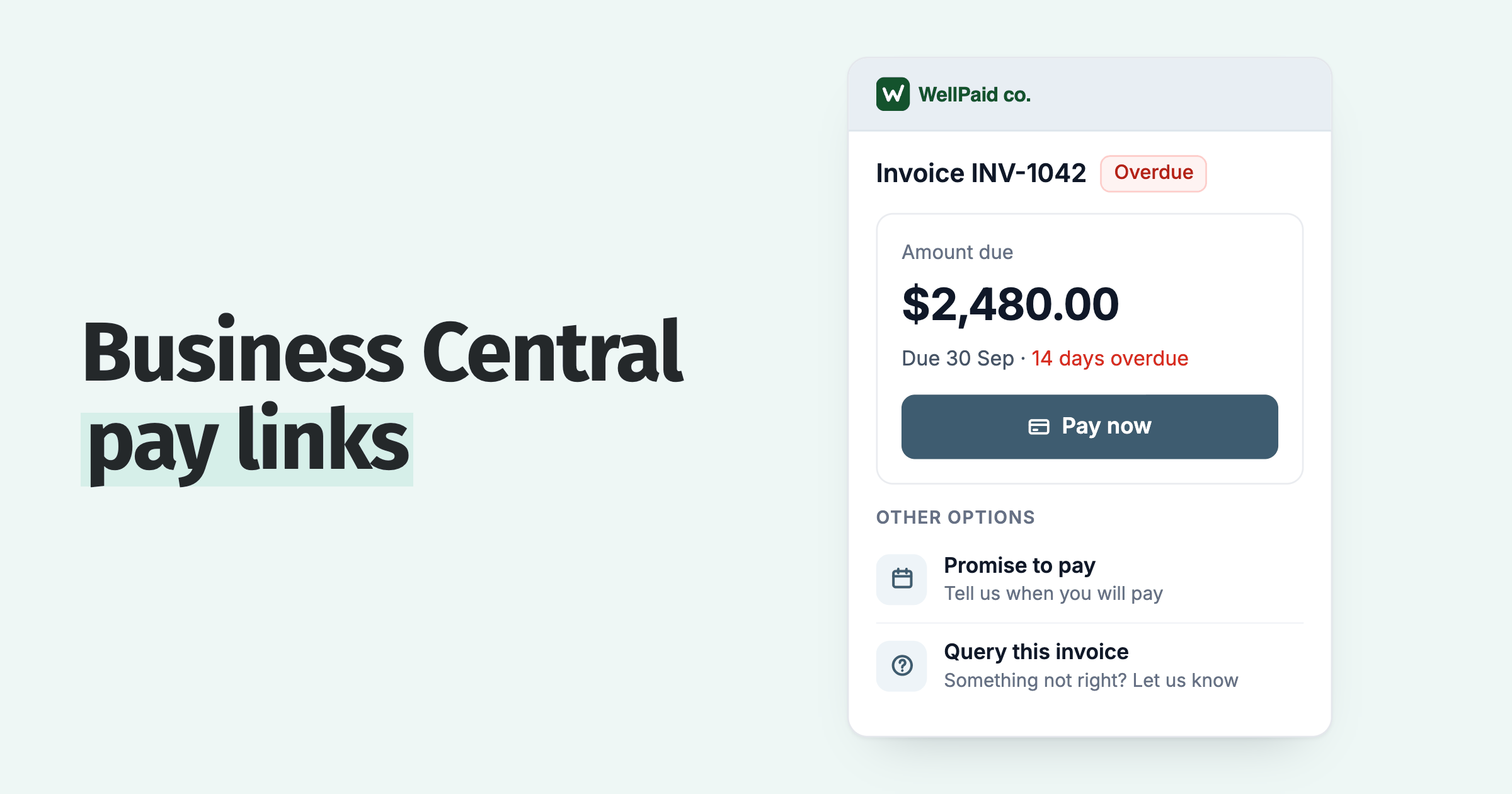
- The customer opens the pay link in a reminder, statement or SMS, which takes them to their customer payment portal.
- They tick the invoices to pay, or pay the whole balance, and switch from card to Direct Debit.
- They enter their sort code and account number on the Stripe form and accept the mandate. The payment completes on the portal, with no redirect.
- Stripe emails them the mandate confirmation and the advance notice.
- The account is saved to their portal, so next time they choose it from their saved payment methods instead of typing the details again.
The customer can add, remove or change their default payment method in the portal at any time. Card and bank details are held by Stripe and never reach Paidnice.
How to invite customers to switch
You do not need a campaign. Most customers will see the Direct Debit option the next time they pay. To move a group of customers faster:
- Send one announcement email to the customers you choose, such as your "No Mandate" group, saying they can now pay by Direct Debit from the pay link. Announcements are on every plan.
- Add a line to your reminder templates: "You can now pay by Direct Debit from the link below, and your account is saved for next time."
- Pass on a lower processing fee for Direct Debit than for card, so the cheaper method is visible on the pay page. Stripe's standard UK price for Bacs is 1%, with a 20p minimum and a £4.00 cap (Stripe UK pricing). Paidnice adds no fee.
When collection is fully automatic, and when it is not
Be clear with customers about what they are signing up for. A saved bank account means each new invoice takes one step to pay: open the link, pick the saved account, confirm.
For collection with no step at all, use a payment plan. The customer switches on Autopay once, Stripe handles the mandate, and each instalment is debited on its date. Payment plans are on Pro and above.
If you also use a separate Direct Debit tool
Its emails and messages are its own. A Paidnice customer asked us why their client saw a "direct debit is active" message. It came from their separate Direct Debit tool, because its Autopay had already run, not from Paidnice.
Stop chasing customers once they are on Direct Debit
The Xero groups at the top of this page are a workaround for this. In Paidnice, move Direct Debit payers into their own group with lighter reminders or none, or tag them so a policy leaves them out. Statement settings can differ by group too.
QuickBooks Online cannot filter customers by payment method, so a Paidnice group or tag is the simplest way to keep Direct Debit payers apart there as well.
When a Direct Debit fails or is cancelled
A customer can cancel a Direct Debit through their bank at any time, and under the Direct Debit Guarantee they are entitled to "a full and immediate refund" if an error is made (Direct Debit Guarantee).
In Paidnice, a failed debit shows on the Payments page and the invoice is frozen, so no reminder or automatic late fee goes out until you fix it with the customer. There is no automatic late fee on a failed debit; charge one manually if your terms allow. See what to do when a direct debit fails.
How Paidnice handles it
- Six schemes through Stripe: Bacs in the UK, plus ACH, SEPA, BECS, NZ bank debit and Canadian PAD, each with no Paidnice fee, on every plan. For the UK scheme in detail, see Bacs Direct Debit for invoices with Xero.
- Saved payment methods on the portal, managed by the customer.
- Announcements to the customers you select, to tell them Direct Debit is available.
- Every attempt on one page: pending, failed and abandoned payments, and payments that did not sync to the ledger.
💡 Paidnice insight
Start with your "No Mandate" list, not your whole ledger. Those customers have already agreed in principle to pay by Direct Debit, so a pay link is often the only thing missing.
Frequently asked questions
What details does a customer need to set up a Direct Debit?
For Bacs, their sort code, account number, name, email and address. Stripe collects them on the payment form along with the customer's acceptance of the mandate.
Can I set up a Direct Debit for a customer myself?
No. The customer has to authorise the mandate. Send them the pay link and they set it up themselves.
Do I need a paper Direct Debit form?
No. A mandate accepted online on the Stripe form is enough, and Stripe emails the customer the confirmation.
Will customers on Direct Debit still get reminders?
Only if you let them. Put them in their own group in Paidnice with lighter reminders or none, or tag them so your policies leave them out.
Paidnice features in this article
- Customer payment portal Shows customers every open invoice in one place, where they can pay.
- Direct debit Lets customers pay by direct debit through Stripe: ACH, Bacs, SEPA, BECS, NZ bank debit and Canadian PAD.
- Email and SMS reminders Sends reminders by email and SMS on your schedule, each with a link to pay.
About the editorial team
Ashley is a co-founder and lead developer of Paidnice and has built accounting software for more than 10 years. He builds the ledger connections that put reminders, late fees and payments into Xero, QuickBooks and ERPs such as NetSuite and Business Central. Before Paidnice he co-founded A2X, ecommerce accounting software for Xero and QuickBooks.
 App of the Year
