

Summary
When a customer replies to a payment reminder, sort the reply: a payment date, a claim of payment, a missing invoice, a PO request, a wrong contact, a dispute, or a request for time. Answer the same day, log what they said on the invoice, and hold reminders only on the invoice the reply covers.
- Sort first: Seven kinds of reply come up again and again, and each has one next step: log the date, check the bank, resend, add the PO, find the right contact, investigate, or offer a plan.
- Pause narrowly: A promised date or an open query holds reminders on that one invoice, and reminders on the customer's other invoices keep running.
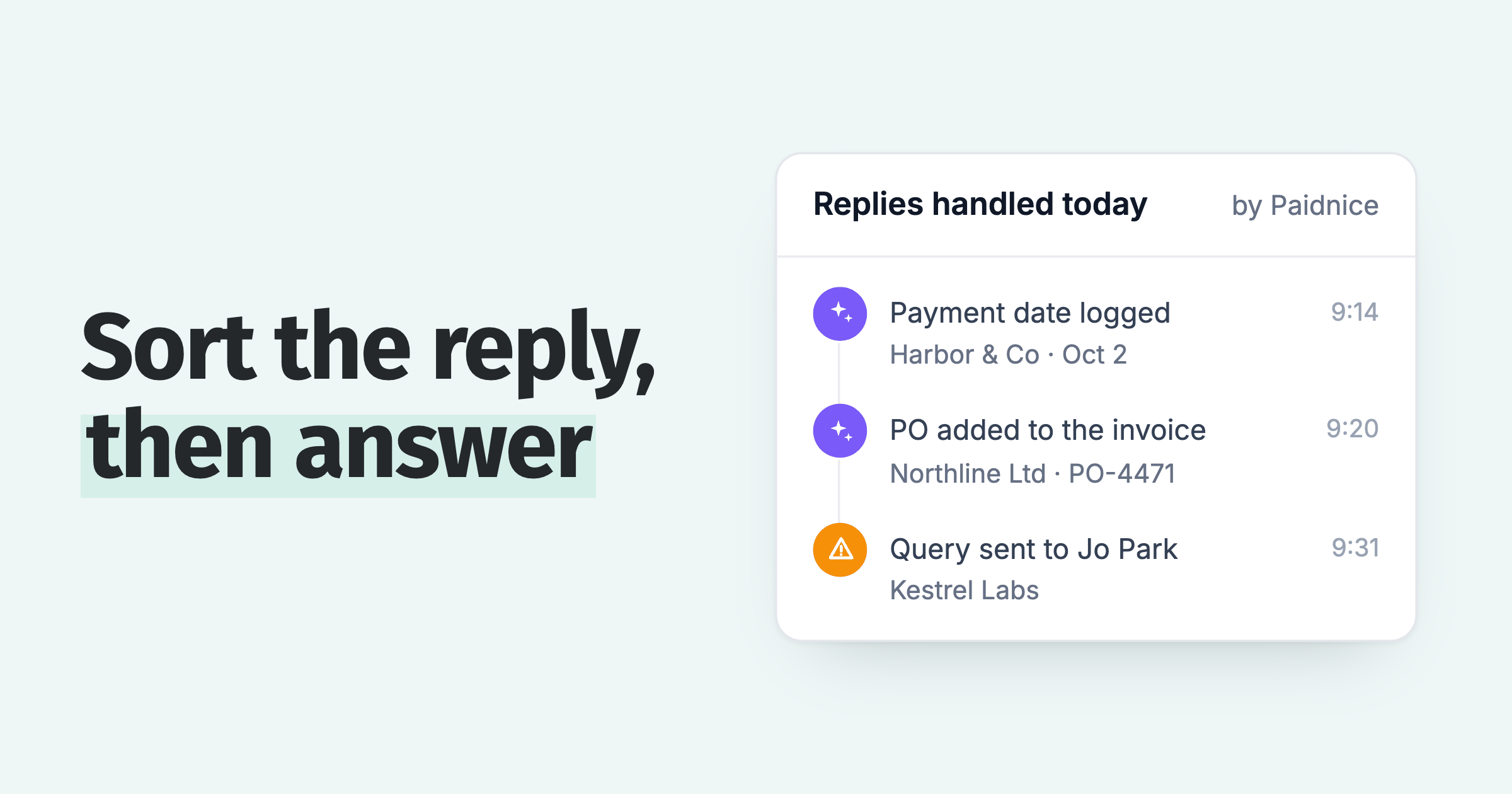
- In Paidnice: Paidnice reads the reply, logs a promised date on the invoice and drafts the answer, which waits for approval unless you have pre-approved that type of reply.
Your reminder went out an hour ago and the customer wrote back: "We will pay on the 30th, can you resend with our PO?" The next reminder is due Friday. US small businesses waited an average of 29.3 days to be paid in the June quarter of 2026, so a week of silence is a quarter of it. Here is what to do with each kind of reply.
What should you do first when a customer replies to a payment reminder?
Read the customer's reply, decide which kind it is, and answer it before the next reminder goes out, because a second automatic reminder after a customer has written back reads as if nobody listened.
- Sort it. Match the reply to one of the seven rows in the table below.
- Answer the same day. A short reply that names the invoice number and what happens next is enough.
- Write it on the invoice. Log what the customer said and who said it.
A reply by text or WhatsApp gets the same sort and the same-day rule; see the reply templates for WhatsApp.
What are the common replies to a payment reminder, and what does each need?
Seven replies come up again and again after a payment reminder, and each one has a single next step plus a rule for whether reminders keep running on that invoice.
| The customer says | Do this | Reminders on that invoice |
|---|---|---|
| "We will pay on Friday" | Thank them, repeat the invoice number and date, and log the date on the invoice | Hold until the date passes |
| "We already paid" | Check the bank and the ledger. Thank them if it is there, ask for the transfer reference if it is not | Hold until you have checked |
| "We never got the invoice" | Resend it to the person who pays, and confirm their address | Resume after the resend |
| "We need a PO number" | Ask who placed the order, add the PO to the invoice and resend | Hold until the corrected invoice is out |
| "I no longer work here" or an out-of-office | Find who handles accounts payable and update the contact | Resume to the new contact |
| "This invoice is wrong" | Find the reason, then correct it, credit it or explain it | Pause, with any late fee, while the query is open |
| "We cannot pay all of it now" | Agree a payment plan or part payment with dates, in writing | Hold while the plan is on track |
The reminder rule is the part to get right: it decides whether the customer hears from you again before you have answered.
How do you answer a customer who promises a payment date?
Thank the customer, repeat the invoice number, the amount and the date in one sentence, and log that date on the invoice so reminders on it wait until it passes.
One sentence does the job: "Thanks Sam, we have noted payment of INV-1042 for $3,200.00 on October 30." A customer who meant a different invoice or date will say so now rather than on October 31.
A promise is not a payment. Check the bank on the date, and if nothing arrives, follow the steps in what to do when the date passes. For a larger balance, put a written promise to pay in place.
Hold reminders only on the invoice the promise covers. The customer's other overdue invoices keep their schedule.
What should you do when a customer says they already paid?
Check your bank account and the ledger for the payment before you reply, then either thank the customer and apply it, or ask for the transfer reference or remittance advice.
Look in the places a payment gets missed: against the wrong invoice, as a short amount, or under a different trading name. If you find it, mark the invoice paid so no further reminder goes out.
If you cannot find it, ask for the transfer date, the amount and the reference. When the amount that arrived is less than the invoice, see when a customer paid less than the invoice.
What if the customer asks for a PO number or a copy of the invoice?
Send the invoice again to the person who pays it, and if the buyer needs a PO number, ask who placed the order, add the number to the invoice and resend.
Confirm the address first. Accounts payable is the team that pays, so the copy goes there, and the person who ordered is copied in if they asked for it.
A PO request is answered with a corrected invoice, not another reminder. Hold reminders on that invoice until the corrected copy is out. How to get PO numbers on your invoices covers asking for the number before the invoice goes out.
What if the person who replied has left, or the reply is automatic?
An out-of-office reply means nobody read your reminder, and a "no longer here" reply means the contact is wrong, so find the person who now pays your invoices and update the contact record.
For an out-of-office, note the return date and send the reminder to a second contact if you hold one. An auto-reply is not a response.
For "I no longer work here", ask the sender who now handles accounts payable, or call the main line. Then update the contact so the next reminder reaches the right desk. In Xero, the guide to reminders that go to the wrong person shows where the contact is set. If the new contact also goes quiet, read when there is no reply at all.
When does a reply mean the invoice is in dispute?
A reply that says the invoice is wrong, the work was not delivered, or the price differs from the order is a dispute, so pause chasing that invoice, find the reason and answer with a fix.
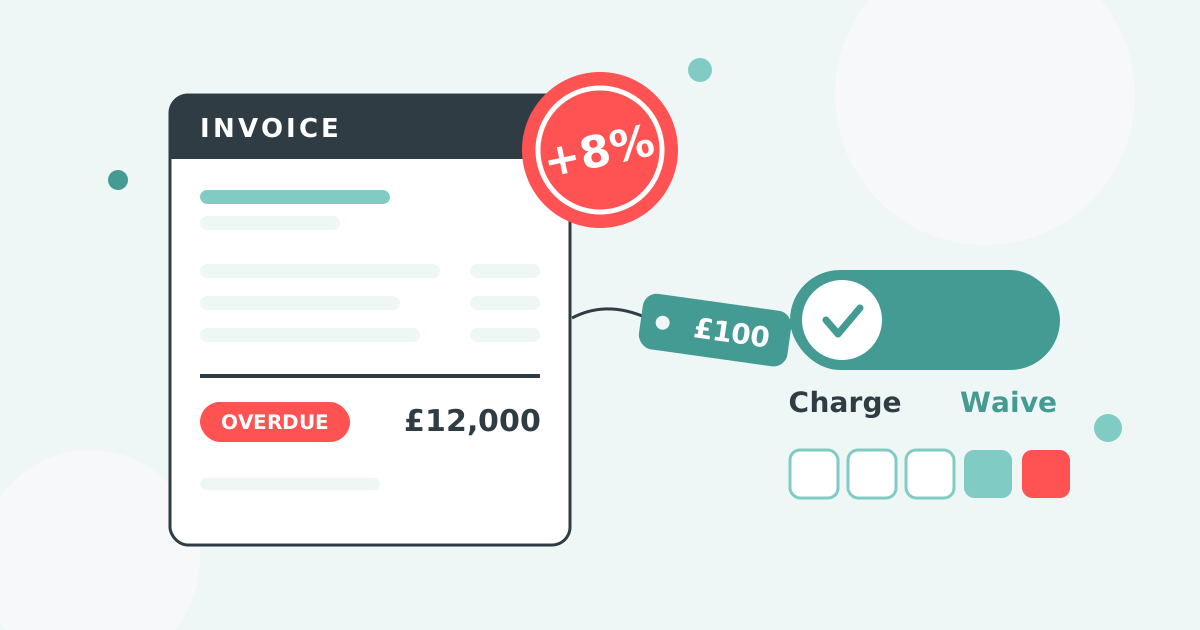
Pause reminders and any late fee on that invoice while the query is open, and resume both once it is settled; the fee stays yours to apply or waive. Check the usual causes first: price against the PO, quantity, a duplicate, or a missing PO. The full dispute process takes it from there, and the common causes of an invoice discrepancy lists what to compare.
"We cannot pay all of it now" is a request for time rather than a dispute. Offer a part payment or a payment plan with dates, in writing. When a reply gives no reason at all, customer not paying an invoice sorts a dispute from a delay or a cash problem.
How does Paidnice handle customer replies?
Paidnice reads each reply to a reminder, logs a promised date on the invoice, holds reminders until that date if your policy skips promised payments, and drafts the answer for approval.
Replies to email reminders stay in the same thread. A PO number in a reply is added to the invoice, and a contact change the AI reads from a reply goes to a person for approval.
A customer can also answer from the customer portal: the invoice page lets them log a promise to pay or query the invoice, which gives you a structured reply instead of a free-text email.
The AI accounts receivable page shows how Paidnice reads replies on Xero and QuickBooks Online, the AI credit control page shows the approval controls, and what AI handles and what a person approves draws the line job by job.
Reply drafts wait for approval, and you can pre-approve the types of reply you trust. Replies by email, SMS and WhatsApp land in the customer's conversation in Paidnice, and your team can answer from there.
Questions about customer replies to payment reminders
Reminders pause only on the invoice a reply covers, and a reply gets an answer the same business day.
Should I keep sending reminders after a customer replies?
Hold reminders on the invoice the reply covers while you act on the reply, and keep them running on the customer's other overdue invoices. A promised date holds them until it passes, and an open query holds them until it is resolved. If the date passes without payment, resume on that invoice too.
How quickly should I answer a customer's reply to a reminder?
The same business day. A reply is the first sign of life on an overdue invoice, and the next reminder should not go out before you have answered it.
Where do customer replies to my payment reminders go?
To the Reply-To address on the reminder. In Paidnice, replies to email reminders come back into the contact's conversation and stay in the same thread. If you send reminders from Xero, how Xero routes reminder replies shows where the address is set.
 App of the Year