



Summary
Xero's Aged Receivables report is the aged debtors report: it shows what each customer owes and how long it has been outstanding, and exports to PDF, Excel or Google Sheets by hand. Nothing in Xero sends that export on a schedule, so the weekly spreadsheet exists to hold the columns the report lacks.
- How to run it: Accounting menu, Reports, Aged Receivables Summary or Detail, set the ageing periods and date, then Update; save the layout as a custom report so it never needs rebuilding.
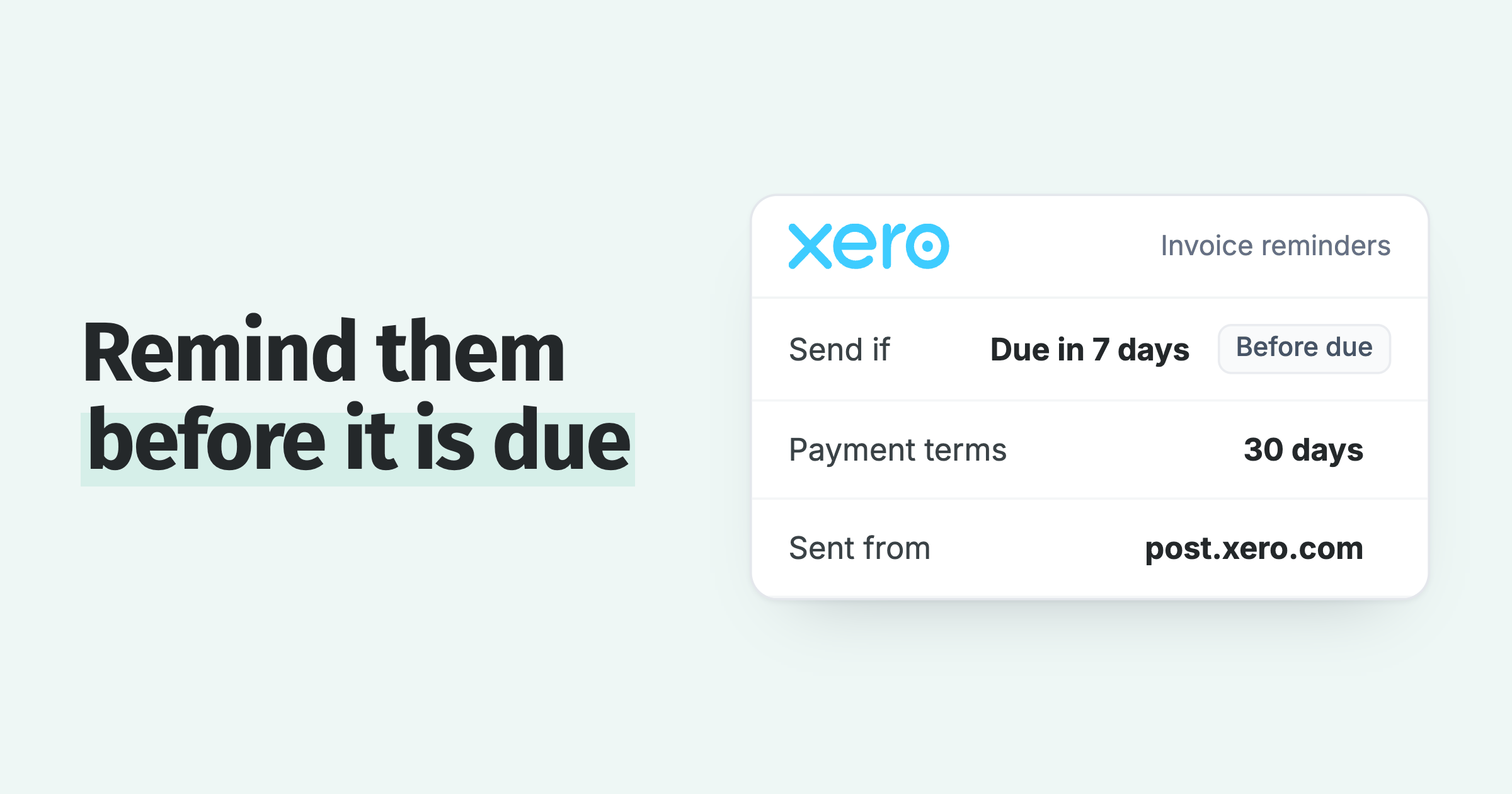
- What Excel cannot fix: The export is a picture of one date; comparing it with last week's balance, or emailing it on a schedule, both need a manual repeat or a connected app. The scheduling request holds 784 votes at In discovery.
- Where each hand-typed column can live: Owner, last contact, promise date and notes each have a home on the contact card or invoice in Paidnice, reading from the same Xero data.
A debtors report is about receivables, the money customers owe you; creditors, or payables, is the money you owe suppliers, and Xero keeps a separate Aged Payables report for that side.
How do you run an aged debtors report in Xero and export it to Excel?
Run the aged debtors report in Xero from the Accounting menu: choose Reports, then Aged Receivables Summary or Aged Receivables Detail, set the ageing periods and date, click Update, then export to PDF, Microsoft Excel or Google Sheets. Save the layout as a custom report so it never needs rebuilding.
- Run the Summary or the Detail report. The Summary gives one line per customer. The Detail report lists every outstanding invoice and adds Due Date, Invoice Date and an Invoice Seen column showing whether the online invoice was viewed.
- Set the ageing periods. Choose the number of periods and the timeframe for each, displayed by period number (1 Month, 2 Months, 3 Months) or by date range.
- Choose what to age by. Due Date shows outstanding transactions in the period they were due. Invoice Date shows them in the period you raised them.
- Add columns. Contact, Contact Account Number and Credit Limit are among the columns on offer, and the Customer credit limits common format shows Credit Limit and Available Credit per customer.
- Group or summarise, then filter. Group by Available Credit, Contact Group, Credit Limit or Total, or by a tracking category if you have one set up. Add a filter and click Apply.
- Save as custom, then export. Click Save as custom and name the report. When you need the file, export it as PDF, Microsoft Excel or Google Sheets.
A user with the Reports permission can view reports saved or published by other users and export them, so one saved layout works for the whole finance team. A Google Sheets export needs a Google account and creates a connection to your Xero account.
Free: Payment reminder email templatesCopy the reminder emails for before, on and after the due date.Why does the weekly debtors spreadsheet exist?
The weekly spreadsheet exists because the ledger report shows only who owes what and for how long, and the person following up needs more columns next to every line. The report has no field for any of them.
Open any credit controller's debtors file and the added columns are the same six. Paidnice runs debtor management for Xero from the invoices already in your ledger.
- Owner, the person following up this account.
- Last contact, when it happened and whether it was an email or a call.
- Promise date, the day the customer said the payment would go.
- Notes, the wrong PO number, a dispute on a line item, the approver on leave, the invoice that went to the wrong inbox.
- Days to pay, how long this customer usually takes, which sets the tone of the next email.
- Direction, whether the account is better or worse than last week.
So each Monday the report is exported again, and the six columns are pasted across from last week's file and corrected by hand. The export is accurate on the morning it is run and drifts from Xero from that point, because payments land and promises get made while the file sits still.
What can the Excel export still not do?
The export is a picture of one date, and Xero does not send it on a schedule, compare it with an earlier date, show days to pay against a contact, or carry the notes and follow-up history the spreadsheet was built to hold.
Each of those gaps has its own thread on Xero's product ideas board.
| Request on Xero's product ideas board | Votes | Status | Posted | Latest Xero reply |
|---|---|---|---|---|
| Automatic generation and emailing of reports | 784 | In discovery | 29 Jan 2014 | 25 May 2026. Xero is researching it; the team's customer interview spots filled quickly. |
| Aged Receivables run as at one date, viewed at another | 35 | Completed | 19 Aug 2022 | 9 Jul 2024. Set the report date on the newer Aged Detail report (a manual as-at date). |
| Add "Days Overdue" to Contacts | 92 | Submitted | 15 Aug 2023 | 9 Oct 2023. Status set to Submitted, no comment. |
| Show invoice and contact notes on aged reports | 49 | Submitted | 19 Aug 2014 | None. Users were still asking for the receivables side in November 2025. |
Today a report leaves Xero only when a person exports it, and reports do not export to CSV: the formats are PDF, Microsoft Excel and Google Sheets.
The contacts export does not fill the gap either. Exporting contacts to CSV gives you the contact details with no balance or amount-owing column, so it cannot feed a debtors sheet on its own.
Where can each hand-typed column live instead?
Every column typed into the weekly file has a home that updates itself. Two belong on Xero's own report, and the rest belong on the invoice, the contact card or a saved view in Paidnice.
| Column added by hand | On Xero's Aged Receivables report? | Where it can live instead |
|---|---|---|
| Credit limit and available credit | Yes. Add the Credit Limit column, or use the Customer credit limits format. | Stays in Xero. |
| Has the customer seen the invoice? | Detail report only, as the Invoice Seen column. | Portal page views on each invoice in Paidnice, and delivered or bounced status in the Emails report. |
| Owner | No. | The invoice or escalation is assigned to a user in Paidnice, who gets an Assignment notification. |
| Last contact | No. The notes request holds 49 votes. | The Emails report lists every message sent with its latest delivery status; call outcomes go in notes. |
| Promise date | No. Xero keeps expected payment dates on invoices for its short-term cash flow tool, and the aged report does not show them. | Expected payment date on the invoice, and the expected payments widget on the dashboard. |
| Notes | No. Notes stay on the contact or invoice record. | Notes on the invoice in Paidnice, synced to the invoice in Xero; an @mention notifies a colleague. |
| Days to pay | No. Business Snapshot shows one organisation-wide average. | Average days to pay on every contact card. |
| Direction since last week | No. The as-at thread closed with a manual workaround. | Saved contact views, groups with combined payer data, oldest overdue age, and a credit score from 0 to 100 that moves as behaviour changes. |
How does Paidnice keep the debtors report current?
Paidnice connects to Xero and holds the aged receivables report, the contact cards, the notes and the expected payment dates in one place that reads from the ledger, so the weekly file stops being the record.
Paidnice's reporting is split across a live dashboard, a Reports area with three report types and a custom report builder in beta, and drill-down stats on each contact and invoice. The report a credit controller opens on Monday is Aged Receivables by Contact: who owes, how overdue, ageing buckets of 1 to 30, 31 to 60, 61 to 90 and over 90 days, outstanding and overdue totals, and unpaid counts.
It covers several Xero organisations and currencies in one view, and it exports. Moving the weekly file into it takes five steps.
- Connect Xero. Invoices, contacts, payments and balances sync across, so the report reads what Xero holds now.
- Open Aged Receivables by Contact. Sort by overdue total or by the oldest bucket. Each customer's unpaid count and overdue balance sit on the line, across every organisation and currency you run.
- Put the hand-typed columns on the record. Set the expected payment date on the invoice, add a note (it syncs to the invoice in Xero), and assign the invoice or escalation to the person following it up, who gets an Assignment notification.
- Save the view you check each week. Views save on the contact and invoice lists for reporting and export, and a saved contact view reopens to show how its headline metrics have moved since the last look: overdue balance, unpaid invoice count, oldest overdue age and average days to pay. A group shows the combined payer data of the contacts in it.
- Turn on the Weekly Report. It is an opt-in email per user per organisation that summarises the organisation's receivables. When somebody still needs a file, export invoices or contacts to CSV.
The dashboard holds the numbers a finance manager asks for next: outstanding, overdue, days sales outstanding, average overdue age, on-time payment percentage and average days to pay, with trend views (the full list is in the Paidnice help centre). The slowest payers and oldest invoices widgets do the job of the direction column.
Every customer also carries a credit score from 0 to 100, shown against the contact wherever it appears in the app. Every contact starts at 100 and loses points for paying late and for its current overdue position, and the score sits in a band from Excellent to High risk, so a customer whose payments are stretching out shows as a falling number. Which customers are slipping, and how to set a threshold alert on them, is covered in growing overdue balances in Xero.
The first column to leave the spreadsheet is usually the promise date. Once it sits on the invoice, the credit controller stops being the only person who knows what the customer said, and the Monday catch-up gets shorter.
Exports stay open. Invoices and contacts export to CSV in UTF-8, the aged receivables report exports, and statements export as PDF. Xero has no CSV report export at all, so this is a step Xero never has to document. If Excel shows the currency symbols wrongly when it opens a UTF-8 file, the Paidnice help centre has the fix.
The team side is covered in how a team shares one overdue view of Xero: Pro has unlimited users, and a Paidnice login is separate from Xero, so a colleague who needs the overdue picture does not need a Xero seat. The full set of reports, the ones Xero gives you and the four to add, is in credit control reporting in Xero.
What still belongs in a spreadsheet?
Two jobs still belong in a spreadsheet: the year-end bad-debt provision, and a credit-limit review that puts each customer's payment history next to the limit you want to set.
Both are questions asked once, and both need figures from outside the ledger, so a spreadsheet is the right place to work them. Export the aged receivables report or the invoice CSV and build the sheet from that.
The weekly record of who owes what and who is following it up belongs in a system that reads from Xero, because the balance keeps changing between Mondays while the file stays as it was saved.
The spreadsheet that survives a Paidnice rollout is the provision workbook the accountant builds once a year from the aged receivables export. Nobody rebuilds that one on a Monday, which is the point of it.
The ageing buckets themselves are explained in what an ageing report is.
Common questions
How do I create a debtor aging report in Excel?
Run Xero's Aged Receivables Summary or Detail report with the ageing periods you want, export it to Excel, then add your own columns for owner, last contact and promise date. Rebuild it from a fresh export each week.
How can I export data from Xero to Excel?
Reports export to PDF, Microsoft Excel or Google Sheets from the finished report. Contacts export to a CSV file, which carries no balance or amount-owing column.
How to prepare a debtors ageing report?
Age each unpaid invoice by due date or invoice date into periods such as 1 to 30, 31 to 60, 61 to 90 and over 90 days, total by customer, and sort by the oldest or largest overdue amount. Xero's Aged Receivables report does this for you.
Can Xero save a customised aged receivables layout?
Yes. After customising the Aged Receivables report, click Save as custom and name it. A user with the Reports permission can view reports saved or published by other users and export them.
Can Xero email a debtors report on a schedule?
No. The documented actions on a finished report are save and export. The automatic report emailing request holds 784 votes on Xero's product ideas board at "In discovery", with Xero's latest reply dated 25 May 2026.
Which Paidnice data exports to a file?
Invoices and contacts export to CSV in UTF-8, the aged receivables report exports, and statements export as PDF. Open the CSV in Excel; the Paidnice help centre has a fix if the currency symbols display wrongly.
About the editorial team
Denym started Paidnice in 2022 after customers paying late left his own business short on payroll. He has led it to $1 billion collected on time across more than 1 million invoices, and writes about credit control, late fees and getting paid on Xero and QuickBooks.
 App of the Year