Summary
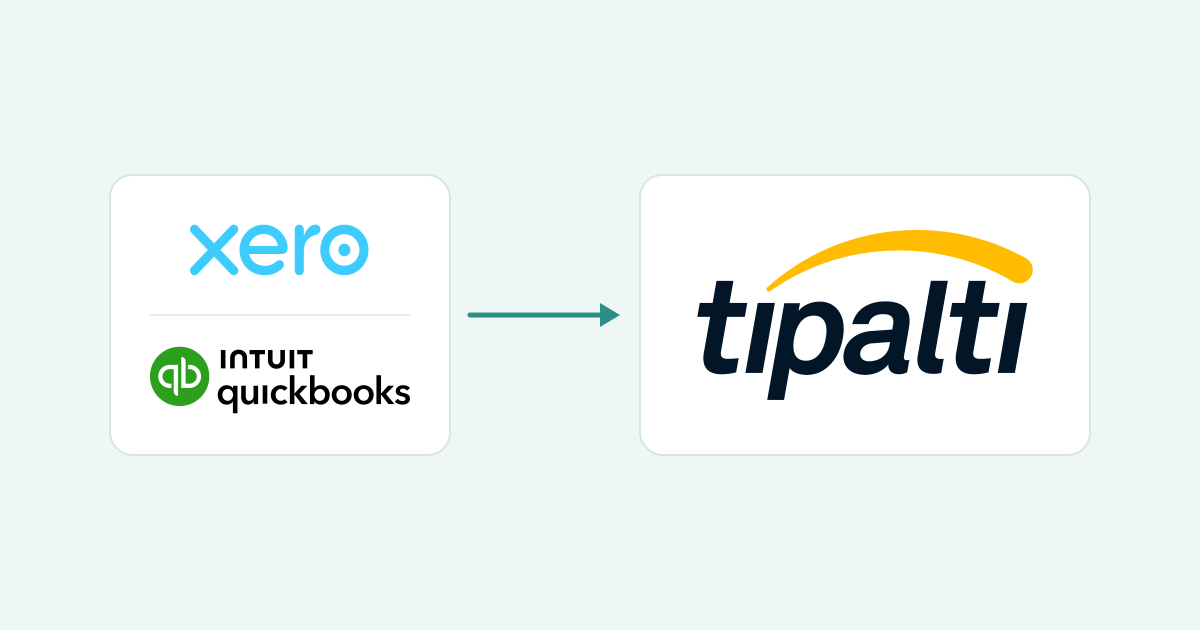
Big clients want your invoices and bank details in Tipalti, not in their inbox. Register once with your payment method and tax form, then send invoices in the Hub. If a payment is late, chase their AP team, not Tipalti.
- What it costs you: Tipalti lets the payer decide whether the payer or the payee covers transaction fees, and currency conversion or intermediary bank charges can reduce the amount that lands.
- Why payments stall: A Deferred status means the payment was blocked before it reached the bank for a missing tax form, invalid bank details or a compliance hold, and the fix sits in your Hub profile.
- Paidnice today: Paidnice uses AI to ask for the PO, puts it on your Xero or QuickBooks invoice and sends it. Reminders go out from your business email address, and Paidnice records the payment date AP gives.
An email arrives from Tipalti with your customer's name on it, asking you to set up a supplier profile. It can look like phishing, but it is how that customer pays its suppliers, and until your profile, bank details and tax form are complete, they cannot pay you.
The customer portals guide covers Coupa, SAP Business Network and Tungsten, where you submit the invoice instead.
Why is my customer paying me through Tipalti?
Your customer bought Tipalti to run accounts payable, so suppliers they pay through it are invited to register as a payee. Tipalti is the payment platform. Your customer is still the buyer, and still the one who approves your invoice.
The invitation email is legitimate when it arrives from a customer you already invoice. Tipalti's own payee guidance says payees receive an email invitation to register, and the Hub's status emails are white-labeled with your customer's name. If you were not expecting it, check with your contact there before you enter bank details.
Two things follow. Your customer's AP team, not Tipalti, decides whether your invoice is approved, when it is paid and how much arrives: Tipalti's payee FAQ says invoice approval, payment timing and payment amount are controlled by the company paying you.
And your invoice still needs a PO number where the customer uses one. Getting the PO number on the invoice is the same job whichever portal sits in front.
What does the Tipalti Supplier Hub need from you?
Registration is one flow with three mandatory parts: contact details, a payment method and a tax form (W-9 for a US business, W-8BEN or W-8BEN-E otherwise). Your profile stays unpayable until all three are complete.
Have ready your legal or business name, address, bank details or another supported payment method, and the tax form. Registration links are temporary and stop working once used, so gather everything first.
Two details trip people up: Tipalti does not accept PO box or c/o addresses (APO and FPO excepted), and on a W-9 the name on line 1 must match the IRS record for the SSN or EIN.
On fees, Tipalti lets the payer decide whether and how much the payer or the payee pays for transactions, so the answer differs by customer.
The amount that lands can also differ from the invoice because of currency conversion, bank processing fees, intermediary bank fees, tax withholding, or adjustments by the company paying you. Ask your customer's AP team which fees they absorb before you pick a method.
| What the Hub checks | Where it sits on your Xero or QuickBooks invoice |
|---|---|
| Legal or business name | Your Xero organisation name or QuickBooks company name, matching the name on your tax form |
| Address (no PO box) | The address block on the invoice. Changing address or country in the Hub can invalidate your payment method, so change both once |
| Payment method and bank country | Hub only. The bank account country may need to match the profile country, and a currency mismatch returns a payment |
| Tax form | Hub only. Nothing on the invoice, but a missing or unvalidated form puts every payment into Deferred |
| Invoice number and date | Xero's invoice number and date; the same fields in QuickBooks |
| Customer PO number | Xero has no customer-PO field, so the Reference field is the usual workaround. QuickBooks Online uses a custom field with Print on form switched on |
How do you send an invoice through the Tipalti Supplier Hub?
There are two routes: upload the invoice PDF inside the Supplier Hub, or email it to the customer's payables address. Confirm with your customer's AP team which one they want.
Tipalti's description of the invoice flow is short: the vendor can upload their invoice from the Supplier Hub or email it to your payables alias, after which it is processed with OCR (software that reads the text on your PDF) and machine learning and populated into Tipalti. The "payables alias" is your customer's AP inbox, not a Tipalti address.
- Finish the invoice in Xero or QuickBooks first. Customer PO in Xero's Reference field or a QuickBooks custom field that prints on the form, legal name matching your tax form, currency matching the payment currency.
- Export the PDF. One invoice per file, the Xero invoice PDF or the QuickBooks invoice PDF. Both routes read it with OCR, so a clean PDF beats a scan.
- Route A, the Hub. Log in through the link your customer sent. Open the invoice submission area (Tipalti's help calls it Submit an Invoice), upload the PDF, and confirm the amount and invoice number the OCR read. Menu names can differ by customer.
- Route B, email. Send the PDF to the payables address your customer gave you. Do not send it to Tipalti.
- Check the Hub's history tab a day or two later, if your customer has enabled payment history. Nothing showing usually means the invoice is still in approval.
The invoice now exists twice: once in your Xero organisation or QuickBooks company, once in your customer's Tipalti. Nothing keeps the two in step, and a different number, name or currency on the uploaded PDF can cause a return.
Why is my Tipalti payment late or on hold?
A late Tipalti payment is often still waiting at your customer, not inside Tipalti. The invoice is still in approval, the payment is scheduled for a later date, or it is Deferred over a missing tax form or invalid bank details.
Tipalti's payee FAQ gives five reasons a payment has not arrived: not approved yet, scheduled for a future date, still processing, your bank still posting it, or holidays and banking cutoffs.
The common holds are a missing or unvalidated tax form, invalid bank details, a compliance hold, a bank country that differs from your profile country, and a currency mismatch. Bank transfer time then adds days.
Pick the status you see in the Hub to read what it means and who can move it.
Deferred or Rejected means the fix is in your Hub profile first. Nothing showing means the invoice is in approval, and Tipalti's FAQ says to contact the payer.
What can you automate in Tipalti invoicing?
The ledger side can run on rules today: chasing the PO, putting it on the invoice, sending, reminding ahead of the due date, and saving the payment date your customer quotes. The upload itself is still a person's job.
| Task | By hand | Paidnice today | Status |
|---|---|---|---|
| Spot an invoice that needs a PO and ask for it | Someone remembers which customers use POs and emails the buyer | Paidnice uses AI to notice the invoice needs a PO and writes to whoever raised the order | Live |
| Read the PO from the reply or the buyer's system email | Copy it from the inbox into Xero or QuickBooks | Read from the reply or the buyer system's email; the payer can also enter it in the Paidnice customer portal | Live |
| Put the PO on the invoice, approve and send | Edit the invoice, approve, email the PDF | PO placed on the invoice, then approved and sent; odd formats go to a person first | Live |
| Upload the PDF to the Supplier Hub or the payables address | Log in, upload, confirm the OCR read | By hand | Coming soon |
| Remind ahead of the due date | A calendar note, if anyone set one | Pre-due reminders go out from your business email address | Live |
| Save the payment date AP quotes | Read the reply, type the date into a spreadsheet | When AP gives a payment date, Paidnice records it on that invoice in Paidnice and drafts a reply for you to approve | Live |
Which Tipalti jobs still sit with a person?
Four jobs stay with a person: the registration and tax form, the upload itself, any Deferred or Rejected payment, and the chase. The chase goes to your customer's AP team, because approval, timing and amount sit with the payer, not with Tipalti.
The tax form is yours to sign. The Hub profile holds your bank details, and a change of address or country can invalidate the payment method, so change it deliberately. The upload is a person's job. When a payment goes Deferred, the fix is in your profile first.
Then the chase. The Hub belongs to your customer, and Tipalti's payee FAQ tells a payee whose payment is not yet approved or scheduled to contact the payer directly.
So the useful question to your customer's AP contact is "which payment run (the day their AP team pays a batch of suppliers) is invoice 1234 scheduled for?" Ask for a specific payment date.
Paidnice does not log in to Tipalti or any other buyer portal. When AP gives a payment date, Paidnice records it on that invoice in Paidnice and drafts a reply for you to approve.
Where does Paidnice fit when a customer pays through Tipalti?
Paidnice runs the ledger side on Xero and QuickBooks: it chases the PO, puts it on the invoice and sends it, pre-due reminders go out from your business email address, and the payment date AP gives is recorded. Paidnice does not log in to Tipalti.
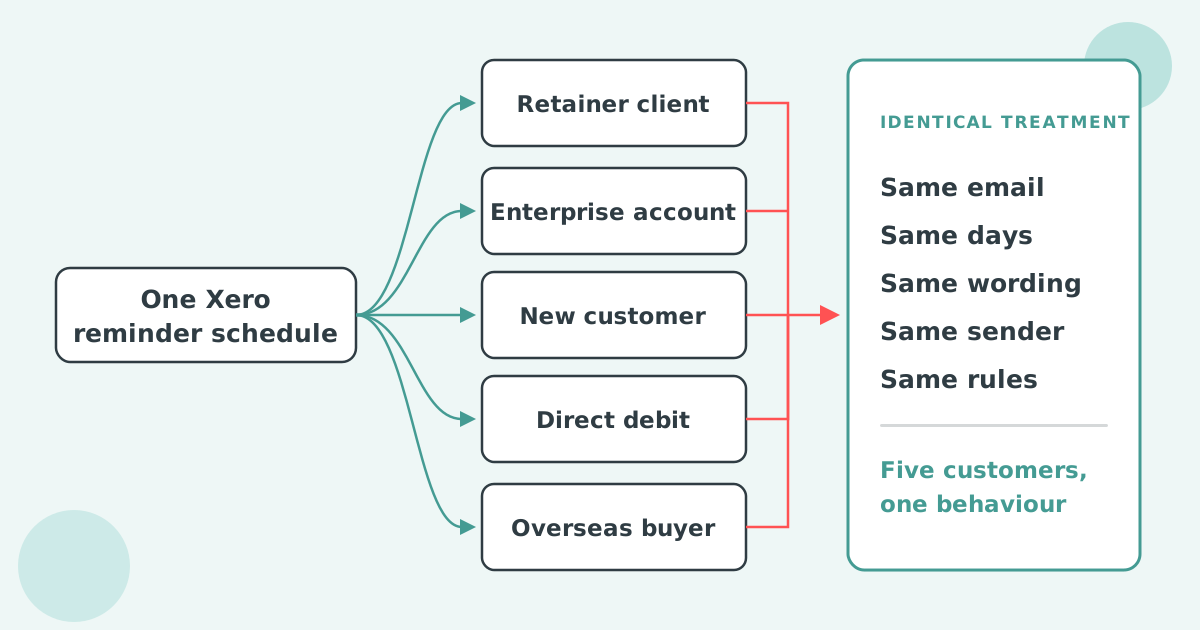
The rest of accounts receivable automation runs on the same rules for every customer, portal or not.
Portal uploads are coming soon. We are starting with the portals our customers ask about most, so list yours when you book a call.
Common questions
Is supplier Tipalti legit?
Yes. Tipalti is the accounts payable and payments platform your customer uses, and the Supplier Hub invitation comes because that customer wants to pay you through it. Check that the inviting company is one you already invoice, log in only through the link they sent, and never enter bank details from an email you were not expecting.
How long does it take to receive money from Tipalti?
It depends on the status. Scheduled means a future date set by your customer. Paid means the funds have been sent, and Tipalti says your bank may still need additional time to post the deposit.
Deferred means the payment is blocked until your tax form or bank details are fixed. If nothing is approved or scheduled yet, the delay is at your customer.
Can Tipalti use PayPal?
Yes, where your customer has enabled it. Tipalti's payee FAQ names PayPal as one supported payment method, with the rest varying by country and by the payer's settings. Who pays the PayPal fee is set by the payer, so ask your customer's AP team before you choose it.

Stop chasing invoices.
Start getting paid.
Paidnice is accounts receivable automation that enforces your payment terms, trusted by thousands of businesses on Xero and QuickBooks. Credit control and debtor management, run for you.
Try it Now - It's FreeNo card required.