



Summary
A late fee is charged on the invoice due date plus your grace period, at the time of day the rule runs. You can check the exact date for any invoice before you turn the fee on: test the rule against that invoice and read the date it will be applied, and the amount it would charge.
- The date: Due date plus the grace period, counted in days or weekdays. Weekdays skip weekends and public holidays.
- What moves it: A new due date, a payment promise, an open query, a freeze, a payment plan, or the rule's start date.
- The first-run risk: A new rule can charge every overdue invoice inside its date range on its first run. Check the start date before you switch it on.
You have added a late fee to your terms and are about to switch it on. The question is which customers get charged tomorrow morning, and whether one of them already paid. One Paidnice customer told us that payments must be reconciled quickly, or interest gets calculated on invoices that are really paid.
Here is how the charge date is worked out, what moves it, which old invoices a new rule can catch, and how to check a single invoice before any fee is created.
Free: Late payment interest calculatorWork out the interest or fee on an overdue invoice.When exactly is a late fee charged?
A late fee is charged once the invoice is unpaid past its due date plus the grace period in your rule. Three settings decide the day and the time:
- Grace period: the number of days after the due date before the fee applies.
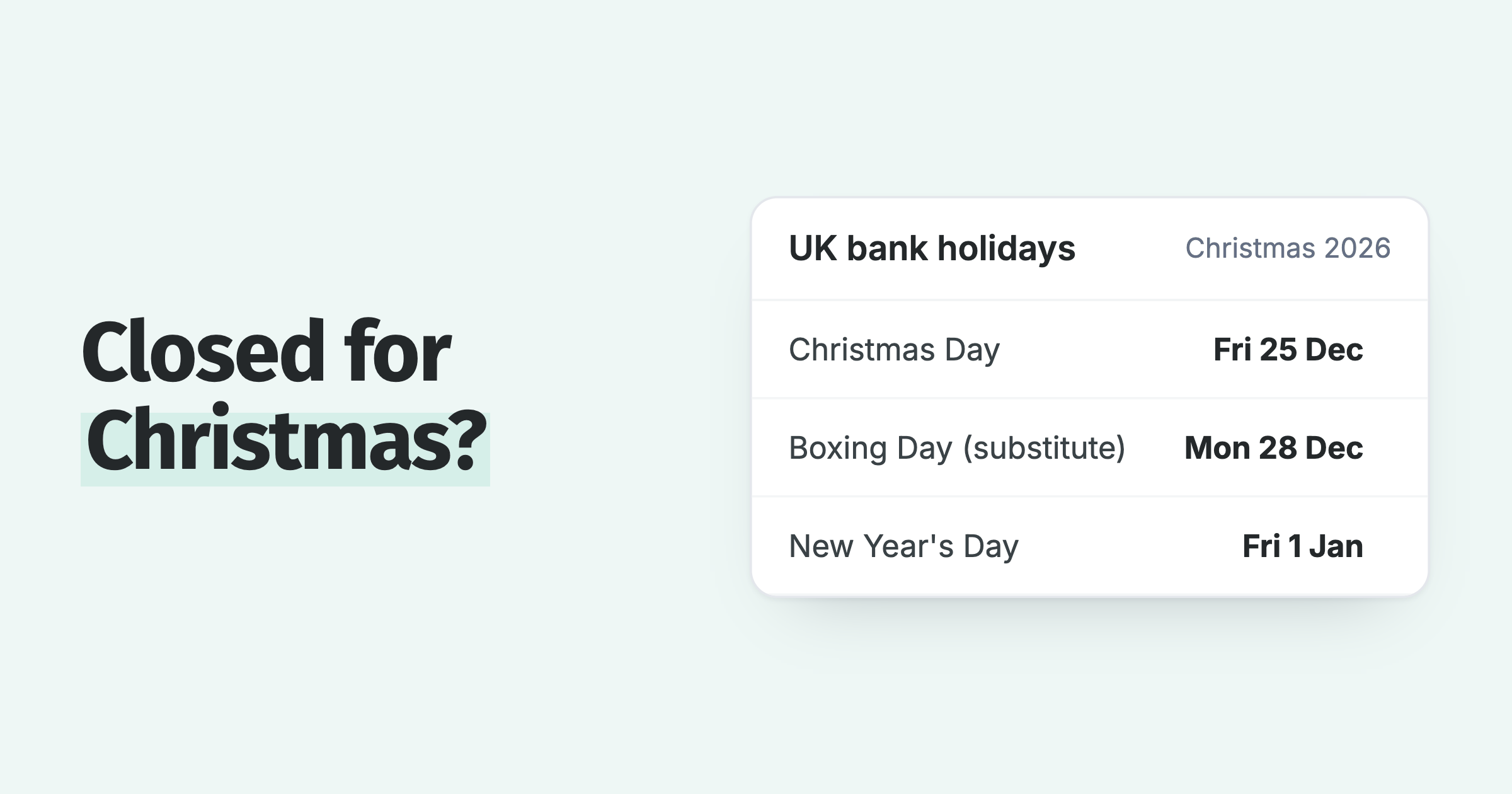
- Days or weekdays: weekdays skip Saturday and Sunday, and in Paidnice they also skip public holidays in your organization's region.
- Repeat: off charges once; on charges again every set number of days while the invoice stays unpaid.
Choose weekdays if nobody reconciles payments at the weekend. Otherwise an invoice paid on Friday and matched on Monday can pick up a fee on Saturday.
What moves the late fee date?
The late fee date moves whenever something changes the invoice or puts it on hold. These are the common ones:
| What happens | Effect on the fee |
|---|---|
| You change the due date | The fee date moves with it |
| The customer promises to pay on a later date | Held until the promise date, if the rule skips promised invoices |
| The customer queries the invoice | Held until the query is resolved, if the rule skips open queries |
| The invoice or customer is frozen | No fee while frozen |
| The invoice goes on a payment plan | Skipped |
| The invoice is paid before the fee date | The pending fee disappears |
Interest works slightly differently from a flat fee. In Paidnice, the first interest charge counts from the due date even when you set a grace period, unless you tell it to count from the issue date or set an earliest interest date.
Which old invoices will a new late fee rule charge?
A new late fee rule can charge every overdue invoice inside its date range on the first run, including invoices whose fee date passed weeks ago. An overdue invoice in range is not dropped because its date has passed: it is charged at the next run.
Check the start date first. In Paidnice a new late fee policy starts with Applies to invoices due from set to three months before the day you create it. Invoices due earlier get nothing until you move that date back.
The opposite surprise happens too. One customer testing fees could not see a draft fee for a debt from the previous year, because the start date excluded it. Move the date back only as far as you are willing to charge on day one.
Can a late fee be charged on an invoice that was paid?
Yes, if the payment is not in your accounting system yet. A late fee rule reads what Xero or QuickBooks shows, so an unmatched payment looks like an unpaid invoice.
Reversed payments cause the same problem. We saw a case where a payment was reversed and re-applied in the ledger, the invoice looked unpaid for a few minutes, and a late fee was charged in that window. Paidnice now freezes an invoice automatically when a paid invoice becomes unpaid again, and that setting is on by default.
Before you switch a fee on
Reconcile your recent payments, check the rule's start date, and test it against one invoice paid in the last week. If that invoice comes back as "applies", fix the books first.
How do you check when a fee will be charged on one invoice?
Check one invoice by testing the late fee rule against it. The test should give you the date the fee will be applied and the amount it would charge, without creating anything.
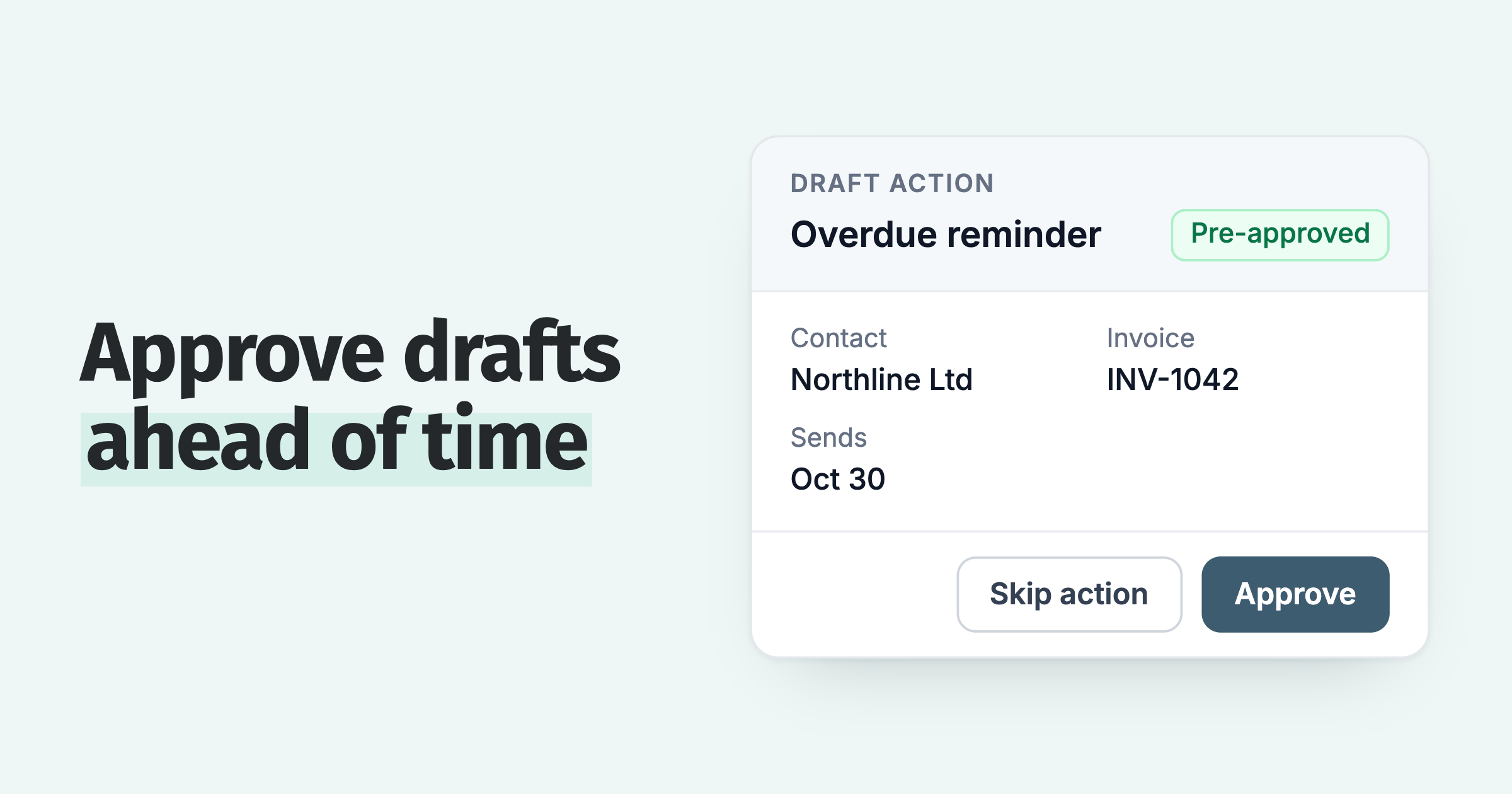
- Save the late fee rule in Draft, so nothing is created without approval.
- Test it against a real overdue invoice and read the date.
- Open the preview and check the fee line: amount, income account and tax rate.
- Repeat with a part-paid invoice, since percentage fees use the amount still owing.
- Repeat with an invoice that has a payment promise, to confirm it is held.
For the full checklist of which invoices to test with, see our guide on testing reminder rules before they go live.
Late fees and on-time payment. 68% of businesses that start charging late fees get more invoices paid on time. For similar businesses that do not, it is 52%.
How Paidnice shows the date before a fee is charged
Every Paidnice late fee policy has a Test & Preview tab, on every plan. Pick an invoice and Paidnice says whether the policy applies and on which date, or why not. Preview shows the fee line with the account code and amount, both if applied now and on the scheduled date.
Close the preview when you only want to check the numbers. Apply Now in the preview charges the fee straight away, and it ignores Safe Mode, the grace period, the date filters and Draft approval.
On the invoice itself, Preview Policies lists every policy in the customer's group with its date or the reason it will not run.
Automatic late fees can be issued as a new invoice or as a line on the overdue one, in Xero and QuickBooks, and a fee charged in error can be removed from its action. If you want customers warned first, a late fee email to the customer can go before the fee date.
💡 Paidnice insight
The fee date is rarely the surprise. The surprise is which invoices are in range on the first run, so read the start date before the rate.
Frequently asked questions
How many days after the due date can I charge a late fee?
As many as your terms say, and only if the fee was in your terms before the invoice was sent. Limits differ by state, so check our late fee laws by state before you set the rate or the grace period.
Are late fees charged on weekends?
Only if your grace period is counted in days. Count it in weekdays and the fee waits for the next working day, which also gives you time to reconcile Friday's payments.
Will the customer get an email when the fee is charged?
Only if you choose a late fee email template on the rule. In Paidnice the email attaches the original invoice and the fee invoice. You can also leave it off and let the fee show on the next reminder or statement.
Can I undo a late fee that was charged by mistake?
Yes. In Paidnice, open the completed action and click Remove Late Fee. A fee invoice is voided, or a fee line is removed, or reversed with a credit note if the invoice already has payments.
Is a late fee charged again if the invoice stays unpaid?
Only with repeat switched on. Each repeat is worked out on the amount due at that time, so it reflects any part payments.
Paidnice features in this article
About the editorial team
Ashley is a co-founder and lead developer of Paidnice and has built accounting software for more than 10 years. He builds the ledger connections that put reminders, late fees and payments into Xero, QuickBooks and ERPs such as NetSuite and Business Central. Before Paidnice he co-founded A2X, ecommerce accounting software for Xero and QuickBooks.

 App of the Year
