



Summary
Chase a customer group's head office for payment and each site for sign-off and queries, unless the sites pay their own invoices from separate bank accounts. Name one person on your team to run the whole group, set one recipient for each type of email, and let a query at one site hold only that invoice.
- The split: Head office gets the payment chaser and each site gets requests for sign-off. To confirm the split, find out what must happen before an invoice can be paid, and who does it.
- The hold: A query at one site holds that one invoice. The rest of the group's balance stays due and stays on the statement.
- In Paidnice: Parent-child customers work on Xero and QuickBooks, and a parent statement includes the child invoices, so the group's payer gets one statement.
You email a reminder to the manager at one of a customer's sites. An hour later, the group's accounts team asks why you are chasing their staff, because the invoice is already in Friday's payment run. Then the manager replies to say the job was never finished.
Here is whom to chase, who gets which email, how to hold one queried invoice and what a group statement shows.
Whom do you chase for an overdue invoice across a customer group?
Chase head office for payment and each site for sign-off and queries, unless the sites pay their own invoices from separate bank accounts. In that case, chase the site for everything. This guide covers overdue invoices, and leaves out selling to a group.
Match your customer to a row by finding where an invoice waits before it can be paid. One group can sit on two rows, because a newly bought subsidiary may keep its own finance team.
| How the group is set up | Chase for payment | Chase for sign-off and queries | Send the statement to |
|---|---|---|---|
| Shared finance team pays every site | Head office | Head office, and a site only for proof of delivery | Head office |
| Head office pays, after site managers sign off | Head office | The site that received the goods or work | Head office |
| Each subsidiary has its own finance team and bank account | Each subsidiary | Each subsidiary | Each subsidiary, with a summary to group finance if it asks |
| A shared service centre or AP portal takes every invoice | The service centre, using its reference | The person who raised the purchase order | The service centre or portal |
| A franchise, where each franchisee owns and pays for its outlet | Each franchisee | Each franchisee | Each franchisee |
How do you find out how a customer group pays?
You find out how a customer group pays by asking its accounts payable team three questions, ideally when you open the account. If you have no contact there yet, start with the person who ordered. They can confirm the work arrived, give you the purchase order number and tell you who pays.
- What has to happen before an invoice from one of your sites can be paid?
- Whom should we contact about a late payment, and whom about a missing signature?
- When is your payment run, and what is the cut-off for approving invoices to get into it?
The third answer sets your timing. An invoice approved after the cut-off waits for the next run, so send your statement a few working days before the cut-off.
Keep the answers on one contact sheet: each site or subsidiary, its legal company name, its site code, the site contact and the payer. Update it whenever the group buys or sells a site.
Who gets which email in a customer group, and who owns the account?
In a customer group, each type of email has one recipient, and one person on your team owns the whole account. This table assumes head office pays. If a subsidiary pays for itself, it becomes the payer for its own invoices.
| What you are sending | Who receives it |
|---|---|
| Group statement | The payer's inbox at head office |
| Overdue reminder or request for a payment date | The payer only |
| Request for a signature, job sheet or purchase order number | The site contact who ordered, about that invoice only |
| Reply to a query | The person who raised the query |
| Request for a remittance | The payer, with a request to list the invoices paid, because one payment may cover several companies |
| Final demand or notice of an account stop | The group's finance lead and the company named on the invoice |
Put one credit controller's name on the group. That person reads replies from head office and the sites, decides who hears from you next, keeps the contact sheet current and agrees any account stop with sales.
How do you avoid duplicate chasing across a customer group?
You avoid duplicate chasing across a customer group by sending each type of email to one person and leaving five working days between contacts. Duplicates often start when your system reminds each customer record while a colleague emails the payer.
- Route automatic sends. Point reminders at the payer, or turn them off for sites that do not pay. Check statements too, because each record may send its own.
- Log every contact. Record each call and email against the invoice.
- Leave a gap. Contact the group again about an invoice only after five working days, unless you are answering a reply.
- Tell the site managers. Say that head office pays and that you will contact them only for a signature or a query.
How should one site's query affect the group's balance?
A query at one site should hold only the invoice it concerns. That site's other invoices, and every other site's invoices, stay due and stay on the payment request.
- Record the invoice number, the amount in question and what would settle it.
- Stop reminders on that invoice only.
- If the query covers one line, ask for the rest of that invoice to be paid.
- Mark the line on the group statement and take the amount out of the sum you request.
- Tell head office that the other invoices are unaffected, so it does not hold the whole payment.
- Set a review date and a named person to settle the query. Then raise a credit note against the right company, or put the invoice back on the next statement.
See handling a disputed invoice for settling the query itself.
Example: a fire safety contractor chasing a care home group
A contractor should ask head office to pay the signed-off invoices and ask each home manager to sign or settle the rest.
Penhallow Fire Safety services the alarms at Larkfield Care Group's seven care homes. Each home is its own company and its own customer record. Managers sign job sheets, then Larkfield's finance team pays on the last Friday of the month, with a cut-off one week earlier. All names and figures are made up.
On 12 October, Priya at Penhallow sees £6,420 overdue on five invoices at three homes. The other four homes are up to date and hear nothing.
| Invoice | Home | Amount | Position | Priya contacts |
|---|---|---|---|---|
| PF‑3108 | Elm Court | £1,240 | Ready to pay | Larkfield finance |
| PF‑3122 | Elm Court | £860 | Ready to pay | Larkfield finance |
| PF‑3127 | Willow Lodge | £690 | Ready to pay | Larkfield finance |
| PF‑3119 | Willow Lodge | £1,480 | Job sheet not signed | Willow Lodge manager |
| PF‑3115 | Thorn House | £2,150 | Query: manager says the panel repair is unfinished | Thorn House manager |
Priya asks Larkfield finance to pay £2,790 in the 30 October run. The Willow Lodge manager signs on 15 October, ahead of the 23 October cut-off, so Priya raises the request to £4,270.
Penhallow's engineer returns to Thorn House. If the repair is then finished, PF-3115 goes on the November statement. If the manager still rejects part of it, Priya issues a credit note to Thorn House's company.
In Paidnice, Priya would make Larkfield the parent of the seven homes and send the statement on a parent customers only policy. The Thorn House query would pause any reminder set to skip open queries.
What should a customer group statement show?
A group statement should open with the total overdue and the amount you are asking for, then list invoices under each site or subsidiary, with a position on every line. Here is Priya's statement.
| Item | Due | Position | Amount |
|---|---|---|---|
| In the 30 October run | Please pay | £2,790 | |
| Waiting for site sign-off | Job sheet with manager | £1,480 | |
| On hold | Query open | £2,150 | |
| Elm Court Care Ltd | £2,100 | ||
| PF-3108 | 11 Sep | Please pay | £1,240 |
| PF-3122 | 25 Sep | Please pay | £860 |
| Willow Lodge Care Ltd | £2,170 | ||
| PF-3119 | 22 Sep | Job sheet with manager | £1,480 |
| PF-3127 | 30 Sep | Please pay | £690 |
| Thorn House Care Ltd | £2,150 | ||
| PF-3115 | 18 Sep | Query open, on hold | £2,150 |
| Total overdue | £6,420 | ||
- Use both names. Show the legal company name and the customer's site code if it has one.
- Keep held lines visible. The payer can see the whole balance, and the total still agrees with your ledger.
What do you do if a customer group's head office goes quiet?
If a customer group's head office misses a payment date, confirm sign-off with the site, then escalate to the group's finance lead.
- After one missed run: ask accounts payable for the next run date.
- After a second missed run: email the group's finance lead, and copy a regional manager if the group has one.
- If several sites slip, or the group passes its credit limit: treat it as a group problem. Decide whether to place one company or the whole group on credit hold.
Who owes the money: the parent company or the subsidiary?
The company named on your contract or invoice owes the money, even if head office always pays.
In the UK, a limited company is legally separate from the people who own it, and section 3 of the Companies Act 2006 limits what its members can owe. A subsidiary's debt therefore usually stays with the subsidiary, unless the parent has agreed to pay, for example by signing a guarantee.
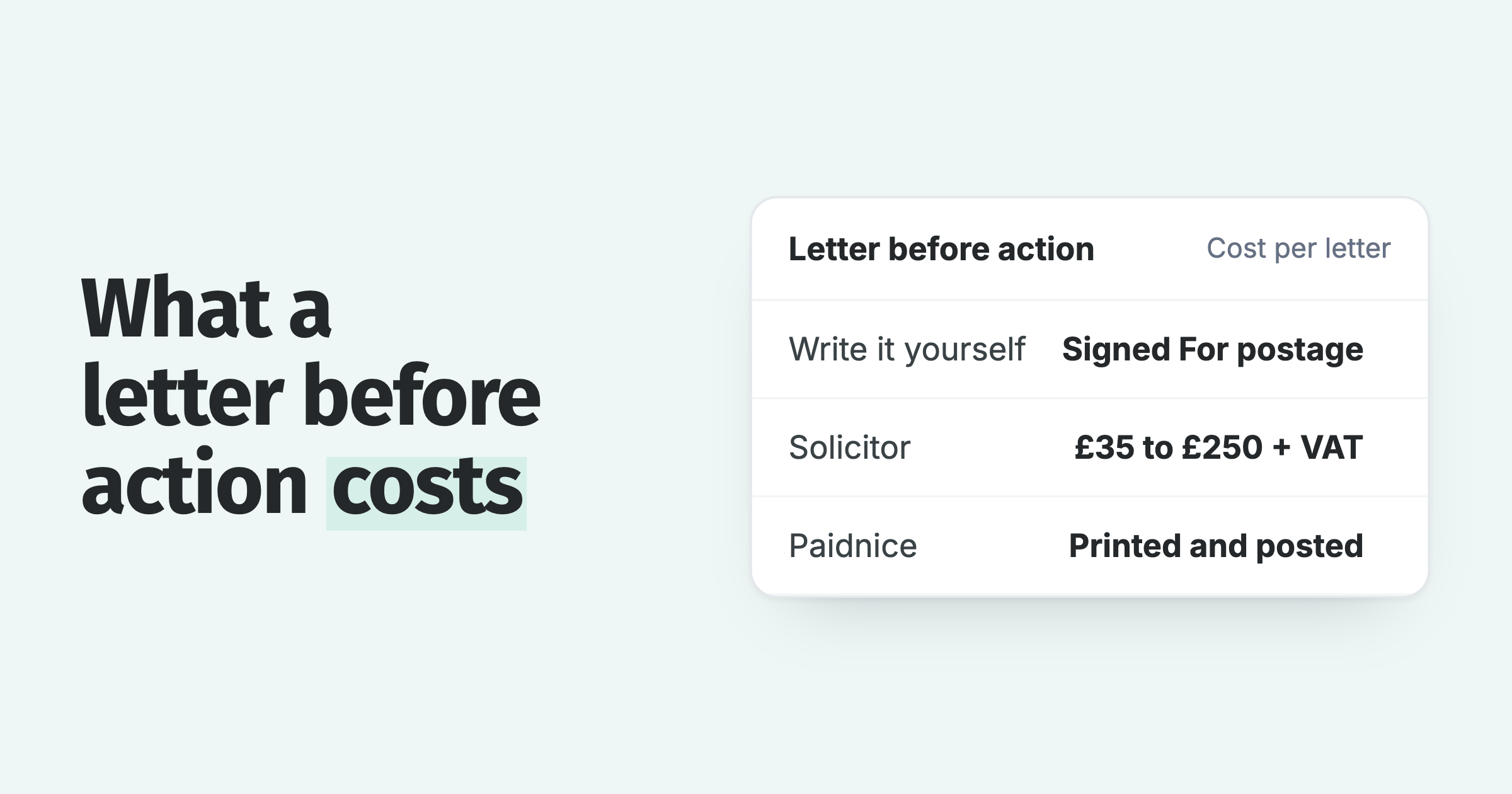
Groups often trade under one brand, so check the company number on Companies House when you open the account. A letter before action goes to the company that owes the debt. Take legal advice before you pursue a different company in the group.
How do parent and child customers work in Paidnice?
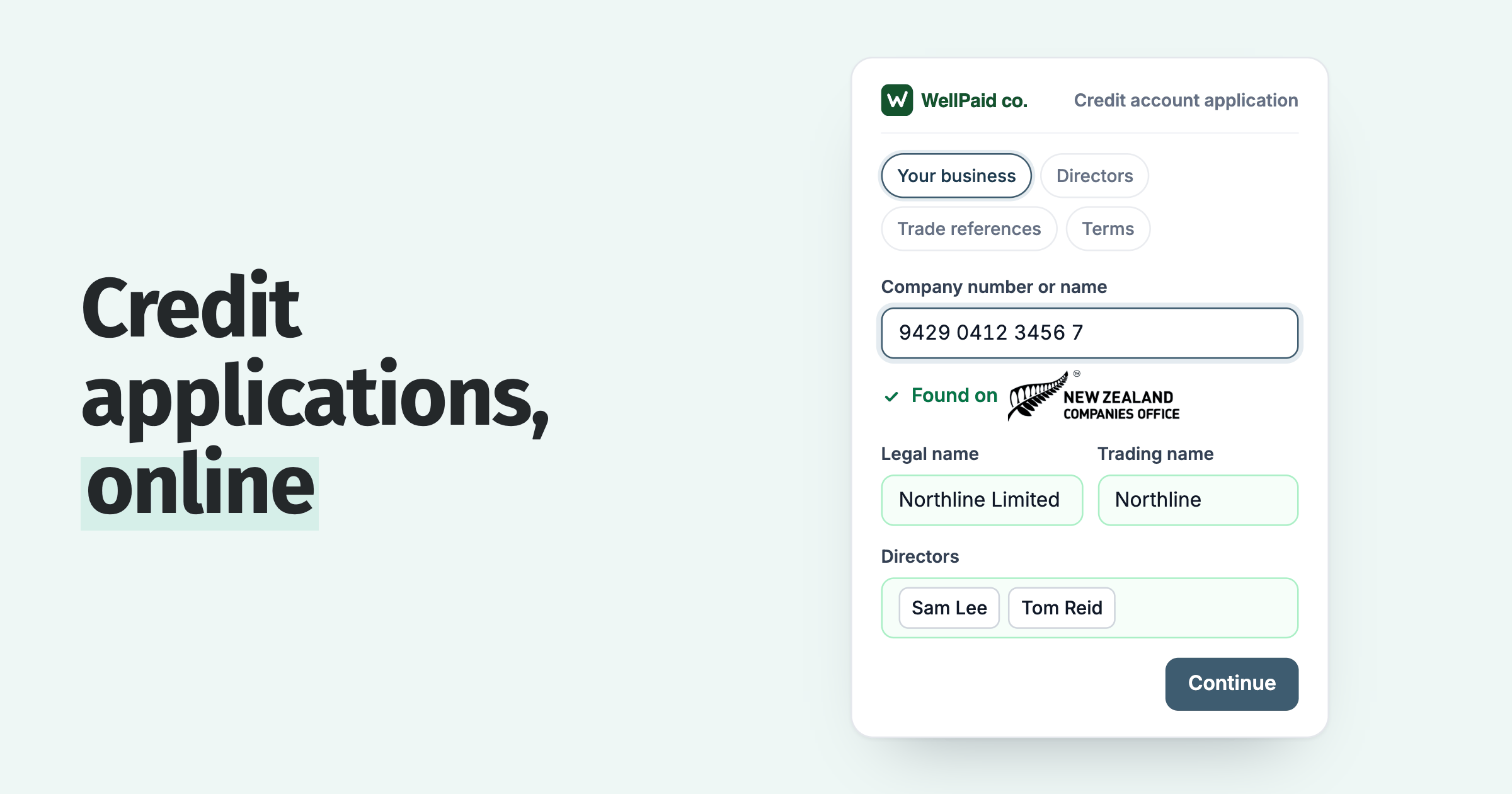
Paidnice parent-child customers let you send head office one statement that includes the child invoices from each site or subsidiary, on both Xero and QuickBooks.
- Group statement: a statement policy has a parent customers only option.
- Late fees: a late fee policy has a parent-customers-only mode that pulls in child invoices.
- Who gets what: a contact can hold several people or email addresses, and you choose who receives the invoice, reminders and statements. Those choices do not control late-fee or payment-plan notices, so check those separately.
- One owner: assign each customer an owner, and see every email sent and which user sent it.
- Queries: customers can query an invoice from the portal, and staff can open a query too. Reminders and late fee policies set to "Skip while a query is open" pause until it is resolved.
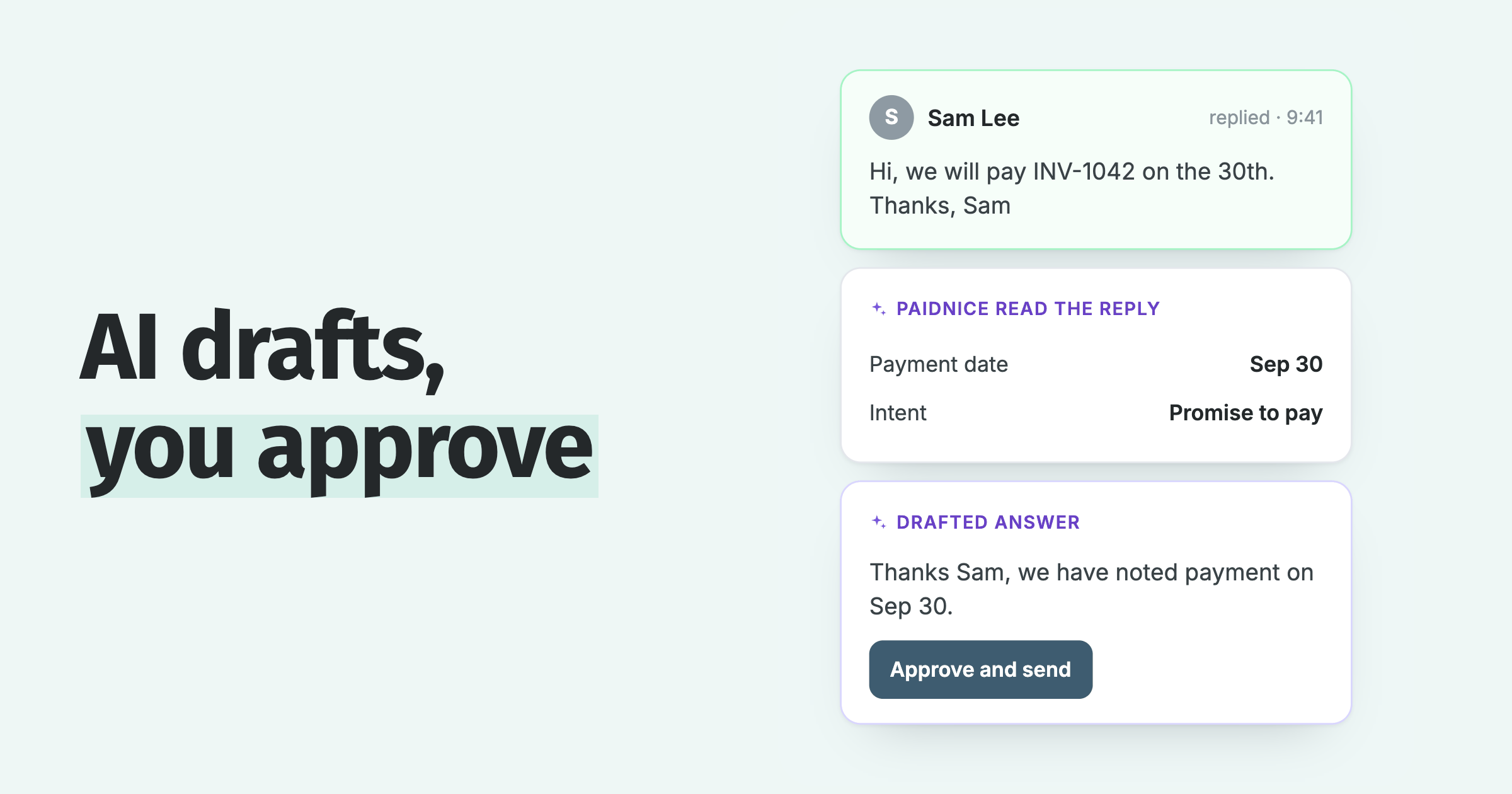
- Replies: Paidnice uses AI to read customer replies and draft a response, and a person approves it before anything sends.
- Remittances: Paidnice uses AI to read remittance advice in an email or attached PDF, logs which invoices are being paid, and reminders skip them while the payment is on its way.
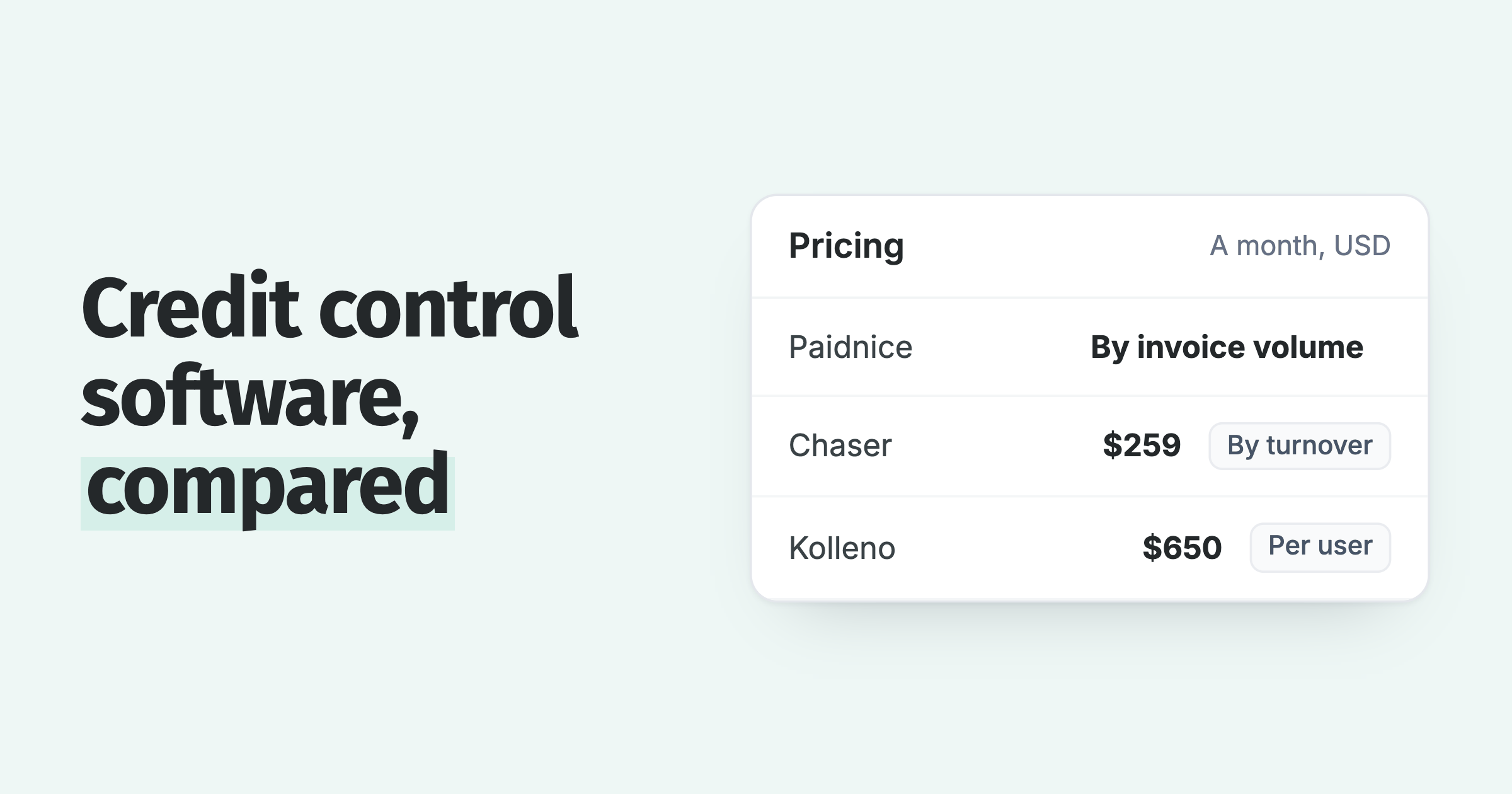
If you are comparing tools, see what credit control software should do. Paidnice is priced by invoice volume, not by revenue.
Questions about chasing a head office and its sites
Should I contact head office or the site first?
Contact the payer first if you know how the group pays. If you do not, start with the person who ordered, confirm the goods or work arrived and get the purchase order number.
Can several companies in a group share one statement?
Yes, with a connected app or a manual merge. In Xero, statements run per contact, so see chasing a group of companies as one account in Xero. In Paidnice, a parent statement includes the child invoices.
Can you stop supplying one site and keep supplying the others?
Yes, if your terms allow it and the sites are separate accounts. Tell the group's finance lead first.
Paidnice features in this article
About the editorial team
Ashley is a co-founder and lead developer of Paidnice and has built accounting software for more than 10 years. He builds the ledger connections that put reminders, late fees and payments into Xero, QuickBooks and ERPs such as NetSuite and Business Central. Before Paidnice he co-founded A2X, ecommerce accounting software for Xero and QuickBooks.
 App of the Year
