



Summary
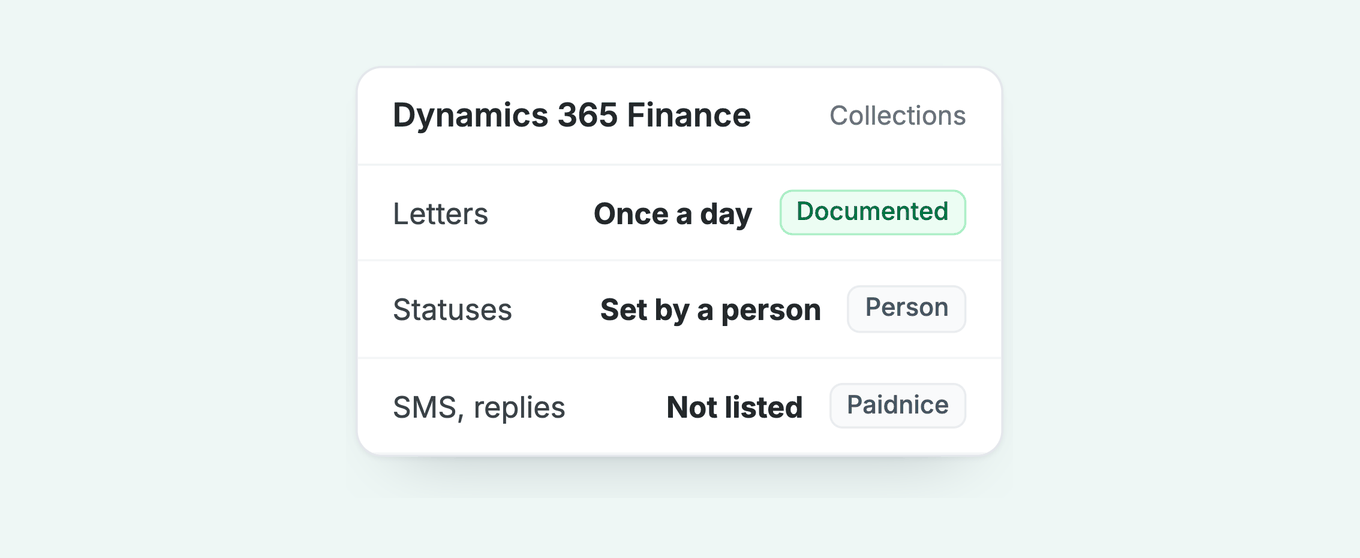
The Collections coordinator workspace has a person read every reply and set each status. A dedicated accounts receivable tool reads the reply and covers SMS and payment links. Finance already sends a pre-due email and collection letters on a schedule, and it skips invoices marked Disputed or Promised to pay.
- Paidnice: Best for Dynamics 365 Finance teams that want replies read, SMS and Pay now links on top of the native letters. Connects Dynamics 365 Finance on the Custom plan through a custom implementation.
- Collections coordinator workspace: Part of the Credit and collections module in Finance. Collections process automation sends the email, collection letters and activities on a schedule; collections agents work the workspace and set each status.
- Collections coordinator summary (Copilot): Best for agents who want an AI-drafted customer summary and reminder email to edit and send. Needs the Copilot in Dynamics 365 Finance app.
- Hybrid: Best for groups that keep Finance as the ledger and add a tool for the reply and the channels.
Paidnice connects to your ERP on the Custom plan. Book a demo on your own data, and a specialist sets up the connection.
You open the Collections coordinator workspace on Monday and the aged balances lists are empty. Dynamics 365 Finance shows nothing there until the Age customer balances batch has run. The collection letters went out last week, two customers have replied in Outlook, and nobody has set a status yet.
This guide covers what the Credit and collections module does for accounts receivable, which steps need a person, and when a dedicated tool earns its place. It is one of our guides to credit control software for ERPs.
What does the Dynamics 365 Finance Collections workspace cover?
Dynamics 365 Finance includes a Credit and collections module with collection letters, interest notes, activities and credit limits. A dedicated tool adds what the module does not document: reading replies, SMS and payment links.
Four questions decide whether to add a tool:
- Does a customer's reply have to pause the chase on the day it arrives?
- Do customers need a channel other than email or a posted letter?
- Do you want customers to pay from the reminder itself?
- Do several group companies chase the same customer?
What does the Collections coordinator workspace do?
The Collections coordinator workspace puts a customer's aged balances, open transactions, disputed invoices, promised-to-pay invoices and a one-year timeline on one page for a collections agent. Microsoft names the workspace "Collections coordinator" and the setup role "collections agent".
Microsoft's workspace page documents:
- Overview grids: the agent's activities, the 100 customers with the highest balances, and the most aged balances.
- Tabs: Open transactions, Disputed invoices, Promised to pay and Unsettled payments, with Change status, NSF payment, Write-off, Settle and Reprint actions.
- Customer timeline: invoices, payments, collection letters and activities from the last 365 days.
- Contact: an Email button starts a blank email; the phone symbol can call the customer in Microsoft Teams.
Microsoft's collections concepts page says the Aged balances, Collections activities and Collections cases lists show nothing until a customer aging snapshot exists. Run it from Credit and collections, Periodic tasks, Age customer balances.
Microsoft's aging snapshot page says to schedule it as a recurring batch, one snapshot per aging period definition. It runs in one legal entity unless centralized payments are set up, when the Company range tab can take in more. The lists show balances as of the last run, not live.
The snapshot holds a record per aging period, and our guide to aging reports explains them.
Customer pools are saved queries under Credit and collections, Setup, Customer pools. A collections agent is a worker set up as a user and given pools, per Microsoft's set up collections page, and sees only those pools. The Collections tab in Accounts receivable parameters holds defaults such as the aging period definition and the write-off journal.
What does collections process automation send, and when?
Collections process automation runs once a day and works out each customer's next step from the days since the invoice due date: an email, a collection letter or an activity. Microsoft's collections process automation FAQ documents the rules.
Setup has two parts. Turn it on in Accounts receivable parameters, on the Collections process automation tab, then build the hierarchy under Credit and collections, Setup, Collections process setup. The collection letter sequence must also exist.
The sequence and the interest code are attached to each customer posting profile. A customer on a posting profile with no sequence gets no letters. The profile's Table restrictions also hold a Collection letter toggle that switches letters off for those customers.
A sequence holds up to five collection letter codes, each with grace Days, a Fee in currency, a Minimum overdue balance and a Block checkbox that stops further deliveries and invoicing, per Microsoft's create a collection letter sequence page. The fee is charged when the letter is posted, to the Main account on the sequence line.
Three action types exist: Email, with a Pre-dunning flag for a message before the due date; Collection letter; and Activity. Days count from the invoice due date, not from the previous step. Microsoft's own example is a five-step dunning process:
| Step | Action | Days from due date |
|---|---|---|
| Pre-dunning email | 5 days before | |
| First notice | Collection letter | Day 1 |
| Second notice | Collection letter | Day 7 |
| Final notice | Collection letter | Day 14 |
| Follow-up call | Activity | Day 15 |
Source: Microsoft, collections process automation FAQ.
Three rules that shape the run
- It runs as of the current date only, once a day. If it errors, run it again.
- Process automation creates letters per customer, not per transaction, from the customer's oldest due invoice. The manual Review and process collection letters task follows the Create collection letter per parameter (Customer or Transaction) on the Collections tab.
- Microsoft's setup lists email, collection letter and activity as the action types. It names no SMS.
Once an overdue invoice is being chased, it takes 2 to 3 follow-ups after the due date on average to get paid (median 2), in our analysis of invoice data from over 1,000 Paidnice customers. 4 in 10 are paid after the first, 6 in 10 by the second and 8 in 10 by the fourth.
1 in 10 is not paid within 180 days. That data comes mostly from Xero and QuickBooks ledgers, not from Finance customers. The full set is in our guide to how many payment reminders an invoice needs.
Which parts of Finance collections still need a person?
A person sets the status that pauses the chase, reads the customer's reply, and runs the aging snapshot. Collections process automation skips invoices marked Disputed or Promised to pay until the status changes.
Microsoft's FAQ says Disputed and Promised to pay invoices are skipped, and Resolved or Promise to pay broken brings them back. Finance gives a dispute and a promise a native home in the ledger, which few ERPs do. Microsoft documents no step that reads an inbound reply and sets that status.
Three more steps sit with a person:
- Letters are created, then printed and posted. A created letter sits in Review and process collection letters (Credit and collections, Collection letter) until someone prints it and posts it. Process automation can post for you when Post collection letters automatically is Yes in the automation parameters. If nobody runs the process, no letter goes out.
- Interest notes are a separate process. The interest code sits on the customer posting profile. Create interest notes builds notes that a person reviews, prints and posts, per Microsoft's process interest page, then waives, reinstates or reverses. A community thread notes that notes and letters have no direct link, so users post interest first, then send the letter.
- Write-off and NSF start from the Collections page. Write-off builds a general journal from the write-off journal and reason code in the parameters, which a person then posts, per Microsoft's write-off page. NSF cancels the payment and charges the fee from the bank account's charges group.
Per-customer letters suit how payers behave. For a payer with no other overdue invoice, a reminder is followed by about 26 more invoices in every 100 paid within 7 days, in our analysis of invoice data from over 1,000 Paidnice customers. For a payer with 4 or more overdue invoices, it is only 1 to 4 more in every 100.
The stacked customer needs the Activity step, a person. Our guide covers when reminders stop working.
Does Copilot read replies?
Copilot adds a Summary by Copilot field and a Create reminder email button to the Collections coordinator workspace. The email opens in your own email client as a draft, and a person edits and sends it.
Microsoft's Collections coordinator summary page (no preview label, dated 4 June 2026) says the summary draws on the last year of payment history, the outstanding debt and the last six months of invoices. It runs on Azure OpenAI, needs the Copilot in Microsoft Dynamics 365 Finance app in a Dataverse environment, and is on by default in Feature management.
Copilot shortens the drafting; the reading, the status change and the send stay with the agent. This page counts only features Microsoft documents without a preview label.
When should you add a dedicated AR tool to Dynamics 365 Finance?
Add a dedicated tool when the gap is a customer's reply, a channel beyond email and letters, or a payment link in the reminder.
| Job | What Finance does | Where a person steps in | What a dedicated tool adds |
|---|---|---|---|
| Aged balances and worklist | DocumentedCollections coordinator workspace, customer pools and agents | PersonRun the aging snapshot, assign pools | Not needed |
| Pre-due and overdue contact | DocumentedEmail, collection letter, activity by days from due date, once a day | PersonMaintain the hierarchy and letter sequence | AddedSMS on the same schedule |
| Pausing the chase | DocumentedDisputed and Promised to pay are skipped | PersonAgent sets the status | AddedReply read, date logged, chase paused until it passes |
| Reply handling | Not describedIn the pages reviewed | PersonAgent reads and answers | AddedReplies read and drafted for approval |
| Interest and fees | DocumentedInterest codes, Create interest notes, waive, reinstate, reverse | PersonRun it; notes and letters are separate documents | AddedFee raised as a free text invoice by policy |
| Drafting | DocumentedCreate reminder email (Copilot) | PersonEdit and send | AddedScheduled sends from your own domain |
| Credit limits and holds | DocumentedCredit management: credit limits through a credit limit adjustment journal with optional workflow, blocking rules that hold sales orders | PersonReview requests | AddedEscalation on a breach, Creditsafe on Custom |
Sources: Microsoft, Collections coordinator workspace, collections process automation FAQ, collections concepts. "Added" rows describe Paidnice.
If you go hybrid, keep Finance as the ledger and require a two-way sync of customers, invoices, payments, credit notes and dispute status.
What does Paidnice add on Dynamics 365 Finance?
Paidnice for Dynamics 365 connects Dynamics 365 Finance on the Custom plan through a custom implementation and chases by email, SMS and post. It reads each reply, logs the promised date, pauses the chase and posts fees back to Finance as free text invoices.
Paidnice follows the integration pattern Microsoft documents for Finance: a Microsoft Entra app registration with client credentials, mapped under Microsoft Entra applications to a dedicated service user with a limited security role, all set up in your environment. One connection serves the legal entities you include, each chased in its own name and currency.
Paidnice chases in the customer's currency and time zone, so an Australian or New Zealand entity on Finance sends in AUD or NZD on local time.
- Reads the reply. Paidnice reads each reply with AI and drafts the answer for a person to approve. A promised date pauses chasing on that invoice until it passes. See the AI collections agent.
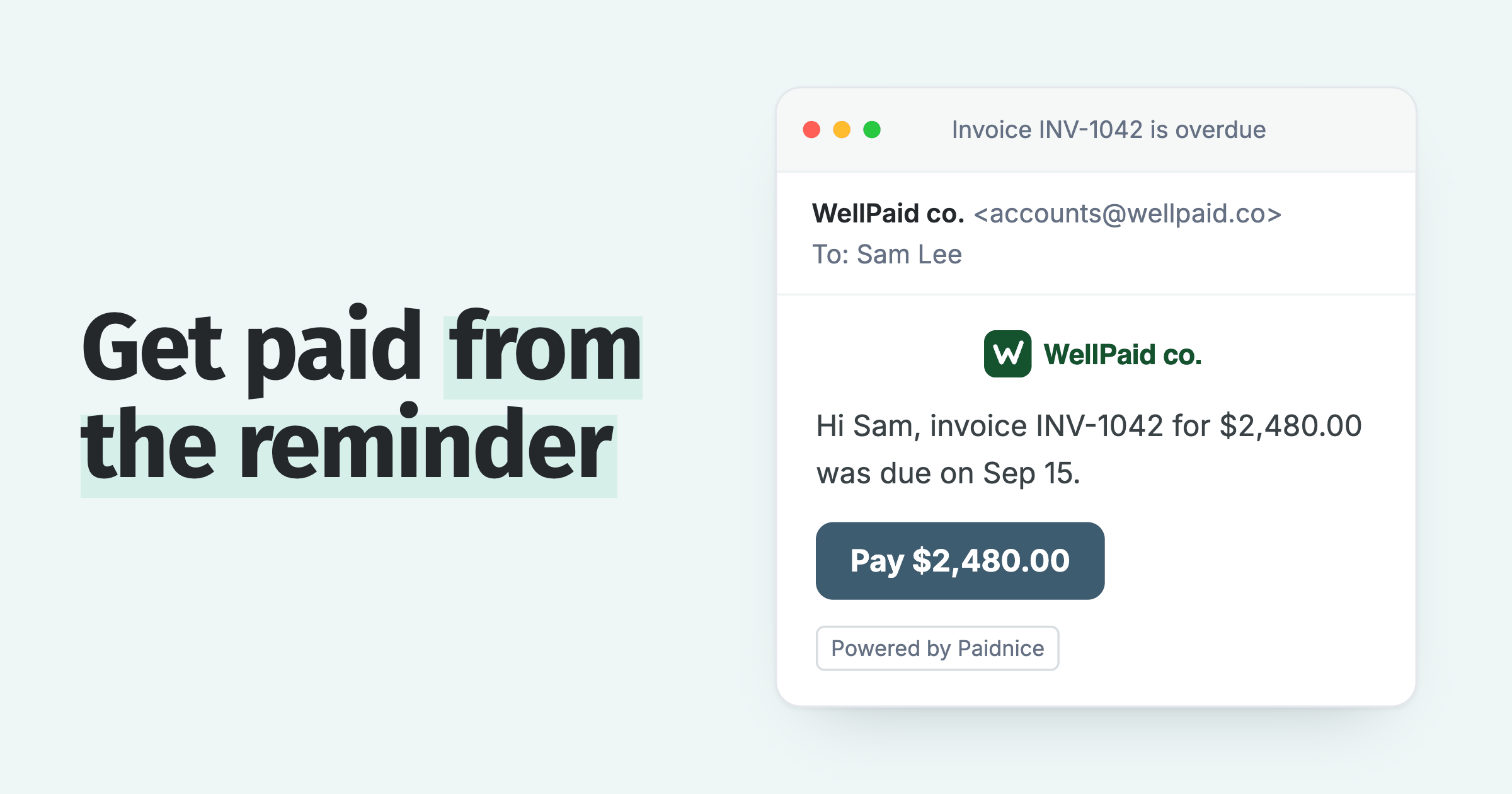
- Adds channels and a way to pay. Email and SMS reminders go from your own domain with a Pay now link, and the Paidnice customer portal lets a customer pay, promise a date or query an invoice.
- Posts fees as free text invoices. Late fees and interest are raised from a policy, left unposted for review or posted as scoped at implementation, with the main account, financial dimensions and sales tax groups mapped with your finance team. At scoping you decide which customers keep native collection letter fees and interest notes, so no customer is charged twice.
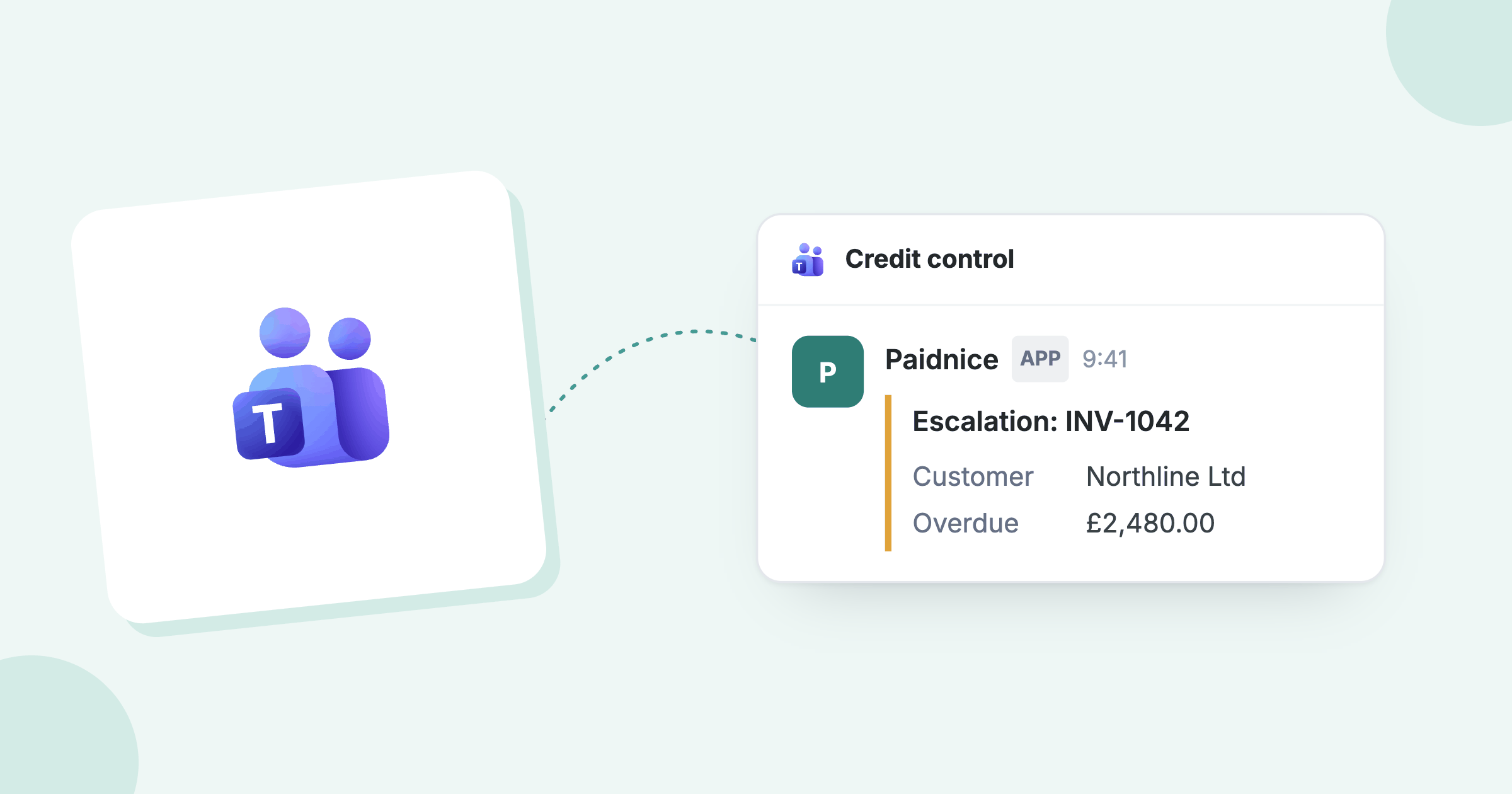
- Escalates to a person. Escalation workflows open a task for the owner at an age or balance, including a credit-limit breach. Credit checks run through Creditsafe on the Custom plan.
Paidnice reads records through OData on Finance's public data entities, with change detection scoped at implementation, and can take business events such as Payment posted where you activate them, so a payment settled against the invoice stops the chase at the next sync. An unsettled payment shows as a credit line on the Paidnice statement until it is settled.
Finance throttles integrations by Entra application: Paidnice honours Retry-After on HTTP 429, and your administrator sets its priority on the Throttling priority mapping page. An implementation specialist handles the custom implementation and setup, built in your Tier-2 sandbox first.
Ask at the demo how a portal payment posts for your setup: as a customer payment journal line settled against the invoice, into which account, and how the processing fee is recorded. Ask too what posts in Finance when a fee is waived.
Custom is quoted for your setup: the ERP connection, your invoice volume and support. There are no plan limits, and it is never priced by your revenue. Paidnice customers see half as many late invoices in the first 30 days. Our guide to how to reduce DSO shows where that time goes.
Common questions
Why are my collections lists empty in Dynamics 365 Finance?
The Aged balances, Collections activities and Collections cases lists show nothing until an aging snapshot exists. Run Age customer balances with your aging period definition, then reopen the list. In a live setup, schedule it as a recurring batch per legal entity; the lists show balances as of the last run.
What is the difference between the Collections coordinator workspace and a collections agent?
The workspace is the page. A collections agent is the worker, set up with customer pools, who uses it.
Does Dynamics 365 Finance send SMS reminders?
Microsoft's collections process setup lists email, collection letter and activity as action types, and it names no SMS. Teams that need SMS add a tool.
Is Copilot for collections in Dynamics 365 Finance released?
Microsoft documents a Collections coordinator summary that drafts a customer summary and a reminder email for an agent to edit and send, using the Copilot in Dynamics 365 Finance app in a Dataverse environment. It does not read customer replies.
Can one tool cover both Business Central and Dynamics 365 Finance?
Paidnice connects both on the Custom plan, each through a custom implementation, so a group that runs Business Central in some entities and Finance in others can use one tool for its debtors. An implementation specialist sets up each connection.
Does Paidnice support Entra ID single sign-on?
Yes, on the Custom plan, with Okta and Google Workspace too. Paidnice is not SOC 2 or ISO 27001 certified. It runs on Google Cloud, which holds ISO 27001 and SOC 1, 2 and 3, and has annual penetration tests.
Is Dynamics 365 Finance the same as Business Central?
They are two products. Business Central is Microsoft's ERP for small and mid-sized companies, with reminder terms and Reminder Automation. Dynamics 365 Finance is the enterprise ERP, with the Credit and collections module, collection letters and the Collections coordinator workspace. Paidnice connects both on the Custom plan, each through a custom implementation.
What are the steps in the collection process in Dynamics 365 Finance?
Attach the letter sequence and interest code to the customer posting profile, then schedule the aging snapshot. Let process automation send the pre-due email and collection letters, and post the letters. Set Disputed or Promised to pay where a customer replies, post interest notes if you charge interest, then write off or settle what is left.
Paidnice features in this article
About the editorial team
Ashley is a co-founder and lead developer of Paidnice and has built accounting software for more than 10 years. He builds the ledger connections that put reminders, late fees and payments into Xero, QuickBooks and ERPs such as NetSuite and Business Central. Before Paidnice he co-founded A2X, ecommerce accounting software for Xero and QuickBooks.

 App of the Year