

Summary
The QuickBooks Stripe integration is a connector that imports Stripe sales, refunds, fees and payouts into QuickBooks Online, so your books match your Stripe balance. The payment link on an overdue reminder is a separate job. A receivables app adds one Stripe or PayPal link to each reminder and, with Stripe, records the payment on the invoice.
- The connector: Intuit's Stripe Connector imports sales, refunds, payouts and adjustments, and records each payout as a bank deposit linked to the sales and fees behind it.
- The invoice route: QuickBooks Payments is Intuit's own processor, and Intuit says customers can pay invoices by PayPal, Venmo, credit card or ACH.
- The reminder link: Paidnice puts one Stripe or PayPal payment link on each reminder, SMS and statement, and a Stripe payment is recorded against the QuickBooks invoice.
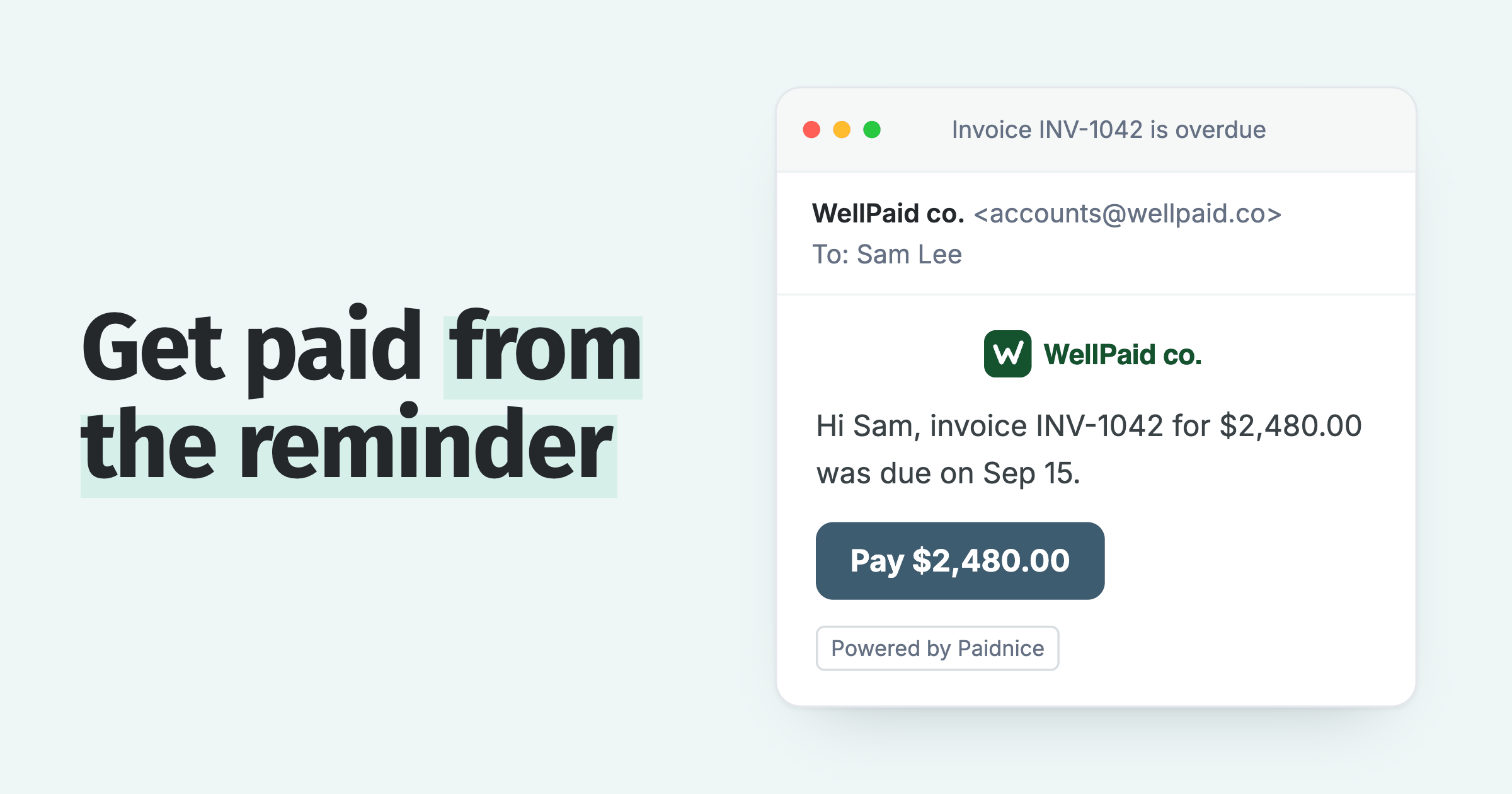
Your reminder for a $2,480 invoice went out yesterday, and the customer replied that they would pay today if the email had a button. Intuit's small business data says 59% of businesses have at least some invoices overdue by 30 days or more, up from 47% last year. Here is what the Stripe and PayPal connections for QuickBooks Online do, and how to put a payment link on the reminder itself.
Does QuickBooks use Stripe for payments?
QuickBooks Online does not use Stripe to take invoice payments: it uses QuickBooks Payments, which accepts PayPal, Venmo, credit card or ACH, and Stripe connects through the Stripe Connector by QuickBooks.
Intuit's help page on taking payments in QuickBooks Online says customers can pay an invoice you send with PayPal, Venmo, credit card or ACH bank transfer once you set up QuickBooks Payments. A business already on Stripe keeps its Stripe account and connects it to QuickBooks with the Stripe Connector by QuickBooks.
What does the Stripe integration for QuickBooks Online do?
The Stripe Connector by QuickBooks imports Stripe sales, refunds, payouts and adjustments into QuickBooks Online, so each payout appears as a bank deposit that you can match to the sales and fees behind it.
Intuit describes the connector as "automatic imports of sales, refunds, payouts, adjustments, and other transactions". Each payout is recorded as a bank deposit that "automatically links with the individual sales transactions and fees". Stripe fees come in as an expense, and you can match an imported transaction to an invoice or sales receipt that already exists in QuickBooks.
PayPal has the same kind of connector. The PayPal Connector by QuickBooks "syncs the majority of data for each transaction from PayPal directly into QuickBooks Online".
Which connection does which job?
The connectors update your books, QuickBooks Payments takes payment on the invoice you send, and a receivables app such as Paidnice puts a Stripe or PayPal payment link on every reminder.
| Connection | What it does |
|---|---|
| Stripe Connector by QuickBooks | Imports Stripe sales, refunds, payouts and fees into your books |
| PayPal Connector by QuickBooks | Syncs PayPal transactions into your books |
| QuickBooks Payments | Takes card, ACH, PayPal or Venmo payments on the invoice you send |
| Stripe in Paidnice | Puts a payment link on every reminder, SMS and statement; customers pay by card or ACH on your Paidnice portal |
| PayPal in Paidnice | Builds a PayPal Pay Now link for each invoice from your PayPal checkout link |
The first three rows are bookkeeping and invoicing. The last two are part of accounts receivable automation for QuickBooks, and their job is getting the invoice paid.
Can you paste a Stripe Payment Link into a QuickBooks reminder?
You can, but a Stripe Payment Link is built for anyone with the link and is reused across customers, so it does not know which invoice or amount a customer owes.
Stripe's own comparison table says Payment Links are for "anyone with the link", can be reused "multiple times with multiple customers", and are used "to sell a product, a subscription, or accept a donation". Stripe Invoicing, on the same table, is for "specific individuals or businesses".
In practice you either paste one link for everyone or make a new link for each overdue invoice by hand. Either way the payment is not matched to the QuickBooks invoice for you. A link built for each invoice is the better fit.
How do Stripe payment links work on QuickBooks reminders?
Connect QuickBooks and Stripe to Paidnice, and every reminder, SMS and statement carries a payment link that opens the customer's invoice in your Paidnice portal, where they pay by card or ACH.
Setup takes three steps:
- Connect Stripe. Go to Organization Settings, Payment Providers, Stripe, and connect a new or existing Stripe account.
- Pick the accounts. Choose the bank account for payments and the account for Stripe fees.
- Send as normal. Your reminders, SMS and statements now carry the link.
The customer pays on the customer payment portal for QuickBooks, and the portal guide covers what else they can do there. The Stripe integration page has the full detail.
Paidnice records the payment and the Stripe fee against the invoice in QuickBooks, and the reminders for that invoice stop.
Can you put a PayPal payment link on QuickBooks reminders?
Yes: add your PayPal checkout link to Paidnice under Custom Payment Links, with merge tags for the amount due and invoice number, and Paidnice fills them in on each reminder.
The customer pays through PayPal checkout, and PayPal lets a seller turn on guest checkout so a buyer can pay by debit or credit card without a PayPal login, though PayPal does not offer it to every buyer.
The PayPal integration and custom payment links pages have the detail, and the setup guide lists the merge tags.
A PayPal Pay Now link shows in reminder emails, SMS reminders, statements and the customer portal, and the email button can carry the amount, such as Pay now $2,480.00. Payments go to your own PayPal account, and Paidnice does not hold funds.
Should reminders use Stripe or PayPal?
Choose Stripe if you want customers to pay by card or ACH on your Paidnice portal, and PayPal if most of your customers already pay you through PayPal.
Two things decide the choice.
- Stripe does more on the invoice. Customers can pay several invoices at once or make a part payment, and a payment plan can collect each installment with Autopay on the Pro plan and above.
- PayPal keeps payments in the account you already use. Customers who pay you through PayPal today get the same checkout from the reminder.
When a customer pays less than the full amount, the short payment guide covers what to do with the balance.
Stripe and PayPal links are on every Paidnice plan. Each reminder carries one way to pay, so you choose Stripe or PayPal.
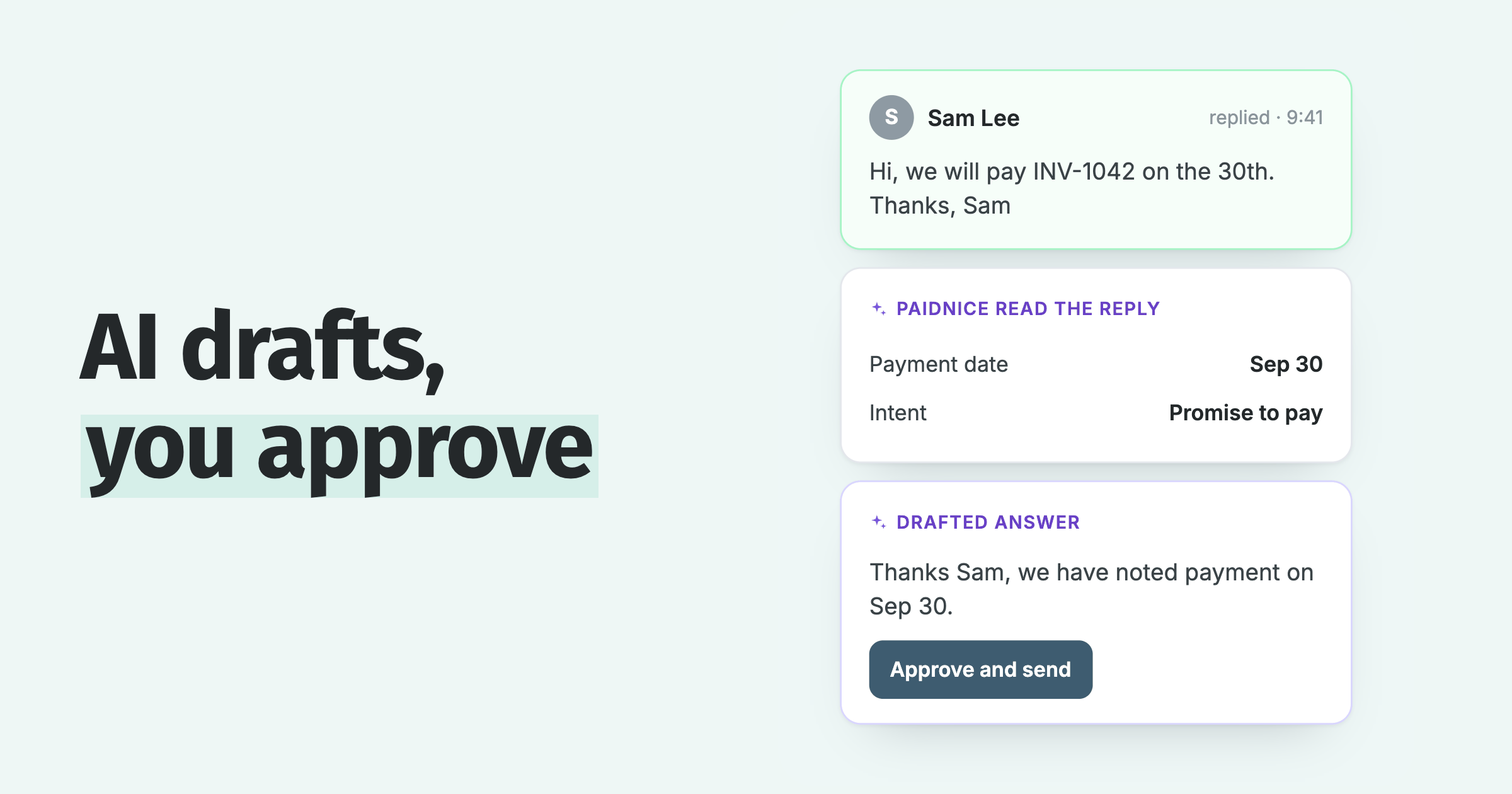
Whichever you pick, the link goes on every reminder Paidnice sends, including the ones Paidnice uses AI to write. For what QuickBooks sends on its own, see QuickBooks Online automatic invoice reminders. To copy each reminder to the contact in your CRM, see QuickBooks CRM integration.
Connect QuickBooks, connect Stripe or add your PayPal link, and your next reminder carries it. Setup takes under 15 minutes: connect, approve the draft policies, and you are live. See it on your own invoices: book a call.
Stripe and PayPal payment link questions
Do I need Stripe if I have QuickBooks?
No. QuickBooks Payments accepts cards, ACH, PayPal and Venmo on the invoices you send. Add Stripe when you already use it for other sales, or when you want card and ACH payments on your Paidnice portal and reminders.
Can I use PayPal to pay a QuickBooks invoice?
Yes. QuickBooks Payments offers PayPal on the invoice itself, and a PayPal Pay Now link from Paidnice puts it on every reminder, SMS and statement for that invoice.
Can a reminder offer both Stripe and PayPal?
No. Each reminder carries one way to pay, so you choose Stripe or PayPal for your Paidnice reminders.
Do my customers need a PayPal account to pay?
Usually not. Customers can pay through PayPal checkout without a PayPal account, using PayPal's guest checkout with a debit or credit card, though PayPal does not offer it to every buyer.

 App of the Year