

Summary
An invoice discrepancy is any mismatch between what you billed and what the customer expects to pay, such as a wrong price, quantity, tax amount, PO number or customer. Find which cause it is, then correct the invoice with a credit note or a corrected invoice, and pause reminders on it until the corrected balance is agreed.
- Errors delay payment: A UK government survey of 300 businesses found 36 percent paid suppliers late because of administrative errors and 31 percent because of disputed invoices.
- Credit once it is sent: Xero says that once an invoice has reached the customer, a correction needs a credit note, so you and the customer both keep an audit trail.
- AI finds the reason: Paidnice uses AI to search for the reason behind a dispute and prepares the actions to resolve it, for a person to approve or change.
A clerk in your customer's accounts payable team has put your invoice on hold. It says $4,800, their purchase order says $4,200, and nobody has told you which one is right. Holds like this are behind a lot of late payment: a UK government survey of 300 businesses found that 36 percent paid suppliers late because of administrative errors, and 31 percent because of disputed invoices.
Here is what usually causes the mismatch, and the fix for each one.
What is an invoice discrepancy?
An invoice discrepancy is a mismatch between what an invoice says and what the customer ordered, received or agreed, such as a different price, quantity, tax amount, PO number or customer name.
The discrepancy is the mismatch itself. A dispute starts when the customer refuses to pay all or part of the invoice because of it, and the full dispute process is a separate job. When the reason is unclear, first ask whether it is a dispute, a delay or a cash problem. The customer's accounts payable team usually finds it when it checks the invoice against the order and the delivery record, and one field does not line up.
What are the common causes of an invoice discrepancy, and how do you fix each one?
Invoice discrepancies usually trace to one of eight causes: price, quantity, tax, PO number, a duplicate or wrong customer, bank details, unagreed charges or payment terms. The table gives the fix for each.
The table shows what the customer sees and the correction on your side.
| Cause | What the customer sees | The fix |
|---|---|---|
| Wrong price | A rate that differs from the quote or the PO, or a missing discount | Credit the difference, then confirm the corrected balance in writing. |
| Wrong quantity | More units than were delivered, or items that never arrived | Check the delivery record and credit the difference. |
| Tax error | The wrong rate, or tax added for an exempt customer | Credit the tax and reissue with the right treatment. Check unclear cases with your tax adviser. |
| Missing or wrong PO number | An invoice that accounts payable cannot match to an order | Get the number from whoever placed the order, add the PO number to the invoice and resend. |
| Duplicate invoice or wrong customer | The same job billed twice, or an invoice for a job the recipient never ordered | Credit the full invoice, then reissue to the right customer if needed. |
| Changed bank details | An account number that differs from your last invoice | Keep details stable. Confirm any change by phone, on a number the customer already holds, before the next invoice goes out. |
| Unagreed charges | A fee, extra hours or added scope nobody approved | Show the quote or approval that covers it. If none exists, credit it. |
| Payment terms | An invoice that says net 15 when the contract says net 30 | Send a corrected invoice with the agreed payment terms and fix the default terms on the contact. |
How do you find out which cause it is?
Compare the invoice with the quote, the purchase order, the delivery record and the customer's message, one field at a time, and note where the first difference appears.
- Read the customer's message first. It usually names the exact line, amount or reference they cannot match.
- Match price, quantity and PO number to the quote or the customer's purchase order.
- Match quantity to the delivery or completion record, because the order and what arrived can differ.
- Check tax, terms, bank details and the contact against the last invoice you sent that customer.
Write down which of the eight it is before you touch the invoice. The fix follows from the cause.
In Paidnice, AI searches for the reason behind a dispute and prepares the actions to resolve it, for you to approve or change.
Should you fix it with a credit note, a void or a corrected invoice?
If the customer already has the invoice, issue a credit note, or a credit memo in QuickBooks Online, for the difference or the whole amount, so you and the customer both keep an audit trail.
- Edit only when the invoice has not been sent. Xero's guidance on correcting an invoice is to edit it before the customer has it, and to issue a credit note once they do.
- Credit note or credit memo when it has been sent. In Xero, a credit note reduces the amount of an invoice awaiting payment once you approve it and allocate it to the invoice. In QuickBooks Online, a credit memo reduces the open balance immediately; apply it from the Receive payment screen.
- Void only when the whole invoice should not exist. Xero voids only an invoice that is awaiting payment, and a voided invoice cannot be restored. QuickBooks Online keeps a zero-amount record when it voids a transaction, and the void cannot be undone.
After the credit, send the corrected balance in writing so the customer's accounts payable team can update its order and release the payment.
What should happen to reminders and late fees while you fix it?
Pause reminders on the invoice in question and hold its late fee until the corrected balance is agreed, then restart both on the corrected amount, because a reminder for the wrong figure restarts the argument.
The pause covers one invoice; the customer's other invoices keep their schedule. If they pay part of the invoice, take it and leave the disputed line open. If the error surfaces because the customer replies to a payment reminder, log the reason from the reply first.
Late fees are leverage, so apply them automatically and waive them deliberately. Charge any fee on the corrected balance. If the error was yours, waive the fee on purpose and say so.
In Paidnice, a customer can choose "Query this invoice" on the portal invoice page and give a reason. A policy with "Skip while a query is open" turned on pauses reminders and late fees on that invoice until someone resolves the query. The invoice shows a warning icon while it is open.
How do you stop invoice discrepancies before they happen?
Check every invoice against the quote or order before it leaves: price, quantity, PO number, tax and bank details, and state your payment terms and a dispute deadline in the contract.
- Get the PO number before you invoice. Know which customers use them and how to obtain one.
- Itemize. Xero's guide asks for clear item descriptions, codes, units, rates and taxes on every invoice.
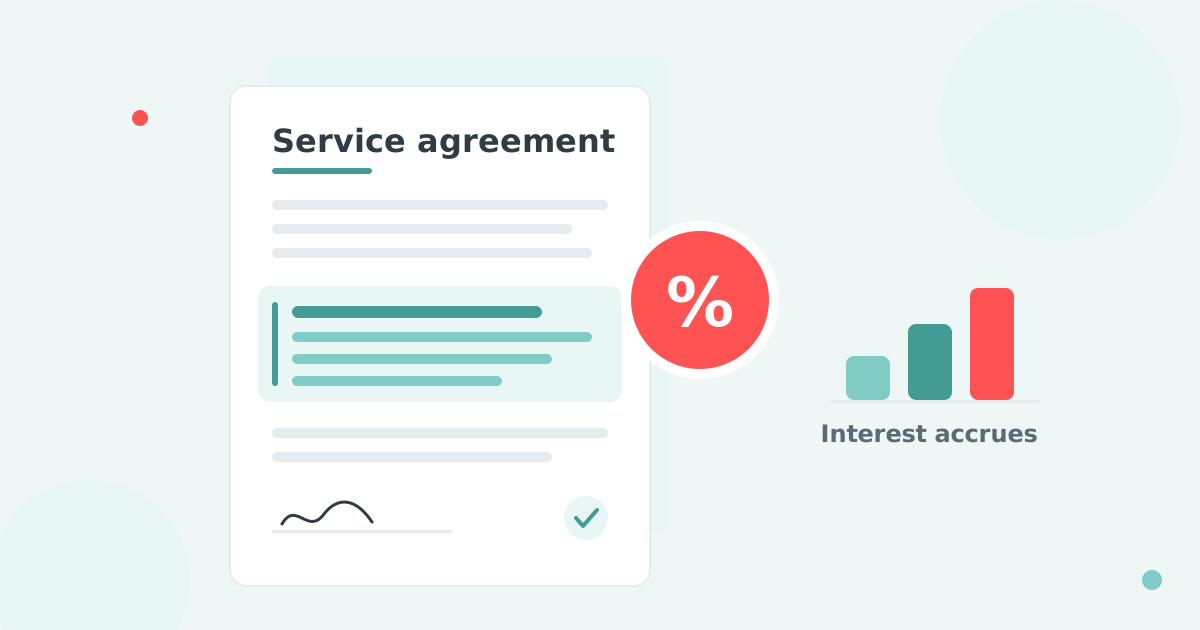
- Put the payment terms and a dispute deadline in the quote or contract, so the terms on the invoice match a document the customer signed.
- Tell customers about a bank detail change before the invoice, by a channel they already use.
- Let customers raise a query from the invoice itself. A customer payment portal puts the reason next to the invoice instead of in an inbox.
Once the invoice is right, your credit control software can restart reminders on the corrected balance.
Invoice discrepancy questions
Can you give me an example of an invoice discrepancy?
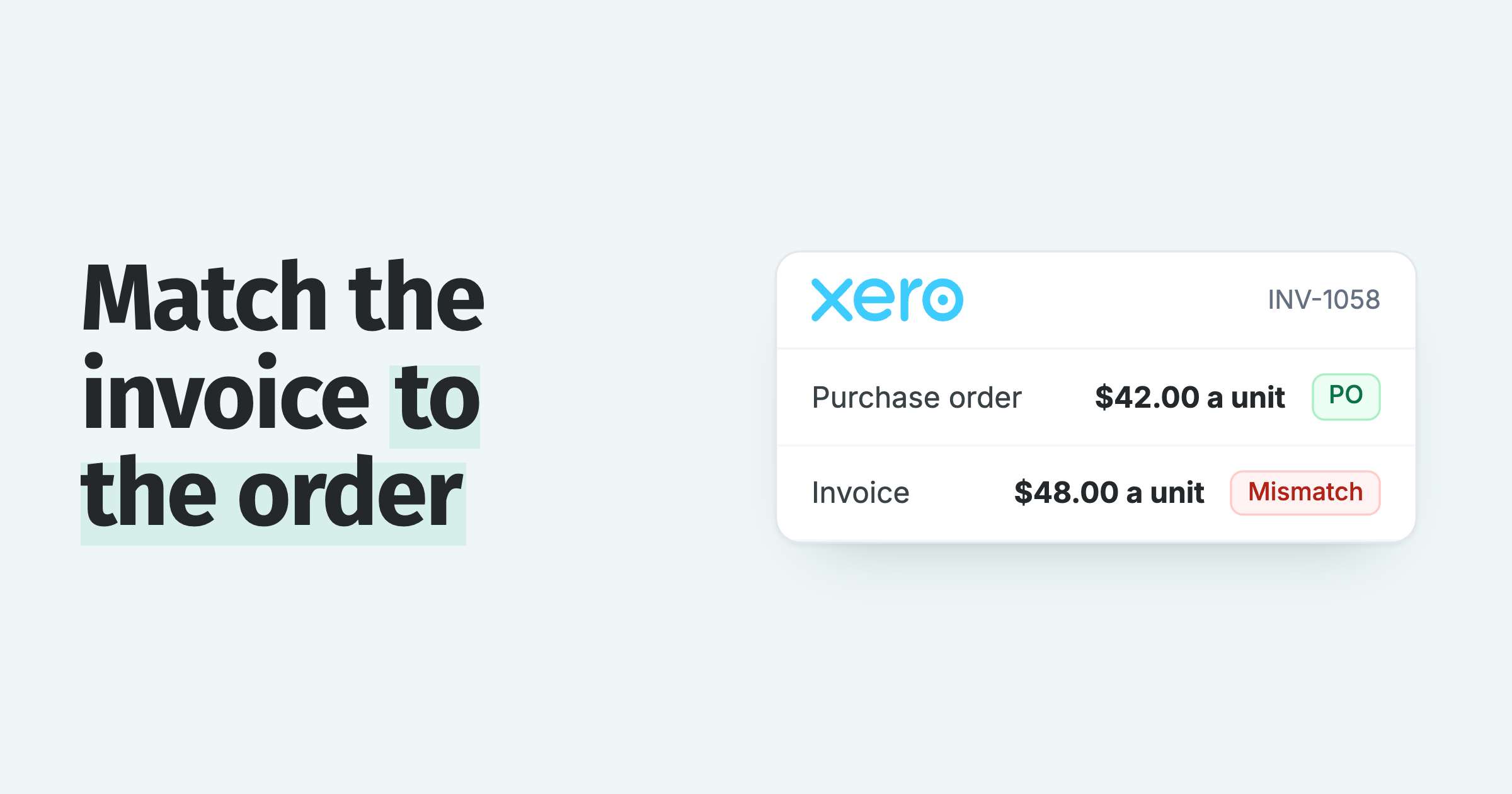
Your customer's purchase order says 100 units at $42 and your invoice says 100 units at $48. Their accounts payable team holds the invoice over the $600 difference. The fix is a credit note for $600 and a written confirmation of the corrected balance.
How do you handle discrepancies between purchase orders and invoices?
Compare price, quantity and PO number line by line and find which document is wrong. If the invoice is wrong, credit or correct it. If the order is wrong, ask the buyer for an updated purchase order before you resend.
How do you correct an invoice you have already sent?
Issue a credit note, or a credit memo in QuickBooks Online, for the difference, then send a corrected invoice if the customer needs one. Xero reserves editing for an invoice that has not been sent.
How do you identify duplicate invoices?
Search the customer's account for the same amount, the same PO number or the same job reference within a few days of each other. If you find one, credit it in full and tell the customer's accounts payable contact which invoice number to ignore.

 App of the Year