



Summary
Accounts receivable software with payment plans splits one unpaid invoice into dated installments, follows up on each date and collects automatically. Paidnice, Chaser, ezyCollect, Adfin, Access Collect and Biller Genie offer plans. They differ on what happens to the due date, who can start a plan, and whether each installment charges a saved card.
- Paidnice: Best for Xero and QuickBooks Online businesses that want the due date to follow the plan, customers to build their own plan in a portal, and Stripe to charge each installment. Pro plan, from $99 a month (£74).
- Chaser: Best for larger businesses past £4m a year that want plans inside a revenue-tiered suite. Plans follow the original invoice due date. Core from £599 a month; Compact is £199 under £4m.
- Biller Genie: Best for US businesses on QuickBooks Online that want customers to request a plan in a portal and pay a down payment on approval. Last reported price was $49.95 a month plus 0.50% of invoices collected. Current prices are hidden and must be requested.
- Access Collect: Best for UK businesses of £10m to £30m already running Access Financials or Access Dimensions. Plans sit on the Professional tier at £6,600 a year.
Accounts receivable software with payment plans splits one unpaid invoice into dated installments, follows up on each date and collects each payment automatically.
Six tools offer it: Paidnice, Chaser, ezyCollect, Adfin, Access Collect and Biller Genie. This guide compares them on the three things that decide whether a plan works: what happens to the due date, who can start a plan, and whether each installment charges a saved card or bank account. The tools are listed by fit, by revenue band first and then by published price.
Who needs software with payment plans?
You need it once you let more than a handful of customers pay one invoice in parts. At that point, tracking installments in a spreadsheet and editing due dates in the ledger stops scaling.
Offer a plan before day 90. An invoice that is still unpaid 90 days after its due date has only about a 4 in 10 chance of being paid within a year of its due date.
The pain is well documented. On Xero Product Ideas, setting up a payment plan on a sales invoice is an open request, and one user who tracks installments manually calls the work "cumbersome and time consuming". Another issues several invoices per period, edits each due date, and still sees the full balance shown as overdue.
Your annual revenue sets the shortlist, because most vendors gate their plans by it. The bands below come from each vendor's own published gates.
| Your annual revenue | Shortlist | Why these fit |
|---|---|---|
| Under $5m | Paidnice, Biller Genie, Adfin | Paidnice is priced by invoice volume, not by revenue. Biller Genie charges a percentage per invoice. Adfin charges per collection with no monthly fee (UK). |
| $5m to $13m | Paidnice, Chaser, ezyCollect | Chaser's Core plan covers revenue under £10m. ezyCollect gates by active customers (200 to 3,000), not revenue, and sells in Australia and New Zealand. |
| £10m to £30m, on Access software | Access Collect, Chaser, Paidnice | Access Collect puts plans on its Professional tier for £10m to £30m. Chaser's Complete plan runs to £100m. Paidnice runs up to 50,000 invoices a year. |
Payment plans, financing and subscriptions: which one are you buying?
A payment plan is a schedule you set on your own invoice: you carry the balance and collect each installment. Customer financing is different, because a third party pays you up front and the customer pays them, usually with a fee.
Search results for "payment plans for merchants" mix the two. Alternative Payments, for example, sells "Pay in Installments": the seller is paid the full invoice up front, and the customer pays in equal installments every 30 days over 30 to 150 days, for a fee of 3.0% to 7.0% that the customer pays. FlexPoint sells installment plans as financing too, with rates and terms not published.
Subscriptions are a third product. Recurring billing raises a new invoice each period, while a payment plan splits one invoice that already exists.
| Product | Who carries the balance | Who pays the fee | Fits |
|---|---|---|---|
| Payment plan (this guide) | You | Optional surcharge you set | Businesses invoicing on credit terms that want to keep the customer relationship |
| Customer financing | The finance provider | Usually the customer | Sellers who want the cash on day one and accept a third party in the relationship |
| Subscription billing | You | None by default | Recurring services billed each period |
This guide covers the first row only. Every tool below lets you set and collect a plan on your own invoice.
What to check in any payment plan feature
Six questions separate a payment plan feature that runs itself from one you have to watch. Ask each vendor all six before a trial.
- What happens to the due date? If the invoice keeps its original due date, reminders keep firing as if the whole balance is late. The better design moves the due date to the next installment.
- Does the invoice total change? Check whether the plan edits the invoice, adds a fee line, or leaves the total alone. Your customer's payables team will match payments against that total.
- Who can start a plan? Staff only, the customer in a portal, or a request by email. Self-serve plans save a phone call, but they need limits you set in advance.
- Does each installment charge automatically? If the customer has to remember each payment, installments get missed. Look for card or bank debit charged on each date.
- What happens when an installment is missed? The invoice should become overdue again so your normal reminders and late fees apply from that date.
- Which plan includes the feature? Payment plans are often a higher tier or a paid add-on. Price the tier that has it, not the entry plan.
To work out the installment amounts before you pick a tool, use the payment plan calculator.
How did we choose these payment plan tools?
We weighed four criteria. Each matches columns of the comparison table below, and the weights add up to 100%. Paidnice comes first; the rest follow revenue band, then published price.
- Due date during a plan (30%): each vendor's help docs, on whether the due date moves to the next installment or stays on the original one.
- Automatic charge on each installment (25%): each vendor's help docs and product pages, on whether a saved card or bank account is charged on each date. We count shipped features only.
- Who starts a plan (20%): each vendor's help docs, on whether staff only, the customer in a portal, or an email request can start one.
- Ledger, plan and price (25%): each vendor's integration and pricing pages, on the ledgers it runs on, the plan that includes payment plans and the price from. Prices a vendor does not publish are given as last reported.
Every entry, Paidnice included, lists its limit. The weights are our editorial judgment.
1. Paidnice, best for plans that run themselves

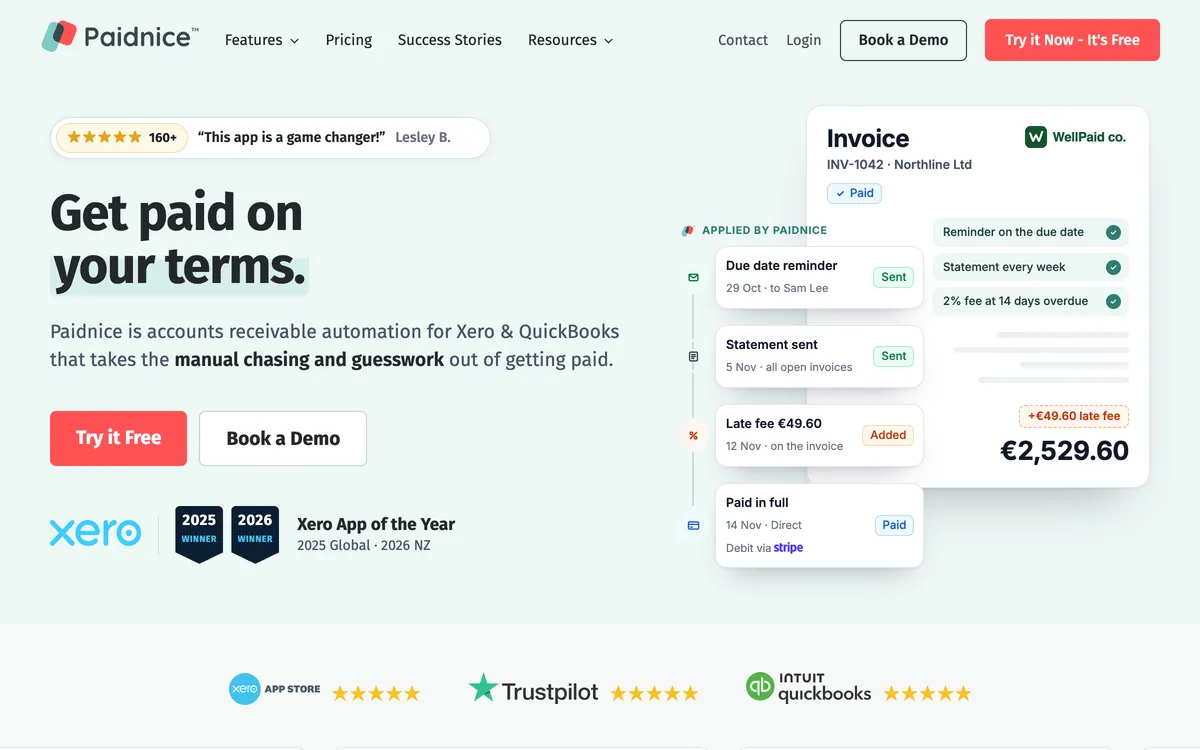
Paidnice is accounts receivable automation for Xero and QuickBooks Online. Its payment plans move the invoice due date with each installment, let customers build their own plan in a portal, and charge each installment through Stripe.
- Fits
- any business on Xero or QuickBooks Online, from its first invoice up to 50,000 invoices a year
- Entry cost
- payment plans are on Pro, from $99 a month (£74). Priced by invoice volume, with unlimited users on Pro
- Rated
- 5.0 from 85 reviews on the Xero App Store; 4.9 on Capterra
- Awards
- 🏆 Xero Global Small Business App of the Year 2025 and NZ Small Business App of the Year 2026

- Runs on
- Xero, QuickBooks Online, Stripe, Pinch Payments, HubSpot, Pipedrive, Zapier
- Payment plan detail
- weekly to quarterly; the due date moves to the next installment; a zero-value line lists the schedule on the ledger invoice, so the total changes only if you add a surcharge
- The one thing it does best
- a missed installment makes the invoice overdue again, so your normal reminders, escalations and late fees apply from that date
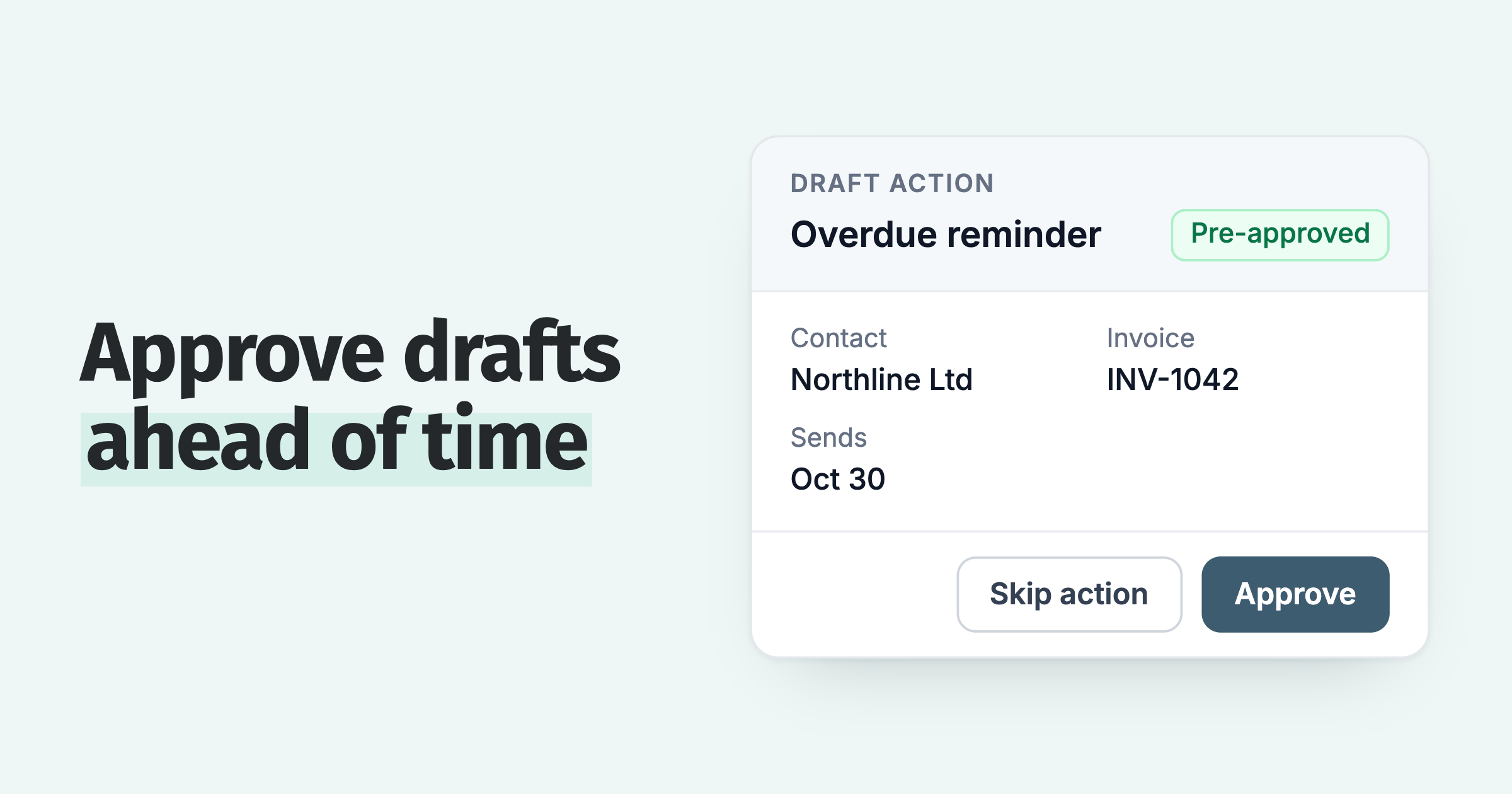
Your team can build a plan from any approved invoice and edit each date and amount. Customers can build their own plan in the portal within limits you set per customer group: maximum payments, frequency, first payment date, an optional surcharge, and how many days overdue an invoice must be. A plan built in the portal needs no approval. A customer who asks for a plan by email gets one drafted by Paidnice AI, which waits for your approval.
With Stripe connected, each installment charges the customer's saved card or bank account on its date. A separate Payment Plan Reminder policy emails before, on or after each installment, with an optional calendar invite. See how payment plans in Paidnice work.
Best suited for: businesses on Xero or QuickBooks Online that want plans, reminders and late fees to work from the same due date.
The limit: Plans are on Pro and above, not on Essentials. An invoice can hold one plan at a time, and it must have no payments against it when the plan starts.
2. Chaser, best for larger businesses past £4m

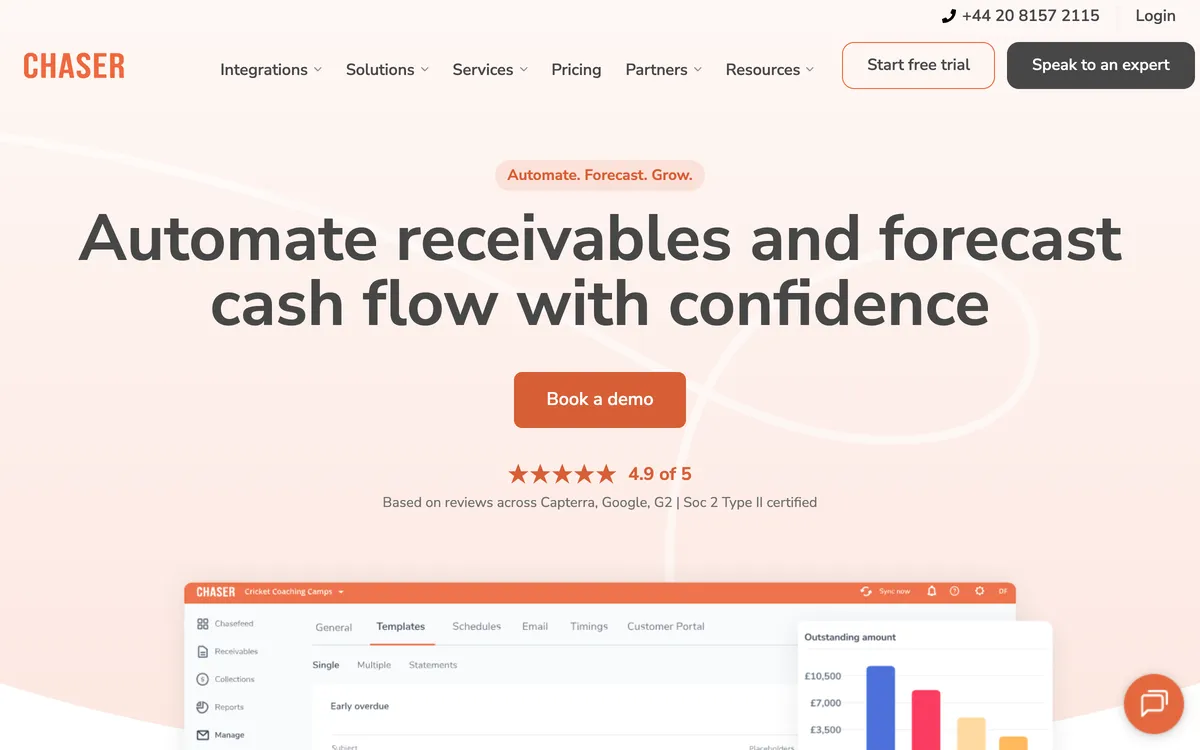
Chaser was incorporated in 2013 (Companies House) and prices by revenue band. Payment plans split an invoice into even installments that you can edit.
- Fits
- businesses with a named accounts receivable person; Compact under £4m, Core from £4m, Complete to £100m
- Entry cost
- £199 a month on Compact, £599 on Core, £899 on Complete
- Runs on
- Xero, QuickBooks, NetSuite, Dynamics 365 and other ledgers
- Payment plan detail
- weekly, every two weeks, monthly or yearly; amounts split evenly and editable; not available on the trial, Custom or Care plans
- The one thing it does best
- payment plans and credit checks (sold by credit on any plan) in one tool for a larger team
Chaser's help center states that plan schedules and reminder placeholders use the invoice due date, not the installment dates. It also states that "It's not possible to change the invoice total" through a plan.
Best suited for: businesses past £4m a year that already want Chaser's wider suite and can live with fixed invoice totals.
The limit: Follow-up runs on the original invoice due date, so check how reminders behave while a plan is active. Pricing is banded by revenue, and the plan feature is missing from Custom and Care.
3. ezyCollect, best for AU and NZ businesses

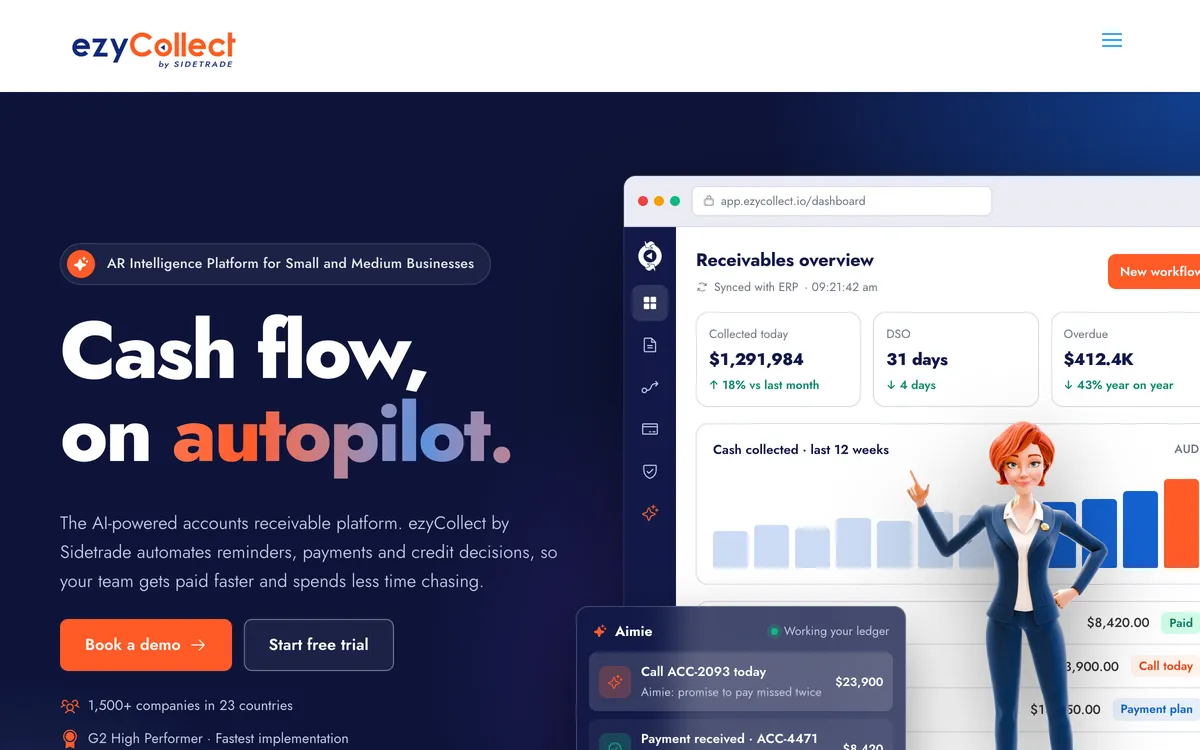
ezyCollect, owned by Sidetrade, is accounts receivable automation for Australia and New Zealand. Payment plans are a premium add-on, set at invoice or customer level against a direct debit authority.
- Fits
- AU and NZ trade businesses, gated by active customers (200 to 3,000), not revenue
- Entry cost
- ezyCollect's last published prices were A$275 a month for ezyStart, with a setup fee from A$900 (Wayback Machine). Current prices are hidden and must be requested. Payment plans cost extra
- Runs on
- Xero, MYOB, NetSuite, Dynamics 365, SAP Business One and other ERPs
- Payment plan detail
- set up per invoice or per customer, collected by direct debit
- The one thing it does best
- a wide ERP list for the Australian market
ezyCollect also offers a separate pay-by-installments option through a financing partner, Cloudfloat. That option is limited to Australian registered businesses in selected industries, and it falls under customer financing, not a plan you run.
Best suited for: AU and NZ businesses on MYOB or an ERP that want plans collected by direct debit.
The limit: Plans are a paid add-on on top of a quoted subscription, so the true price only appears in a sales conversation.
4. Adfin, best for paying per collection

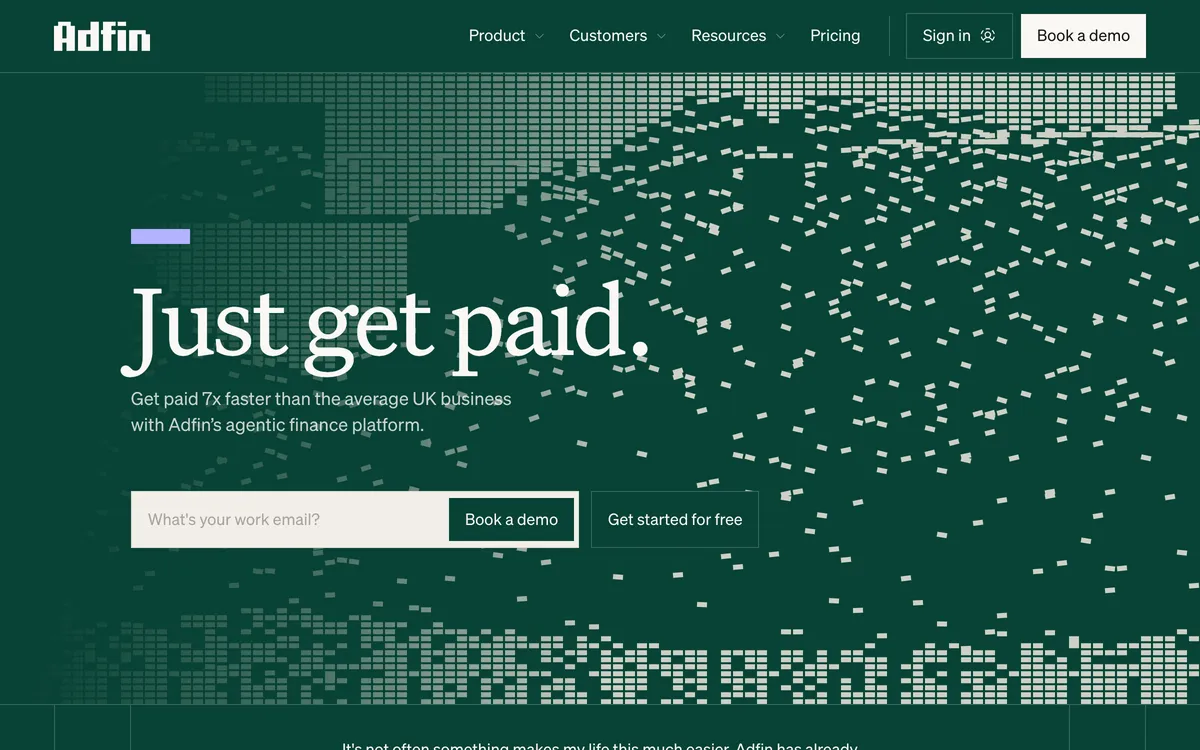
Adfin is a UK payment collection platform with installment plans since October 2025 and partial payments with a minimum percentage. It charges per payment collected, with no monthly fee.
- Fits
- small UK businesses that want no fixed subscription
- Entry cost
- 20p plus 1.0% per collection, capped at £4 for direct debit and bank transfer; basic follow-up is free
- Runs on
- Xero, QuickBooks
- Payment plan detail
- installment plans and partial payments, with a minimum partial payment set as a percentage
- The one thing it does best
- no monthly fee, so the cost tracks what you collect
Adfin collects by open banking, direct debit with card fallback, and card. Adfin was founded in 2024 and adds features often, so check the current plan options in a trial.
Best suited for: small UK businesses on Xero that want plans without a subscription.
The limit: Adfin is UK-focused and charges a percentage of each collection, which climbs as invoice values rise. Its help pages do not say what a plan does to the invoice due date.
5. Access Collect, best for existing Access users

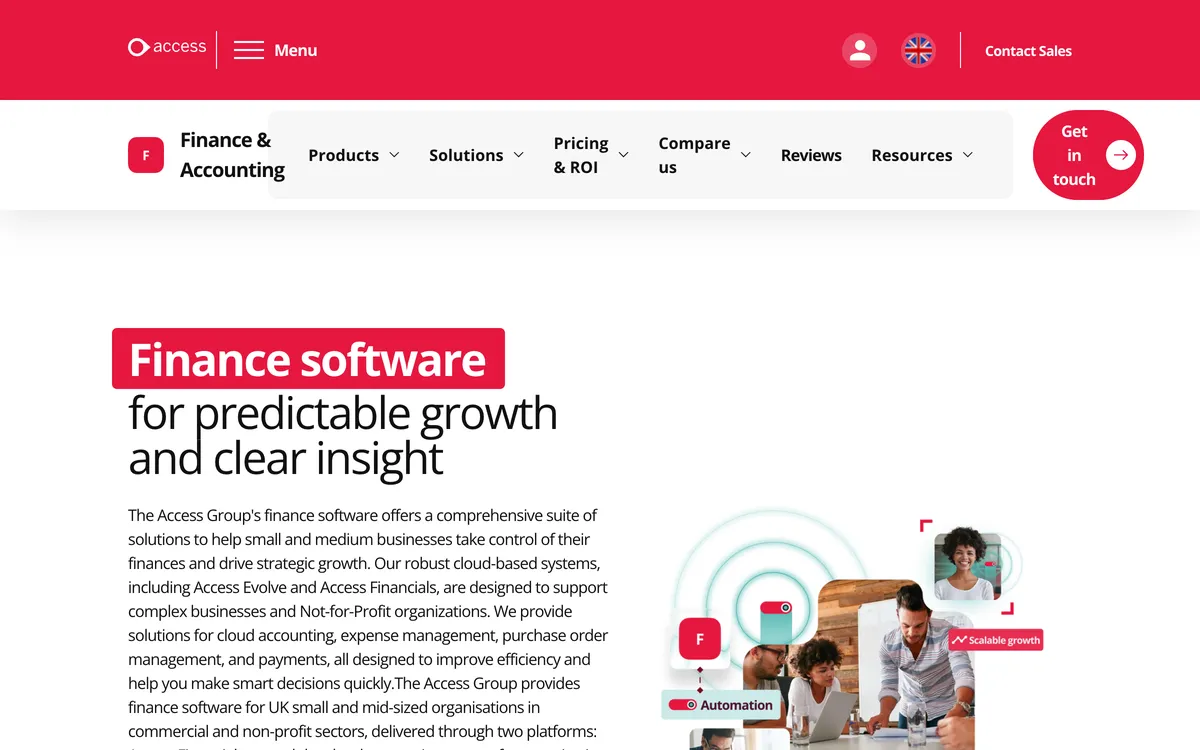
Access Collect is a module inside Access Financials and Access Dimensions, from The Access Group. Payment plans and risk scoring are on its Professional tier.
- Fits
- UK and Irish businesses of £10m to £30m revenue that already run Access finance software
- Entry cost
- Professional at £6,600 a year, unlimited users, no setup fee; Access Financials or Dimensions licensing is extra
- Runs on
- Access Financials, Access Dimensions only
- Payment plan detail
- listed as a Professional-tier feature, alongside risk scoring and credit management
- The one thing it does best
- runs natively inside the ledger, so there is no sync to break
The entry Essential tier, at £3,600 a year, covers follow-up and dashboards only. Plans start at Professional.
Best suited for: mid-market UK teams on Access Financials or Dimensions.
The limit: It works only if you already run Access finance software. It is not an option for a business on Xero or QuickBooks.
6. Biller Genie, best for customer-requested plans
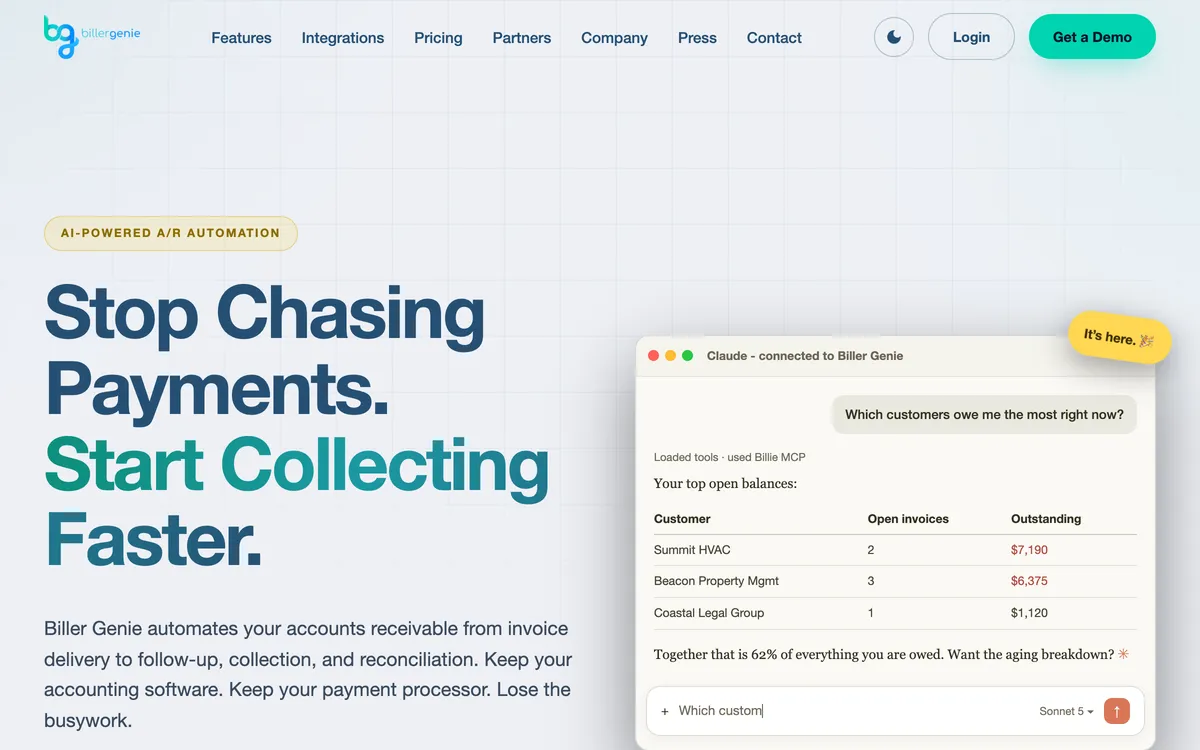
Biller Genie is US accounts receivable and payments automation built around QuickBooks. Customers request a plan in its portal, you approve or reject it, and approval charges the down payment at once.
- Fits
- US small businesses on QuickBooks Online that take card and ACH payments
- Entry cost
- Biller Genie's last reported price was $49.95 a month plus 0.50% of invoices collected. Current prices are hidden and must be requested. G2 and Capterra list $24.95 a month as a starting price
- Runs on
- QuickBooks Online, QuickBooks Desktop, Xero (one platform per account)
- Payment plan detail
- the customer sets the total, down payment, frequency (daily, weekly or monthly) and number of payments; you approve or reject
- The one thing it does best
- the down payment is charged to the stored payment method the moment you approve
The rest of the installments are scheduled on approval. The feature needs the Allow Payment Plans setting switched on, and Payment Planner is an optional module priced separately.
Best suited for: US businesses on QuickBooks Online that want customers to propose the plan.
The limit: There is no built-in counter-offer, so a request you do not like can only be rejected. On Xero, deposits are matched to invoices manually.
💡 Paidnice insight
We built Paidnice plans to move the due date because of what happens when it stays put. If the invoice keeps its original date, every reminder treats the full balance as late, and the customer who agreed a plan gets a stern email the next morning. Moving the date also means a missed installment needs no special workflow: the invoice is simply overdue again.
How do the six tools compare on payment plans?
Paidnice and Biller Genie let customers start a plan themselves, Paidnice and ezyCollect document automatic collection on each installment, and Chaser is the only tool here that documents follow-up on the original due date.
| Tool | Runs on | Plan included on | Who starts a plan | Automatic charge | Due date during a plan | Price from |
|---|---|---|---|---|---|---|
| Paidnice | Xero, QuickBooks Online | Pro and above | Your team; customer in the portal (no approval); email request drafted by AI for approval | Yes, with Stripe connected | Moves to the next installment | $99/mo (£74) on Pro |
| Chaser | Xero, QuickBooks, NetSuite, Dynamics 365 and others | Paid plans; not trial, Custom or Care | Your team | Not documented | Stays on the invoice due date | £199/mo |
| ezyCollect | Xero, MYOB, NetSuite, Dynamics 365 and others | Premium add-on | Your team, per invoice or customer | Yes, by direct debit | Not documented | Last published A$275/mo, current price hidden |
| Adfin | Xero, QuickBooks | All accounts | Not documented | Not documented for plans | Not documented | 20p + 1.0% per collection |
| Access Collect | Access Financials, Access Dimensions | Professional | Not documented | Not documented | Not documented | £6,600/yr |
| Biller Genie | QuickBooks Online, QuickBooks Desktop, Xero | Payment Planner add-on; Allow Payment Plans setting | Customer requests in the portal; you approve | Down payment on approval; rest scheduled | Not documented | Last reported $49.95/mo + 0.50% of invoices collected, now hidden |
"Not documented" means the vendor's public help pages and pricing do not state it. Prices change; verify current pricing with each vendor before you buy.
How to set up a payment plan without a tool
You can run a plan in your ledger alone, but you track each installment and edit each due date yourself.
On Xero, the usual method is a part payment against the original invoice or a set of smaller invoices, each with its own date. Our step-by-step guide to setting up a payment plan in Xero covers both, and the matching QuickBooks Online payment plan guide does the same for QuickBooks. Either way, put the schedule in writing first with a payment plan agreement template.
The manual method works for two or three plans. Past that, editing dates and sending reminders takes real time every week. For the wider case for offering plans at all, read how to offer customer payment plans, and for plans as a recovery step, see payment plans for overdue invoices.
Frequently asked questions
What is accounts receivable software with payment plans?
It is software that connects to your ledger and splits one unpaid invoice into dated installments. It then follows up on each date and records each payment against the invoice. You keep the balance and the customer relationship, unlike customer financing.
Is a payment plan the same as customer financing?
No. With a payment plan you carry the balance and collect each installment yourself. With customer financing, a provider pays you up front and the customer repays the provider, often with a fee of a few percent that the customer pays.
Which tools charge each installment automatically?
Paidnice charges each installment through Stripe when Stripe is connected. ezyCollect collects plans by direct debit. Biller Genie charges the down payment on approval and schedules the rest. The other tools here do not document automatic charging for plans.
Do payment plans change the invoice total?
It depends on the tool. Paidnice writes a zero-value line listing the schedule, so the total changes only when you add a surcharge. Chaser states that a plan cannot change the invoice total.
How much does accounts receivable software with payment plans cost?
Published entry prices for the tier that includes plans run from $99 a month on Paidnice Pro and £199 a month on Chaser Compact to £6,600 a year on Access Collect Professional. Adfin charges 20p plus 1.0% per collection. ezyCollect and Biller Genie now hide their prices, so request a quote.
For more accounts receivable tools beyond payment plans, see the best accounts receivable software guide and the accounts receivable software buyer’s guide.
Paidnice features in this article
About the editorial team
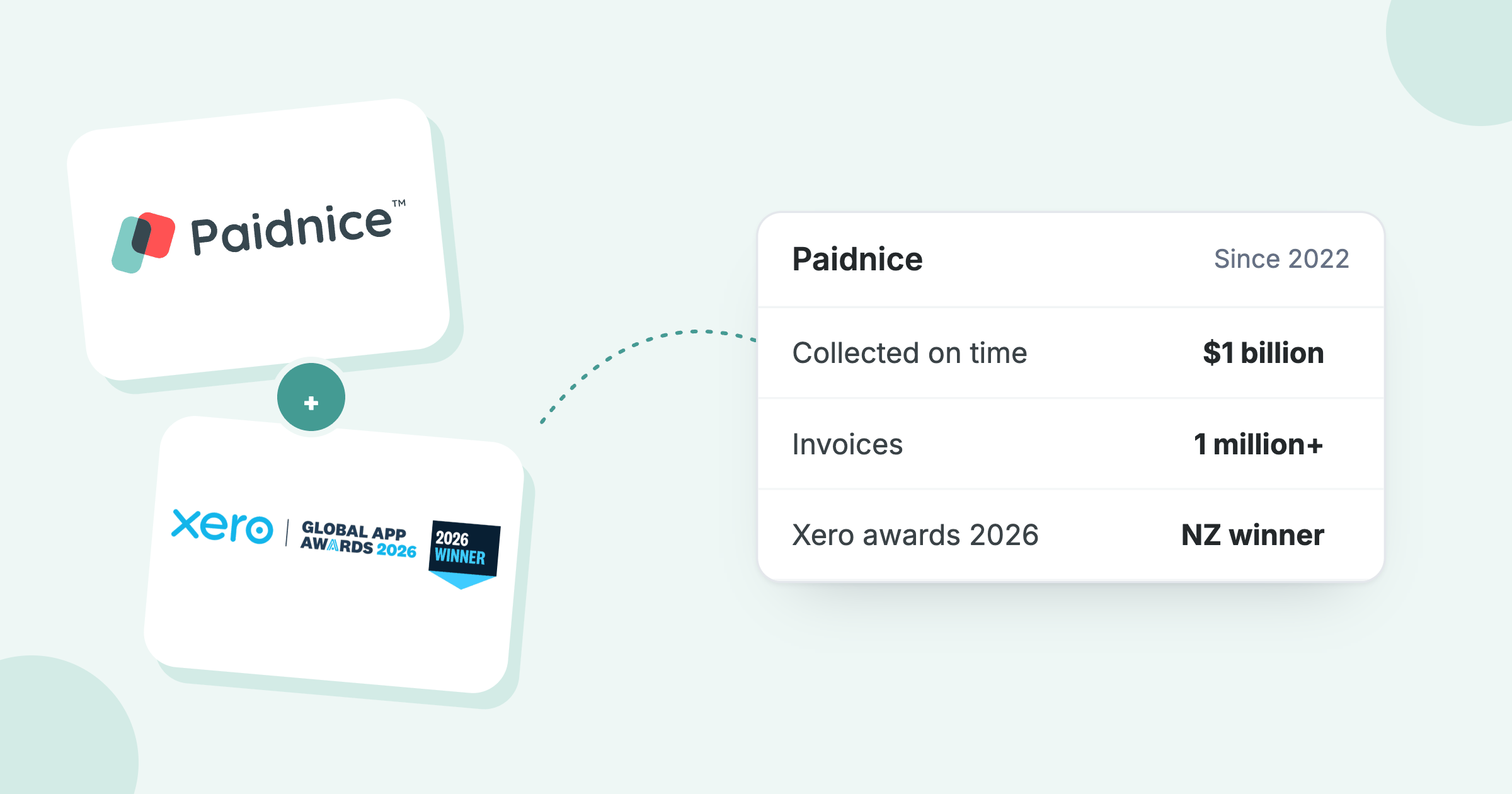
Denym started Paidnice in 2022 after customers paying late left his own business short on payroll. He has led it to $1 billion collected on time across more than 1 million invoices, and writes about credit control, late fees and getting paid on Xero and QuickBooks.
Ashley is a co-founder and lead developer of Paidnice and has built accounting software for more than 10 years. He builds the ledger connections that put reminders, late fees and payments into Xero, QuickBooks and ERPs such as NetSuite and Business Central. Before Paidnice he co-founded A2X, ecommerce accounting software for Xero and QuickBooks.
 App of the Year