



Summary
Chase PSA invoices from the accounting ledger. ConnectWise, Autotask and HaloPSA each pass invoices to Xero or QuickBooks Online, and the ledger then holds the due date and the payment status. Reminders, late fees and statements run from there, so billing in the PSA stays as it is.
- The sync: ConnectWise PSA (formerly Manage) syncs invoices to Xero or QuickBooks Online through Wise-Sync, which its Marketplace listing says runs in real time; Gozynta Mobius is a second route to QuickBooks Online.
- The PDF: Paidnice can send the PSA's own invoice PDF on every reminder, when that PDF is attached to the ledger invoice and the Invoice PDF setting is on.
- The route: Autotask's QuickBooks Online connector is the Smart Accounting Hub, which Kaseya builds and supports; Autotask invoices reach Xero through a partner sync such as Cloud Depot.
You close the month's agreement invoices in ConnectWise PSA, and a sync passes each one to Xero or QuickBooks Online in real time, as Wise-Sync describes it. Thirty days on, three are overdue, and the due date, the open balance and the client contact all sit in the ledger. Here is what to set up for each PSA, from the sync to the last escalation.
How does a ConnectWise invoice end up in Xero or QuickBooks?
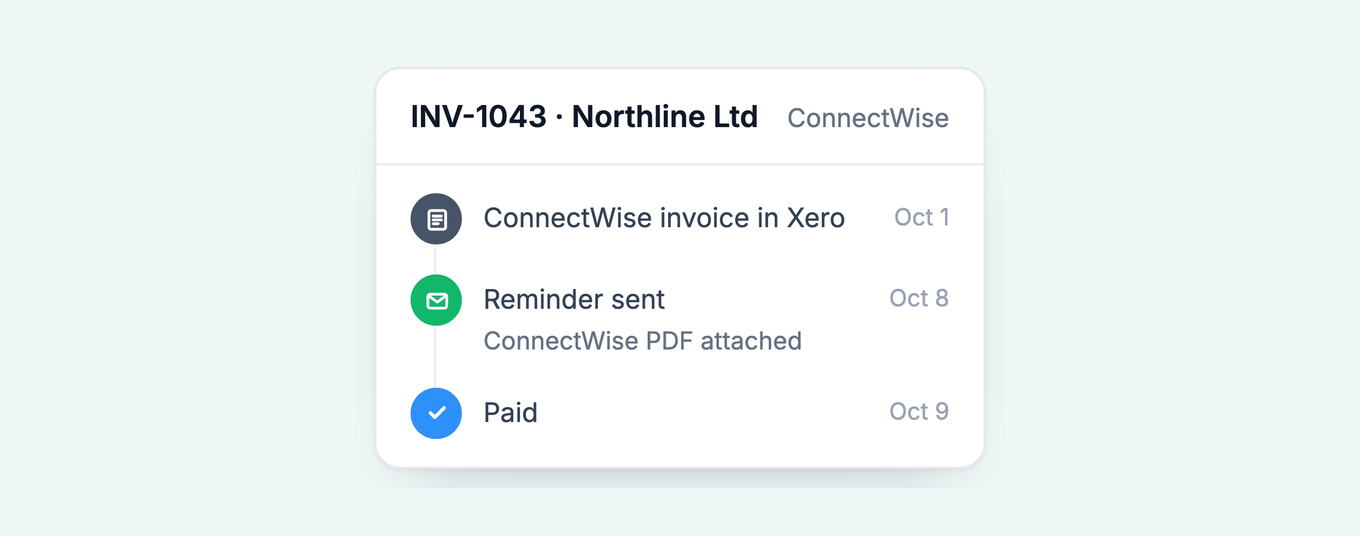
A ConnectWise PSA invoice reaches Xero or QuickBooks Online through a sync tool: ConnectWise lists Wise-Sync for both ledgers, and its Marketplace carries other connectors for QuickBooks Online.
ConnectWise's own WisePay integrations page says the sync will "auto-sync invoices between your PSA and accounting package" and names Xero and QuickBooks Online.
Free: Payment reminder email templatesCopy the reminder emails for before, on and after the due date.For QuickBooks Online there is a second route. Gozynta Mobius copies invoices created in ConnectWise to QuickBooks Online, and copies payments made against them in QuickBooks Online back to ConnectWise.
Once the invoice lands, it is a ledger record with a due date, an open balance and a status, and that record is what a chasing tool reads. Paidnice works from the ledger copy, so the ConnectWise integration changes nothing about how you bill.
How do Autotask and HaloPSA invoices reach the ledger?
Autotask uses the Smart Accounting Hub for QuickBooks Online and a partner sync such as Cloud Depot for Xero. HaloPSA pushes invoices to both Xero and QuickBooks Online through its own integrations.
The table lines the three PSAs up against each ledger.
| PSA | QuickBooks Online | Xero |
|---|---|---|
| ConnectWise PSA | Wise-Sync or Gozynta Mobius | Wise-Sync |
| Autotask PSA | Smart Accounting Hub | Cloud Depot |
| HaloPSA | Halo's own integration | Halo's own integration |
Kaseya describes the Smart Accounting Hub as "an API connector that is built, maintained, and supported directly by Kaseya", covering invoices, purchase orders and expenses. Cloud Depot pushes new Autotask invoices, purchase orders and payments into Xero, saved as drafts or authorized automatically. HaloPSA's QuickBooks Online guide says invoices, credit notes and payments are pushed to QuickBooks each time they are created or updated in Halo, and its Xero guide says updates to invoices already synced to Xero sync too.
Which invoice PDF should a reminder carry?
A reminder should carry the PSA's own invoice PDF, the document the client was billed with. A document in a different layout can prompt a client to ask whether it is a second invoice.
Your client knows the ConnectWise, Autotask or Halo layout: the agreement name, the ticket references, the hardware lines. The ledger generates its own document from the synced record, and when the reminder attachment looks new, accounts payable may ask whether it is a second invoice.
The fix is to get the PSA PDF onto the ledger invoice as an attachment. That can happen through a connector setting, the connector vendor's support, your IT team, or a Zapier or Make step. The steps are in Xero: send your own invoice PDF, QuickBooks Online: send your own invoice PDF and your ERP's invoice PDF on every Xero reminder.
Paidnice can send the invoice document attached to the ledger invoice instead of one it generates. Set a prefix under Settings, General, Advanced, Invoice PDF, and the attachment whose filename contains it goes out on reminders, late fee emails, statement links and portal downloads. On Xero, tick Include with online invoice on the attachment. The setting is the same for Autotask and HaloPSA as for ConnectWise.
If Paidnice finds no attachment, you choose the fallback: the ledger's own PDF, no PDF, or no send, with the error emailed to you.
How do you charge late fees and send statements on agreement invoices?
Write the fee into the managed services agreement, then apply it from the ledger: a flat or percentage fee after a grace period, repeated while the invoice stays unpaid, plus a monthly statement of every open invoice.
The fee only works if the signed agreement states it. If your MSA is silent, fix the clause at the next renewal, using MSP payment terms and late fee policy wording examples. State rules differ on the rate, so check how much you can charge for late fees. General information, not legal advice.
Once the clause exists, apply it automatically and waive it deliberately. A fee that lands on day 31 every time teaches clients that the due date is real. A fee you waive when a client calls and settles is a concession you chose to give.
Statements cover the rest of the account. Agreement, project and hardware invoices fall in different months, and clients pay one while three others age. A monthly automated customer statement with an aged debt breakdown puts every open invoice in one place.
Paidnice adds a late fee as a new invoice in Xero or QuickBooks Online, saved as Draft or Approved as you choose. Set a grace period in days, and repeat the fee at the interval you set while the agreement invoice stays unpaid. Your team can waive or credit a fee inside Paidnice when a client settles.
What happens when an MSP client still does not pay?
After the final notice, an unpaid MSP invoice goes to a named person for a call, a stop on credit or a template legal letter, and a webhook can create a PSA task to suspend the agreement.
An escalation needs a trigger and an owner. The trigger is a number of days overdue, with a minimum and maximum amount so a $90 invoice and a $9,000 one get different treatment. The owner picks up the phone or signs the letter. Escalations in Paidnice work that way, and the invoice escalation ladder sets out the order.
When a client queries one invoice, hold that invoice and keep the rest of the account moving. A ticket about one project invoice is no reason to pause reminders on last month's agreement invoice. How to handle a disputed invoice covers the process, and invoice discrepancy causes and fixes covers the mismatches between agreement, project and hardware lines.
On the Pro plan, Paidnice fires a webhook when an escalation is created, assigned, completed or canceled, so an escalation can become a task or ticket in your PSA. A client who queries an invoice from the customer payment portal fires one too, and policies set to skip while a query is open wait until your team resolves it.
Accounts still unpaid after the letter go to your lawyer or a collector, and by then the file holds every reminder, statement and fee record they will ask for. The whole sequence, from first reminder to that hand-off, is what Paidnice for MSPs runs.
Where do Cloud Depot payment links fit?
Cloud Depot's Recurring Payment Service (RPS) links can sit inside Paidnice reminders, statements, invoice PDFs and the portal, and payments made through them reconcile back through RPS.
Cloud Depot is an Autotask to Xero sync that also runs a Recurring Payment Service. If your clients already pay through RPS, the Cloud Depot integration connects inside Paidnice. Each reminder carries one way to pay, so you choose Cloud Depot RPS or Stripe, and the client clicks the link they already know.
ConnectWise and PSA invoice questions
Do I have to change anything in ConnectWise, Autotask or HaloPSA?
No. Billing stays in the PSA, and the sync keeps creating invoices in Xero or QuickBooks Online as before. Paidnice reads the ledger invoice, its due date and its balance, and runs reminders, statements and fees from there.
Is ConnectWise Manage the same as ConnectWise PSA?
Yes. Manage is the earlier name. ConnectWise's own feature sheet calls the product "ConnectWise PSA (formerly Manage)".
What happens when a client pays?
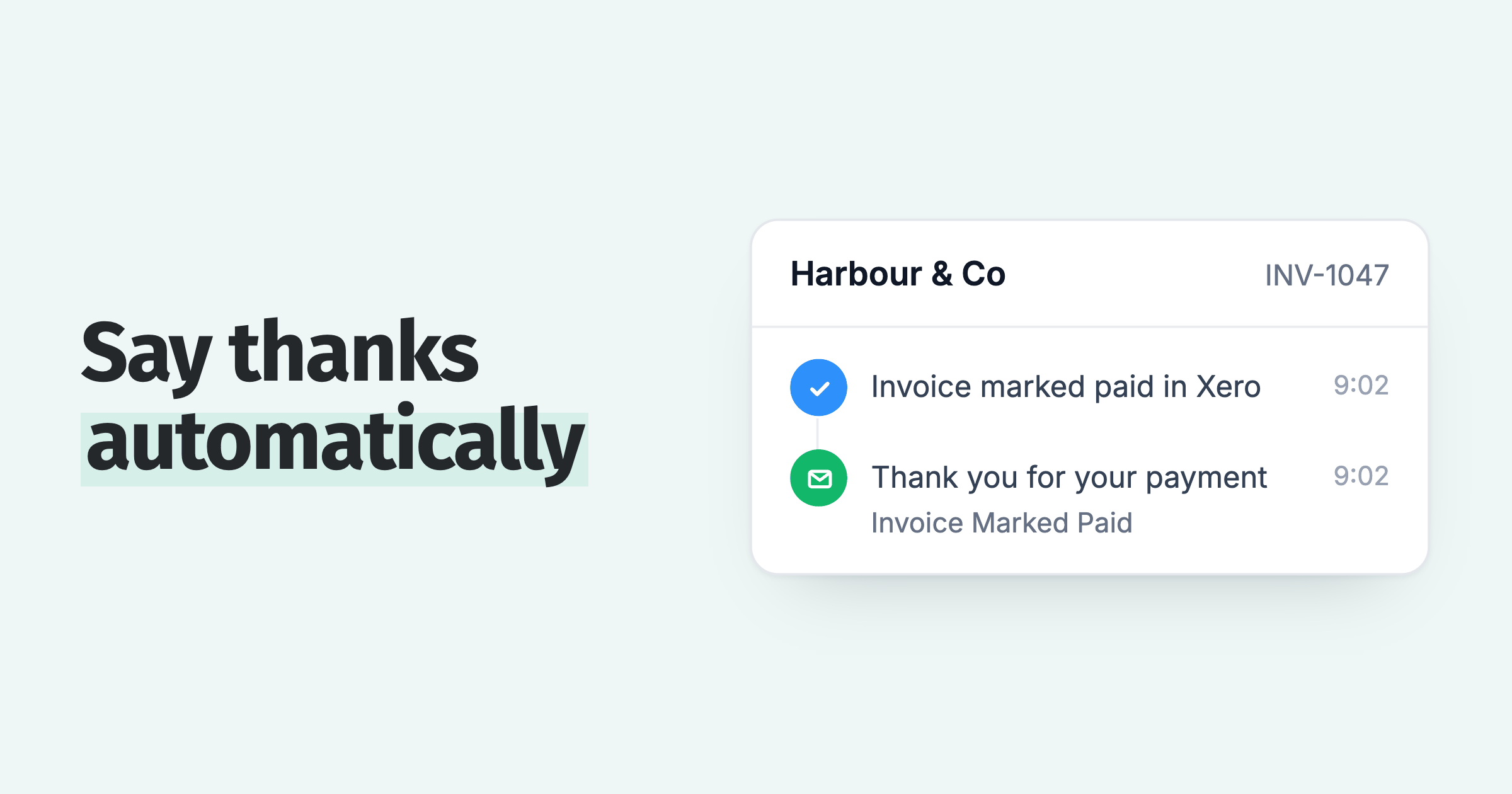
Record the payment in Xero or QuickBooks Online and Paidnice stops chasing that invoice. Where the sync runs both ways, the PSA updates too: HaloPSA adds a payment record when a Xero payment syncs, and Gozynta Mobius copies QuickBooks Online payments back to ConnectWise.
Can an MSP charge late fees on an overdue agreement invoice?
Yes, where the signed agreement states a fee or rate and your state's rules allow it. The limits by state are in how much you can charge for late fees. General information, not legal advice.
Which plans include the ConnectWise, Autotask and HaloPSA integrations?
All of them. Paidnice is priced by invoice volume, not revenue. See pricing for the tiers.
About the editorial team
Denym started Paidnice in 2022 after customers paying late left his own business short on payroll. He has led it to $1 billion collected on time across more than 1 million invoices, and writes about credit control, late fees and getting paid on Xero and QuickBooks.
 App of the Year