



Summary
How to automate credit control: record your DSO first, fix customer contacts and terms, connect the ledger, add a way to pay, set chasing policies by payer group, test with sending held, then switch on sending and reply handling. Check the same figures again at 30 and 90 days.
- Measure before you start: Record DSO, invoices paid on time and invoices still unpaid at 75 days, so you can prove the change at 30 and 90 days.
- Set policies from data: In Paidnice data, 85% of invoices that go overdue get no reminder after the due date. Inside the same business, reminders sent on Monday or Tuesday get about 6 more invoices in every 100 paid within 3 days than Wednesday to Friday ones.
- What it can deliver: Among the first businesses to use Paidnice's AI agent, DSO fell by 70% on average after 3 months.
The aged debt report keeps getting longer. Each credit controller keeps their own spreadsheet, nobody is sure who last emailed the customer at the top of the list, and the finance director wants the overdue figure down before the next board meeting.
Choose software that syncs both ways with your ledger, has a draft mode and holds actions for approval, then compare options in our guide to credit control software for finance teams. After that, you need a plan to switch it on without upsetting your best customers.
Here is how to roll out automated credit control in seven steps, the figures to record before and after, and the parts to keep with a person.
How to automate credit control in seven steps
Automate credit control in seven steps, and check each one before the next starts, so that a problem points to one cause: the data, the policies or the email connection.
- Measure where you start: DSO, invoices paid on time and invoices still unpaid at 75 days.
- Clean contacts and terms: the person who pays, and due dates that match the contract.
- Connect the ledger: Xero, QuickBooks Online or your ERP, so paid invoices stop chasing.
- Add a way to pay: a payment link in every reminder and a portal for every open invoice.
- Set policies by payer group: different sequences for good payers, late payers and key accounts.
- Set team controls and test: roles, approvals and a week with sending held.
- Switch on sending and reply handling: routine accounts first, then let AI read the replies.
Step 1: what should you measure before you automate?
Before you automate, measure three figures from the last 90 days: days sales outstanding, invoices paid on time, and invoices still unpaid 75 days after the due date.
| Figure | What it tells you | Check again at |
|---|---|---|
| Days sales outstanding (DSO) | The average number of days you wait to get paid | 30 and 90 days |
| Paid on time, in every 100 invoices | Whether reminders reach customers before the due date passes | 30 and 90 days |
| Still unpaid at 75 days, in every 100 | The tail that turns into bad debt | 90 days |
Write them down before anything changes. Without a baseline, nobody can tell the finance director what automation did. Our DSO formula guide shows how to work out the first figure. After go-live, Paidnice shows DSO and its trend in its AR reports.
Step 2: which data should you clean up first?
Clean up customer contacts and payment terms first, because automated credit control sends faster, so a wrong address or a wrong due date goes wrong faster too.
- Find the person who pays. The buyer is rarely the accounts payable inbox. Add the AP contact to each customer before the first reminder.
- Match terms to the contract. If the ledger says 14 days and the contract says 30, every reminder starts an argument.
- Avoid weekend due dates. Inside the same business, invoices due on a Saturday or Sunday have about 3 fewer in every 100 paid on time (weekend due dates).
- Merge duplicate customers so one customer gets one sequence.
Check contacts before you switch on. When a reminder bounces, the invoice is twice as likely to be unpaid 75 days after its due date (about 13 in 100, against 6 in 100).
Step 3: how do you connect the ledger?
Connect your accounting system to the credit control tool and check that the overdue total matches your aged receivables report before you go further.
| Ledger | How it connects to Paidnice | Check before step 4 |
|---|---|---|
| Xero or QuickBooks Online | Connect in under 15 minutes | Overdue total matches the aged receivables report |
| NetSuite, Business Central, Sage Intacct and other ERPs | An implementation specialist sets up the connection on the Custom plan | Every entity imported, with its own currency |
| A group of companies | Every entity under one login, each chasing in its own name | Each entity's sender address and branding are right |
The sync must run both ways for payments. Bank deposits are matched to invoices in your ledger, and when an invoice is paid there, reminders on it stop. Paidnice's AI agent also reads remittance advice, so reminders skip invoices whose payment is on its way.
Step 4: how do you make it easy for customers to pay?
Put a payment link in every reminder and statement, and give each customer one place to see and pay every open invoice.
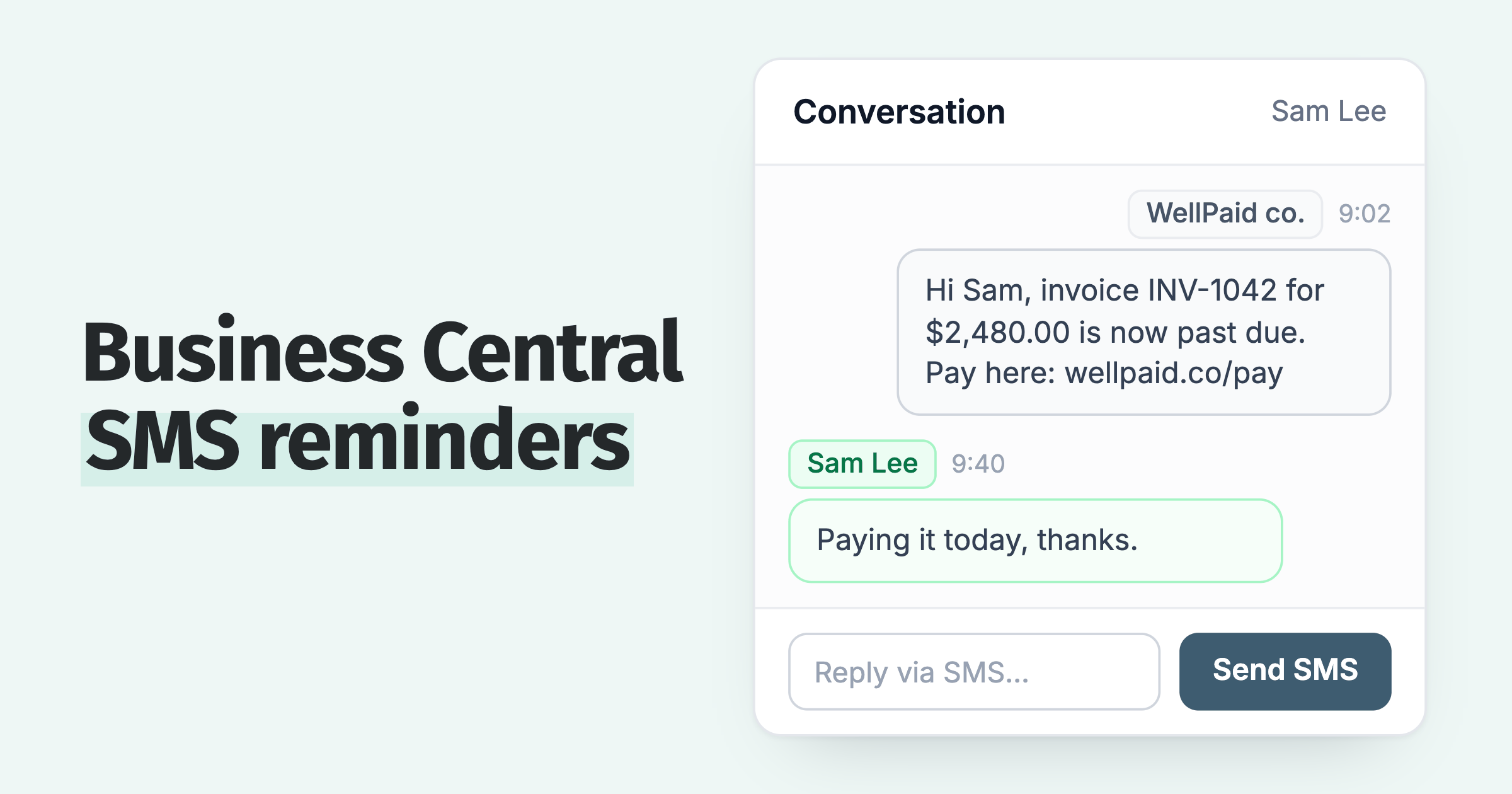
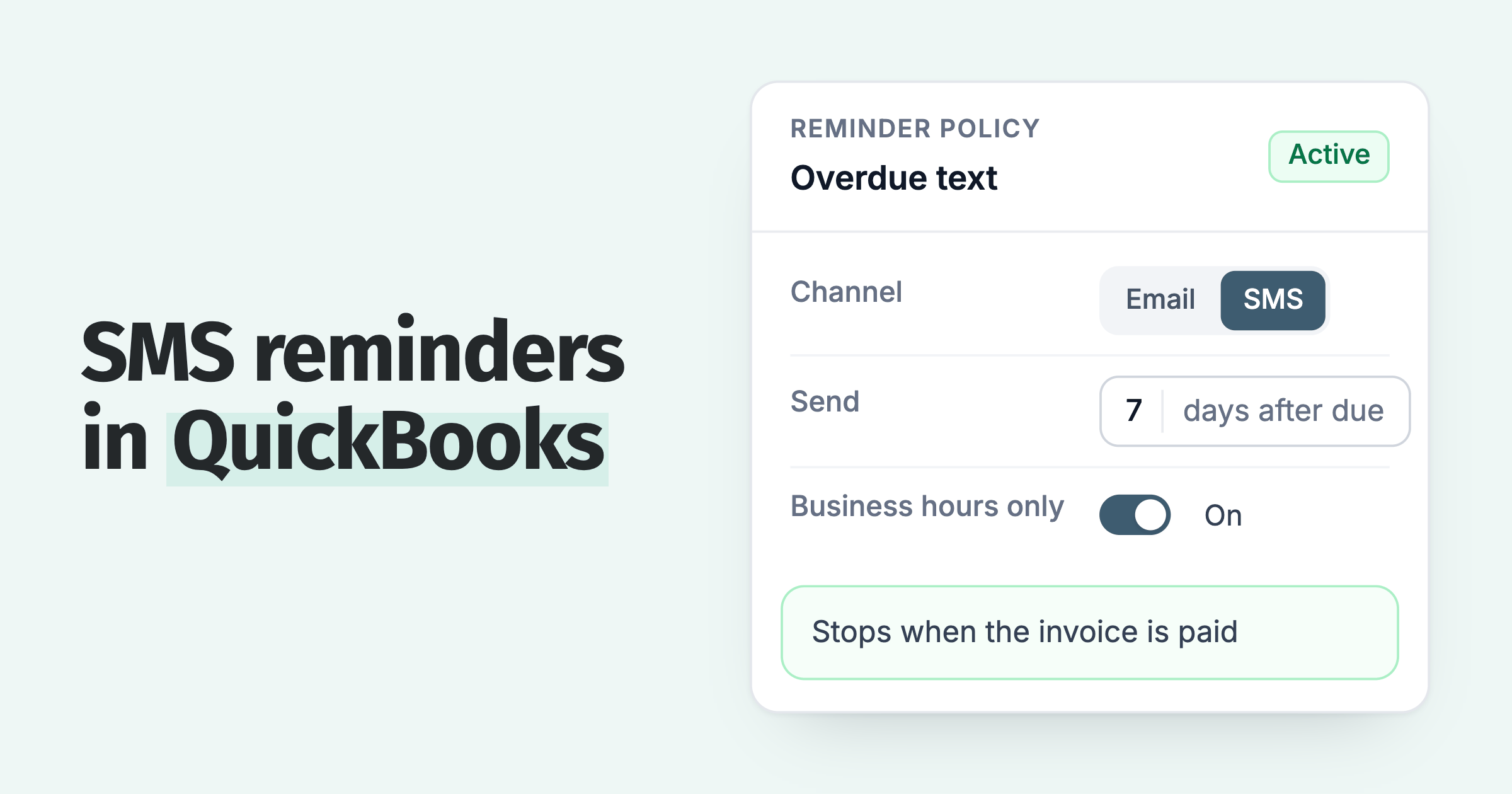
- Pay links everywhere. With Stripe connected, the link appears in emails, SMS messages, statements and the customer payment portal.
- One payment for several invoices. Customers who pay in a weekly run can clear everything on their account at once.
- Autopay on payment plans. With Stripe connected, a customer can turn on Autopay for an invoice with a payment plan, and Stripe charges each instalment on its date.
- Payment plans. A customer who cannot pay in full can build a plan in the portal when the invoice is eligible (Pro plan and above), and each instalment is chased on its own date.
Step 5: how should you set chasing policies?
Set chasing policies per payer group, so good payers, late payers and key accounts each get their own sequence. Start from these defaults, which come from what Paidnice sees across customers' invoices:
| Setting | Default we suggest | Why |
|---|---|---|
| Timing | A reminder before the due date, one on it, then follow-ups after it | 2 in 3 reminders go out on or before the due date, yet 85% of overdue invoices get nothing after it (source) |
| Chase after the due date | Keep going after the due date passes | 85% of invoices that go overdue get no reminder after the due date (source) |
| Number of follow-ups | Four email reminders after the due date, about a week apart | 6 in 10 reminded invoices are paid after one email reminder and 9 in 10 after four (source) |
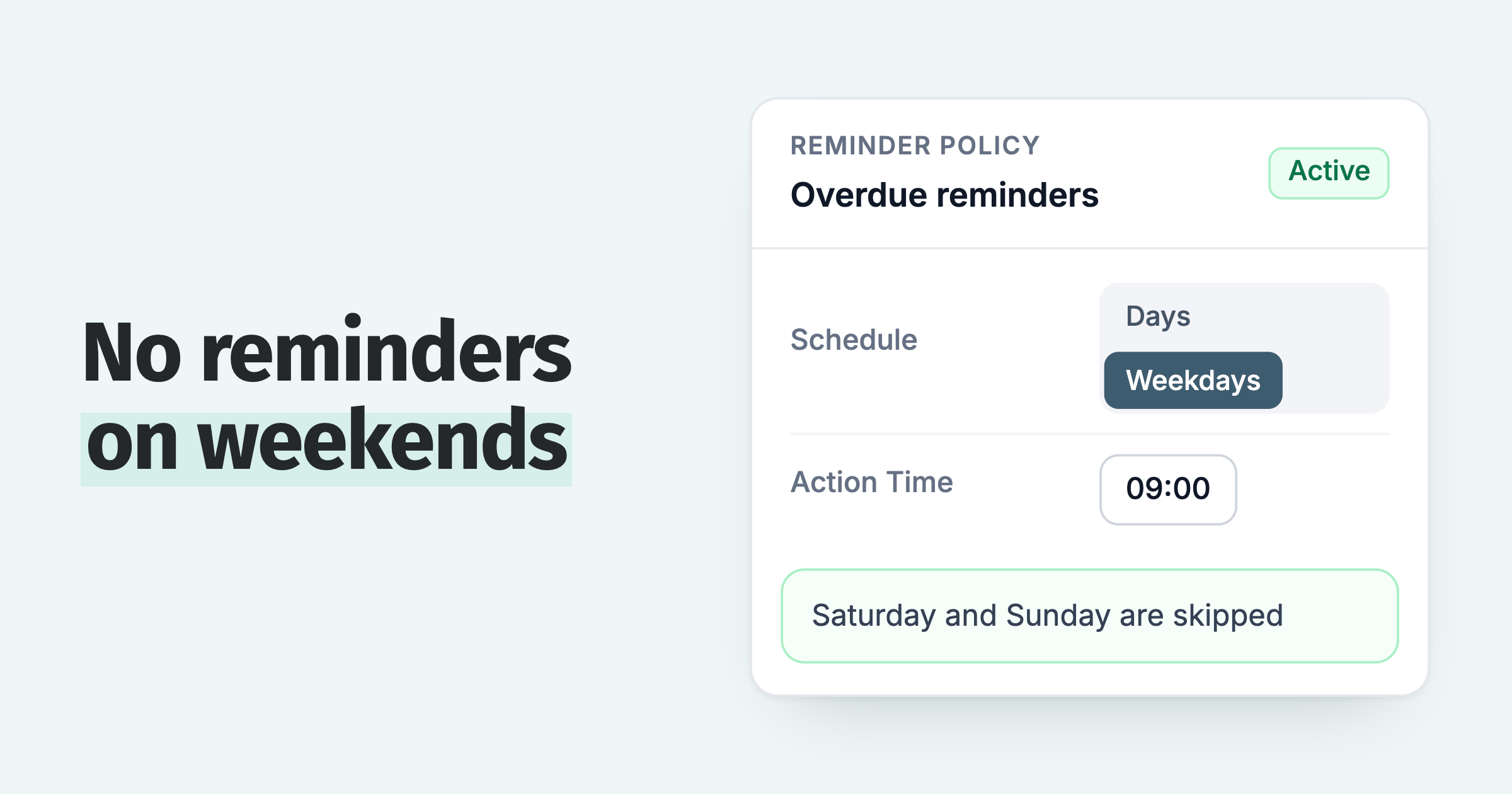
| Send day | Monday or Tuesday | About 6 more invoices in every 100 paid within 3 days than reminders sent Wednesday to Friday (source) |
| Escalation | A call or a task for the owner once a customer has 4 or more overdue invoices | A reminder then adds only 1 to 4 more invoices in every 100 paid within 7 days (source) |
The weekly spacing and the escalation point are our suggestions, not tested results. The figures come from our analysis of invoice data from over 1,000 Paidnice customers.
Then split by payer group. Paidnice can suggest a policy for each group from payment history: good payers might get a due date reminder and a statement, while frequent late payers get the full sequence, including late fees. As a customer's credit score falls, Paidnice can move them to the late payers group on its own.
Step 6: which team controls should you set before the first reminder goes out?
Settle who can send, who approves and what each person can see, then run a week with sending held so every reminder is reviewed first.
- Owners. Assign each customer, or a whole group, to the person who manages it. Escalations go to that owner.
- Approvals for new team members. Actions by a new or junior user go to an approver's list before they reach the customer.
- View-only access. A sales lead or the finance director can see accounts and activity without being able to send or change anything.
- Entity access. In a group, each person sees and works only the entities they are given.
- Draft policies and Safe Mode. A Draft policy holds its actions for approval. Safe Mode holds every send, so you can test on real invoices with nothing reaching customers.
Every action shows its status and who approved it on the customer's activity, and each policy keeps a change history. See roles and approvals.
Step 7: how do you switch on sending safely?
Start with routine accounts on Active policies, keep key accounts and disputes on Draft, then hand the replies to AI once the reminders run cleanly.
| When | What changes | Move on when |
|---|---|---|
| Week 1 | Safe Mode on. Review every prepared reminder against your policies. | A week of drafts needs only small wording edits |
| Week 2 | Routine payer groups go Active. Key accounts and disputes stay on Draft. | Sent reminders match what you approved |
| Weeks 3 and 4 | Paidnice reads replies and remittance advice, logs promised dates and drafts answers for approval. | Each promised date is recorded with no manual entry |
| Day 30 | Check the three baseline figures. Pre-approve the reply types you no longer edit. | Keep disputes, plans and credit stops on approval |
Team alerts can go to Slack, Microsoft Teams or any tool that accepts a webhook, so an owner hears when an account needs a call. Our guide to the accounts receivable AI agent covers which replies to pre-approve first.
What results should you expect after 30 and 90 days?
Paidnice customers measured before and after automating credit control went from 54, 25 and 57 invoices in every 100 paid on time to 83, 60 and 67.
DSO down by 70% on average. Among the first businesses to use Paidnice's AI agent, DSO fell by 70% on average 3 months after they switched it on. The best result, a professional services business in Australia, went from 37 days to 6 days.
On invoices, Paidnice customers measured before and after went from 54, 25 and 57 invoices in every 100 paid on time before they started to 83, 60 and 67 after. These were picked because their results were strong. See Paidnice customer results.
What should stay with a person?
Judgement calls in credit control stay with a person, because software can run the reminders and the reply admin but not these decisions:
- Disputes. Reminders can skip an invoice while a query is open, and the owner settles it.
- Credit decisions. Putting an account on stop or changing a limit, helped by a credit score from 0 to 100 for every customer.
- Calls. A customer with several overdue invoices needs a conversation. With 4 or more overdue, a reminder adds only 1 to 4 more paid in every 100.
- Customers in difficulty. A payment plan or an exception needs a person to decide it.
Common questions
These are short answers on rollout time, customer reaction and what changes for your team after you automate credit control.
How long does a credit control rollout take?
A credit control rollout takes about a month. Connecting Xero or QuickBooks Online takes under 15 minutes, and the rest is data clean-up, a week with sending held and a staged switch-on. ERP connections take longer because an implementation specialist sets them up first.
How to automate the accounts receivable process?
Connect your accounting software to an AR tool, clean customer contacts and terms, add payment links, set reminder policies by customer group, test with sending held, then switch on sending and AI reply handling.
What is accounts receivable automation?
Accounts receivable automation is software that sends reminders and statements, takes payments through a payment portal and stops chasing when the ledger shows an invoice paid, so people spend their time on disputes, calls and credit decisions.
What is automated credit control?
Automated credit control is software that sends reminders, statements and late fees on a schedule from your ledger data, stops when an invoice is paid, and records every contact with the customer.
Will automated reminders upset customers?
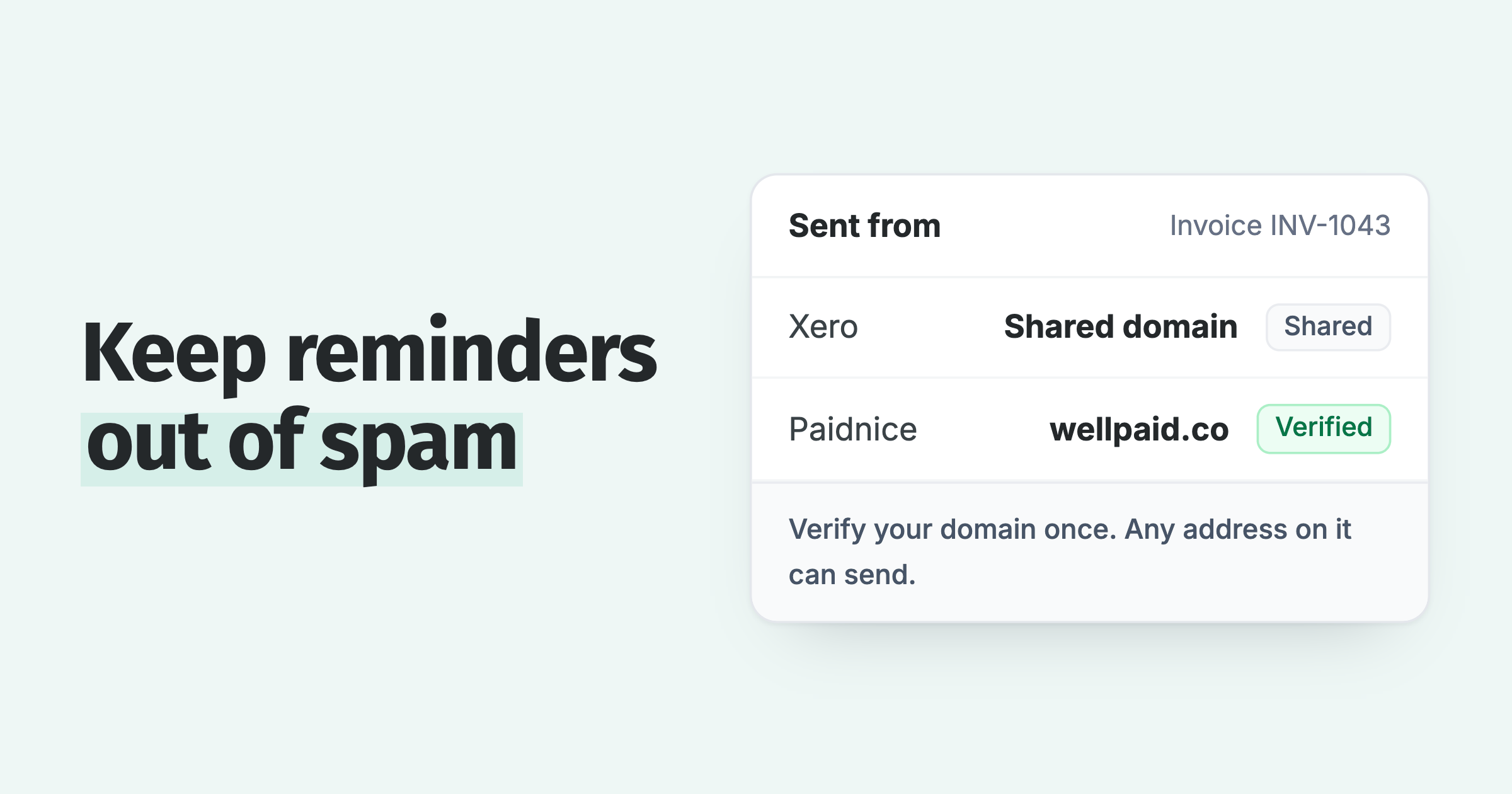
Automated reminders do not upset customers when the policies match the customer. Send good payers fewer reminders, keep key accounts on approval, and on Pro and Custom plans, send from your own domain so replies reach a person.
Do I still need a credit controller after automating?
Yes, you usually still need a credit controller after automating credit control, with a different job. The reminders and reply admin move to the software, and the credit controller spends the time on disputes, calls and credit decisions.
Paidnice features in this article
About the editorial team
Denym started Paidnice in 2022 after customers paying late left his own business short on payroll. He has led it to $1 billion collected on time across more than 1 million invoices, and writes about credit control, late fees and getting paid on Xero and QuickBooks.
Ashley is a co-founder and lead developer of Paidnice and has built accounting software for more than 10 years. He builds the ledger connections that put reminders, late fees and payments into Xero, QuickBooks and ERPs such as NetSuite and Business Central. Before Paidnice he co-founded A2X, ecommerce accounting software for Xero and QuickBooks.

 App of the Year