



Summary
Yes, but Xero has no send-reminder button. To send a Xero invoice reminder manually, open Invoices in the Sales menu, tick the overdue invoice, click Email, choose an overdue template and click Send. When a customer owes on several invoices, email an outstanding statement from their contact record.
- One invoice: Sales menu, Invoices, Awaiting Payment tab, tick the invoice, Email, pick your overdue template, Send.
- Several invoices: Contacts menu, Customers, the customer's name, menu icon, Send statements, Outstanding, Update, Email, Send.
- The record: History & Notes shows the To address and the time of each invoice email. It does not keep the message, so add a note when you chase.
A customer on the phone says they can pay today if they have the invoice in front of them. Xero's next automatic reminder is days away, and the invoice has no remind button.
Here is how to chase from Xero today, what Xero keeps on record, and when to stop doing it manually.
Can I manually send an invoice reminder in Xero?
You can manually send a Xero invoice reminder by emailing the invoice again or emailing a statement, but no button sends a reminder on demand. Xero's automatic reminders go out on their own schedule, between 4am and 8am each day.
The request for a manual send option has 30 votes on Xero's product ideas board. Xero's reply points users to saved email templates.
| Route | Use it when | Start from |
|---|---|---|
| Email the invoice | One invoice is overdue | Sales menu, Invoices |
| Email an outstanding statement | A customer owes on several invoices | Contacts menu, Customers |
| Copy the online invoice link | You want the chase in your own email thread | The open invoice, menu icon |
How do you resend a Xero invoice as a reminder?
To resend a Xero invoice as a reminder, tick it on the Awaiting Payment tab, click Email, change the wording and click Send. The steps come from Xero Central's guide to emailing customer invoices and its list of email fields.
- In the Sales menu, select Invoices.
- Select the Awaiting Payment tab.
- Tick the checkbox for the overdue invoice.
- Click Email.
- Choose your overdue template under Email template, then check the address in To.
- Tick Attach PDF to email and Send myself a copy, then click Send.
How do you save overdue wording as an email template?
Save overdue wording as a Sales Invoice email template in Xero, then pick it under Email template when you chase. Xero Central gives these steps:
- Click the organisation name, then select Settings.
- Under General, click Email settings.
- Next to Templates, click Edit.
- Click Add email template and select the Sales Invoice type.
- Name the template, write the subject and message, then click Save.
Leave the Default checkbox clear, or overdue wording can land on the next new invoice you send.
A message you can adapt, using Xero's placeholders:
Subject: [Invoice Number] passed its due date
Hi [Contact Name], our records show [Amount Due] still unpaid, and the due date was [Due Date]. Please reply with your payment date, or pay online: [Online Invoice Link]
Can you chase a Xero invoice from your own mailbox?
You can chase a Xero invoice from your own mailbox by pasting its online link into an email. Anyone with that link can view the invoice, and Xero has no record of an email sent this way. Xero Central gives these steps:
- In the Sales menu, select Invoices.
- Find and open the invoice.
- Click the menu icon, then select Get link.
- Click Copy and paste the link into your email.
How do you send a customer statement as a reminder in Xero?
To send a statement as a reminder in Xero, start from the customer's contact record, choose the outstanding type and click Email. Xero Central's statement guide gives these steps:
- In the Contacts menu, select Customers.
- Click the contact's name.
- At the top right, click the menu icon, then select Send statements.
- Change the statement type to Outstanding, set the date, then click Update.
- Click Email.
- Complete the Send Statement window, then click Send.
For several customers, skip step 2, tick each customer, then click Email. Two details change what you send:
- Prepayments. An outstanding statement shows only what is owed at the date you set and leaves out prepayments. They appear only on an activity statement.
- The address. If you type an address that is not on the contact record, Xero saves it as the primary person. Automatic reminders go to the primary person, so a one-off send can change who gets them.
What does Xero not record when you chase manually?
Xero records when an invoice email was sent and the main address it went to, but keeps no copy of the message and does not count a manual email as a reminder.
| What you need to know | What Xero shows |
|---|---|
| Who got the invoice email, and when | The primary To address, date and time in the invoice history, including each later send. |
| What the email said | Nothing in Xero. A request for an email log has 433 votes and is marked Not in pipeline. Xero's suggestion is the send-a-copy checkbox. |
| How many reminders have gone out | The Reminders column counts scheduled reminders, and a manual email is not one of those. |
| Whether a statement went out | Xero Central's list of records with history and notes leaves out statements, so tick the send-a-copy checkbox. |
| Whether the customer saw the invoice | The online invoice can show as Viewed, but opening the link yourself marks it Viewed too. |
To record a chase in Xero, click Add note on the invoice, type the note and click Save. Write what you asked for and what the customer said, because Xero saves a note as a history item that you cannot edit or delete.
Do manual reminders change Xero's automatic reminders?
Plan for Xero's automatic invoice reminders to carry on after a manual email, which is not among the reasons Xero Central gives for a reminder not going out. Check what is due first, or the customer may get both.
If you have agreed a payment date, stop the reminders on that invoice. Open the invoice, click the menu icon and select Turn invoice reminders off. To chase earlier next time, add a reminder before the due date.
When does manual chasing stop working in Xero?
Manual chasing in Xero stops working when nobody can tell from Xero alone which customers were chased this week. The signs:
- Two people chase the same ledger. Each one has to read the notes on every invoice first, because the Reminders column leaves manual chases out.
- Invoices have run out of reminders. Xero allows up to five reminders, and after the last one it sends nothing and alerts nobody. From there every chase is manual, and nothing in Xero tells you one is due.
- Customers have several overdue invoices. Another email changes little for these customers, and Xero has no task to remind you to phone them.
Reminders work best when nothing else is overdue. Of 100 overdue invoices from a customer with nothing else overdue, about 47 get paid within a week of a reminder, and about 21 without one. If the customer has 4 or more overdue invoices, it is about 24 with a reminder and about 22 without.
How does Paidnice send a one-off reminder?
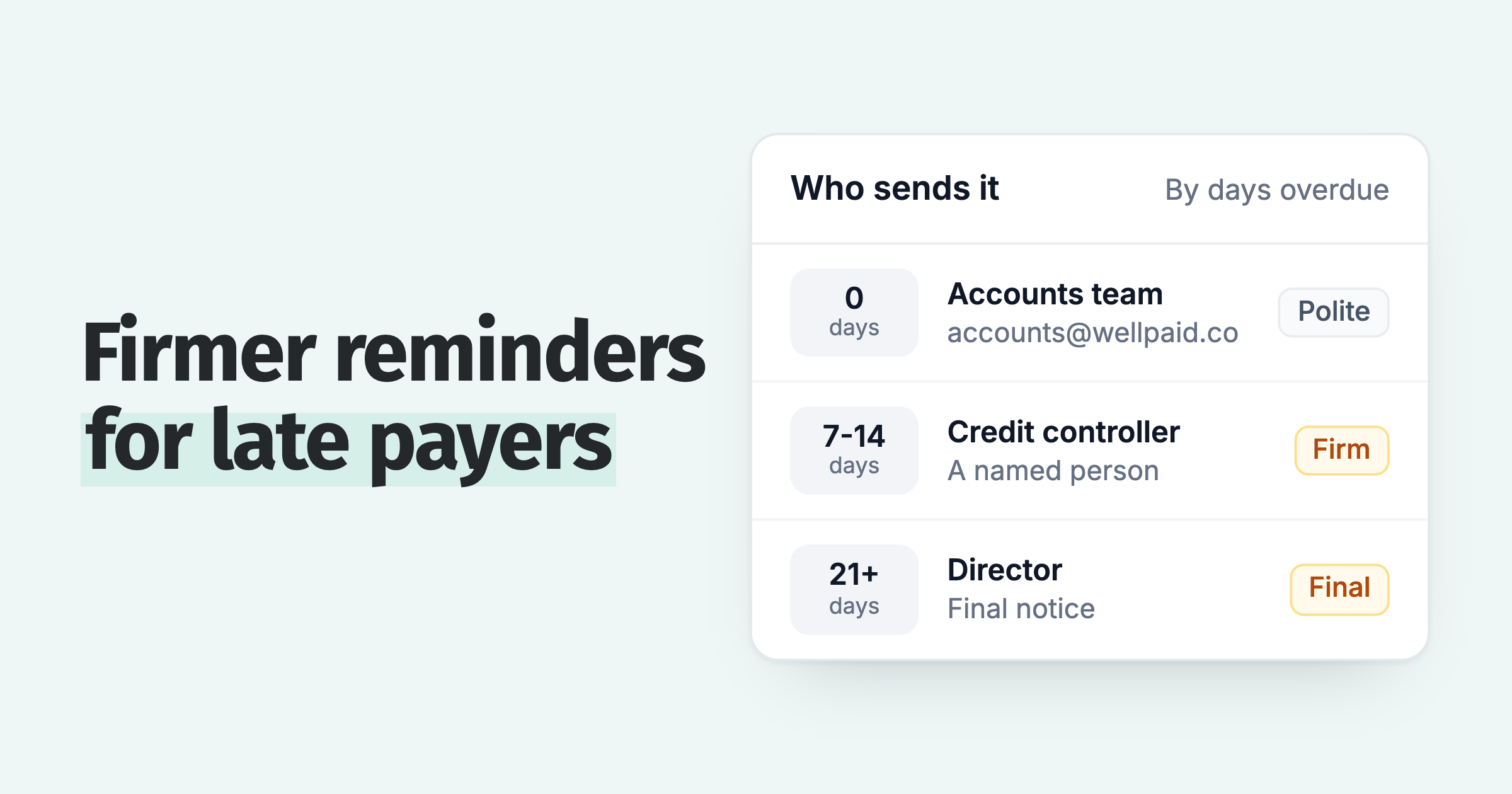
To send a one-off reminder in Paidnice, open the invoice and click Send reminder, or open the contact and click Send statement. To stop chasing manually, consider Paidnice for Xero invoice reminders, which runs a schedule for each customer group and is priced by invoice volume.
- Run a scheduled action now. You can approve, skip or run any action a policy has scheduled.
- Choose who it comes from. Change the sender profile on a one-off send, which sets the from name and the reply-to address.
- See the history on the customer. The contact's activity feed has tabs for comms, actions and notes, and email reminders track delivered, opened, clicked and bounced.
- Send statements in bulk. Select customers in the contact list, or put statements on a schedule.
The help centre explains how reminder emails work.
Frequently asked questions
How do I send a reminder for overdue invoices in Xero?
To send a reminder for overdue invoices in Xero, select Invoices in the Sales menu, open the Awaiting Payment tab, tick the invoices, click Email and click Send.
Do I need automatic reminders on to chase manually?
Xero's automatic reminders can stay off for a manual chase, because the Xero Central path (Sales menu, Invoices, Email) does not use the reminder settings.
Paidnice features in this article
About the editorial team
Ashley is a co-founder and lead developer of Paidnice and has built accounting software for more than 10 years. He builds the ledger connections that put reminders, late fees and payments into Xero, QuickBooks and ERPs such as NetSuite and Business Central. Before Paidnice he co-founded A2X, ecommerce accounting software for Xero and QuickBooks.
 App of the Year
