



Summary
The best invoice chasing software for Stripe users depends on where the invoice is raised. If you invoice in Xero or QuickBooks Online and collect through Stripe, Paidnice chases and takes the payment. If you bill in Stripe, its built-in reminders cover three emails, and Chaser or Upflow add chasing on top of Stripe.
- Paidnice: Best for Xero and QuickBooks Online businesses that collect through Stripe, from $69 a month (£49), priced by invoice volume.
- Stripe reminders: Built into Stripe Invoicing: up to three reminder emails, from 10 days before the due date to 60 days after.
- Chaser: Best for established UK businesses past £4m that sync Stripe and want letters and calls, from £199 a month.
- Upflow: Best for SaaS finance teams on Stripe Billing; last published at $440 a month (Grow), now quote-only.
Credit control software guide▾
A customer's invoice is 40 days overdue, and Stripe has already sent its last reminder. After that, Stripe sends nothing more unless you write the email yourself. Here is what Stripe does on its own, where it stops, and which chasing tool fits the way you invoice.
Does Stripe send overdue invoice reminders automatically?
Yes, Stripe Invoicing sends up to three reminder emails for a one-off invoice, scheduled from 10 days before the due date to 60 days after. You switch them on in Stripe's invoice settings and pick each reminder's timing.
The setting is "Send reminders if a one-off invoice hasn't been paid", under Settings, Billing, Invoices (Stripe docs). Stripe skips a reminder while a payment on that invoice is processing. Reminders only run when the invoice advances automatically.
- Text: you can brand Stripe's email with your color, icon and logo, or turn Stripe's emails off and send your own from webhooks.
- After the last reminder: Stripe can mark a past-due invoice uncollectible at 30, 60 or 90 days, or leave it past due.
- Subscriptions: Smart Retries retries a failed card, by default up to 8 times in 2 weeks, then cancels, pauses or marks the subscription unpaid (Stripe docs).
Where do Stripe's built-in reminders stop?
Stripe's reminders stop at three emails and 60 days after the due date. Stripe charges no late fees or interest, sends no SMS reminders, and its Automations can email your team about an overdue invoice but not the customer.
Stripe Automations run on triggers such as "invoice overdue", and the actions are internal: set a retry policy, mark an invoice uncollectible, email a team member or fire a webhook (Stripe docs). No Stripe page describes an automatic late fee.
The gap matters most for B2B invoices on 30-day terms. A card retry engine handles a failed charge. An invoice that the customer has simply not paid needs a reminder, a statement, a phone call and an escalation step. The wider pattern is in credit control for B2B SaaS.
Which chasing tool fits depends on where your invoice is raised
Chasing software reads invoices from one system of record. If Xero or QuickBooks Online raises the invoice and Stripe takes the payment, pick a tool that reads the ledger. If Stripe raises the invoice, pick one that reads Stripe.
| How you invoice | Start with | Why |
|---|---|---|
| Invoice in Xero, pay by Stripe | Paidnice | Reads Xero, takes Stripe payment on its portal, posts the payment and fee back |
| Invoice in QuickBooks Online, pay by Stripe | Paidnice | Stripe on QuickBooks Online is in production, payment plans included |
| Invoice in Stripe, a few overdue a month | Stripe reminders | Three reminders are included in Stripe Invoicing |
| Invoice in Stripe, UK, past £4m | Chaser | Lists Stripe among its integrations, with letters and calls; confirm it reads your Stripe invoices |
| Stripe Billing subscriptions, managed by DSO | Upflow | Connects to Stripe Billing on every tier |
Stripe's own support page says no integration moves Stripe-created invoices into Xero, and Xero invoicing does not work with Stripe subscriptions (Stripe support). So decide where invoices live first, then choose the chasing tool.
Invoice chasing tools for Stripe users compared
Four options on price, where they read invoices, channels and late fees. Stripe's built-in reminders are the reference row.
| Option | Price from | Reads invoices from | Channels | Late fees |
|---|---|---|---|---|
| Stripe reminders | In Stripe Invoicing, 0.4% per paid invoice | Stripe | Email, up to 3 | None |
| Paidnice | $69 a month (£49) | Xero, QuickBooks Online | Email, SMS, statements, portal | Per customer group, posted to the ledger |
| Chaser | £199 a month | Xero, QuickBooks Online, Sage, ERPs; Stripe listed | Email, SMS, letters, calls | One set of rules |
| Upflow | Last published $440 a month; now quote-only | Stripe Billing, Xero, QuickBooks Online, NetSuite | Email, SMS, letters | Via ERP only |
How we chose these tools
Each tool here connects to Stripe or takes payments through Stripe, publishes a price or a last published price, and has shipped automated reminders.
We weighed fit with how you invoice (35%), price and what it scales on (25%), channels and late fees (25%) and reviews (15%), from each vendor's own docs.
1. Paidnice, best for Xero and QuickBooks with Stripe

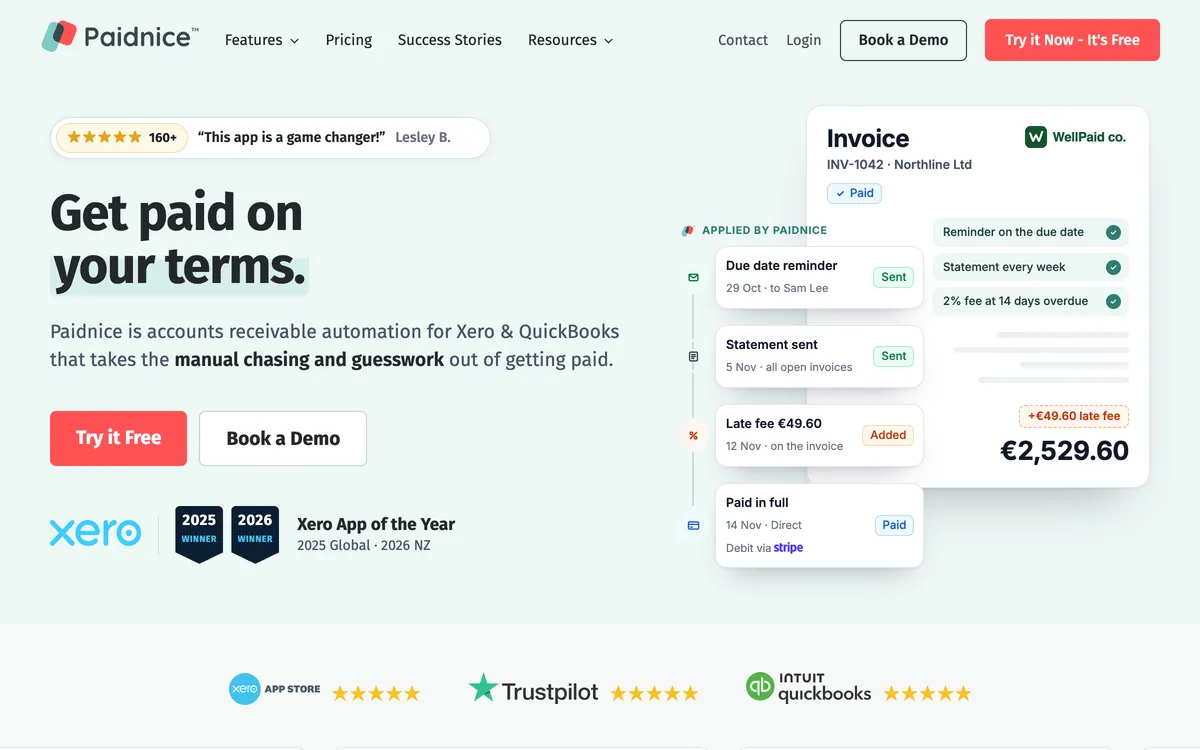
Paidnice is accounts receivable automation for Xero and QuickBooks Online businesses up to $50m a year, best for chasing ledger invoices and collecting through Stripe, from $69 a month (£49), priced by invoice volume.
- Price
- from $69 a month (£49) on Essentials, Pro from $99 (£74)
- Stripe payments
- card, ACH, BACS and Stripe direct debit on the Paidnice portal, with no redirect to a separate checkout
- Pay links
- in every email, SMS, statement and portal page
- Fees
- optional surcharge, with separate rates for card and bank payments
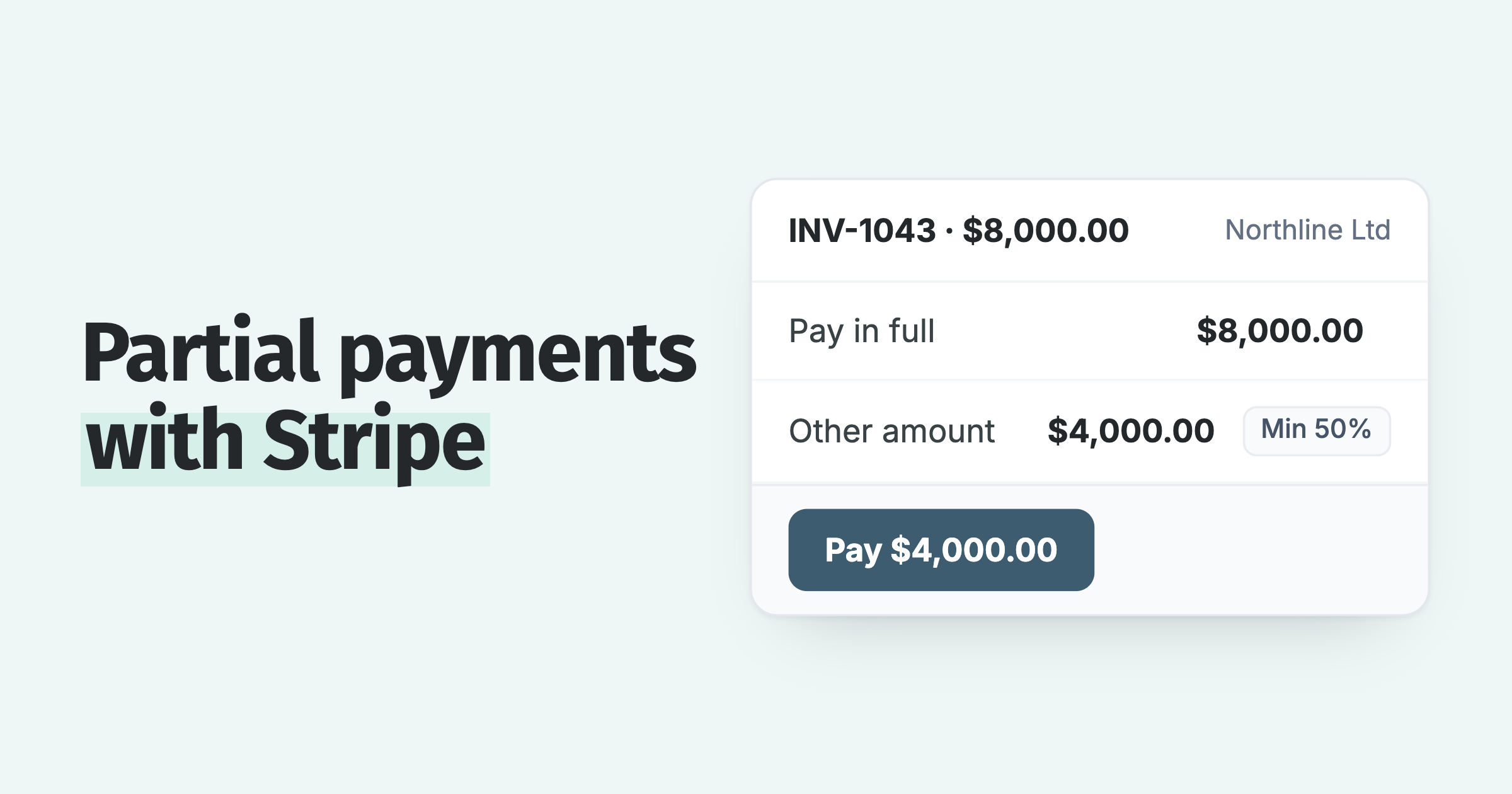
Customers can pay several invoices at once, pay a deposit, or pay part of an invoice down to a minimum you set. Payment plans with Autopay start on Pro, and Stripe charges each installment on its date.
Paidnice marks the invoice paid in Xero or QuickBooks Online and records the Stripe fee, so each Stripe line in the bank feed has a match (Stripe integration). This is what Paidnice's credit control software does after a customer pays.
Best suited for: a business that invoices in Xero or QuickBooks Online and wants customers to pay through Stripe from the reminder.
The limit: Paidnice reads invoices from the ledger, not from Stripe Invoicing, and it has no payment network of its own, so payments go through your connected Stripe account.
2. Chaser, best for UK firms syncing Stripe

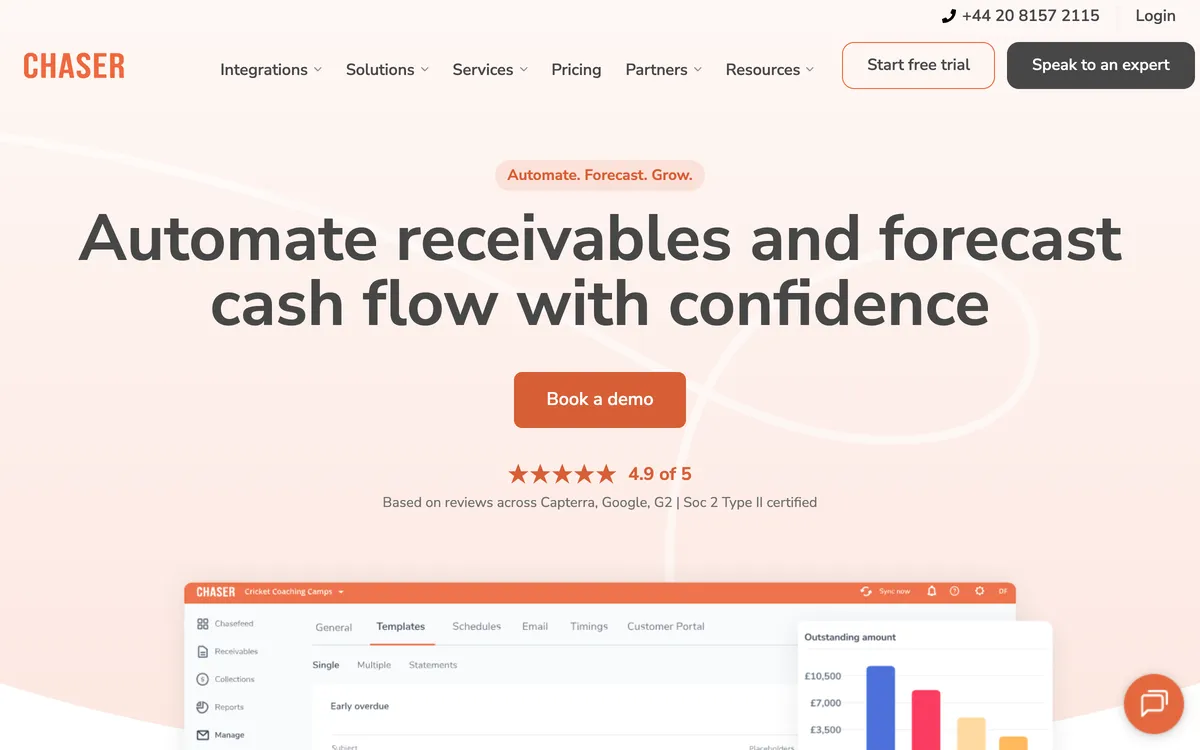
Chaser is credit control software for established UK businesses past £4m turnover, best for chasing by email, SMS, letters and calls, from £199 a month by turnover band.
- Price
- Compact £199, Core £599, Complete £899 a month
- Integrations
- Xero, QuickBooks Online, Sage, NetSuite, Business Central; Stripe listed
- Payments
- Chaser Pay, with card, open banking, Apple Pay and Google Pay
- Credit checks
- Creditsafe, £2 to £3 a credit
Chaser adds the channels Stripe lacks: SMS from £0.05, posted letters from £1.25 and automated calls. Late fees run under one set of rules, across the account or for selected debtors (Chaser help).
Best suited for: a UK business past £4m that wants letters and calls after Stripe's reminders end.
The limit: the plan is set by turnover, and Compact caps you at 4 users. Consider Paidnice on Xero or QuickBooks Online for late fees per customer group.
3. Upflow, best for Stripe Billing SaaS teams

Upflow is an accounts receivable platform for B2B finance teams on a subscription billing stack, best for DSO analytics on Stripe Billing. Upflow's last published prices were $440 a month for Grow and $880 for Scale; current prices are hidden and quoted by gross invoice value.

- Price
- last published $440 (Grow) and $880 (Scale) a month; request a quote
- Billing systems
- Stripe Billing and Chargebee on all tiers, Zuora on Scale
- Ledgers
- QuickBooks Online and Xero on Starter, NetSuite and Sage Intacct from Grow
- Analytics
- countback DSO, CEI and billing-cohort forecasting
Upflow reads subscription invoices from Stripe Billing, which suits a SaaS team that never moves invoices into the ledger.
Best suited for: a SaaS finance team on Stripe Billing that manages collections by metric.
The limit: Upflow does not apply late fees itself and leaves them to the ERP, and it offers no payment plans. Consider Paidnice where the invoice lives in Xero or QuickBooks Online.
Which invoice chasing software should a Stripe user choose?
A Stripe user should choose by system of record: Paidnice when Xero or QuickBooks Online raises the invoice, Stripe's reminders for a few Stripe invoices, Chaser for UK channels, Upflow for Stripe Billing analytics.
- Owner or founder: keep Stripe's three reminders on, and add Paidnice once overdue invoices outnumber what you can chase in an afternoon.
- AR specialist: look for SMS, statements and a call log. Paidnice and Chaser have both; Stripe has none.
- Finance lead at a SaaS company: Upflow for DSO on Stripe Billing; Paidnice if enterprise accounts are invoiced on terms from the ledger.
Paidnice takes Stripe payments on its own portal and writes each payment and fee back to Xero or QuickBooks Online. Stripe stays your payment processor, and the ledger stays your record.
For tools that do not take Stripe, see the full credit control software comparison. Partial payments through Stripe are covered in how to accept partial payments with Stripe.
Frequently asked questions
How many reminders does Stripe send for an unpaid invoice?
Stripe sends up to three reminders for a one-off invoice, scheduled from 10 days before the due date to 60 days after. You add each reminder in Stripe's invoice settings. Subscriptions use Smart Retries for failed cards instead, by default up to 8 retries in 2 weeks.
Can Stripe charge a late fee on an overdue invoice?
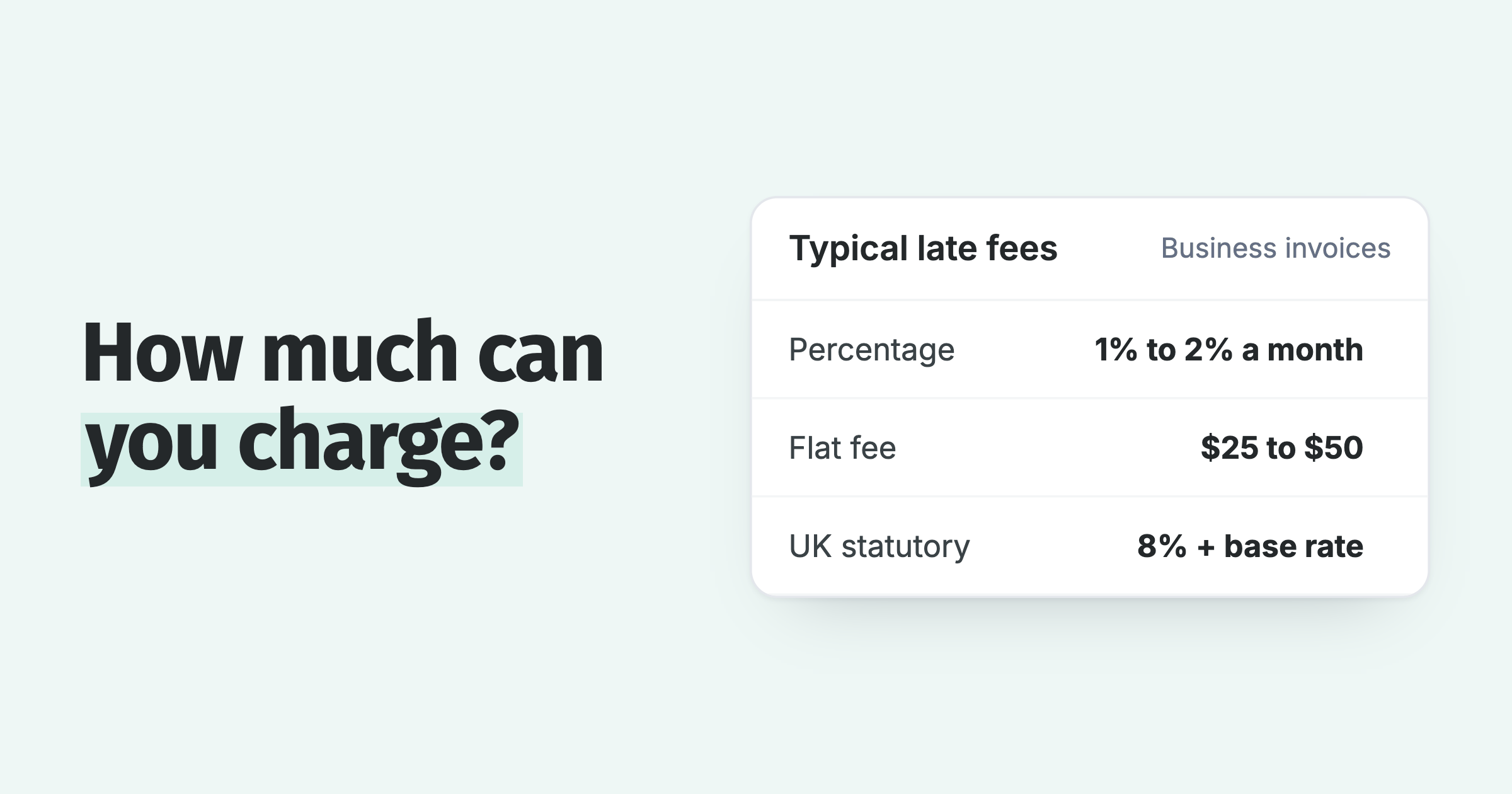
No, Stripe publishes no automatic late fee or interest feature for invoices. Paidnice applies late fees and interest per customer group and posts them to Xero or QuickBooks Online. Chaser calculates late fees under one set of rules. Check your local law and contract terms before you charge.
Does Paidnice chase invoices created in Stripe?
No, Paidnice chases invoices in Xero and QuickBooks Online and takes the payment through Stripe. If Stripe raises your invoices, use Stripe's reminders, or compare Chaser and Upflow, which list Stripe connections.
How do Stripe payments get back into Xero or QuickBooks Online?
Stripe payments reach Xero through Xero's own Stripe payment service, which marks the invoice paid and records the fee. With Paidnice, the customer pays on the Paidnice portal and Paidnice writes the payment and the Stripe fee to Xero or QuickBooks Online, ready to reconcile.
Can customers pay in installments through Stripe?
Yes, with Paidnice on Pro, a customer can enable Autopay on a payment plan, and Stripe charges each installment on its date. Chaser chases the invoice date and applies no fee to payment-plan invoices.
Is Stripe Invoicing enough for B2B collections?
Stripe Invoicing is enough when a few invoices go overdue each month and three email reminders get them paid. B2B customers on 30-day terms often need statements, SMS, phone calls and an escalation step after 60 days, which needs a chasing tool such as Paidnice, Chaser or Upflow.
Is there free invoice chasing software for Stripe?
Stripe's own reminders are the free option: they come with Stripe Invoicing, which charges 0.4% per paid invoice on Starter. Paidnice has no time-limited trial, and the first 20 actions are free with no card. Chaser offers a 10-day trial on its Xero listing.
Where can I compare more credit control tools?
Ten credit control tools, with prices, ledgers and free trials, are side by side in our ten-tool credit control roundup.
Paidnice features in this article
About the editorial team
Ashley is a co-founder and lead developer of Paidnice and has built accounting software for more than 10 years. He builds the ledger connections that put reminders, late fees and payments into Xero, QuickBooks and ERPs such as NetSuite and Business Central. Before Paidnice he co-founded A2X, ecommerce accounting software for Xero and QuickBooks.

 App of the Year
